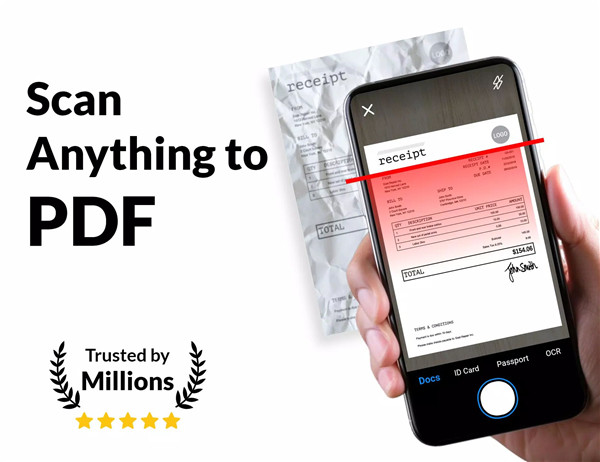
PDF Scanner - Document Scanner transforms smartphones into a full-featured portable scanning solution, eliminating the need for bulky office equipment or complex software. Designed for professionals, students, and anyone needing to digitize documents on the go, the app provides high-quality scanning, editing, and management tools in a simple, intuitive interface.
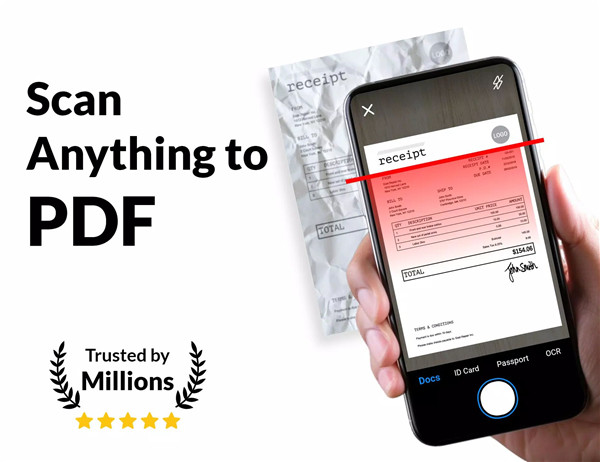
Advanced Document Scanning
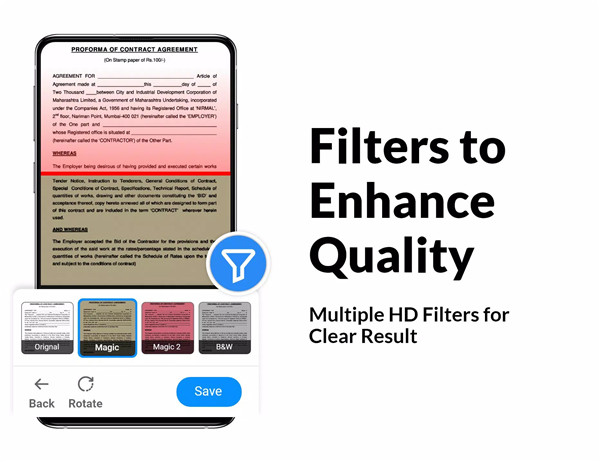
The app captures crisp, high-resolution scans of printed or handwritten materials. Automatic edge detection and cropping create professional-looking PDFs instantly. Built-in image enhancement and noise removal ensure every scan is clear, readable, and visually accurate.
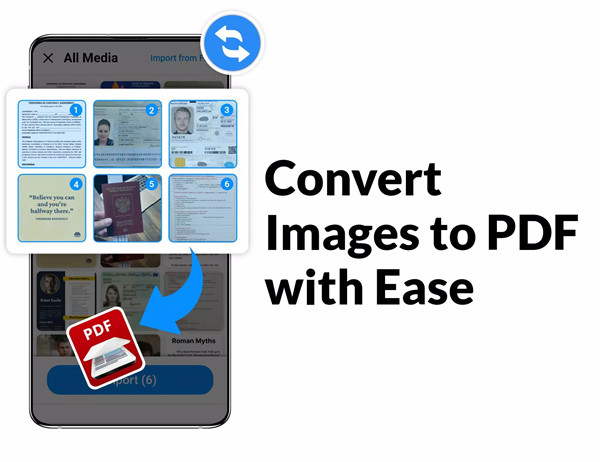
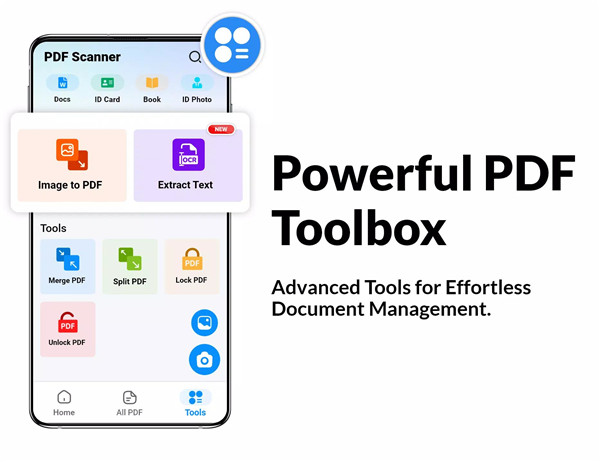
Convert Images to PDF
Photos of notes, receipts, tickets, or contracts can be instantly converted into PDF files. This feature simplifies document digitization, making files easy to store, access, and share from a single location.
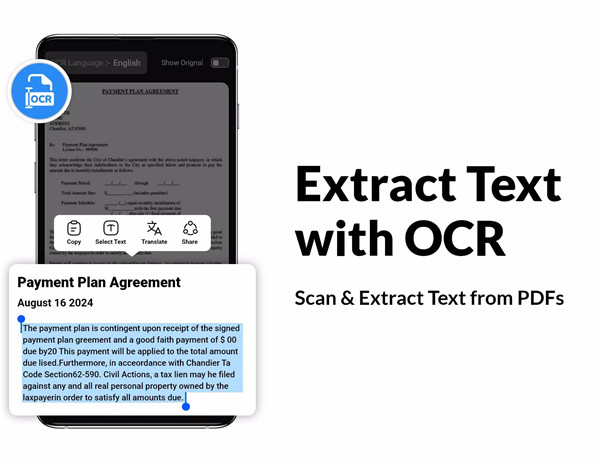
Optical Character Recognition (OCR)
PDF Scanner uses OCR technology to extract text from images or scanned PDFs. Recognized text is editable, searchable, and translatable in over 90 languages. Users can copy, edit, or share content effortlessly, making the app versatile for multilingual and global use.
Secure Documents with Password Protection
Sensitive files can be locked with passwords, restricting access and providing control over document security. Users can unlock PDFs when editing or removing restrictions is necessary.
Merge and Split PDF Files
Multiple PDFs can be combined into one file for simplified storage and sharing. Conversely, large PDFs can be split into smaller sections to improve organization and handling, offering flexible document management options.
Organize and Manage Efficiently
Rename, delete, reorder, and categorize scans with an intuitive interface. The app keeps documents well-organized, making them easy to locate whether offline or online.
Fast and Reliable Offline Scanning
PDF Scanner works efficiently without an internet connection. Offline functionality ensures uninterrupted scanning and document management anywhere, anytime.
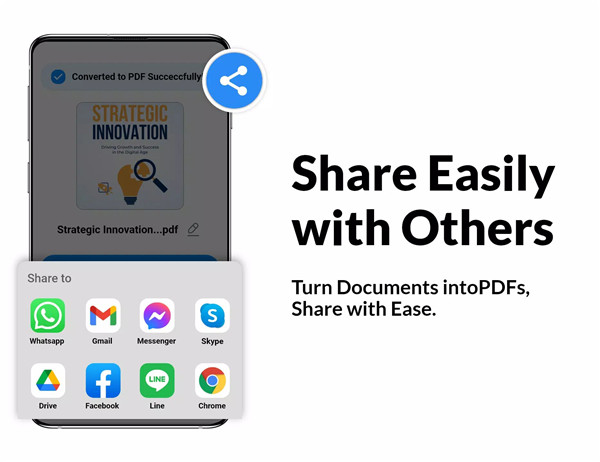
Easy Sharing Options
Scanned PDFs can be quickly shared via email, cloud storage services, or messaging apps. The app supports multiple sharing options to streamline workflow and collaboration.
FAQs
1. What types of documents can PDF Scanner scan?
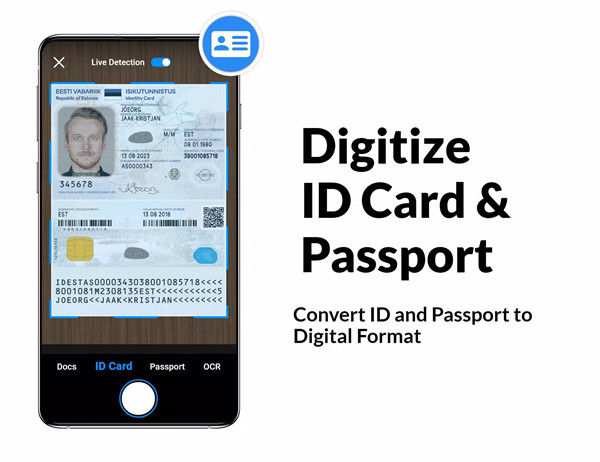
PDF Scanner can capture high-quality scans of receipts, contracts, invoices, handwritten notes, ID cards, books, and photos.
2. Does the app support OCR text extraction?
Yes, OCR allows users to extract, edit, and translate text from scanned images or PDFs in over 90 languages.
3. Can scanned PDFs be secured with a password?
Yes, users can lock PDFs with passwords to protect sensitive documents.
4. Is it possible to merge or split PDF files?
Yes, the app can combine multiple PDFs into one file or split large PDFs into smaller parts for easier management.
5. Can PDF Scanner work offline?
Yes, the app supports full offline functionality for scanning, editing, and organizing documents without an internet connection.
Version History
v6.1.19—22 Dec, 2025
Minor bug fixes and improvements. Install or update to the newest version to check it out!
v6.1.18—1 Dec, 2025
Scan documents and convert them to high-quality PDFs
Enjoy smooth reading of PDFs with an enhanced viewer
Convert images to PDFs instantly
Extract text from images with powerful OCR technology
Secure your PDFs with password protection
Merge multiple PDFs into one effortlessly
Split large PDFs into smaller, manageable files
v6.1.14—11 Oct, 2025