Browse faster with XPlay Browser—private mode, easy video downloads, and lightweight performance in one app. XPlay Browser is a modern, video-focused web browser designed for speed, privacy, and efficiency. Built to run smoothly on both new and older devices, it delivers a clean browsing experience while offering powerful tools such as private sessions, video saving, and smart file management. With minimal resource usage and a user-friendly interface, XPlay Browser is ideal for everyday web navigation.
Fast & Smooth Browsing
XPlay Browser is optimized for quick page loading and responsive navigation. Its lightweight design ensures smooth performance even on devices with limited hardware resources. The clean interface eliminates clutter, allowing fast access to content and a comfortable browsing flow across websites.
Private Browsing Mode
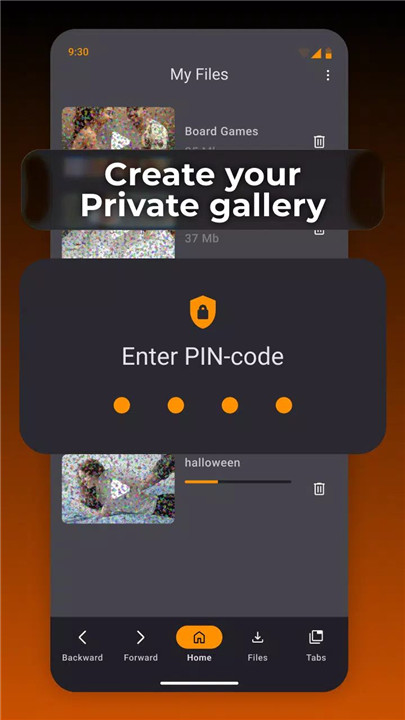
Privacy is a core focus of XPlay Browser. Private Mode prevents browsing history from being stored and limits permissions to only what is essential. This ensures confidential sessions and protects personal data while browsing the web securely.
Easy Video Downloads
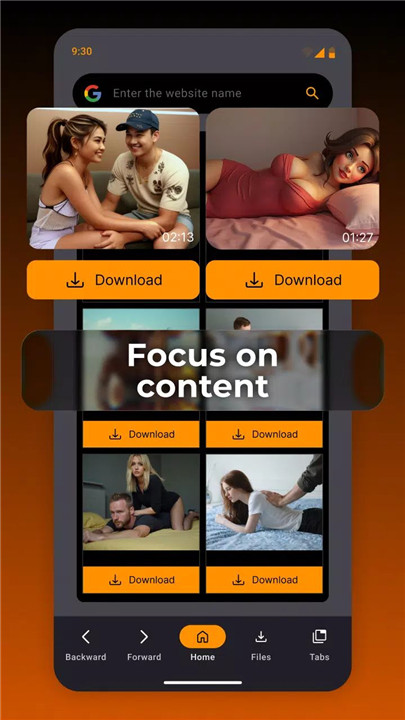
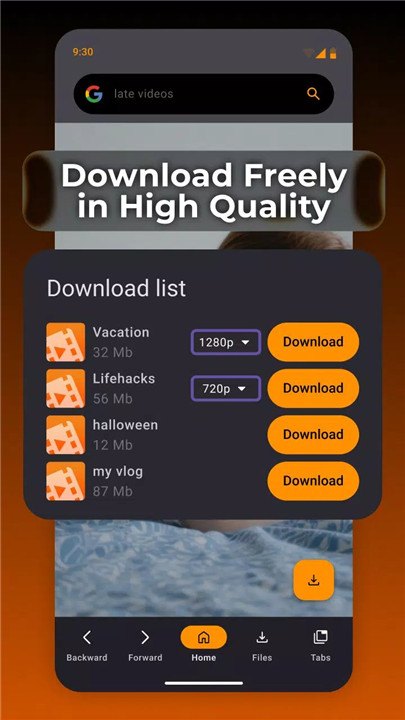
XPlay Browser includes built-in video download functionality for supported websites. Videos can be saved directly to the device with just a tap, eliminating the need for third-party apps. Downloaded content can be watched offline at any time, offering convenience and flexibility for video-focused browsing.
Smart File Management
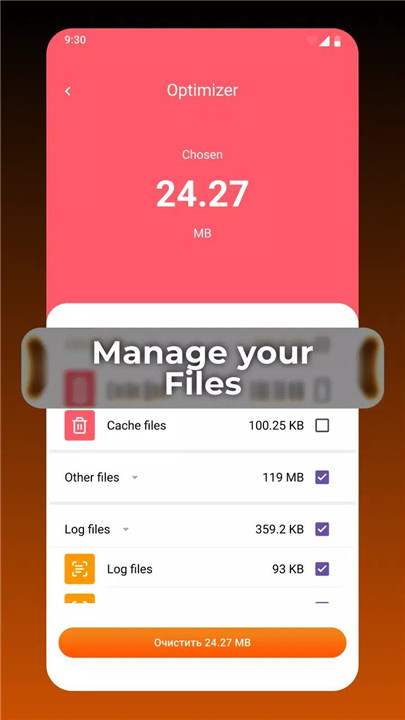
The browser features integrated tools to help organize device storage. Files can be reviewed, sorted, and managed efficiently within the app. XPlay Browser also highlights unnecessary or unused items, helping maintain a clean and optimized device storage system.
Lightweight & Battery Efficient
Designed with performance efficiency in mind, XPlay Browser consumes minimal system resources. Its low memory usage and optimized background processes help extend battery life, making it suitable for prolonged browsing sessions without excessive power drain.
Modern and User-Friendly Interface
The app features a sleek, modern design focused on usability. Navigation is intuitive, controls are easy to access, and the overall layout enhances speed and comfort during everyday use.
All-in-One Browsing Solution
XPlay Browser combines fast browsing, privacy protection, video tools, and storage management into a single app. This unified approach reduces the need for multiple applications while improving overall device efficiency and convenience.
FAQs
1. What makes XPlay Browser different from other browsers?
XPlay Browser focuses on speed, privacy, and built-in video and file management tools in a lightweight design.
2. Does XPlay Browser support private browsing?
Yes, Private Mode does not save browsing history and uses only essential permissions for secure sessions.
3. Can videos be downloaded using XPlay Browser?
Yes, videos can be downloaded directly from supported websites and watched offline without extra apps.
4. Is XPlay Browser suitable for older devices?
Yes, the app is optimized for low resource usage and runs smoothly on older hardware.
5. Does the browser help manage device storage?
Yes, XPlay Browser includes built-in file management tools to organize storage and identify unnecessary files.
Version History
v2.24.0—14 Jan, 2026
Get instant success to app features through App shortcuts!
v2.23.0—12 Jan, 2026
We've added a new widget button!
v2.22.0—19 Dec, 2025
We've added a new widget button!