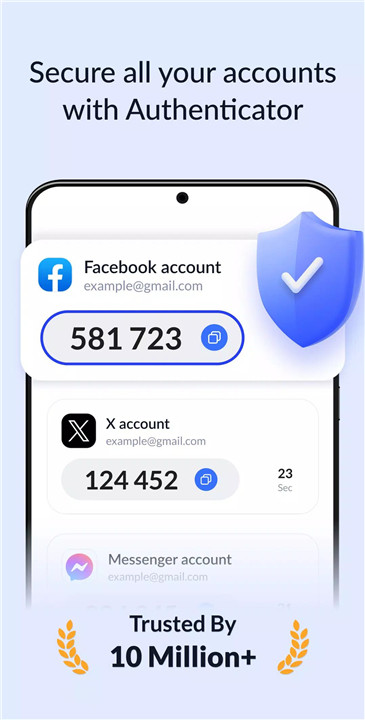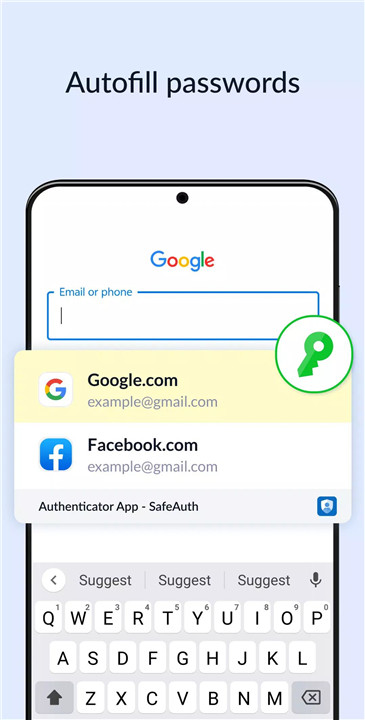
SafeAuth Authenticator is a reliable two-factor authentication (2FA) solution designed to secure all online accounts. It adds an extra layer of protection by generating one-time 6-digit codes for 2-step verification, ensuring that only authorized users can access accounts. With its user-friendly interface, detailed 2FA guides, and cloud backup, SafeAuth is both easy to use and fully secure.
Enhance Security
SafeAuth protects online accounts through 2-step verification, generating unique time-based one-time passwords (TOTP) for each login. Even if a username and password are compromised, unauthorized users cannot access the account without the SafeAuth-generated 2FA code, providing robust protection against hacking, phishing, and other online threats.
Easy-to-Use & Efficient
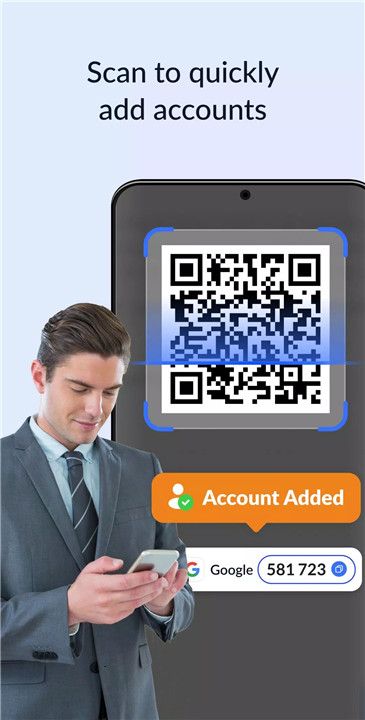
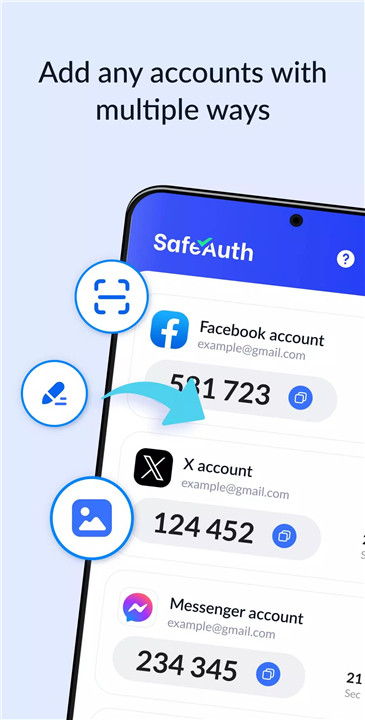
SafeAuth simplifies account setup with detailed 2FA guides. Users can easily scan QR codes or manually enter private keys to add accounts. The app also supports offline code generation, ensuring uninterrupted access even without an internet connection. Its intuitive interface makes 2FA straightforward for beginners and advanced users alike.
Protect Your Account
SafeAuth secures accounts against unauthorized access by adding a crucial authentication step beyond passwords. It helps prevent account breaches, phishing attacks, and hacking attempts. Each login requires a 2FA code generated by the app, which guarantees that only the account owner can gain access.
Back Up and Sync Across Devices
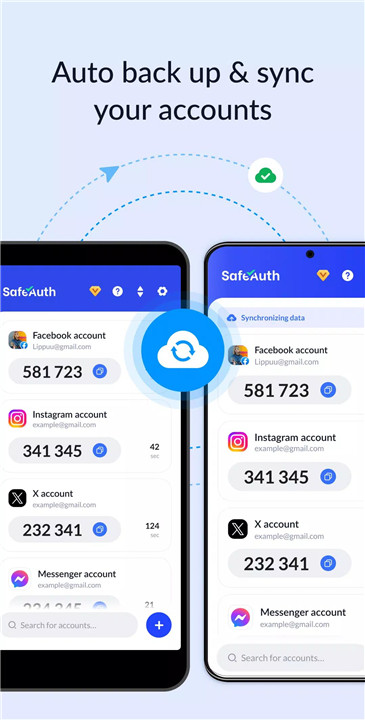
SafeAuth allows users to log in with a Google account to back up account data to the cloud. This ensures smooth transition when switching devices—accounts can be synced easily without the risk of data loss or re-binding each account manually.
Available for All Services
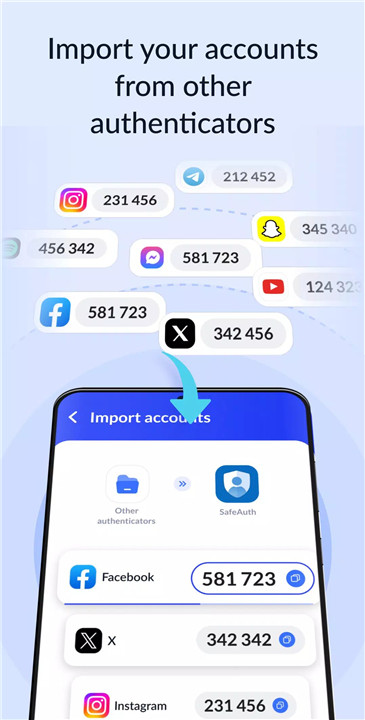
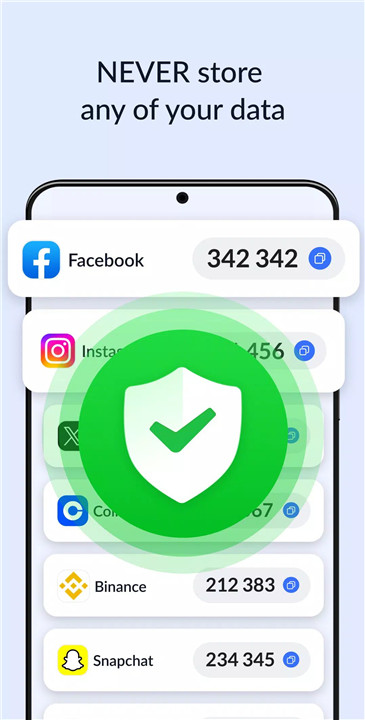
SafeAuth’s 2FA tokens are universally compatible with popular online services, including Google, Instagram, Facebook, Twitter, LinkedIn, Dropbox, Snapchat, Github, Tesla, Coinbase, Bitcoin wallets, and thousands more. It provides a single solution for securing multiple accounts in one place.
Biometric & PIN App Lock
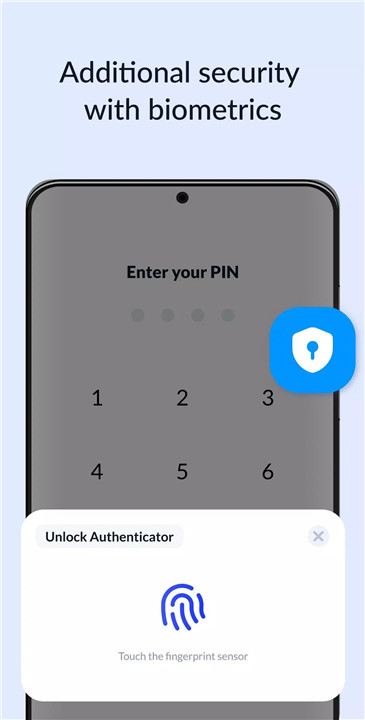
For added security, SafeAuth supports app locks via biometrics (fingerprint or face recognition) or a PIN code. This prevents unauthorized access to the app itself, ensuring 2FA codes remain private even if a device is compromised.
FAQs
1. Which accounts can be secured with SafeAuth?
SafeAuth supports 2FA for a wide range of services, including Google, Facebook, Instagram, Twitter, LinkedIn, Dropbox, GitHub, Coinbase, Tesla, Bitcoin wallets, and thousands of others.
2. Can I use SafeAuth offline?
Yes, SafeAuth supports offline code generation, allowing users to generate 2FA codes without an internet connection.
3. How does SafeAuth protect against unauthorized access?
SafeAuth adds a layer of security via 2-step verification. Even if someone has a password, they cannot access an account without the unique time-based one-time password generated by the app.
4. Can I back up and restore my accounts on a new device?
Yes, users can back up all account data to the cloud using a Google account, making it easy to sync and restore accounts on a new device.
5. What additional security features does SafeAuth offer?
SafeAuth provides biometric (fingerprint or face) and PIN app locks, ensuring that 2FA codes remain secure even if someone accesses the device.
Version History
v1.6.2—11 Sep, 2025
v1.6.1—5 Jul, 2025