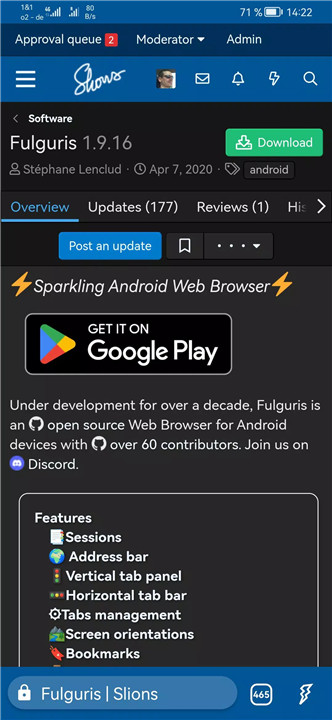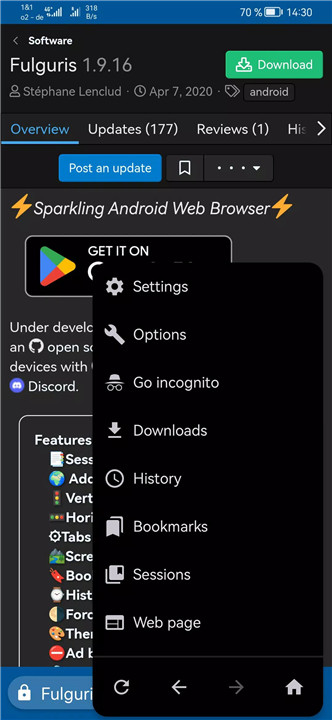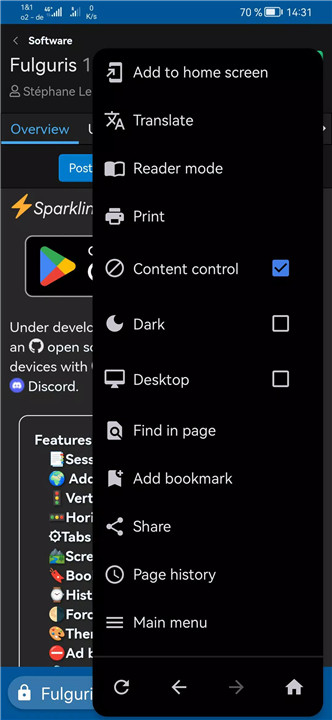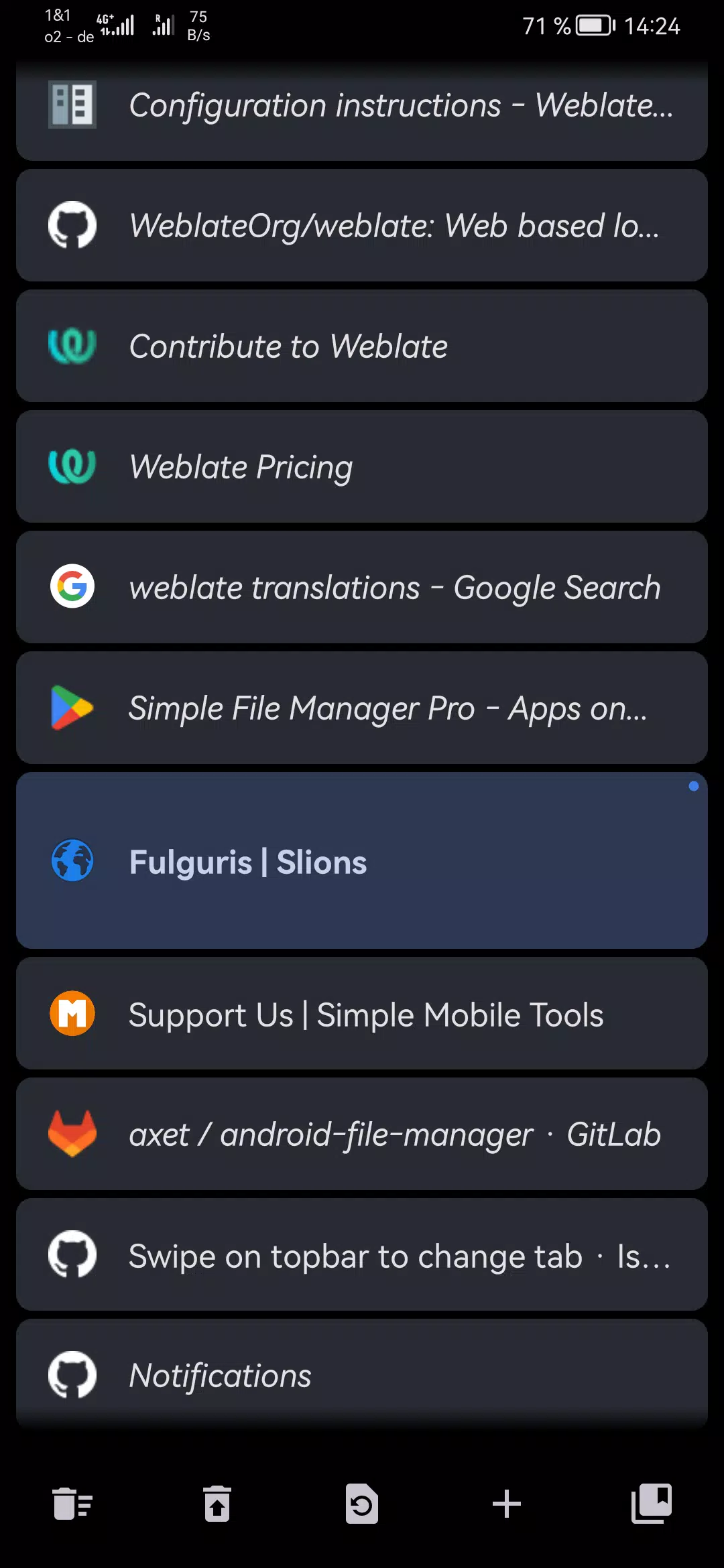
Fulguris Web Browser is a fast, secure, and highly customizable browser designed to make web navigation efficient and visually appealing. It combines advanced tab management, flexible layouts, and productivity-focused features to help users organize browsing sessions, maximize screen space, and access content effortlessly.
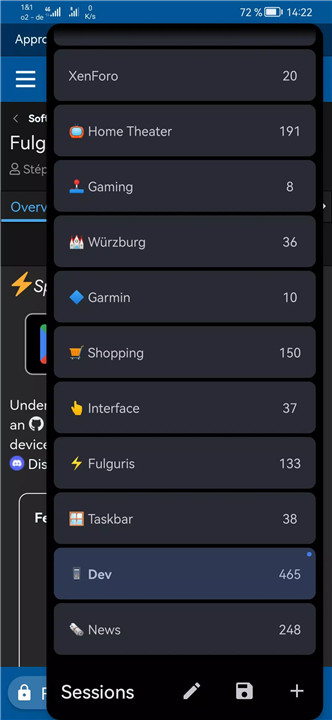
Sessions
All tabs are grouped into named sessions, making it easy to stay organized and focused. Users can create multiple sessions and switch between them instantly. Each session can store hundreds of tabs, providing a clutter-free and structured browsing experience.
Address Bar
The smart address bar combines web addresses, page titles, and search functionality in one. It can be positioned at the top or bottom of the screen depending on orientation, offering flexibility and accessibility in both portrait and landscape modes.
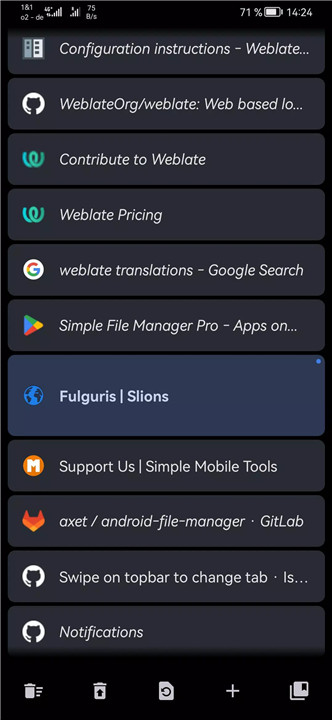
Vertical Tab Panel
Tabs can be reordered using drag-and-drop, and users can swipe right to move unwanted tabs to the trash. Deleted tabs are recoverable from the panel toolbar, ensuring no loss of important information.
Horizontal Tab Bar
The horizontal tab bar mimics the classic desktop browser experience, ideal for tablets and desktop modes. It can also be positioned at the top or bottom of the screen for comfort and convenience.
Tabs Management
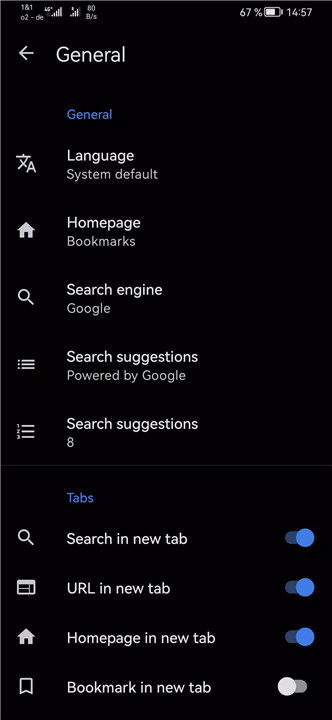
New tabs are automatically spawned when performing searches or entering addresses, reducing manual tab creation. Users can adjust settings for the number of active tabs to suit personal browsing habits.
Screen Orientations
Fulguris adapts to both portrait and landscape modes, optimizing the layout for each orientation. Optional pull-to-refresh functionality is included for a smoother browsing experience.
Bookmarks
Bookmarks can be imported, exported, and organized into folders with drag-and-drop functionality. Cloud backup and restore options ensure users can maintain access to their favorite sites across devices.
History
Browsing history is easily reviewable and can be cleared at any time for privacy and performance.
Force Dark Mode
All web pages can be displayed in dark mode for comfortable night-time browsing, reducing eye strain.
Themes
The toolbar and status bar colors can be customized to match preferred themes, including light, dark, and black, enhancing visual integration with websites.
Ad Blocker
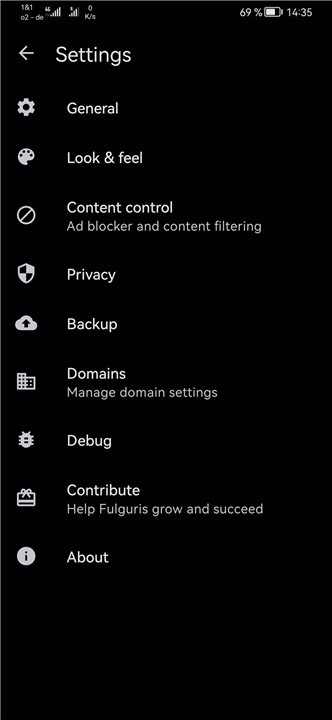
Fulguris includes an integrated ad blocker to improve page load times and reduce distractions while browsing.
FAQs
Q1: How do sessions work in Fulguris?
Sessions group tabs under a single name, allowing users to switch quickly between multiple organized browsing setups with hundreds of tabs per session.
Q2: Can I customize the position of the address bar?
Yes, the smart address bar can be positioned at the top or bottom of the screen based on your screen orientation.
Q3: Does Fulguris support both mobile and desktop layouts?
Yes, it offers vertical and horizontal tab layouts and adapts to tablets and desktop modes such as Samsung Dex and Huawei EMUI Desktop.
Q4: Can I manage bookmarks and backup them?
Yes, bookmarks can be imported, exported, organized into folders, and backed up or restored directly from cloud services.
Q5: Does Fulguris have dark mode and ad-blocking features?
Yes, Fulguris supports force dark mode for all web pages and includes an integrated ad blocker for faster, distraction-free browsing.
Version History
v2.0.8—26 Jan, 2026
Improved delete all bookmarks confirmation dialog
Long press menu navigation buttons to access page history
Fix page title and menu navigation buttons issues when navigating page history
Various improvements and bug fixes
v2.0.6—20 Jan, 2026
Progressive Downloads list
Sessions manager improvements
Export sessions through system settings without starting the app
Long press back/forward buttons to view page history
Various improvements and bug fixes
v2.0.4—15 Jan, 2026
Improve download dialog with file type detection
Fix crash on start-up with invalid favicon
Hide launch menu item for bookmarks, history tab and other built-in pages