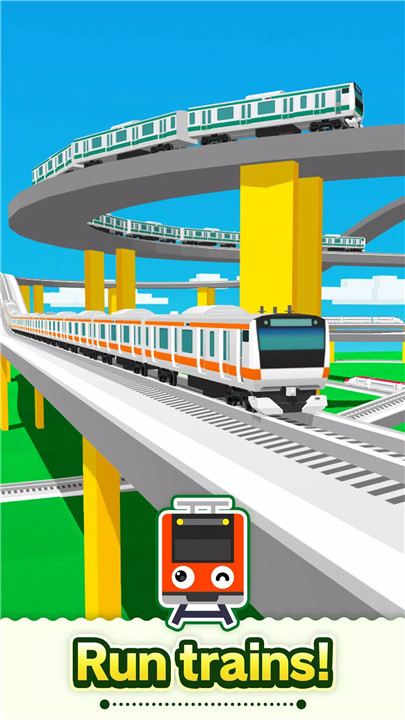
Build your dream railway in Train Go - Railway Simulator by laying tracks, adding stations and scenery, running trains, and controlling routes across a custom-designed railway world.
Place rails and connect them to form routes that trains can travel across. With just a few taps, tracks can be extended, curved, or branched into multiple directions, making it easy to build anything from simple lines to complex railway systems.
Simple Tap-Based Rail Construction
Building a railway system is easy with the tap-based construction system. Rails can be placed by tapping the screen and selecting the direction where the track should extend. This intuitive design allows tracks to be created quickly while still giving full control over the layout.
Design Complex Railway Networks
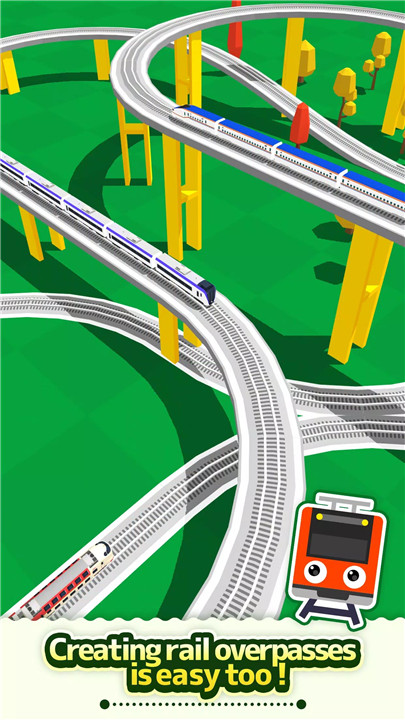
A wide variety of track designs can be created using different rail types. Elevated rails allow trains to pass above other sections, while forking rails create branching paths and intersections. These features allow the creation of detailed and complex railway systems.
Run Trains on Custom Tracks
After constructing the railway, trains can be placed directly onto the tracks. Once the route is ready, trains begin traveling across the railway network. Watching them move through the tracks provides a satisfying reward for the time spent designing the layout.
Add Stations, Tunnels, and Scenery
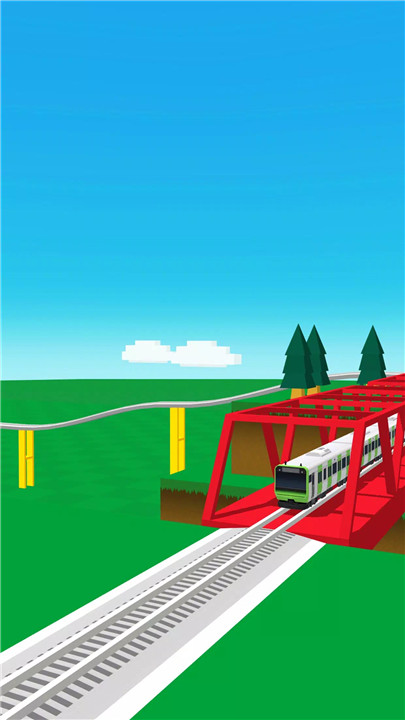
Customization options extend beyond rails. Stations and tunnels can be added to make the railway more realistic and functional. Buildings and trees can also be placed across the map, transforming the railway into a lively environment.
Control Train Movement
Trains can be added or removed at any time, and their running direction can also be changed. When a train approaches a fork in the tracks, switching the direction allows the train to follow a different route within the railway system.
Flexible Camera Controls
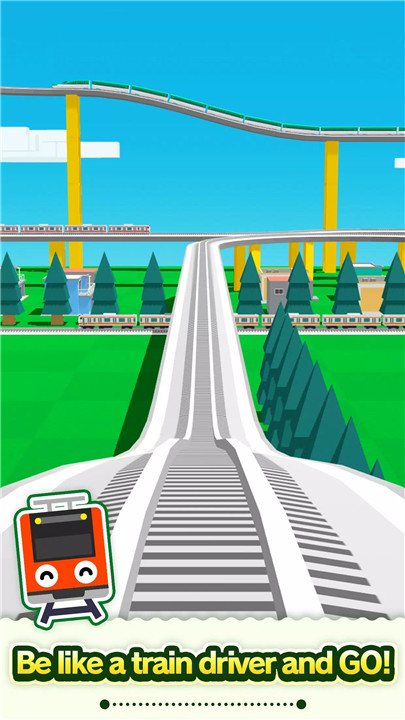
The camera mode allows easy observation of the railway from different perspectives. Zoom controls enable closer inspection or wide views of the entire railway network, while adjustable camera angles provide a better view of trains in motion. Train tracking mode can also follow a specific train as it travels along the tracks.
FAQs
Q1: What is Train Go - Railway Simulator?
Train Go - Railway Simulator is a simulation game focused on building custom railway systems and running trains along tracks created by the player.
Q2: How are railway tracks built in the game?
Tracks are built by tapping the screen and selecting the direction using arrows to extend the rails across the map.
Q3: Can scenery be added to the railway environment?
Yes, buildings, trees, stations, and tunnels can be placed around the railway to create a more detailed environment.
Q4: Is it possible to control train directions?
Yes, trains can change direction when approaching track forks by using the fork control button.
Q5: Does the game include camera viewing options?
Yes, the game includes zoom controls, adjustable camera angles, and a train tracking mode to follow trains as they travel along the railway.
Version History
v3.3.0—11 Jan, 2024
Minor bug fixes.
v3.2.0—30 Dec, 2023
Minor bug fixes.
v3.1.2—25 Mar, 2022
Minor bug fixes.