Open Sudoku
Overview
• Open Sudoku is a versatile puzzle application designed to provide a clean, distraction-free, and customizable experience for both casual players and advanced Sudoku enthusiasts.
Puzzle Acquisition and Management
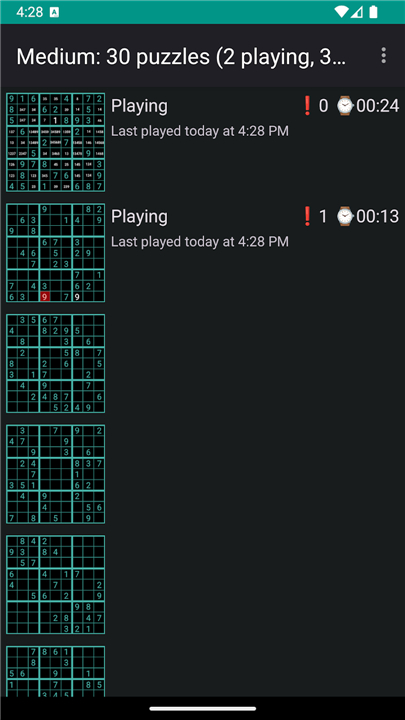
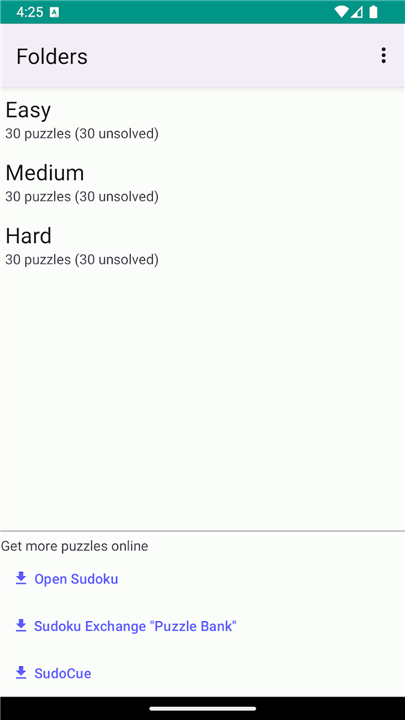
• Multi-Source Puzzles: Download puzzle packs directly from the web, input puzzles manually from print media, or generate new ones on the project website.
• Import and Export: Seamlessly backup and share puzzle collections using file import and export functions.
Gameplay and Solving Assistance
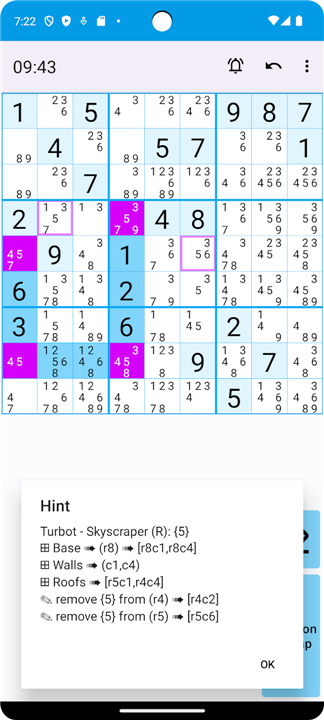
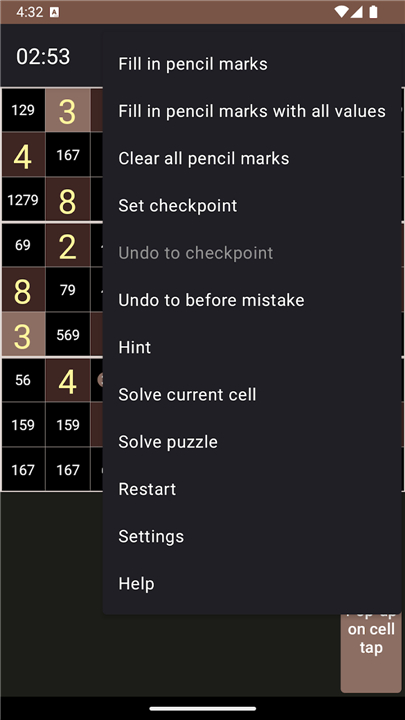
• Strategic Hints: Access step-by-step hints that explain various logical solving techniques, helping players learn and master new strategies.
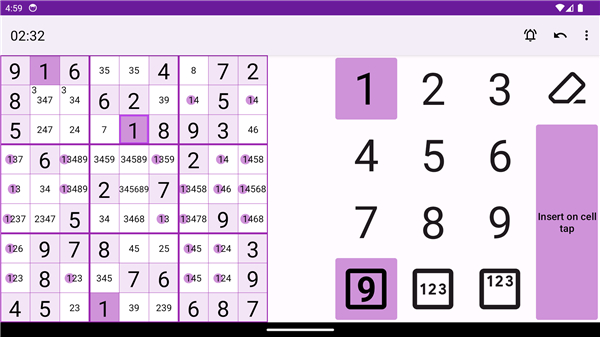
• Double Pencil Marks: Utilize dual-notation candidate tracking to manage complex possibilities and advanced elimination methods.
• Performance Tracking: Review in-depth gameplay statistics, including completion times, overall progress, and error counts.
User Interface and Customization
• Ad-Free Experience: Enjoy uninterrupted problem-solving without advertisements or intrusive pop-ups.
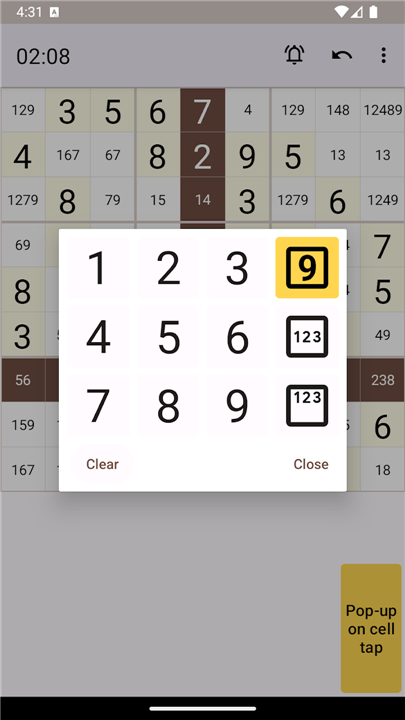
• Flexible Input Methods: Select from multiple control options, such as a finger-friendly on-screen numpad, cell-based popup menus, or full keyboard support.
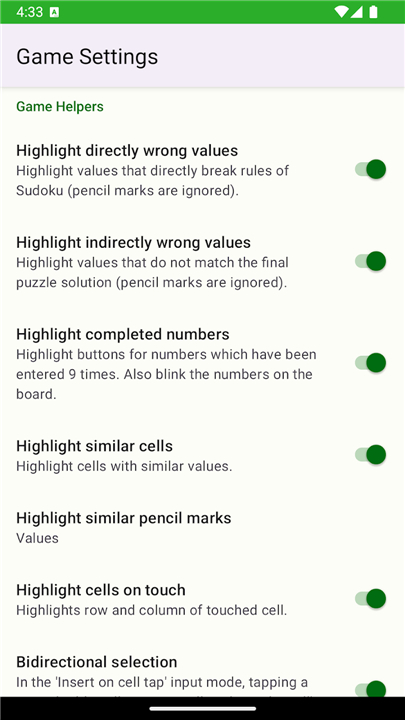
• Visual Personalization: Switch between multiple pre-installed visual themes or design unique color schemes using the integrated theme editor.
Community and Support
• Project Website: Visit http://opensudoku.moire.org to generate puzzles, read documentation, suggest new features, or report software issues.
FAQ
Q: Where can I get new puzzles to play on the app?
A: You have plenty of options for finding new challenges in Open Sudoku. You can download puzzle packs directly from the web, generate fresh puzzles on the official project website, or even manually input puzzles you find in newspapers or magazines to solve them digitally on your device.
Q: How do I manually input a physical Sudoku puzzle from a book or newspaper?
A: Manually entering a paper puzzle is a very simple process. You can use the manual input feature within the app to replicate the grid from your print media, allowing you to digitize your favorite physical puzzles and solve them on your phone or tablet using all of the helpful digital tools.
Q: Can I back up my puzzle collections or share them with my friends?
A: Yes, you can easily share and safeguard your puzzles. The app includes seamless import and export functions, which allow you to back up your entire puzzle collection to a file for safekeeping or share your favorite custom packs with friends so they can try solving them too.
Version History
v4.10.0——20 Aug 2026
Open Sudoku is an Open Source Sudoku game. Download the latest version of Open Sudoku to enjoy new features and updates immediately!
*4.10.0
Minor bug fixes and improvements. Install or update to the newest version to check it out!
*4.9.0
Minor bug fixes and improvements. Install or update to the newest version to check it out!
*4.8.0
Minor bug fixes and improvements. Install or update to the newest version to check it out!