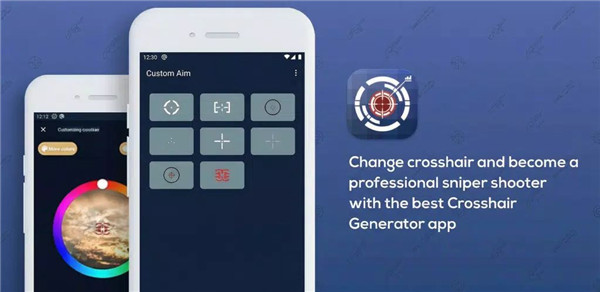
Improve accuracy with Custom Aim – Crosshair Pro! Add a customizable crosshair overlay, personalize styles, and enhance screen focus across apps with a lightweight visual aid designed to improve center-screen orientation. This tool helps users develop better manual aiming skills by placing a precise visual pointer directly on the display.
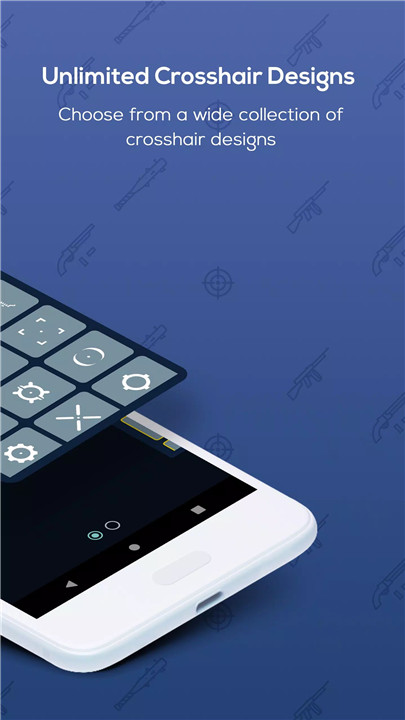
Unlimited Crosshair and Pointer Designs
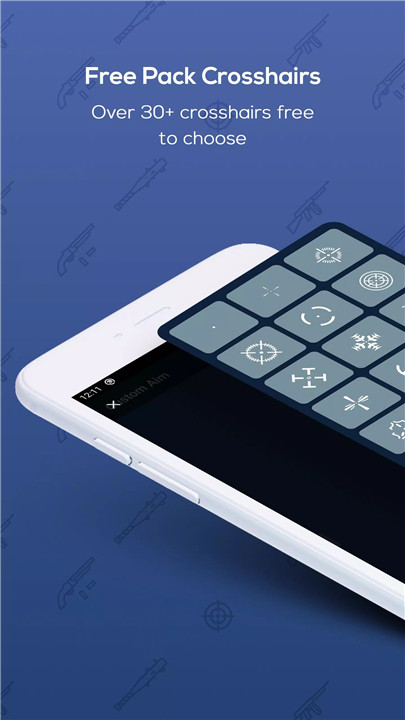
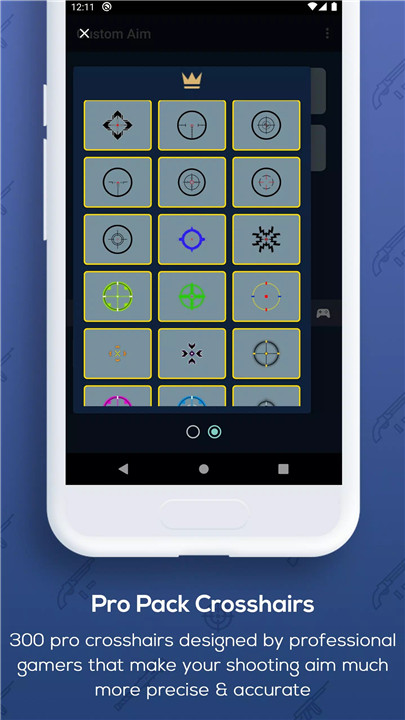
Custom Aim provides a wide selection of pointer designs that can be placed as an overlay on the screen. With more than 24 available styles, users can select the design that best suits their preferences. The overlay pointer helps improve visual alignment and supports users who want to enhance their center-point focus while interacting with different applications.
Fully Customizable Appearance
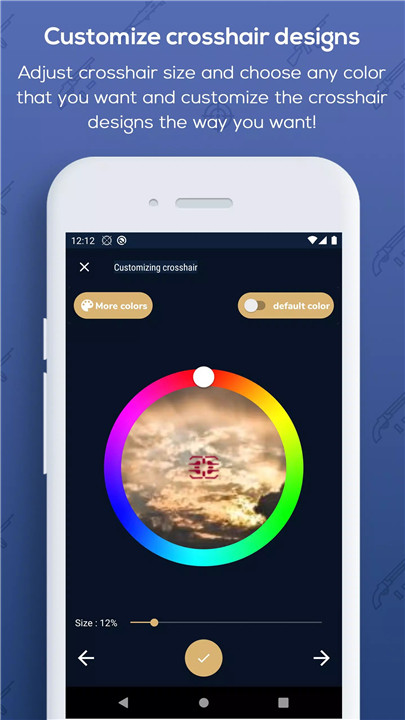
The app allows complete customization of the crosshair design. Users can adjust the size, select different colors, and modify the appearance to create a personalized visual pointer. This flexibility ensures that the crosshair remains clearly visible on any screen background while matching individual preferences.
Lightweight Overlay for Screen Guidance
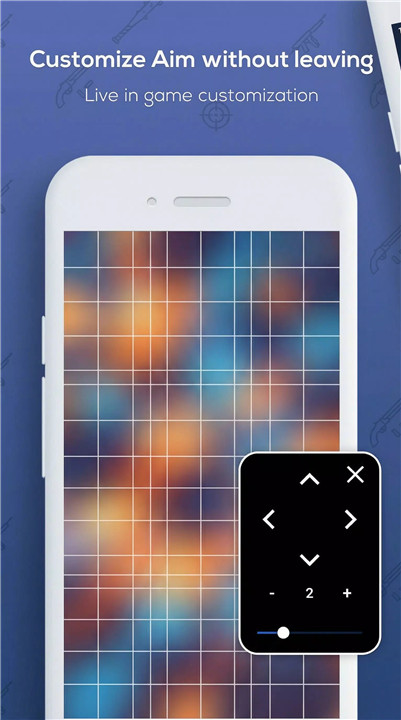
Custom Aim works as a lightweight screen overlay that provides a consistent visual reference point. It does not interrupt other apps or affect performance. The overlay helps users maintain accurate orientation on the screen, which can be useful when practicing manual aiming or focusing on specific areas.
Visual Support Across All Applications
The overlay pointer works on top of various apps, providing a visual center even when the application itself does not include one. This feature allows users to maintain better screen awareness and positioning regardless of the platform being used. The crosshair acts as a helpful reference for precision-based activities.
Simple and Ethical Visual Aid
Custom Aim is designed as a visual helper tool that supports natural skill development. It does not automate actions or provide gameplay manipulation. Instead, it simply adds a visual marker that helps users train their aim and focus through manual practice.
Clean and User-Friendly Interface
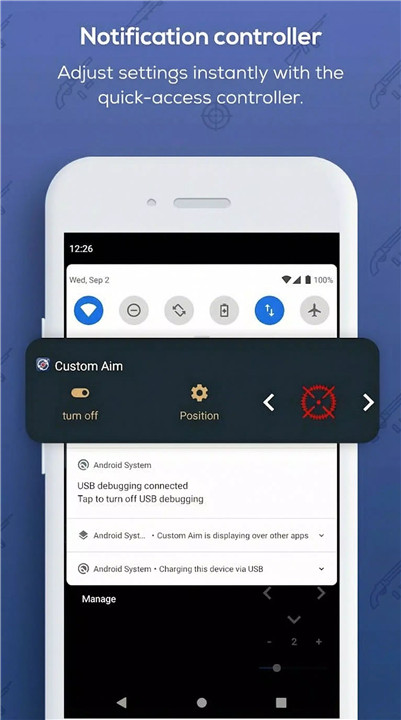
The app is designed with simplicity in mind, making it easy to configure and activate crosshair overlays quickly. Users can select styles, adjust settings, and enable the overlay with minimal setup, allowing them to start improving their screen accuracy immediately.
Disclaimer
Custom Aim is a 100% ethical visual support tool. It is not an aimbot, auto-clicker, or automation software. The app only provides a customizable visual overlay that helps improve manual aiming skills and screen focus without accessing unauthorized data or altering application behavior.
FAQs
Q1: What is Custom Aim – Crosshair Pro used for?
Custom Aim provides a customizable crosshair overlay that helps improve center-screen focus and manual aiming accuracy.
Q2: How many crosshair styles are available?
The app offers more than 24 different pointer styles that can be used as screen overlays.
Q3: Can the crosshair be customized?
Yes, users can adjust the size, color, and appearance of the crosshair to match their preferences.
Q4: Does Custom Aim work with all apps?
Yes, the overlay can appear on top of different apps, providing a visual reference point across the screen.
Q5: Does the app automate aiming or gameplay actions?
No, Custom Aim is only a visual aid designed to help improve manual aim and screen orientation.
Version History
v9.2—26 Jan, 2026
v9.1—21 Jan, 2026
v8—22 Dec, 2025