4g Lte Mode only
Overview
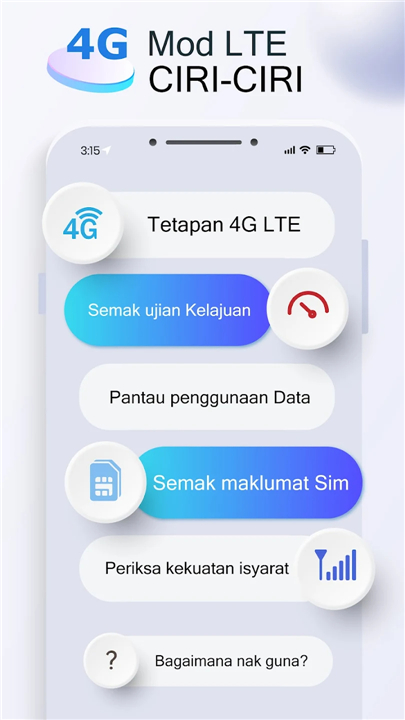
• Take control of your mobile connection and stop settling for slow internet.
• Our 4G LTE Mode app is designed to help you maintain a fast, stable connection by allowing you to lock your device into high-speed network modes.
Smart Network Management
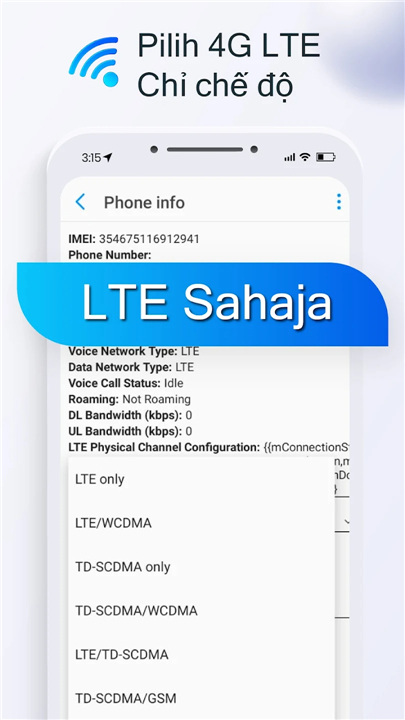
• Force your device to stay on 4G LTE to prevent it from dropping to slower 2G or 3G signals.
• Access advanced network configurations and hidden settings not found in your phone's standard menu.
• Manually select between 4G, 3G, and 2G connectivity to ensure a stable signal wherever you are.
Performance and Speed Testing
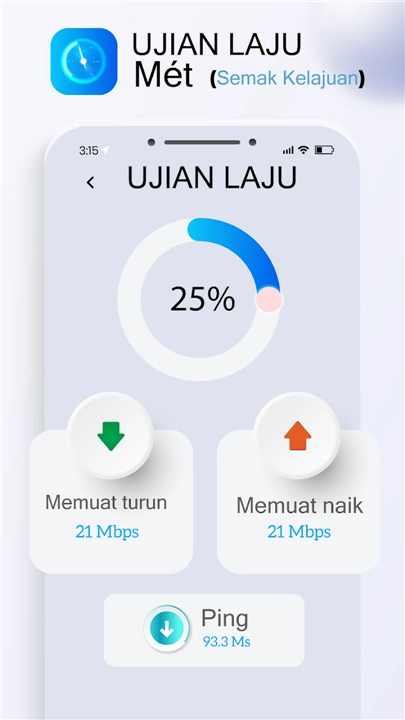
• Run accurate internet speed tests with a quick assessment of your download and upload rates.
• Measure your network's ping to ensure low latency for gaming and video calls.
• Use our real-time analyzer to check your cellular and Wi-Fi signal strength.
Data and Usage Insights
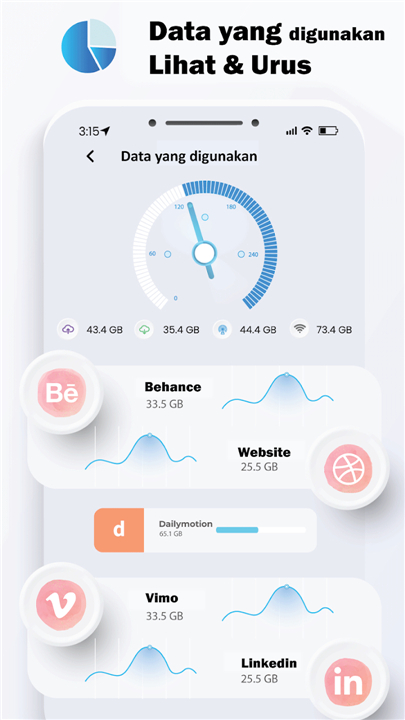
• Monitor your mobile data consumption with a simple, easy-to-read interface.
• Track your usage patterns to avoid unexpected overage charges from your provider.
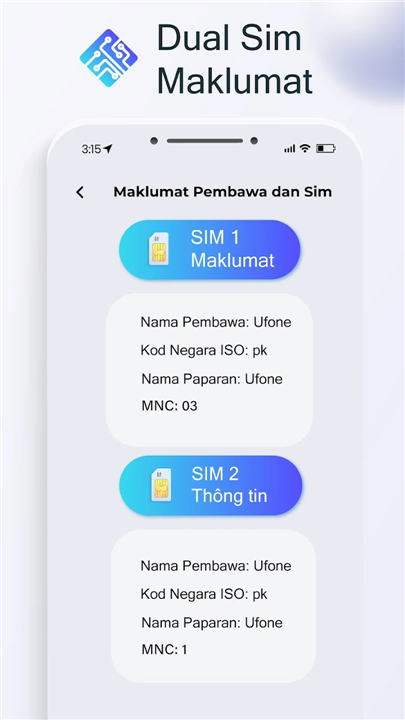
• Get detailed information regarding your SIM card and current network status.
User Experience and Compatibility
• Enjoy a user-friendly design that makes technical network adjustments easy for anyone.
• Improve your streaming and browsing experience by securing the most reliable connection possible.
Note:
• The ability to force specific network modes depends on your device manufacturer, as some brands restrict these advanced settings.
FAQ
Q: How do I access the hidden network settings mentioned in the app description?
A: The app provides a direct gateway to advanced network configurations that are typically hidden within your phone’s standard settings menu. Once you open the application, you can navigate to the smart network management section, which bypasses the manufacturer's simplified menus and grants you access to technical parameters and manual selection mode.
Q: Is it possible to switch back to 3G or 2G if the 4G signal is non-existent?
A: Yes, the app is designed with flexibility in mind, allowing you to manually select between 4G, 3G, and 2G connectivity whenever you need to. If you travel to a remote area where 4G is unavailable, you can simply use the app to switch back to a lower band to ensure you still have a basic signal for essential communication.
Q: Does this app work on all smartphone brands and models?
A: While the app is designed to be highly compatible, the ability to force specific network modes ultimately depends on your device manufacturer. Some brands place strict hardware or software locks on these advanced settings, so while the app works for most users, certain phones may restrict access to the hidden network menus.
Version History
v2.2.4——23 Apr 2026
Change data usage network to 5G/4G/3G/2G with 4G LTE Mode only Download the latest version of 4G LTE Mode only to enjoy new features and updates immediately!
*2.2.4
Minor bug fixes and improvements. Install or update to the newest version to check it out!
*2.2.3
Minor bug fixes and improvements. Install or update to the newest version to check it out!
*2.2.1
Minor bug fixes and improvements. Install or update to the newest version to check it out!