The JBL Headphones app transforms the headphone experience, providing comprehensive control over a wide range of JBL headphones directly from a mobile device.
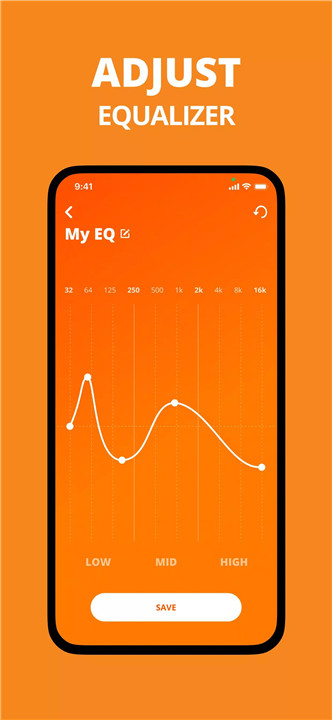
EQ Settings
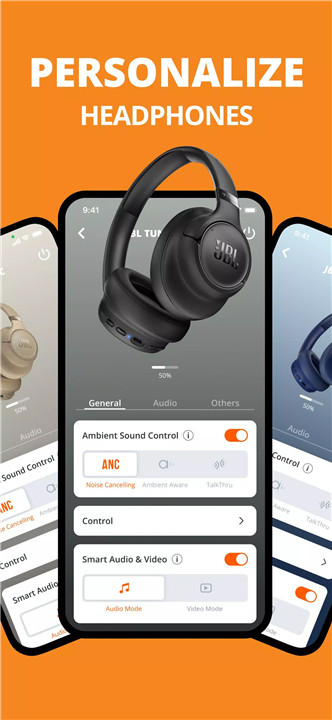
The app offers predefined EQ presets and the ability to create or customize personal EQ profiles. Users can adjust bass, treble, and other audio elements to achieve the perfect sound for music, calls, or video.
Customize ANC
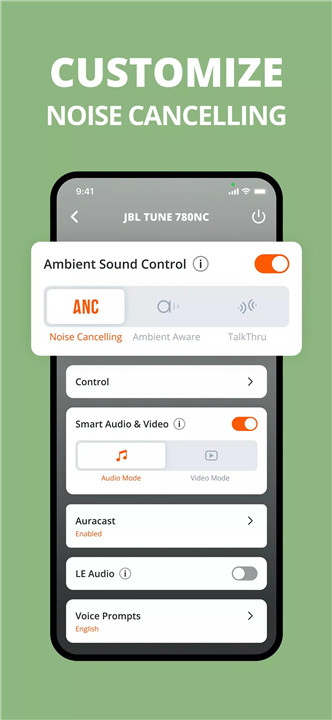
For supported models, the app enables adjustable noise-canceling levels. Users can fine-tune ambient awareness or block out background noise, ensuring an optimal listening experience in every situation.
Smart Audio & Video
Certain JBL models benefit from automatic audio adjustments based on activity. Smart Audio & Video enhances sound quality during music, calls, or video streaming for immersive and precise playback.
Application Settings
The app provides access to various settings, including Voice Assistant selection, touch gesture configuration, Smart Audio & Video activation, product tips, FAQs, and detailed help guides.
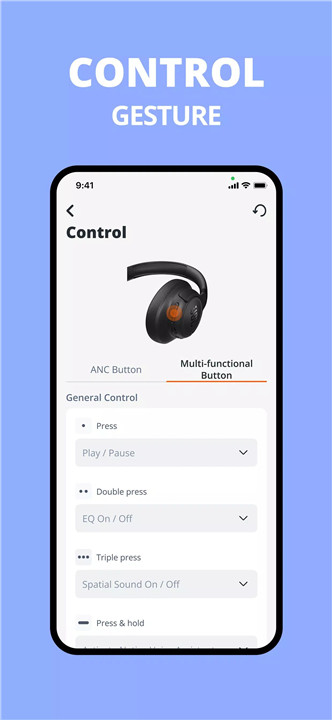
Gestures
Users can personalize button and gesture controls to perform actions like play/pause, skip tracks, or adjust volume, enhancing convenience and ease of use for supported headphones.
Headphone Battery Indicator
The JBL Headphones app displays the remaining battery levels for left/right earbuds and charging cases, allowing users to monitor playtime and plan recharges efficiently.
Tips & FAQ
The app includes product tutorials under “Product Help” and an FAQ section for quick answers, ensuring seamless setup and operation.
Voice Assistant Setup
Compatible with Google Assistant and Amazon Alexa, the app allows users to select and configure their preferred voice assistant for hands-free control.
Supported Models
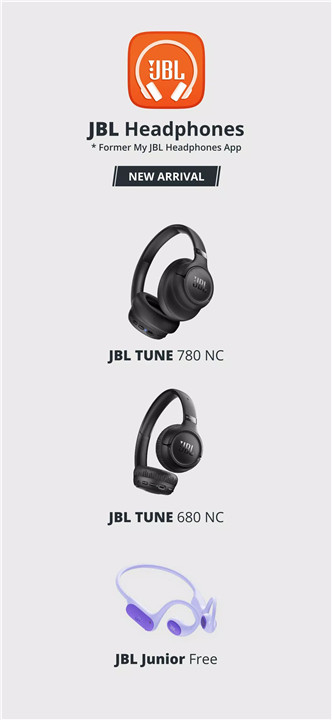
The JBL Headphones app supports a wide range of models, including:
· Wave Series: WAVE BUDS, WAVE BEAM, WAVE FLEX, etc.
· Tune Series: TUNE FLEX, TUNE ANC, TUNE 130NC TWS, and others.
· Live Series: LIVE FREE 2, LIVE PRO 2, LIVE FLEX 3, and more.
· Club, Tour, Quantum, Endurance, Reflect, Soundgear, Everest, Junior Series, and special editions like UA Project Rock and JBL X Tomorrowland.
FAQs
1. What languages is the app available in?
The JBL Headphones app is available in English, Dutch, French, German, Italian, Portuguese, Russian, Spanish, Japanese, Korean, and Chinese.
2. Can I use the headphones without the app?
Yes, the headphones work independently, but the app provides advanced controls such as custom EQ, ambient aware levels, and feature toggles.
3. Do I need Bluetooth to use the app?
Yes, the app connects to headphones via Bluetooth to control settings and features.
4. Can I check the battery level from the app?
Yes, the app displays battery levels for left/right earbuds and the charging case. Headband products are also supported.
5. How much does the app cost?
The JBL Headphones app is free to download and use.
Version History
v5.21.20—8 Jul, 2024
- Add New Product JBL TUNE 245NC TWS
v5.21.9—28 May, 2024
- Add New Product JBL Quantum 360 Wireless, Quantum 360P and Quantum 360X
- Add New Product JBL LIVE675NC
v5.20.11—29 Apr, 2024