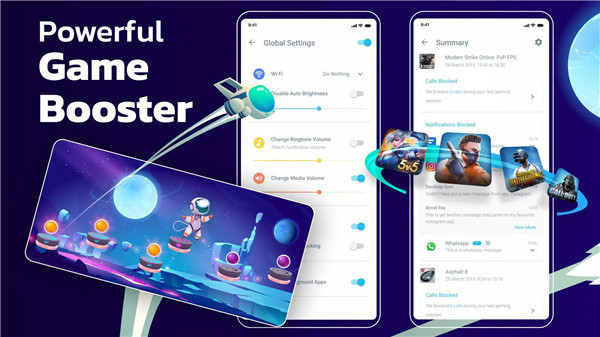
Designed to enhance mobile gameplay, Gaming Mode is a powerful game booster automatically adjusts device settings the moment a game starts. By managing system behavior intelligently and restoring original settings afterward, the app removes the hassle of manual adjustments before and after gameplay.
Ultimate Game Mode Automation
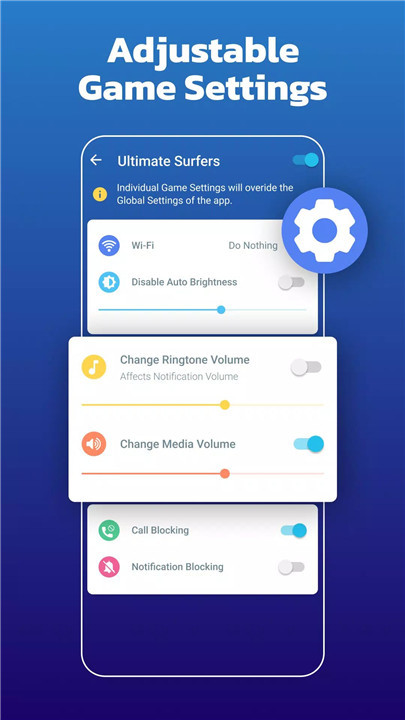
Gaming Mode applies optimized settings automatically when a game launches. Configurations can be set globally or customized for individual games, ensuring every title runs with the most suitable performance profile. Once gameplay ends, all original device settings are safely restored, maintaining a seamless system experience.
Distraction-Free Gameplay
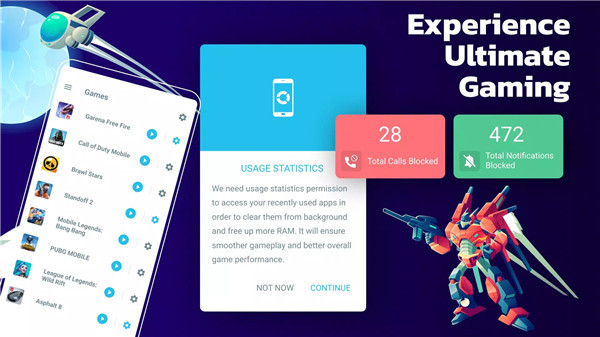
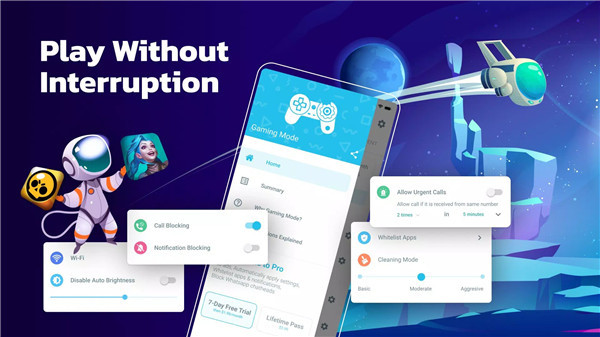
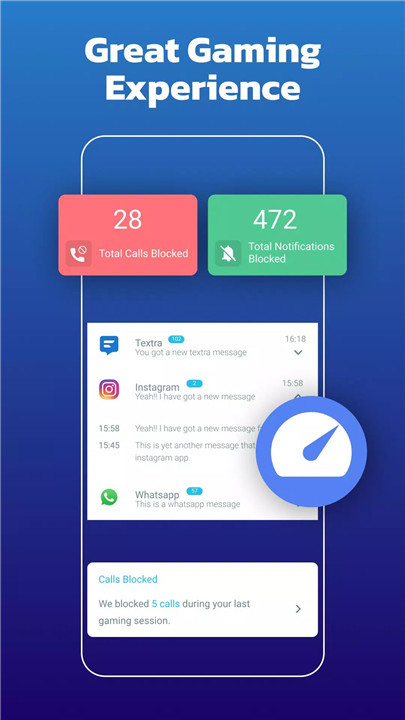
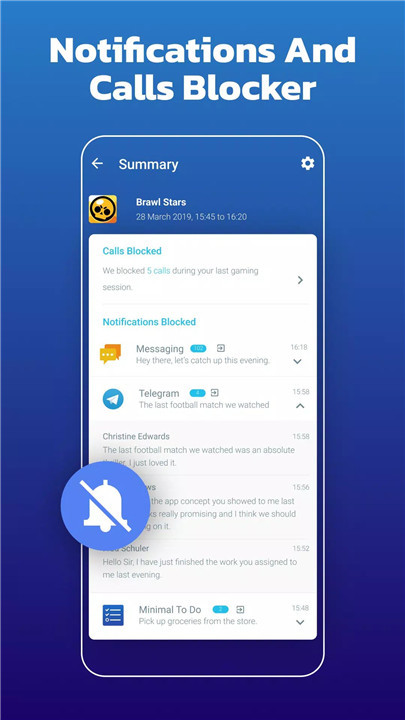
Incoming calls and notifications can be automatically blocked during gaming sessions. This ensures uninterrupted focus and eliminates distractions that can disrupt competitive or immersive gameplay. The result is a cleaner interface and a smoother gaming environment.
Performance and System Optimization
The app allows automatic control over key device settings that impact gaming performance. Auto-brightness can be disabled and adjusted to a preferred level, WiFi state can be managed, and ringtone and media volumes can be optimized for gameplay. These enhancements contribute to consistent visuals, stable connectivity, and balanced audio output.
Game Booster and Launcher Widget
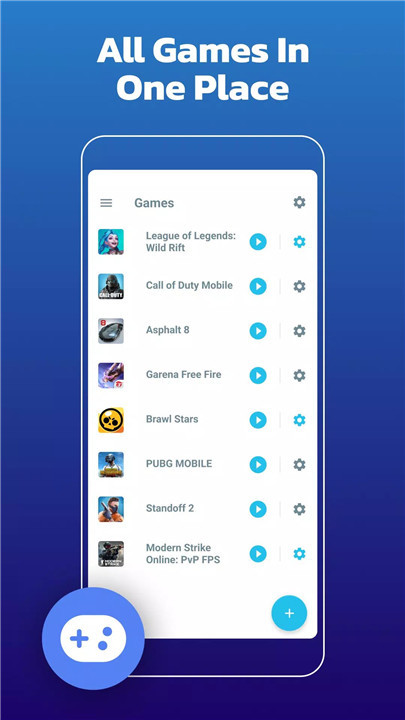
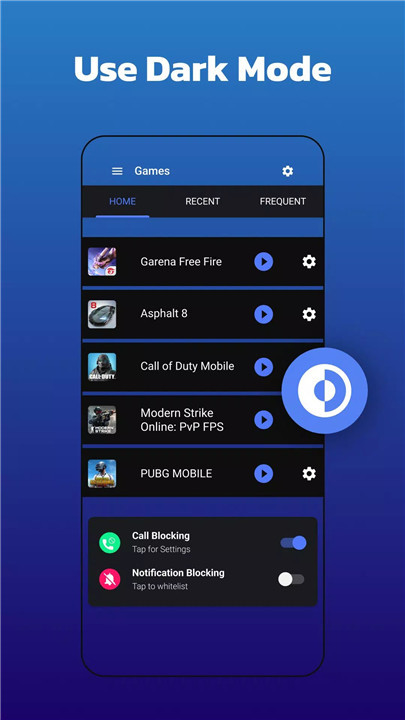
A built-in game booster ensures fast access to games through a convenient home screen widget. This game launcher widget eliminates the need to search through menus or apps, allowing games to be launched instantly. Quick access improves usability and helps players jump straight into action.
Internet Blocking for Focused Gaming
Gaming Mode includes the ability to block internet connectivity during gameplay to prevent interruptions such as ads or background activity. This feature uses a local VPN service that operates entirely on the device and does not transfer data externally, ensuring privacy while maintaining focus.
Easy Setup and Smart Restoration
Once configured, Gaming Mode works automatically in the background. The app remembers previous system settings and restores them after gameplay ends, ensuring no permanent changes are made to the device. This smart restoration provides peace of mind while delivering consistent performance enhancements.
FAQs
1. What is Gaming Mode: Game Booster PRO?
It is a game booster app designed to optimize device settings automatically for a smoother, distraction-free gaming experience.
2. Does the app require manual setup before every game?
No, settings are configured once and applied automatically whenever a game starts.
3. Can settings be customized for different games?
Yes, configurations can be applied globally or tailored to individual games.
4. How does the app block distractions during gameplay?
It can automatically reject incoming calls, block notifications, and optionally disable internet access during gaming sessions.
5. Does the app affect device settings permanently?
No, all original device settings are restored automatically once gameplay ends.
Version History
v1.9.15—18 Jul, 2025
And here we have more updates to further improve your experience.
* Bugs FIXES
Still having issues? Contact support.gamingmode@zipoapps.com.
WE LOVE FEEDBACK!
v1.9.14—18 May, 2025
And here we have more updates to further improve your experience.
* Bugs FIXES
Still having issues? Contact support.gamingmode@zipoapps.com.
WE LOVE FEEDBACK!
v1.9.13—11 May, 2025
And here we have more updates to further improve your experience.
* Bugs FIXES
Still having issues? Contact support.gamingmode@zipoapps.com.
WE LOVE FEEDBACK!