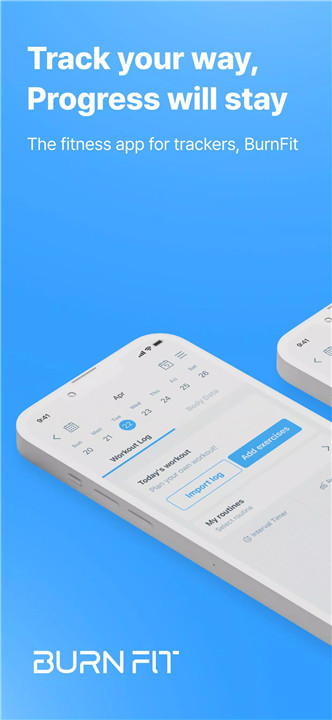
BurnFit is the ultimate fitness companion for anyone looking to build consistent workout habits and track progress effectively. Designed for beginners, general fitness enthusiasts, and expert lifters, BurnFit combines workout logging, personalized planning, nutrition tracking, and performance analytics in one app.
Comprehensive Workout Log & Gym Tracker
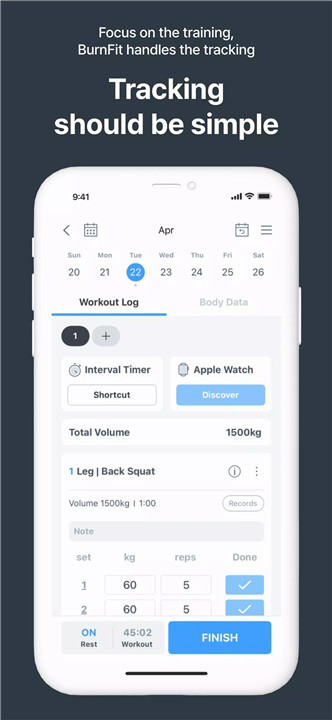
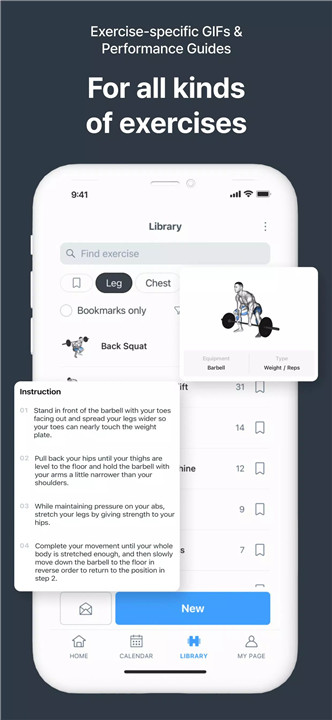
BurnFit allows users to log sets, reps, and weights with a single tap. Multiple sessions per day can be tracked, including morning cardio and evening weight training. Custom routines, such as PPL, full-body workouts, or home fitness plans, can be saved and reused. The app supports both gym-based and home workouts, making it flexible for any fitness level.
Personalized Workout Planner
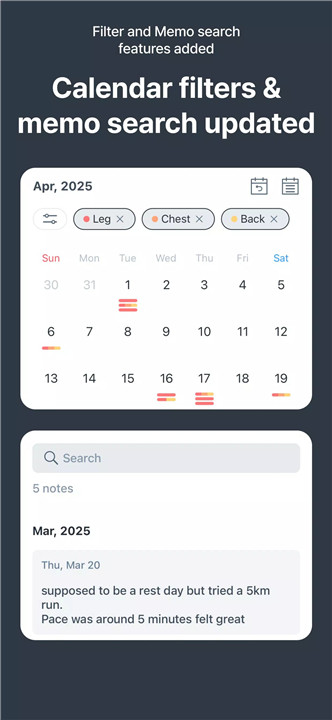
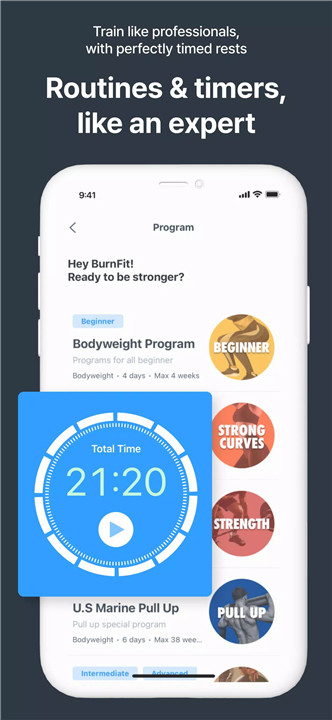
BurnFit offers a visual and intuitive calendar to plan training schedules in advance. Muscle balance analysis ensures no areas are neglected, while progress tracking encourages consistency. The planner builds structure into fitness routines, helping users stay on track with their goals over time.
Track Intensity & Performance Metrics
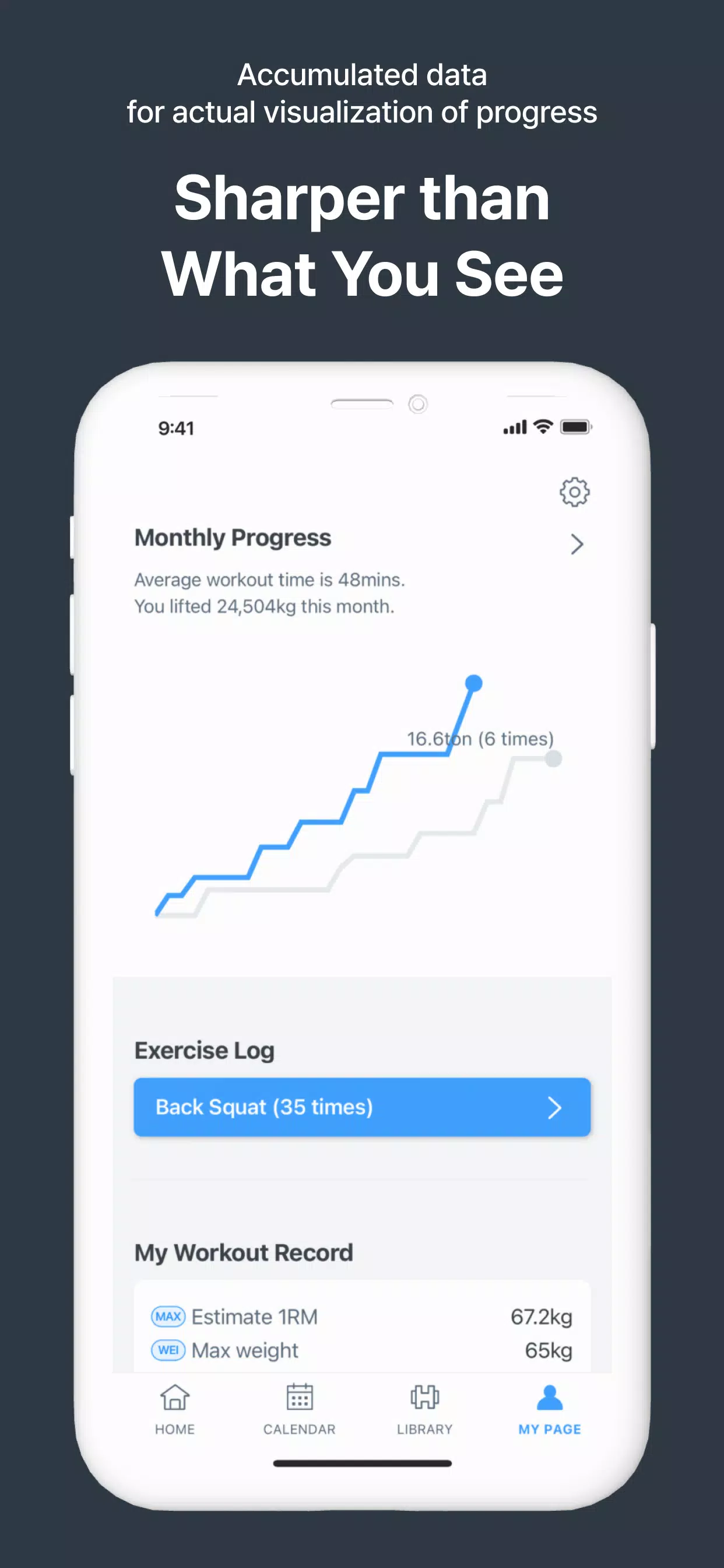
Smart fitness tracking goes beyond simple logging. BurnFit calculates 1RM (One Rep Max) automatically, records RPE (Rate of Perceived Exertion), and monitors progressive overload with volume charts. This ensures strength gains are measurable and that users train efficiently without risking overtraining.
Meal Tracking & Nutrition Insights
Diet and exercise go hand in hand. BurnFit organizes meals in a timeline-based log, including breakfast, lunch, dinner, and snacks. By combining nutrition and workout data, users can identify patterns, optimize their diet, and track weight loss, muscle gain, or maintenance goals.
Body Metrics Tracker
Monitor physical changes with metrics such as body weight, body fat percentage, and muscle mass. Comparing body metrics alongside workout history provides a clear picture of progress and helps users adjust routines for optimal results.
Pro Features & Wear OS Integration
BurnFit Pro unlocks unlimited routines, personalized programs, advanced analytics graphs, and an ad-free experience. Integration with Wear OS smartwatches enables on-the-go tracking, while custom barbell weight support allows detailed workout logging. Subscriptions automatically renew unless canceled 24 hours before the end of the current period, and users can manage them via the Google Play Store.
Optional Permissions
Photo & camera access enables workout and meal sharing, while notifications help remind users of scheduled workouts. Core tracking features remain fully functional without granting these optional permissions.
FAQs
Q1: Is BurnFit suitable for beginners?
Yes, BurnFit is ideal for beginners looking for a simple home workout planner, gym tracker, and meal log to build consistent fitness habits.
Q2: Can BurnFit track both workouts and meals?
Yes, the app logs daily gym sessions, cardio, and meals in a timeline view, combining nutrition and exercise for better progress tracking.
Q3: What advanced tracking does BurnFit offer?
BurnFit calculates 1RM, monitors RPE, tracks progressive overload, and provides volume charts to optimize strength and muscle growth.
Q4: What are the BurnFit Pro features?
Pro users get unlimited routines, personalized workout programs, advanced analytics, custom barbell weight support, ad-free experience, and Wear OS integration.
Q5: Are optional permissions required to use BurnFit?
No, core features work without optional permissions. Camera access enables photo uploads for workouts and meals, while notifications provide workout reminders.
Version History
v1.770—10 Oct, 2024
v1.766—24 Sep, 2024
v1.764—23 Sep, 2024