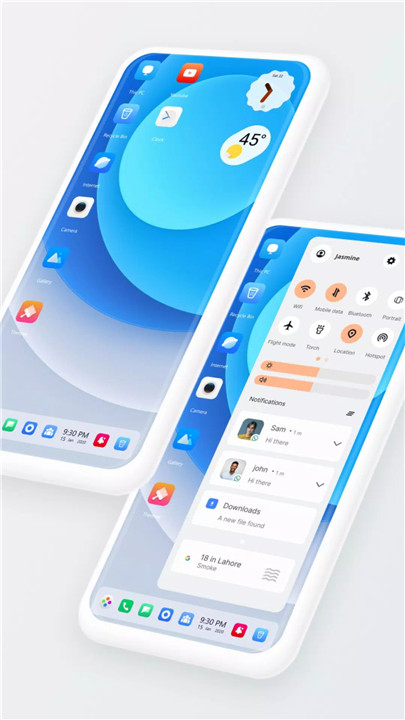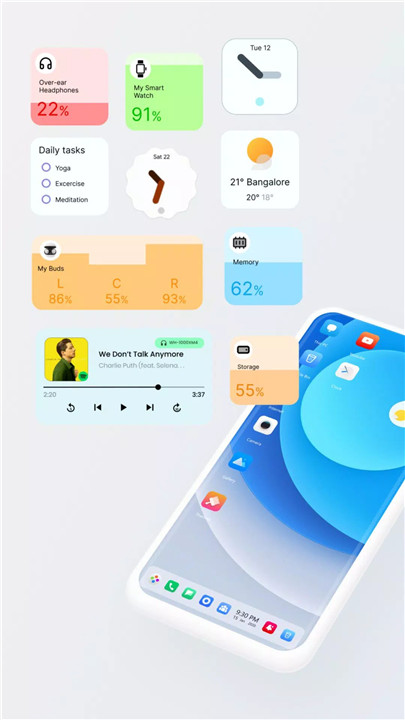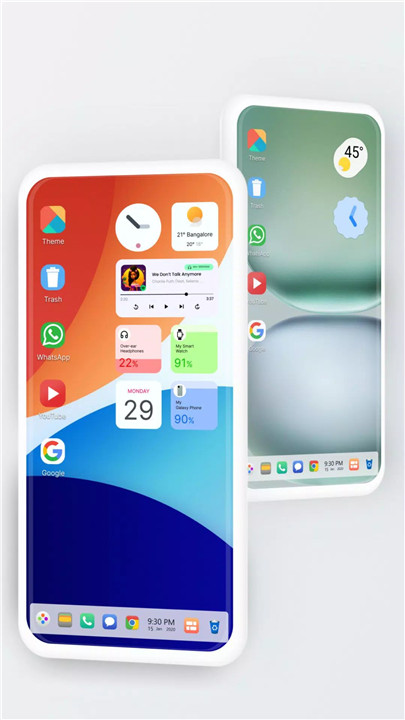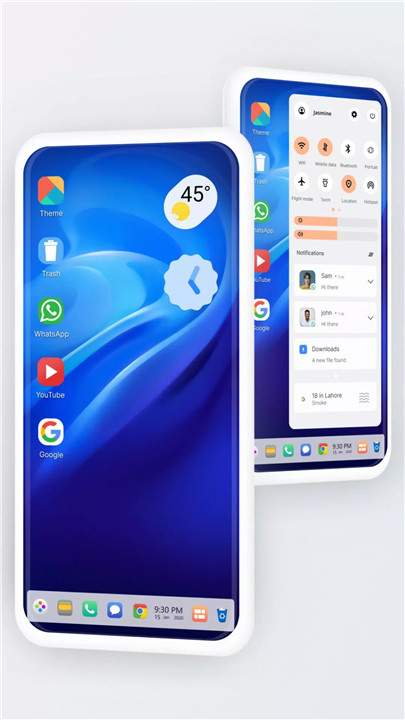
U Launcher is an innovative Android launcher designed to transform smartphones into powerful, personal, and intelligent devices. Inspired by the clean and functional design of Ubuntu OS, U Launcher brings a desktop-like experience to mobile devices while enhancing usability and multitasking. Beyond aesthetics, it integrates advanced tools such as a full-featured file manager, backup and restore options, customizable widgets, and multitasking capabilities.
File Manager & Explorer
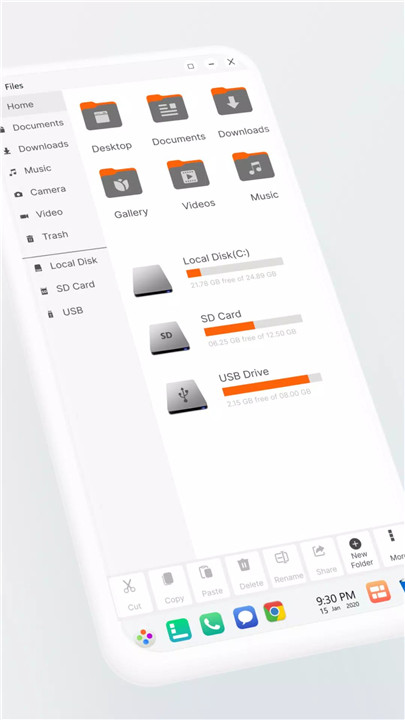
U Launcher includes a built-in file manager that allows full access to the device’s file system. Users can search, explore, and organize files and folders easily. Key functionalities include:
· Cut, copy, paste, move, and delete files
· Create new folders and organize storage efficiently
· Built-in support for ZIP and RAR files, including extraction and compression
· Recycle Bin feature to temporarily store files before permanent deletion
· Share files quickly with other apps or devices
· Listing of all drives, SD cards, and media files in a PC-style interface
System & Desktop Features
U Launcher enhances Android functionality with a host of system tools and desktop features:
· Taskbar & Action Center: Check notifications, access system alerts, and organize apps efficiently
· Start Menu & Application Tiles: Launch apps from stylish tiles and create shortcuts for frequently used apps
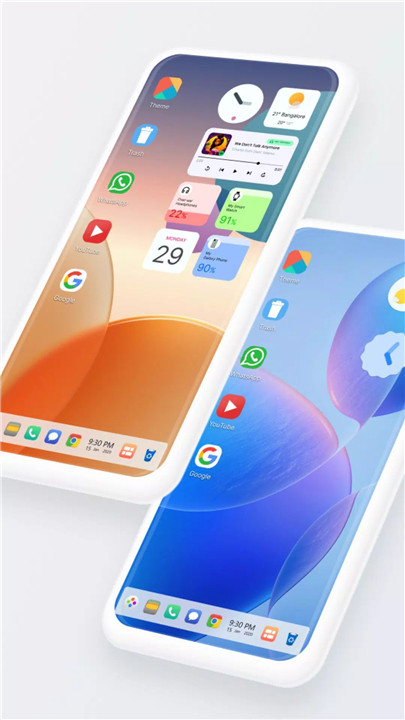
· Widgets & Live Wallpapers: Add clock, weather, RAM info, calendar, and photo widgets to the desktop
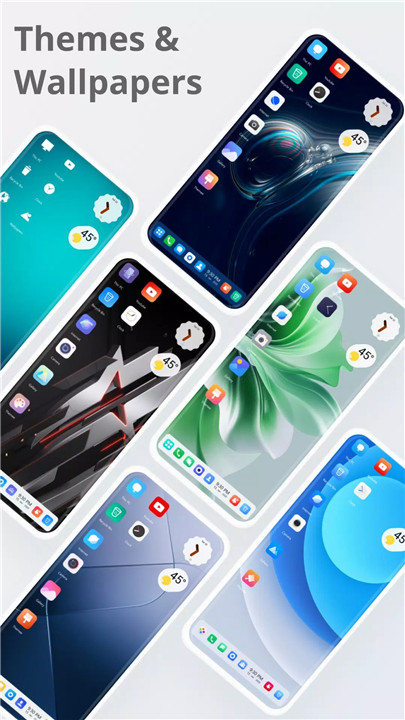
· Desktop Folders & Multi-Color Support: Organize apps and customize the look with themes and icon packs
· Drag & Drop Navigation: Easily move apps, widgets, and tiles across the desktop
· Multitasking Options: Enable or disable multitasking for smooth performance
· Lock Screen & Customization: Personalize lock screen and change taskbar transparency
Gallery & Media Management
U Launcher includes a built-in gallery for photos and videos with customizable photo tiles. Users can easily browse, organize, and display media directly from the desktop.
Backup & Restore
The launcher provides full backup and restore functionality, allowing users to save their desktop layout, app arrangement, and other personalized settings. Full file access ensures data is preserved and restored accurately.
FAQs
1. Does U Launcher require full file access?
Yes, full file access is needed for the built-in file manager and backup/restore features.
2. Can I customize widgets and desktop tiles?
Absolutely, U Launcher supports clock, weather, RAM info, calendar, photo tiles, and live wallpaper widgets.
3. Does U Launcher support multitasking?
Yes, multitasking can be enabled or disabled via settings to optimize performance.
4. Can I create desktop folders and app shortcuts?
Yes, apps can be organized into folders and shortcuts can be added to the desktop or taskbar for quick access.
5. Is media management included in U Launcher?
Yes, a built-in gallery allows browsing, organizing, and customizing photo tiles directly on the desktop.
Version History
v5.3—22 Dec, 2023
- Disruptive ads removed
v5.0—28 Sep, 2023
- Ads related issue fixed by removing some desktop icons to comply with disruptive ads policy.
- Updated to latest SDK support
- Widget related bug fixes
v4.8—27 Jul, 2023
- Bug fixes
- Ads consent form added