Secure Android devices with SureLock—kiosk lockdown, remote management, and app control to protect business devices and boost productivity. The SureLock solution is designed specifically for enterprise environments, transforming standard smartphones and tablets into dedicated kiosks.
By replacing the default home screen, the app restricts device usage to only approved applications and functions. This ensures that company-owned devices are used strictly for business purposes, minimizing misuse and reducing operational risks. With integrated management tools and advanced customization, it provides organizations with full control over how their devices are accessed and utilized.
Kiosk Lockdown Modes
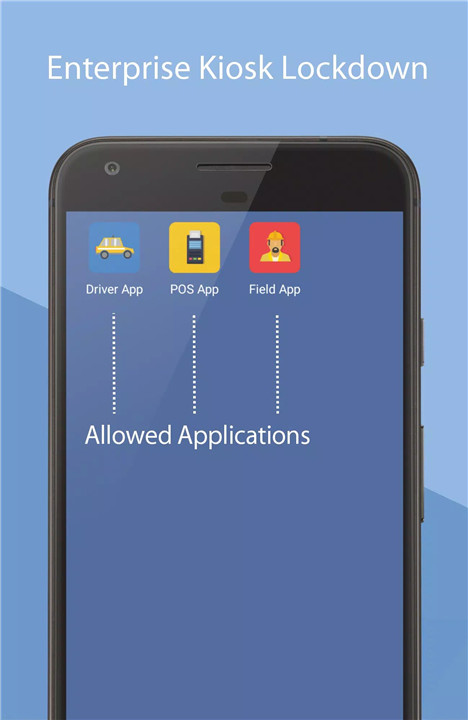
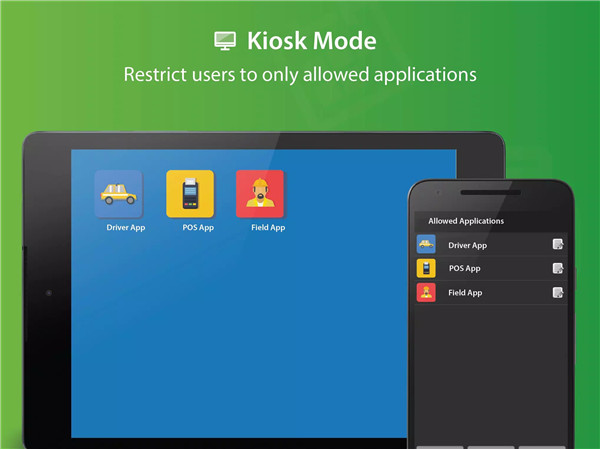
SureLock enables devices to operate in single-app or multi-app mode, ensuring that only authorized applications are accessible. Unapproved apps, system settings, and distractions such as social media are completely hidden, creating a focused and secure user environment.
Remote Device Management
Integrated with SureMDM, the platform allows administrators to remotely configure devices, manage files, and troubleshoot issues through screen sharing. Real-time tracking using Google Maps provides visibility into device location and usage.
Advanced Security Controls
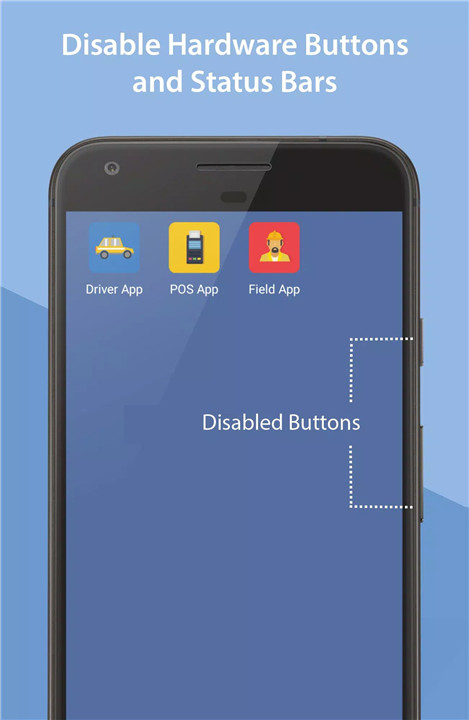
Robust security features include password protection for apps, blocking access to system settings, and disabling hardware buttons such as the power key. Additional safeguards such as spam prevention, restricted notifications, and controlled status bar access ensure a tightly secured environment.
Device and Peripheral Control
Administrators can control hardware and connectivity features, including Wi-Fi, Bluetooth, GPS, camera, and audio settings. This level of control helps enforce company policies and prevents unauthorized usage or data consumption.
Customizable Interface
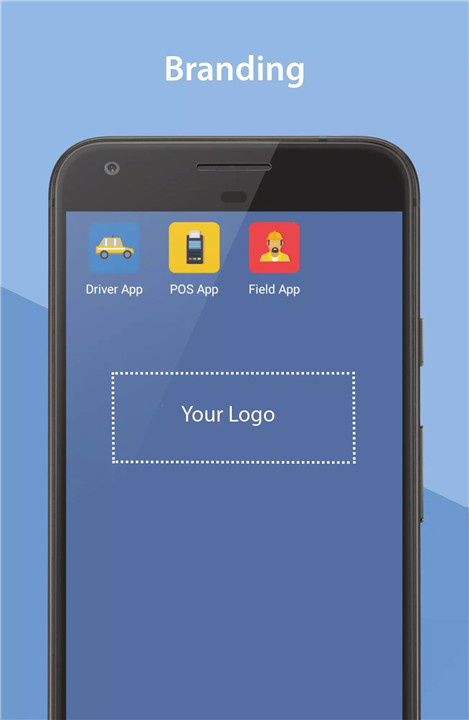
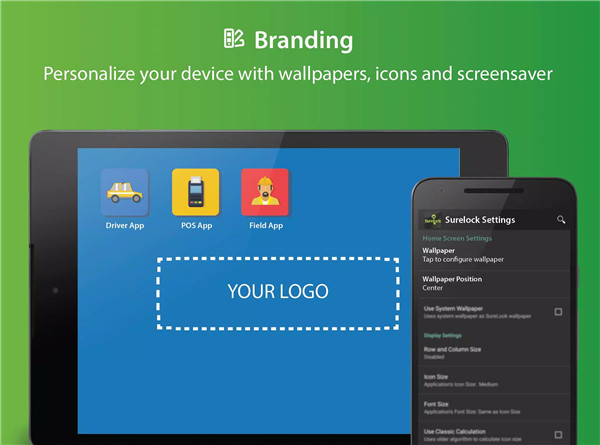
The home screen can be tailored with custom layouts, app labels, wallpapers, widgets, and shortcuts. This flexibility allows businesses to design user-friendly interfaces aligned with operational needs while maintaining strict access control.
Automated Behavior and Restrictions
Devices can be configured to auto-launch specific apps on startup and return to the home screen after periods of inactivity. Features such as delayed app launch and screensaver mode enhance usability while maintaining security.
Driver Safety Mode
A specialized safety feature disables touch input and hardware buttons when a device exceeds a defined speed threshold. This is particularly useful for transportation and logistics industries to promote safe driving practices.
Usage Monitoring and Power Management
Detailed analytics track application usage, including launch times and duration. Power-saving features adjust brightness and performance based on activity and charging status, extending device efficiency.
Secure Browsing Integration
SureLock integrates with SureFox to restrict web access to approved websites only. This ensures safe and controlled internet usage within enterprise environments.
Industry Applications
The platform is widely used across industries, including logistics, retail, healthcare, education, and transportation. Common use cases include inventory tracking, passenger infotainment systems, self-service kiosks, and electronic proof of delivery solutions.
FAQs
Q1: What is SureLock used for?
A1: It is an enterprise tool that locks down Android devices into kiosk mode, allowing access only to approved apps and features.
Q2: Can devices be managed remotely?
A2: Yes, administrators can remotely configure, monitor, and troubleshoot devices using integrated management tools.
Q3: Does SureLock support multiple apps?
A3: Yes, it supports both single-app and multi-app kiosk modes depending on business requirements.
Q4: Is SureLock suitable for personal use?
A4: No, it is designed specifically for business and enterprise environments.
Q5: What happens after the free trial?
A5: The free trial has limitations, and a paid license is required for full features, updates, and ongoing support.
Version History
v21.51007—29 Jul, 2025
Improvements
v21.51005—15 Jul, 2025
Improvements
v21.50007—26 Jun, 2025
Improvements