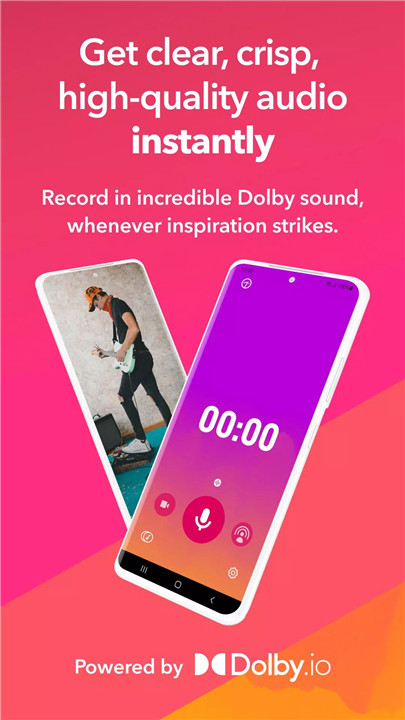
Dolby On transforms any smartphone into a professional-grade recording studio with just a single tap. This free recording app eliminates the need for expensive microphones, bulky recording equipment, or studio time, making it possible to record high-quality sound anytime, anywhere. With Dolby On, recordings are not only effortless—they’re instantly polished.
Effortless Recording with Studio Effects
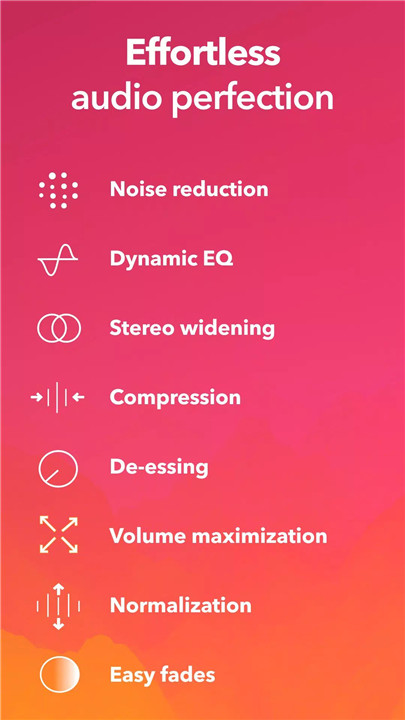
Dolby On allows live music, voice, video, and podcast recording with automatic studio effects. Users can enhance their recordings using noise reduction, limiting, spatial audio, Dynamic EQ, and more. Playback immediately demonstrates the difference Dolby technology makes, giving every recording a professional-quality sound.
Advanced Audio Processing
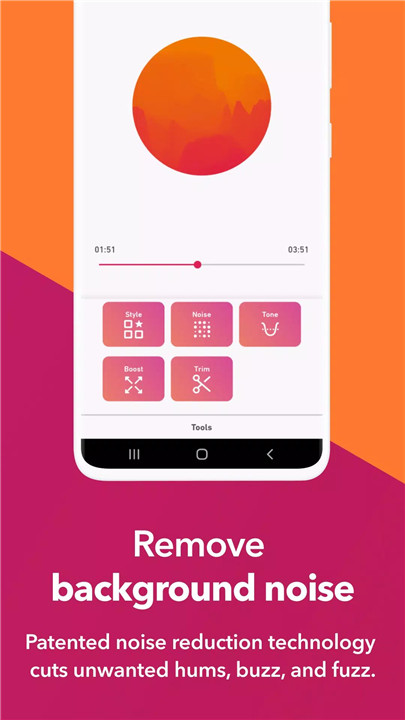
The app offers powerful audio processing tools to improve clarity, tone, and volume. Noise reduction and de-essing remove unwanted background sounds. Fade in/out and compression features provide smooth audio transitions and optimal loudness. Spatial audio and Dynamic EQ enhance tone and depth, making music and voice recordings sound rich and full.
Intuitive Sound Editing
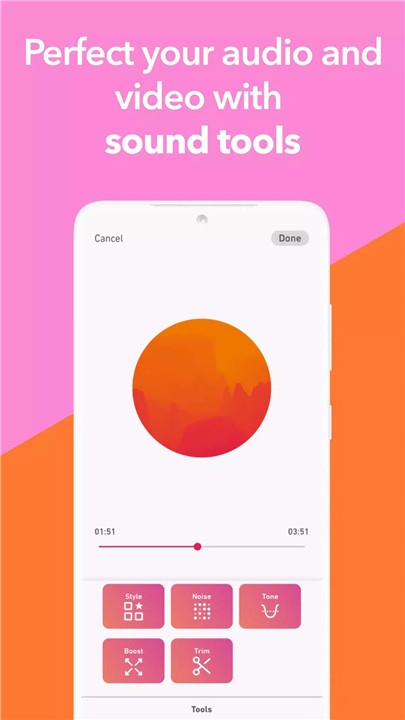
Customizable editing tools allow fine-tuning of every recording. Six Sound Tools, acting like filters for audio, provide professional-style presets analyzed from thousands of songs. Dolby On’s free audio editor lets users trim start and stop points, adjust treble, bass, and mids, and even use external microphones for added color. These features make editing simple while ensuring studio-quality results.
Versatile Recording Options
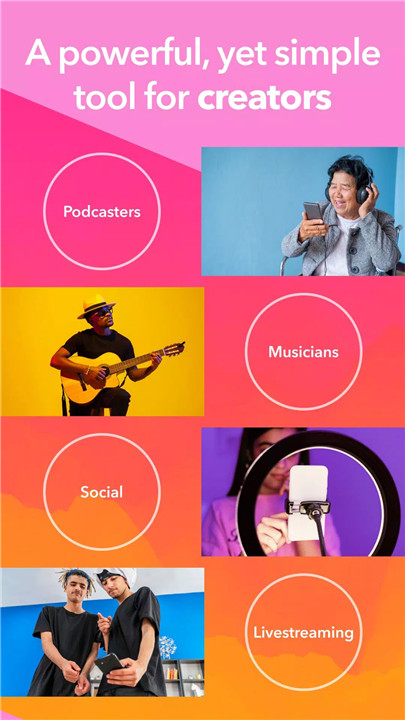
Dolby On supports a wide range of recording scenarios. Capture demos, voice memos, music ideas, rehearsals, live performances, and field recordings with clarity. Instruments such as guitar, drums, piano, and vocals sound outstanding, eliminating the need for other apps like standard voice memos. Recordings can be exported directly to DAWs like Logic Pro, Ableton, Pro Tools, and BandLab for further production.
Easy Sharing and Integration
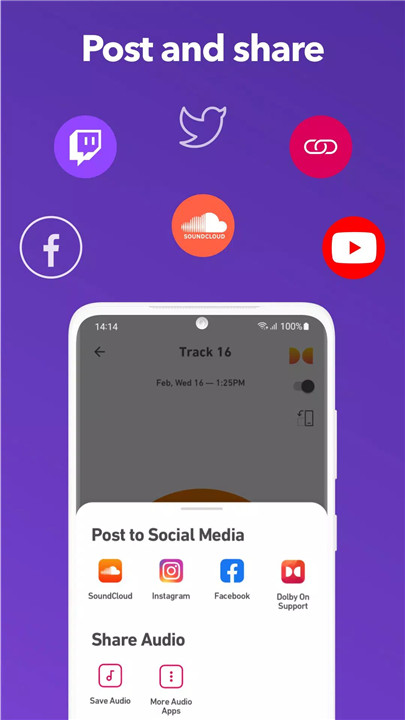
Recordings can be shared seamlessly with fans and collaborators on platforms like SoundCloud, Instagram, Facebook, Twitter, and TikTok. The app also allows exporting for additional editing in audio or video editors, making it a versatile tool for creators of all kinds.
Powered by Dolby Innovation
With over 50 years of Dolby audio expertise built into a single app, Dolby On ensures every recording benefits from professional-grade sound technology. Users can focus on creativity while Dolby handles the technical details of audio excellence.
FAQs
Q1: What types of recordings can I make with Dolby On?
A1: Dolby On supports recording music, voice, podcasts, rehearsals, beats, lyrics, and video content with professional audio quality.
Q2: Do I need extra equipment to record studio-quality audio?
A2: No. Dolby On uses advanced audio processing to deliver studio-grade recordings without expensive microphones or additional gear.
Q3: Can I edit recordings after capturing them?
A3: Yes. The app offers trimming, EQ adjustments, spatial audio, and preset Sound Tools for customizing and enhancing recordings.
Q4: How can I share my recordings?
A4: Recordings can be exported and shared directly on social media platforms like Instagram, Facebook, SoundCloud, TikTok, or via email and text.
Q5: Can I use Dolby On with other apps or DAWs?
A5: Yes. You can import recordings from other apps, edit them in Dolby On, and export to DAWs like Logic Pro, Ableton, Pro Tools, or BandLab.
Version History
v1.6.0—4 Jan, 2022
This release is dedicated to making saving easier. 1. We improved exporting/sharing speed. 2. We improved how your saving/sharing options are displayed. 3. BEST OF ALL, when you save to your device, you'll now see a pop-up with info on where your file is saved. Happy New Year Dolby On fans!
v1.5.1—20 Oct, 2021
Hello again Dolby On fans! Just a quick update to fix an issue related to uploading music to SoundCloud. We're all patched up now so feel free to share with your SoundCloud audience right from the app (once again).
v1.5.0—21 Sep, 2021
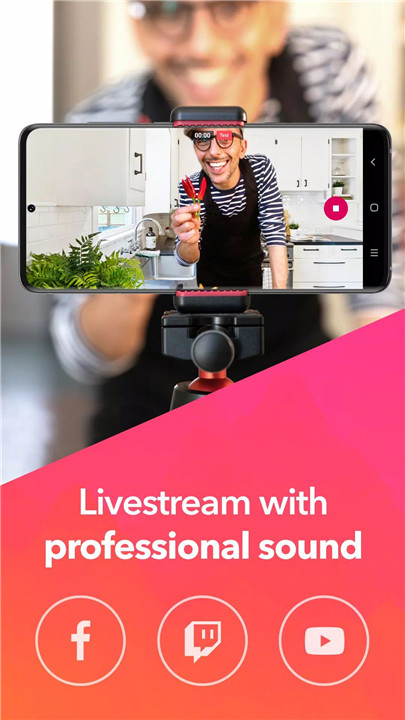
Time to FACE the world! With Dolby On you can now livestream directly to fans on Facebook. Also included in this release? Library clean-up! That's right, you can now delete as many unwanted tracks as you like by entering your library, holding down a track, then selecting the tracks you'd like to delete. Happy recording everyone!