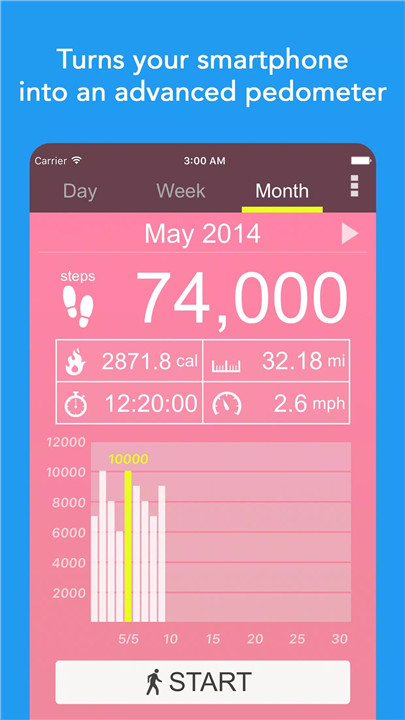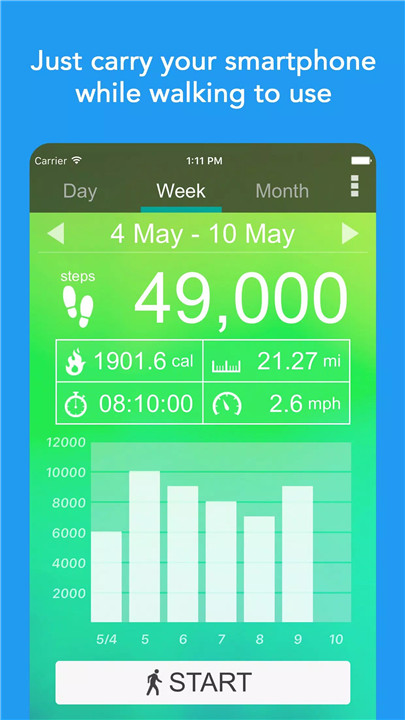
Pedometer – Step Counter is a simple, reliable, and fully free walking app designed for Android users who want to monitor daily activity effortlessly.
Built using your smartphone’s internal motion sensor, the app accurately records steps, walking distance, calories burned, walking time, and speed. With offline functionality and full privacy protection, it ensures a secure and distraction-free experience for users of all ages.
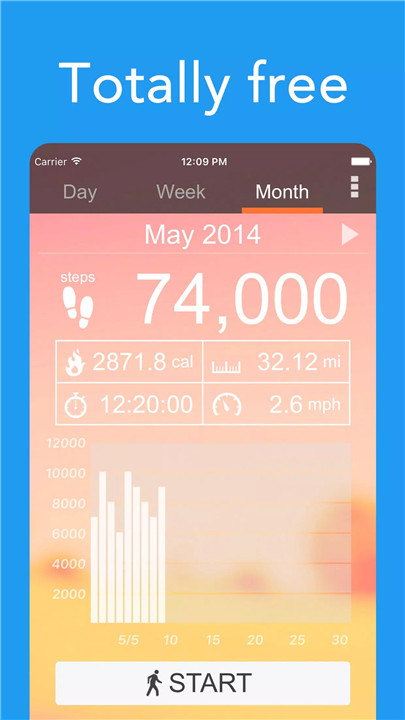
100% Free & Private
The app is completely free to use with no hidden costs. It does not collect personal information, ensuring full privacy protection. All tracking is done locally on the device.
No GPS – Battery Friendly
Unlike many fitness apps, Pedometer – Step Counter does not rely on GPS tracking. By using the built-in sensor of the Android device, it significantly reduces battery consumption while maintaining accurate results.
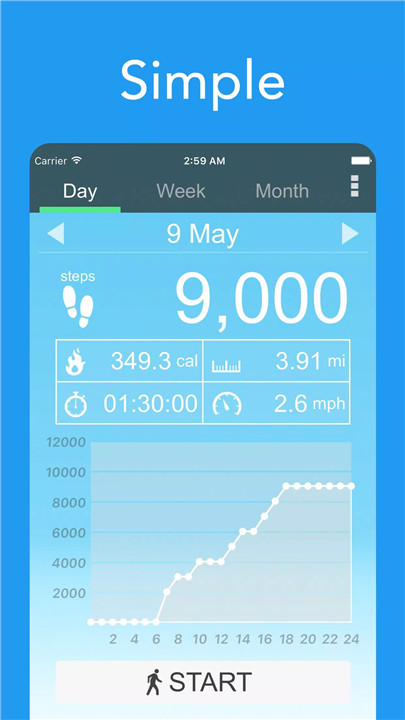
Instant Start & Simple Interface
Open the app and tap “Start” to begin tracking immediately. The intuitive, easy-to-use interface makes step tracking accessible for users of all experience levels.
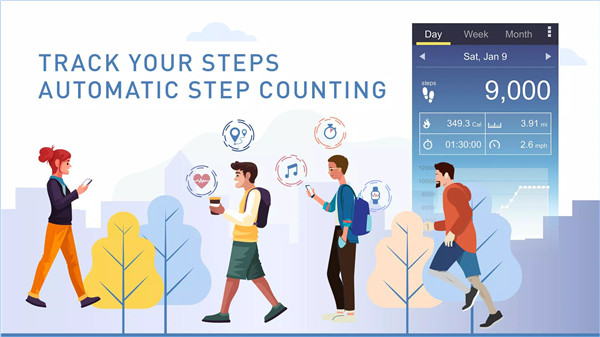
Automatic Step Counting
The app automatically counts daily steps without requiring additional devices. Simply carry a smartphone to track activity throughout the day.
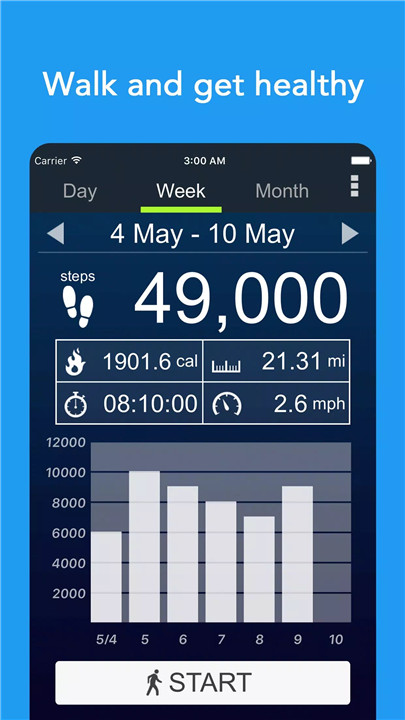
Comprehensive Activity Tracking
Monitor essential walking metrics, including:
- Steps taken
- Calories burned
- Walking distance
- Walking duration
- Walking speed
Clear daily and weekly reports present data in an easy-to-read format, helping users stay focused on progress.
10,000 Step Challenge Support
Walking 10,000 steps daily is widely recognized as a beneficial health goal. This pedometer helps maintain consistency by providing accurate tracking and motivation to reach daily targets.
Offline Mode
The app works without an internet connection, allowing step tracking anytime and anywhere.
Adjustable Sensitivity
Users can customize sensitivity settings to improve counting accuracy depending on device type and movement style.
Lightweight & Efficient
Designed specifically for Android, the app operates smoothly without slowing down the device or consuming excessive resources.
Benefits
Pedometer – Step Counter makes building healthy habits simple. By tracking daily movement, users can increase awareness of activity levels and stay motivated to walk more consistently. Walking regularly has been shown to support overall health, improve mood, and assist with weight management.
Important Notes
Enter accurate personal information in the settings to improve calorie and distance calculations.
Some devices may stop counting steps when the screen is locked due to manufacturer power-saving processes.
Sensitivity settings can be adjusted to improve step detection accuracy.
FAQs
Q1: Does the app use GPS to track steps?
No, the app uses the built-in motion sensor of the Android device, which helps conserve battery life.
Q2: Is the pedometer app free?
Yes, the app is completely free to use with no hidden fees.
Q3: Does the app collect personal data?
No, the app is 100% private and does not collect personal information.
Q4: Can the app work offline?
Yes, step tracking works without an internet connection.
Q5: Why does step counting sometimes stop when the screen is locked?
Some Android devices restrict background activity to save power, which may temporarily pause step tracking.
Version History
v5.56—23 Feb, 2026
We have released a new step-counting mode that significantly reduces battery consumption.
v5.55—19 Jan, 2026
We have released a new step-counting mode that significantly reduces battery consumption.
v5.54—19 Sep, 2025
We have released a new step-counting mode that significantly reduces battery consumption.