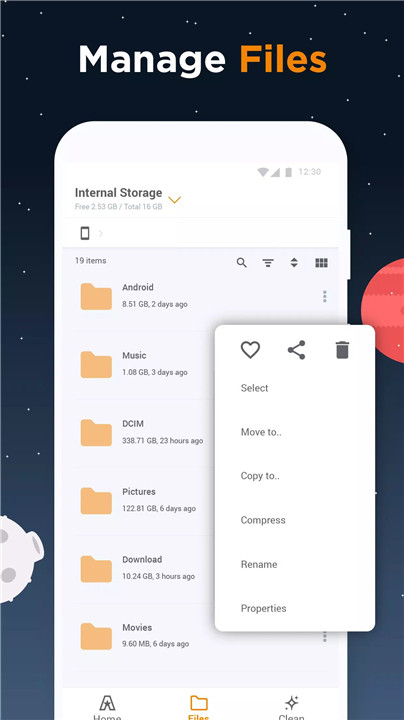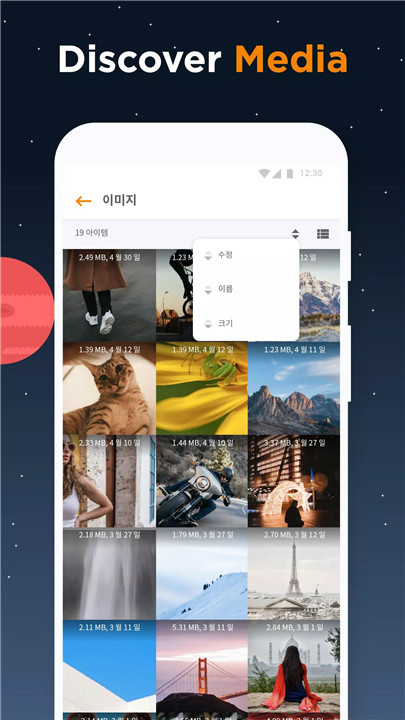
ASTRO File Manager, developed by Sensor Tower, is an all-in-one app designed to simplify file organization, backup, and storage management. Trusted by over 150 million users worldwide since 2009, ASTRO offers a clean, user-friendly interface for managing internal storage, SD cards, and cloud accounts. Completely free and ad-free, it allows seamless navigation, secure file handling, and effective storage cleaning.
File Explorer
ASTRO File Manager simplifies file organization with intuitive tools to move, copy, share, and rename files across internal storage, SD cards, and cloud accounts. Key features include:
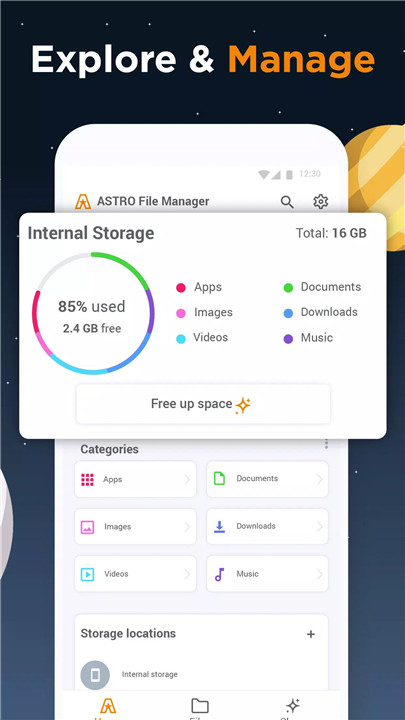
- Quick access to images, videos, music, apps, and recent folders from the home screen.
- Effective folder management through sorting and categorization for fast access.
- Efficient handling of downloads, making it easy to move or organize recently saved files.
Storage Cleaner
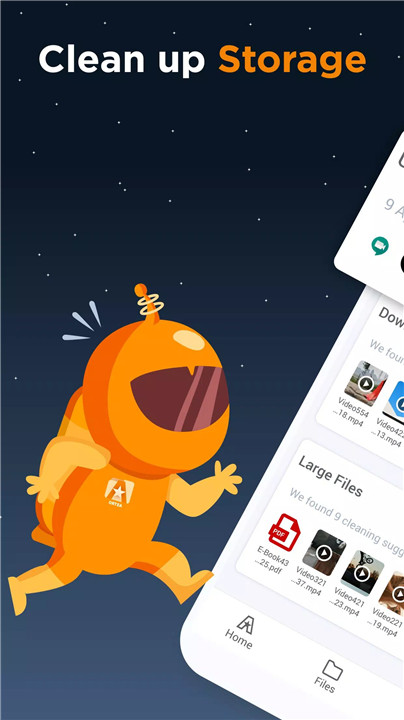
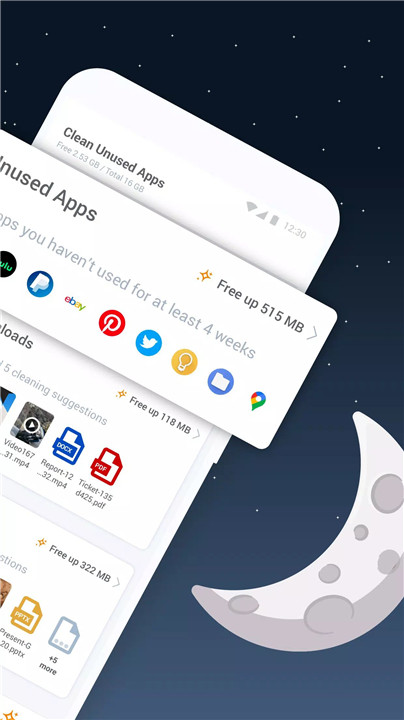
Running out of storage is no longer a problem. ASTRO identifies and removes unused files and apps to free up space. Users can:
- Sort files by size to find the largest storage consumers.
- Receive recommendations for deleting unnecessary apps and files.
- Backup important files securely to SD cards or cloud accounts.
Storage Manager
Manage internal and cloud storage efficiently with ASTRO’s integrated management tools. Features include:
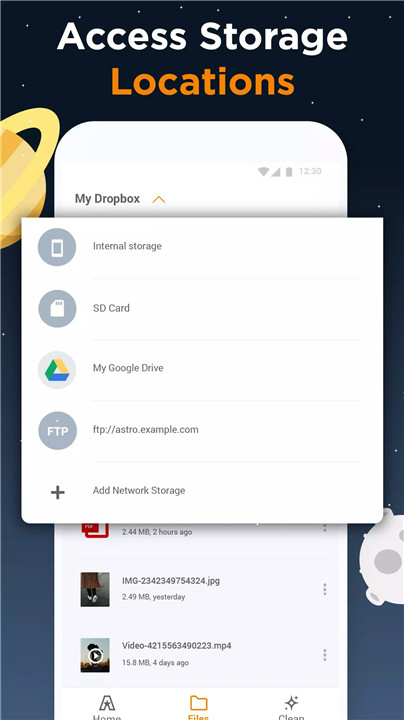
- Consolidated access to multiple cloud services such as Google Drive, Dropbox, OneDrive, and Box.
- Easy app backups to SD cards and restoration after factory resets.
- Bulk deletion of apps that are no longer needed, optimizing device performance.
File Protector
ASTRO ensures privacy and security for all sensitive files. Users can:
- Hide pictures, videos, and other files from view on both device and cloud.
- Lock files with a PIN, password, fingerprint, or Face recognition.
- Create a secret vault that can be customized and hidden from the home screen for added security.
Media Recognition
ASTRO File Manager has been widely praised for its cloud functionality and intuitive interface. Reviews from AndroidCentral and AndroidPIT highlight its user-friendly design, cloud support, and convenient access to files across devices.
FAQs
Q1: Is ASTRO File Manager free to use?
Yes. ASTRO File Manager is completely free and ad-free, providing full access to all features without any cost.
Q2: Can ASTRO manage cloud storage?
Yes. ASTRO connects to multiple cloud accounts like Google Drive, Dropbox, OneDrive, and Box, allowing seamless management and backup of files.
Q3: How does the File Protector keep files safe?
Files can be hidden or locked in a secure vault using a PIN, password, fingerprint, or Face recognition, ensuring complete privacy on both device and cloud.
Q4: Does ASTRO help free up storage space?
Yes. ASTRO’s Storage Cleaner identifies large and unused files and apps, offering suggestions for deletion and optimizing phone storage.
Q5: Can I backup apps and data with ASTRO?
Absolutely. ASTRO allows users to backup apps and files to SD cards or cloud storage, and restore them after factory resets or when switching devices.
Version History
v8.13.5—13 Feb, 2024
Thank you for using ASTRO File Manager! New in this release:
Stability and performance improvements
For questions and comments please reach us at support@astrofilemanagerapp.com
v8.13.4—11 Jan, 2024
v8.13.3—20 Sep, 2023
Thank you for using ASTRO File Manager! New in this release:
Stability and performance improvements
For questions and comments please reach us at support@astrofilemanagerapp.com