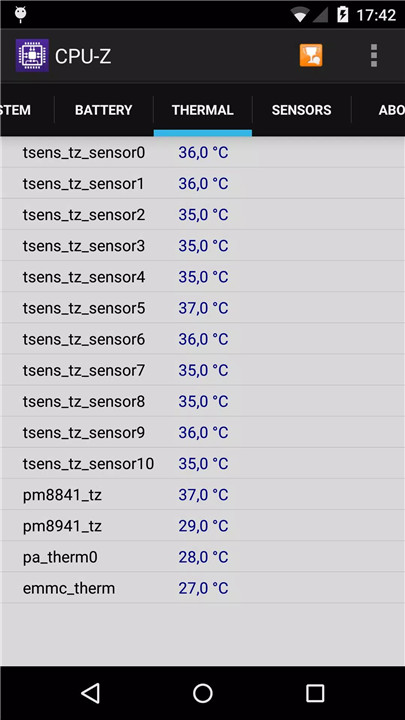
CPU-Z for Android is the mobile version of the widely recognized CPU identification tool for PC. This free application provides comprehensive details about an Android device, enabling users to access hardware and system information in a clear and organized way. With support for Android 2.2 and above (version 1.03+), CPU-Z is designed to help users, developers, and tech enthusiasts quickly understand the specifications of their devices.
SoC Information
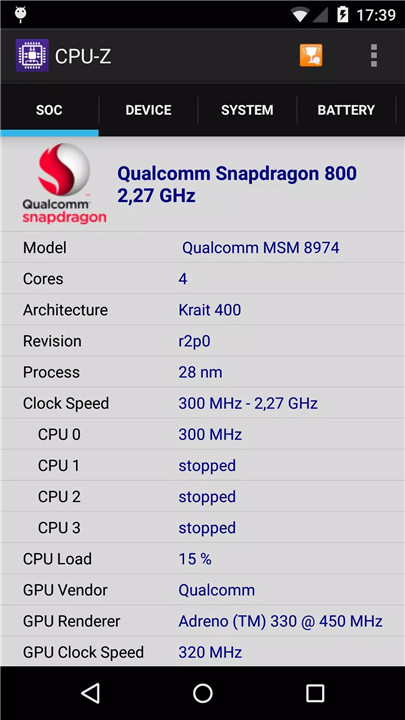
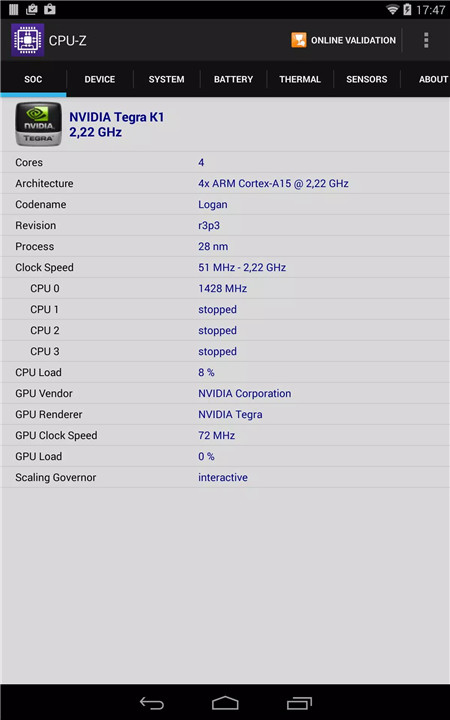
CPU-Z accurately reports the System on Chip (SoC) name, architecture, and the clock speed for each core. This information is essential for analyzing device performance and understanding how the processor operates under different workloads.
System Information
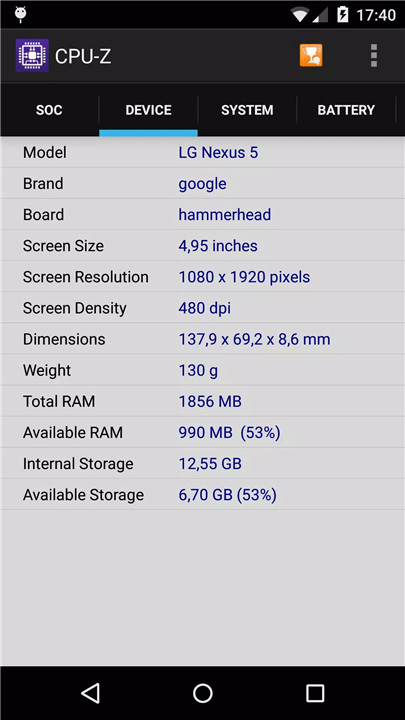
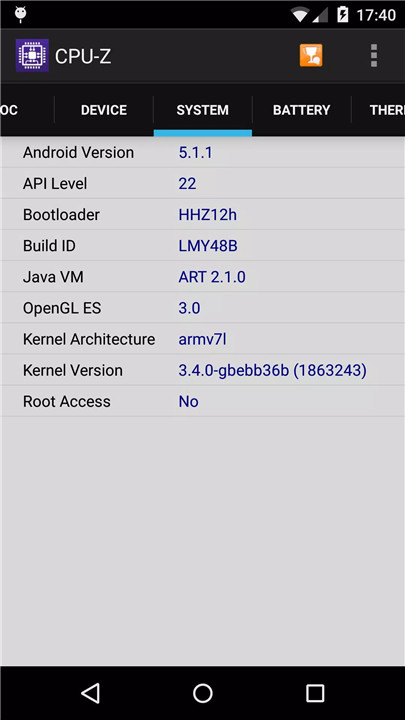
The app provides detailed system specifications, including the device brand, model, screen resolution, RAM, and storage capacity. These details allow users to monitor their hardware and verify device claims.
Battery Information
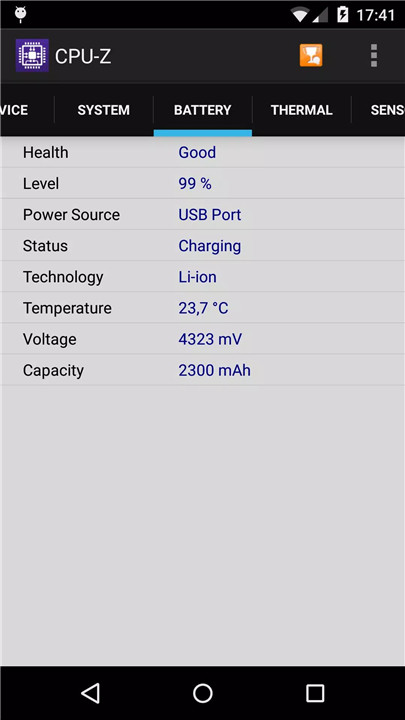
Battery data is reported, including the current level, status, temperature, and capacity. This allows for better monitoring of battery health and understanding of energy consumption patterns. From version 1.10, the battery capacity is no longer displayed by default but can be enabled through the settings.
Sensors
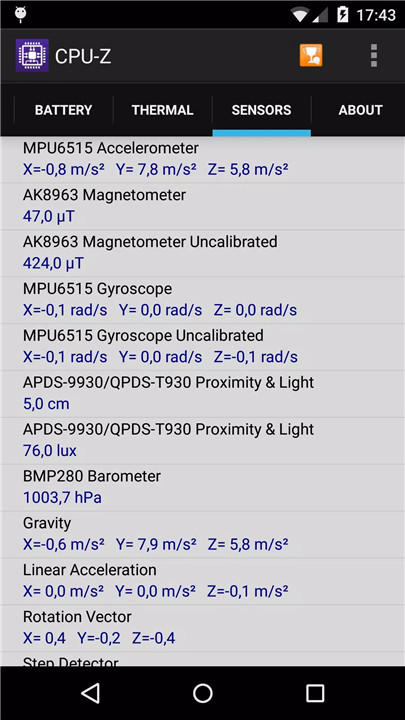
CPU-Z lists all the sensors available on the device. Users can monitor sensor activity and performance, helping to troubleshoot issues or simply gain insight into the device’s capabilities.
Online Validation
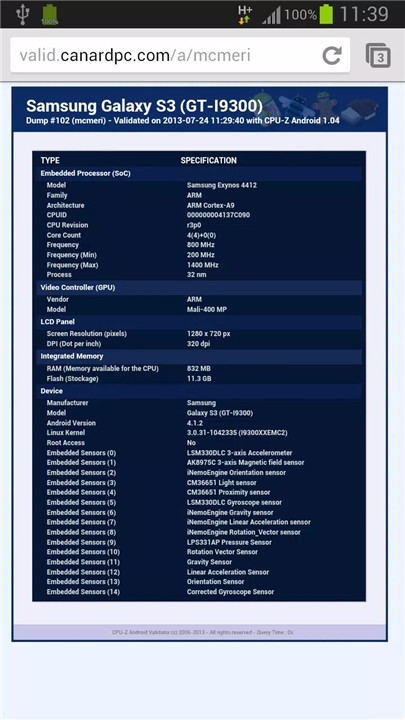
Available from version 1.04+, online validation allows users to store their Android device specifications in a database. After validation, a link opens in the default browser, and if an email address is provided, a reminder with the validation link is sent.
Settings and Debug Options
In case of abnormal application closure, the settings screen appears on the next launch. Users can disable detection features that may cause issues to ensure stable operation. For bug reporting, the "Send Debug Infos" option sends relevant data via email to assist in troubleshooting.
Permissions
CPU-Z requires INTERNET permission for online validation and ACCESS_NETWORK_STATE for statistics. These permissions enable accurate reporting, online verification, and performance analysis without compromising device security.
Compatibility and Updates
CPU-Z is compatible with Android 2.2 and above and has seen consistent updates to improve accuracy, add features, and enhance user experience. Regular updates address bugs, improve validation processes, and optimize battery usage.
FAQs
Q1: Which permissions are required for CPU-Z and why?
CPU-Z requires INTERNET permission for online validation and billing permission for in-app purchases, allowing users to verify hardware and optionally remove advertisements.
Q2: What in-app purchases are offered by CPU-Z?
In-app purchases allow users to remove advertisements for a cleaner and uninterrupted experience.
Q3: Why does CPU-Z consume a lot of battery?
High battery usage is due to continuous sensor readings in the Sensors tab. Users can disable sensor readings via the Settings page to reduce battery consumption.
Q4: Why does CPU-Z report incorrect battery capacity?
Battery capacity is reported based on the operating system, which may sometimes be inaccurate. From version 1.10, the battery capacity is not displayed by default but can be restored via Settings.
Q5: How can bugs or detection issues be reported?
If the app closes unexpectedly, the settings screen will appear on the next launch to disable problematic features. Detection bugs can be reported using the "Send Debug Infos" option in the app menu.
Version History
v1.55—30 Mar, 2026
- ARM C1-Nano, C1-Pro, C1-Ultra, C1-Premium.
- Samsung Exynos 2600 & 2500.
- Google Tensor G3 (Zuma), G4 (Zuma Pro) and G5 (Laguna).
- Unisoc SC9863A.
- Qualcomm Snapdragon 670.
- MediaTek Dimensity 7300e and 7360-Apex.
- MediaTek Dimensity 7400-Apex and 7400-Turbo.
- MediaTek Dimensity 7450 & 7450X.
- MediaTek Dimensity 6500.
- MediaTek Dimensity 8500-Turbo, 8500 Super and 8500 Extreme.
- MediaTek Dimensity 8550.
v1.54—17 Nov, 2025
- MediaTek Dimensity 8500 & 8500-Ultra.
- MediaTek Dimensity 8400-Ulimate.
- MediaTek Dimensity 7400-Ultimate.
- MediaTek Dimensity 7100.
- Unisoc sc9832e.
v1.52—19 Aug, 2025
- MediaTek Helio G200 Ultra.
- MediaTek Dimensity 7400-Ultra, 7360 & 7360-Turbo.
- MediaTek Helio G99 (MT8781 version).
- Unisoc SC9832E.