Moonshine - Icon Pack
Elevate Your Android Experience
• It is time to refresh your digital workspace.
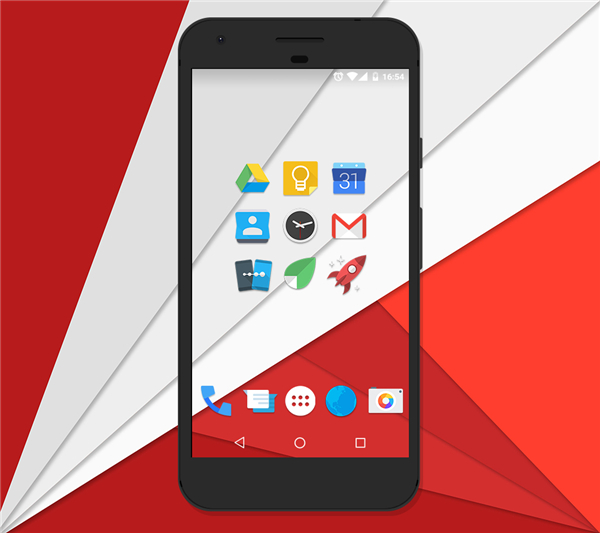
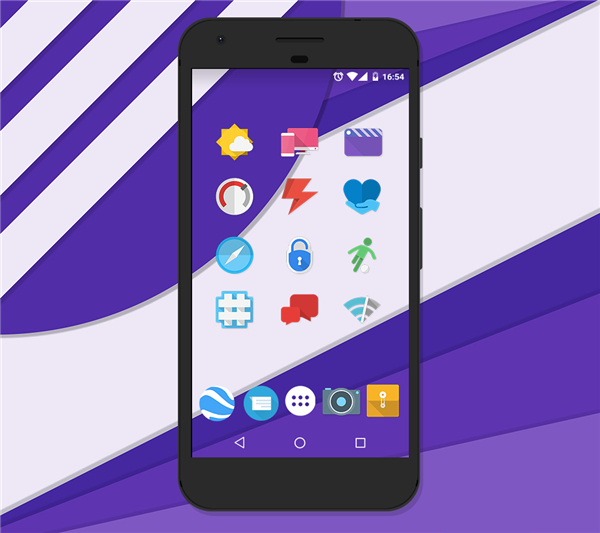
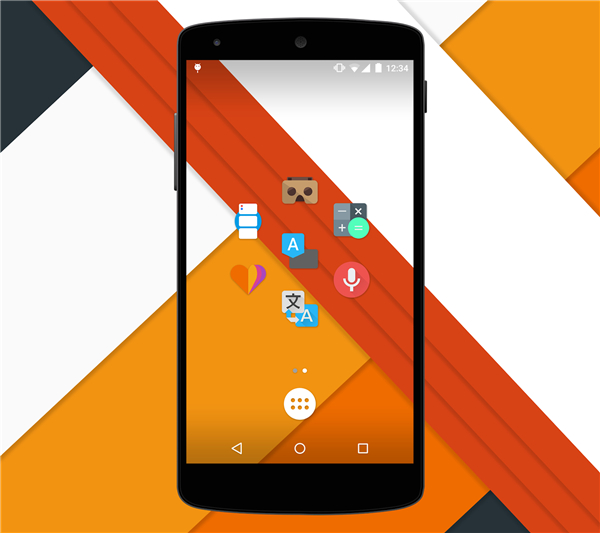
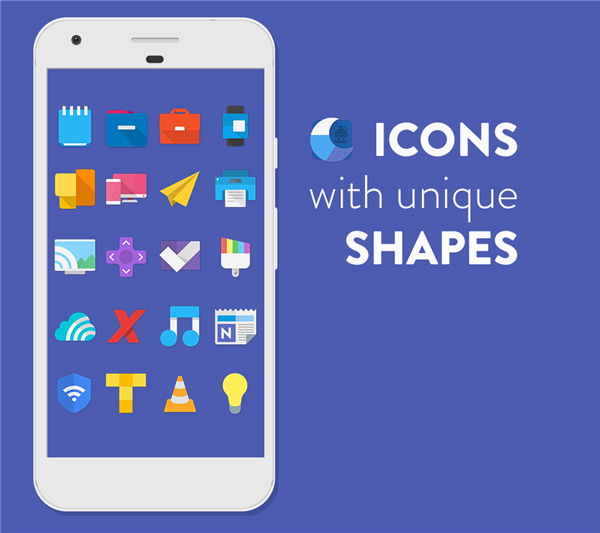
• Inspired by the sleek, evolving aesthetics of modern Android design, Moonshine reimagines your home screen with a bold, creative flair.
• By blending flat design principles with vibrant color palettes and striking long shadows, we have moved beyond rigid consistency to embrace a dynamic, free-form visual style.
• Each icon is crafted to stand out, offering a uniquely expressive look for your device.
As featured on Phandroid:
• "If you’ve been drooling over the latest UI redesigns, you can now bring that sophisticated, flat aesthetic to your own device with Moonshine."
Essential Requirements
• To use this icon pack, you must have a third-party custom launcher installed.
• Compatible launchers include Nova, Apex, Action, ADW, Smart, Go, and many others.
• Please ensure you have a compatible launcher downloaded before installing this application.
Key Features
• Vector Precision: Over 925 icons designed in XXX-HDPI for crisp, high-resolution clarity.
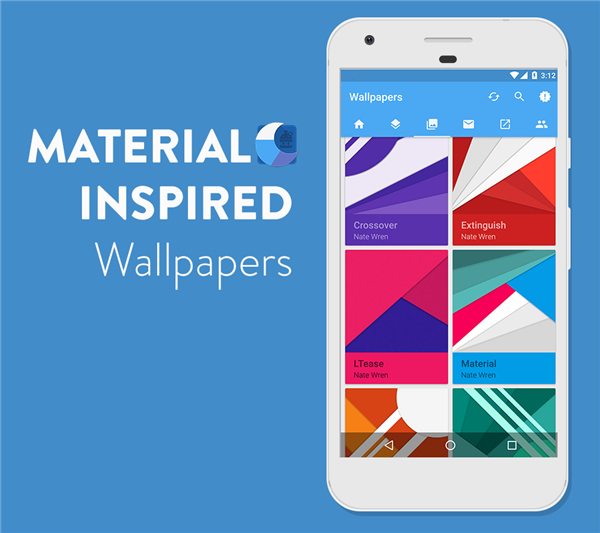
• Artistic Wallpapers: Includes 28 original, high-quality wallpapers to complement your new icons.
• Streamlined Dashboard: A Material Design interface that makes applying your style quick and intuitive.
• Muzei Integration: Fully compatible with Muzei Live Wallpaper for dynamic background support.
• Easy Organization: Use the integrated icon picker to view and search through the latest additions to the collection.
Getting Started
1. Install a Launcher:
• Download and install a supported custom launcher (e.g., Nova, Apex, Action).
2. Apply Your Look:
• Open the Moonshine app, navigate to the "Apply" tab, and select your installed launcher to instantly update your interface.
3. Customize:
• Visit the "Wallpapers" tab within the app to browse and set your favorite background.
Connect and Support
• This is the free version of Moonshine.
• If you enjoy the aesthetic and want to support continued development, consider upgrading to the Pro version.
+ Website: http://www.natewren.com
+ Twitter: https://twitter.com/natewren
+ Pro Version: https://play.google.com/store/apps/details?id=com.natewren.moonshinepro
FAQ
Q: Do I need to have a specific type of phone to use these icons?
A: You do not need a specific phone brand, but you must have a third-party custom launcher installed. Moonshine is compatible with almost any Android device as long as you are running a launcher that supports icon packs, such as Nova, Apex, Action, or ADW.
Q: What happens if I try to use these icons without a custom launcher?
A: Unfortunately, the default launcher that comes pre-installed on many Android devices often does not support the application of third-party icon packs. You will need to download and use a compatible custom launcher from the Play Store to see the icons change on your home screen.
Q: How many icons are included in this download?
A: The Moonshine pack includes over 925 icons, all crafted with vector precision in XXX-HDPI resolution to ensure that they remain crisp and clear on any screen, even on high-resolution displays.
Version History
v3.9.1——24 Jun 2026
It is officially time for a new look. Introducing, Moonshine. Download the latest version of Moonshine - Icon Pack to enjoy new features and updates immediately!
*3.9.1
Added 147 new icons
*3.9.0
Fix to FO4 stats widget tabs
Icons now organized into A-Z tabs in launcher icon pickers. If your launcher still shows one Icons tab after updating, refresh the icon pack in your launcher settings or clear data on this app once.
*3.8.8
More fixes to the Digital Clock Widget
Bug fixes related to favorites import and export