Volume Styles - Custom control
Take Command of Your Audio
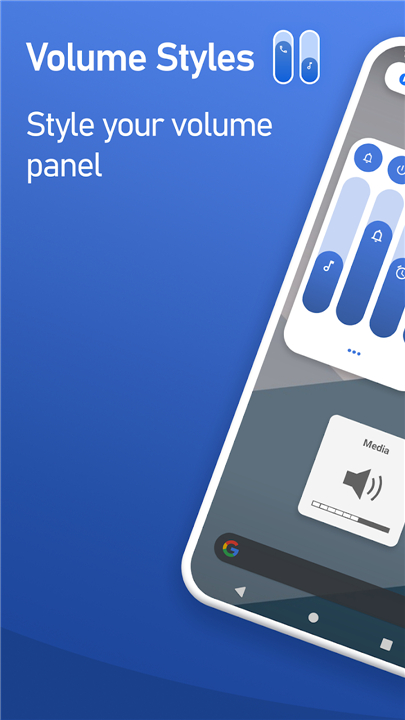
• Ditch the default volume controls and redefine your interface.
• Volume Styles is the premier customization app for Android, trusted by over 25 million users to transform a basic utility into a sleek, functional masterpiece.
Instant Visual Transformation
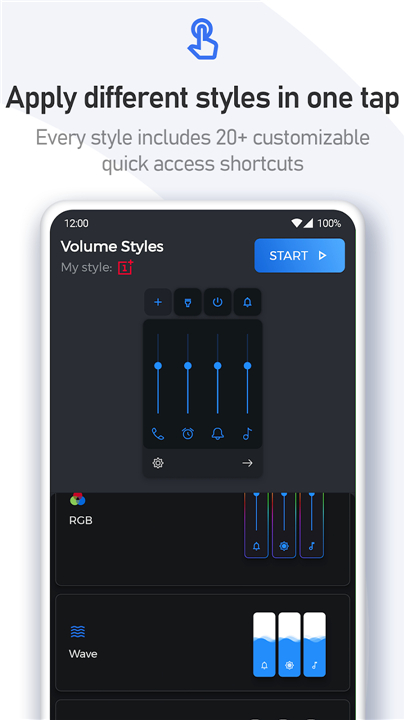
• Give your device a fresh identity with a single tap.
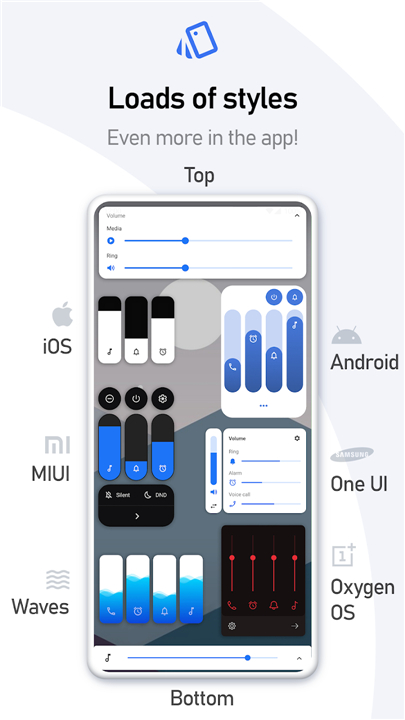
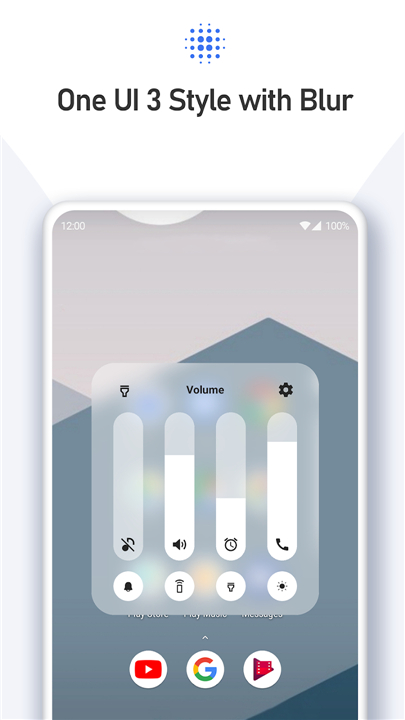
• Apply high-quality designs inspired by the world’s leading interfaces, including iOS, HyperOS, One UI, and OxygenOS.
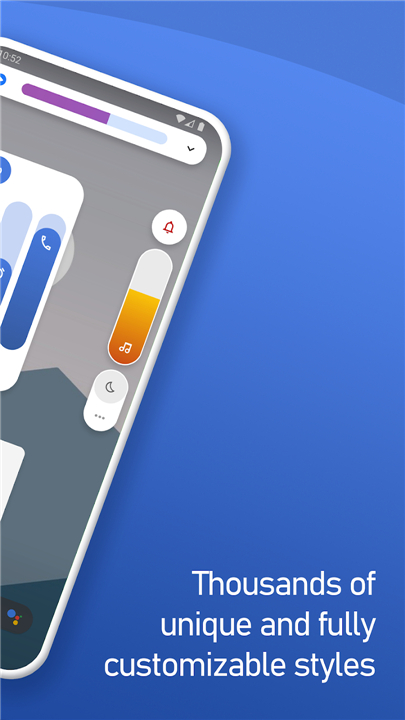
• If you want something truly original, explore thousands of community-crafted themes in our live gallery.
Limitless Personalization
• You are the architect.
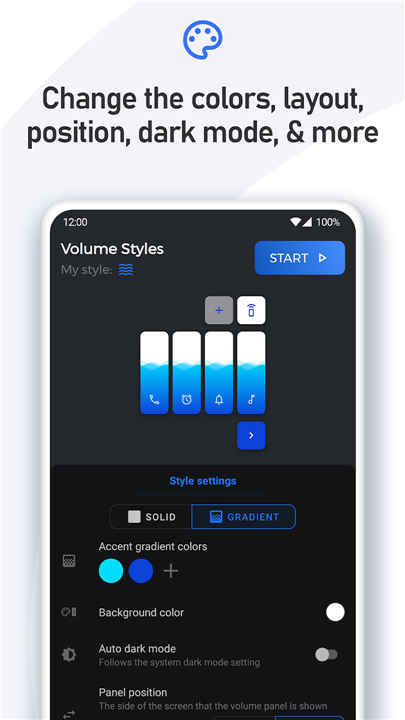
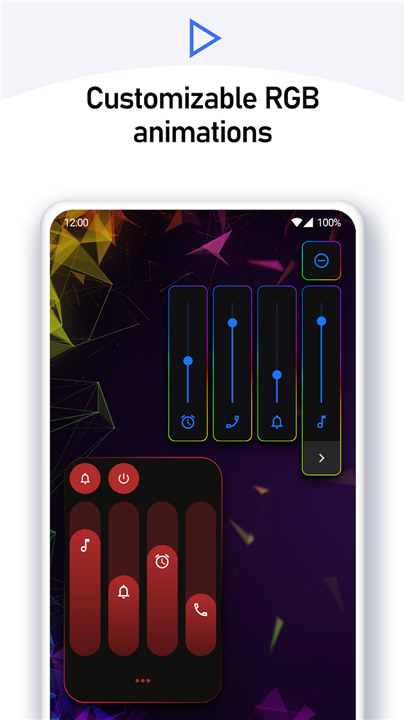
• Use the style creator to design a panel that matches your aesthetic—adjust colors, gradients, transparency, corner radius, and screen positioning to the exact pixel.
• Your interface should look exactly how you want it to.
Total Audio Mastery
• Take charge of every sound stream on your device.
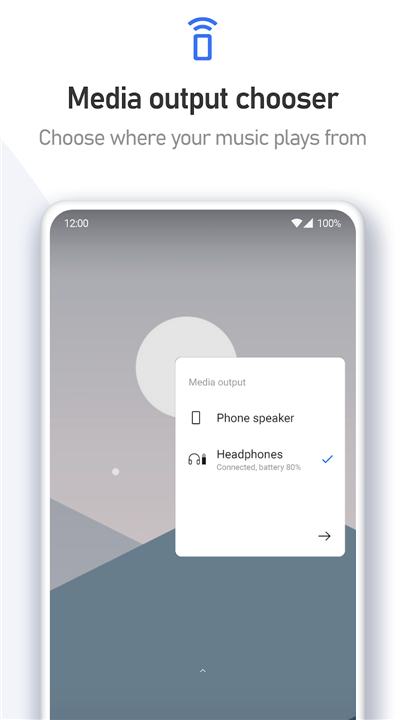
• Customize your panel to include only the controls you need, such as media, ring, alarm, notifications, and Bluetooth.
• You can even integrate brightness sliders for a truly unified control center.
Productivity at Your Fingertips
• Turn your volume panel into a powerful dashboard.
• Add quick-action shortcuts to your most-used features, including screen rotation, flashlight, screenshots, and system toggles.
• Save time and navigate your device with unmatched efficiency.
Note:
• Volume Styles utilizes Accessibility Services to seamlessly override your physical volume buttons and display your custom panel.
FAQ
Q: Is it difficult to change the look of my volume panel?
A: Not at all. The app is built for instant transformation, meaning you can apply professional-grade designs inspired by systems like iOS, HyperOS, or One UI with just a single tap. Once you select a style, it replaces your default panel seamlessly.
Q: Can I create my own design rather than using a pre-made one?
A: Absolutely. We empower you to be the architect of your interface through our built-in style creator. You have total freedom to adjust colors, gradients, transparency, corner radius, and screen positioning, ensuring that every pixel of your control panel matches your vision.
Q: Why does the app need access to my Accessibility Services?
A: The app requires Accessibility Services to function correctly because it must monitor your physical volume button presses. By using these services, the app can intercept those button presses and instantly trigger your custom panel instead of the stock Android one.
Version History
v5.2.1——24 Jun 2026
Custom volume panel control — stunning themes, sliders, iOS, Samsung & more. Download the latest version of Volume Styles - Custom control to enjoy new features and updates immediately!
*5.2.1
Improved translations
Added haptic feedback option for volume changes — enable it in the Advanced settings
Bug fixes and enhancements
*5.1.3
- Added new fire style
- Added particles effects to the wave style
- New app icon
- Bug fixes and improvements
*5.1.2
- Added new fire style
- Added particles effects to the wave style
- New app icon
- Bug fixes and improvements