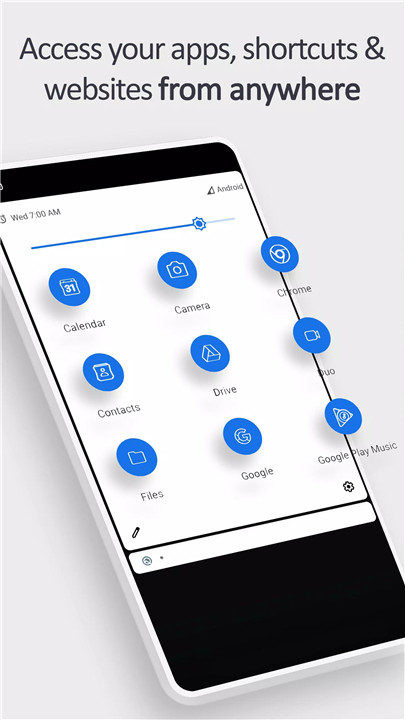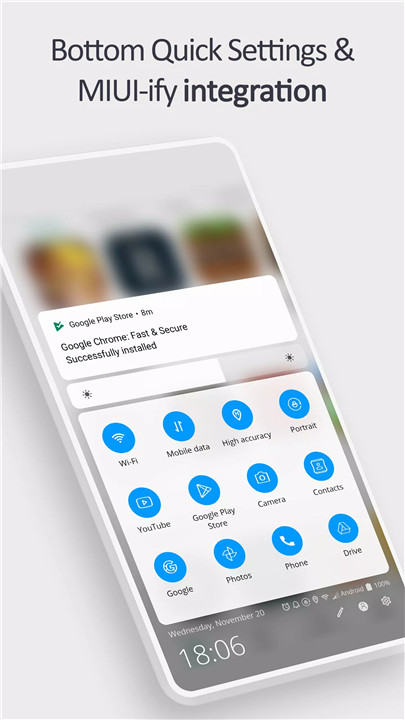
Convenience at Your Fingertips: Imagine being able to open your favorite apps, shortcuts, and websites without fumbling through your home screen or app drawer. This app brings a new level of convenience by allowing you to quickly access your essential tools straight from your notification shade.
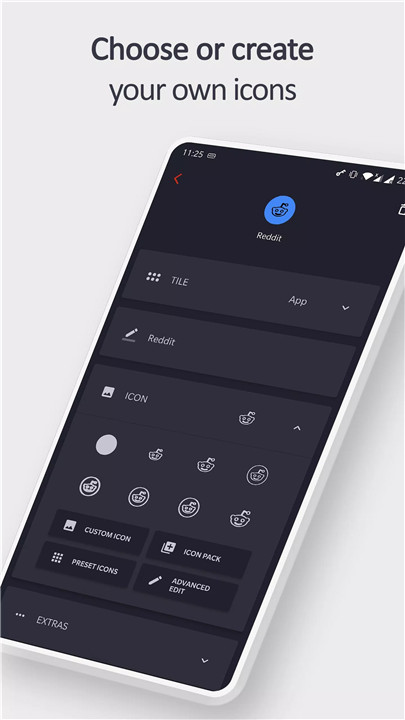
Customizable Experience: Unlike other apps, this one lets you personalize your experience by using real app icons, choosing from icon packs, or even setting custom icons. This ensures that you can easily identify your shortcuts without confusion.
Integration with Other Tools: This app isn't just standalone; it integrates seamlessly with Bottom Quick Settings and MIUI-ify, allowing you to create custom icons and shortcuts across different interfaces.
How Does It Work?
1. Create Your Tiles:
Apps: Add your most-used apps for quick access.
App Shortcuts: Pin shortcuts to specific features within apps.
Websites: Create tiles for your favorite websites for one-touch access.
Intents & Activities: Use these for deeper integrations and actions.
Shortcut Folders: Organize multiple shortcuts into one folder for easy management.
2. Customize Your Tiles:
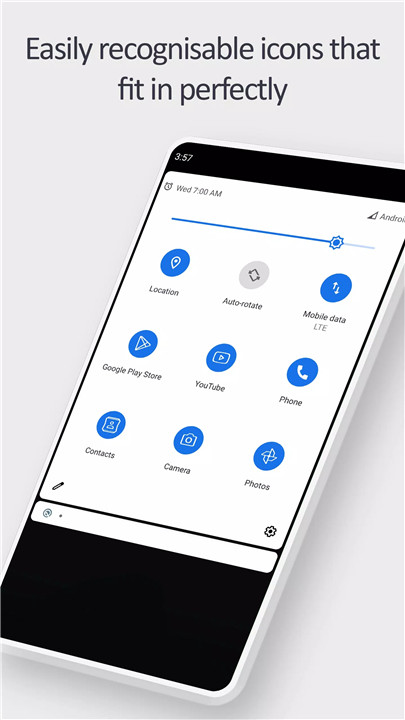
Real App Icons: Use the actual app icon in your notification panel for instant recognition.
Custom Icons: Choose your own icons from a variety of sources.
Icon Packs: Select icons from various icon packs for a consistent look.
Website Icons: Use real website icons for a more intuitive experience.
Naming: Give each tile a unique name to help you identify it at a glance.
3. Set Up Your Tiles:
Watch the Tutorial: Start by watching the tutorial at youtu.be/420j_OsBLDw for a visual guide.
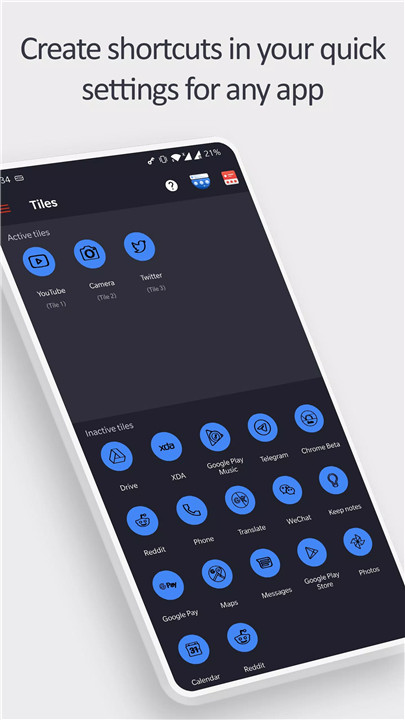
Create a Tile: Open the app and create a tile. Remember the number assigned to it.
Edit Quick Settings Panel: Go to your quick settings panel, tap the edit button, and move the newly created tile (matching the number) into the active section.
Use Your Tile: The tile is now ready to use, providing instant access to your favorite apps and shortcuts!
4. Integration with Other Tools:
Bottom Quick Settings & MIUI-ify: Tiles created in this app can be used with Bottom Quick Settings and MIUI-ify, giving you even more flexibility and customization options. For detailed instructions, watch the tutorial at youtu.be/JPeDPeBB-9E.
Frequently Asked Questions (FAQ)
Q: How do I know which icon to use for my tiles?
A: You can choose to use real app icons, select from icon packs, or even use custom icons that you prefer. This flexibility ensures that you can customize your notification shade exactly how you like it.
Q: What if I want to change the icon or name of a tile later?
A: You can easily update the icon or name of your tiles at any time through the app's settings. This way, you can keep your notification shade organized and tailored to your needs.
Q: Can I use this app on all Android devices?
A: This app is compatible with most Android devices. However, some features may vary depending on your device's manufacturer and Android version.
Q: How does this app differ from other similar apps?
A: Many similar apps use generic icons or letters for tiles, making it harder to quickly identify what you need. This app stands out by using real app icons, which makes it much easier to recognize your apps and shortcuts at a glance.
Q: Are there any additional features?
A: Yes, besides creating and customizing tiles, the app integrates with Bottom Quick Settings and MIUI-ify, allowing for enhanced customization and functionality across your device.
What's New in the Latest Version 1.6.1
Last updated on Jun 14, 2024
Version 1.6.1
- Fixed issue where app shortcuts would sometimes stop working
- Added new translations for Arabic, French, Spanish, Russian, Portuguese, Dutch, Italian, German