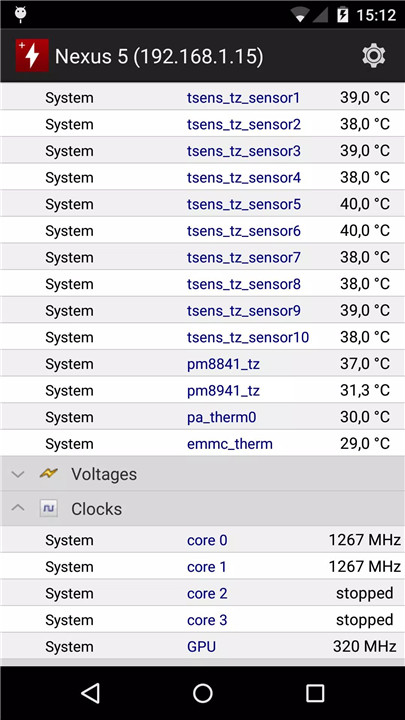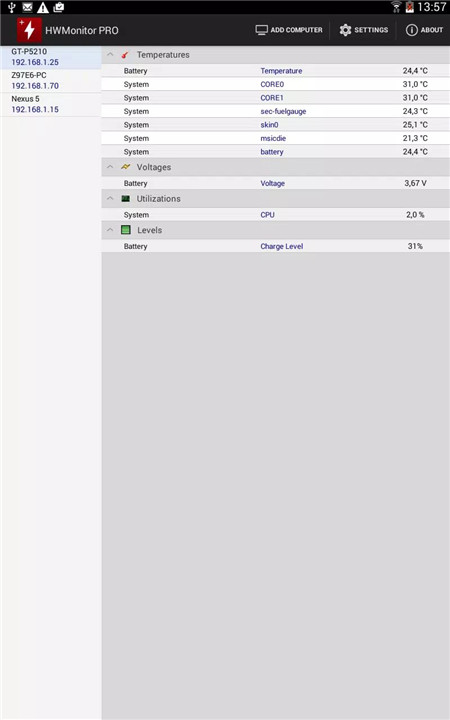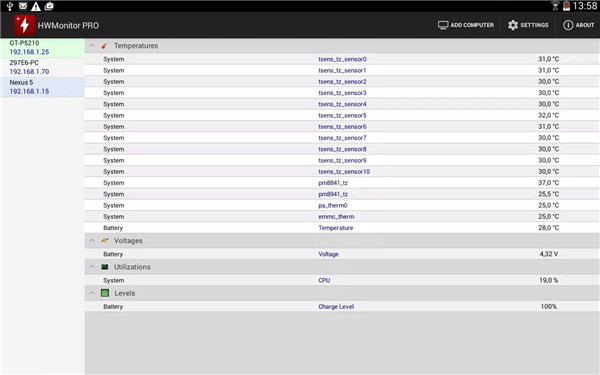
HWMonitor PRO is a comprehensive health monitoring application designed for Android devices. It provides real-time tracking of critical system metrics, including device temperatures, CPU utilization, and battery status—covering voltage, temperature, and charge level. This makes it an essential tool for monitoring device performance, identifying overheating issues, and maintaining optimal system health.
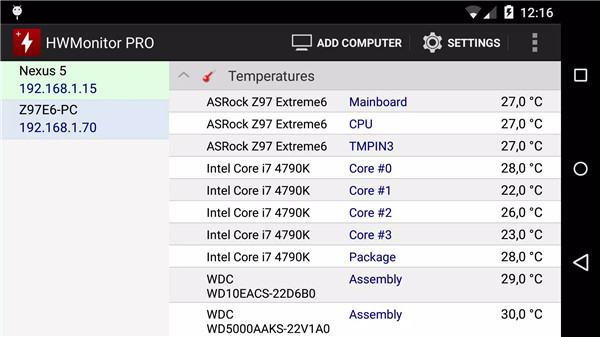
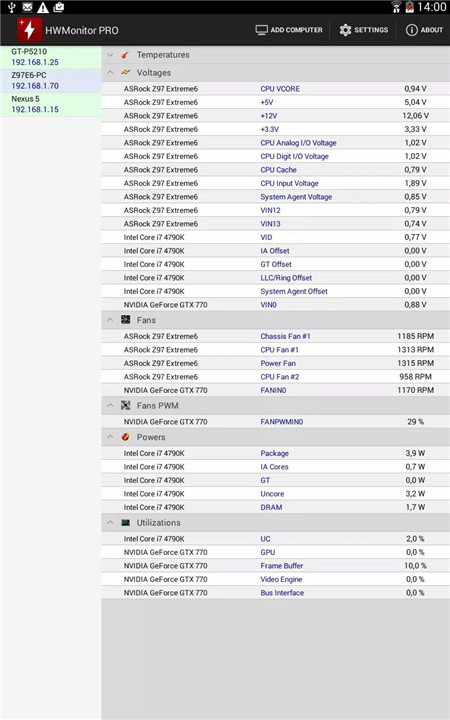
The app goes beyond local monitoring by enabling data sharing over a local network. Users can display monitoring data on a Windows PC running HWMonitor PRO or on another Android device. HWMonitor PRO also allows users to manage up to 10 systems simultaneously, providing a centralized platform to monitor multiple devices in real time.
Real-Time Monitoring
HWMonitor PRO tracks a wide range of device parameters in real time. Depending on the device, it can display temperatures for CPU cores, battery, and other system components. Additionally, it monitors CPU usage and battery information including voltage, temperature, and charge level.
Remote Monitoring
Data can be sent over a local network, allowing monitoring on a Windows PC or another Android device. This feature ensures flexibility for users managing multiple devices or checking performance remotely.
Multi-Device Support
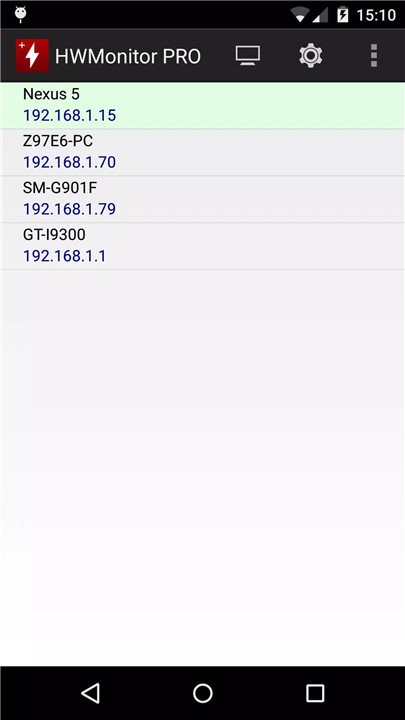
HWMonitor PRO allows up to 10 devices to be monitored from a single Android device. Both Windows PCs and Android devices can be added, providing a unified view of multiple systems for convenient management.
Easy Setup
Setting up remote monitoring is straightforward:
Windows PC: Install HWMonitor PRO for Windows, enable listening mode, and note the machine name and IP.
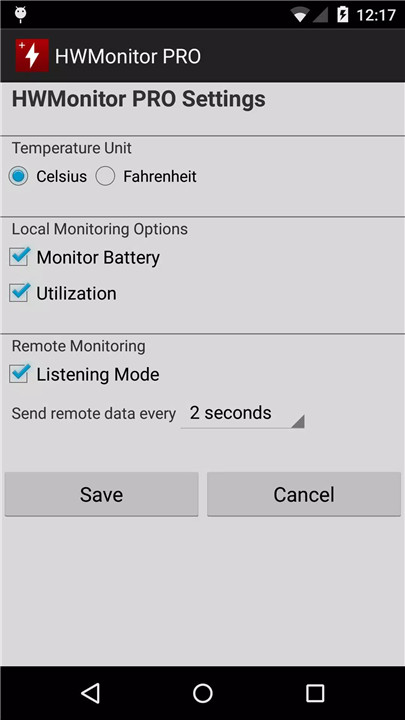
Android Device: Install HWMonitor PRO for Android, enable local monitor in settings, and note the device name and IP.
Device Connection
Connecting a new device is simple. From the Android app, select “Add Device” or click the computer icon in the action bar. Enter the machine name or IP address and confirm. The device will appear in the monitored list, ready for real-time observation.
Monitor Removal
Monitors can be easily removed by performing a long click (at least 3 seconds) on the item in the list, keeping the monitoring interface clean and manageable.
FAQs
Q1. What can HWMonitor PRO monitor on Android devices?
It monitors temperatures, CPU utilization, and battery metrics including voltage, charge level, and temperature in real time.
Q2. Can HWMonitor PRO track multiple devices?
Yes, the app supports monitoring up to 10 systems, including both Android devices and Windows PCs, from a single Android device.
Q3. How is remote monitoring set up?
For Windows, install HWMonitor PRO, enable listening mode, and note the machine name and IP. For Android, enable local monitor in settings and note the device name and IP.
Q4. How do I connect a device for monitoring?
Run HWMonitor PRO on the Android device, select “Add Device,” enter the machine name or IP address, and confirm. Select the device from the list to start monitoring.
Q5. How can I remove a monitored device?
Perform a long click (at least 3 seconds) on the monitored item in the list to remove it from the monitoring interface.
Version History
v1.13—23 Nov, 2025
Fix crash at startup.
v1.12—25 Oct, 2025
New release for Android 15+ APIs.
v1.10—18 May, 2022
Supports HWMonitor PRO 1.47 for Windows.