Librera Reader is a lightweight yet incredibly powerful reading application designed to handle nearly every e-book format you can imagine. With over 10 million installations and continuous development driven by user requests, Librera Reader offers a modern reading interface, rich library management tools, advanced reading controls, powerful language-learning features, and even unique tools for musicians.
Lightweight & Powerful
At under 14MB, it delivers an impressive set of features, customization options, and performance—making it the perfect all-in-one replacement for your existing reading apps.
Modern, Customizable Reading Interface
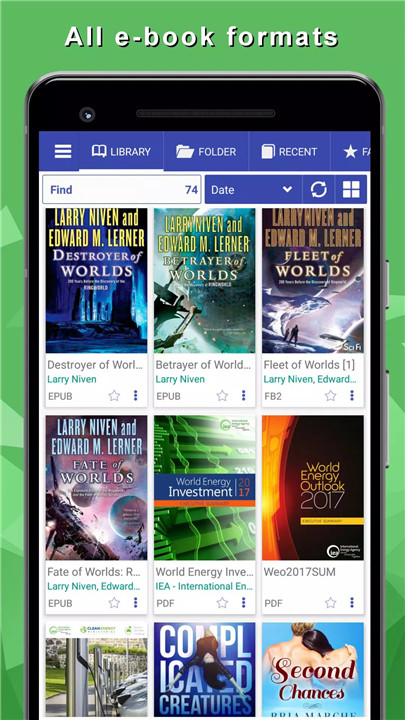
Librera Reader provides a clean, modern design tailored for long reading sessions. Choose between day or night themes, personalize accent colors, change cover sizes, switch between list and grid views, and customize every visual detail. A favorites list, recent books section, and built-in notes/bookmarks help you stay organized across all formats.
Powerful Bookshelf and Library Tools
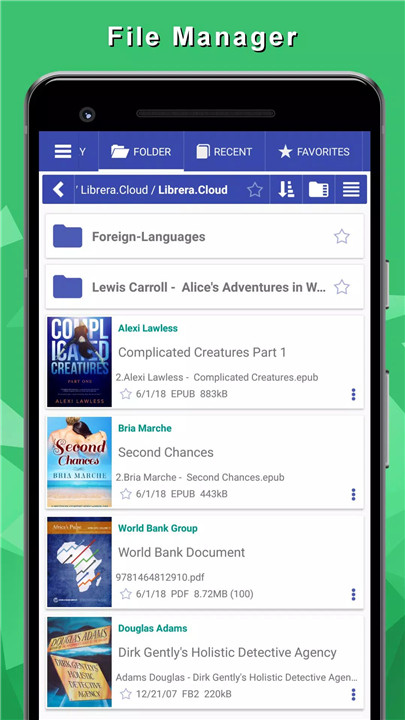
Search your device for EPUB, PDF, FB2, RTF, MOBI, and other formats, then automatically build a full library. Add or remove folders, filter books by genre or author, sort by series or size, and even treat image folders as books. Librera makes managing large book collections simple and intuitive.
Advanced Reading Settings
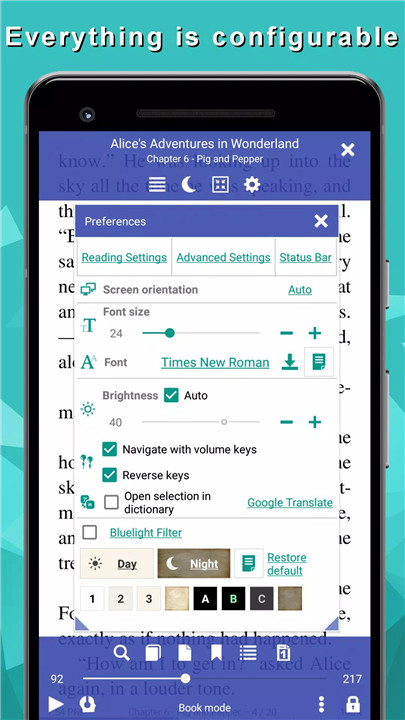
Librera Reader is packed with customization options that enhance every reading style:
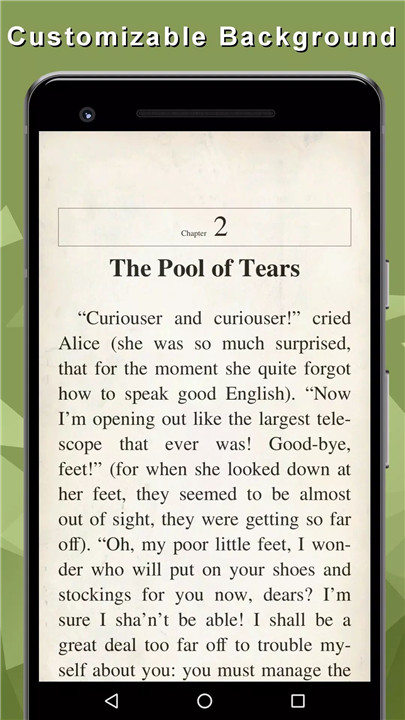
· Adjustable backgrounds and font colors
· Textured backgrounds for all formats
· Custom font selection for text and headings
· Reading direction (LTR/RTL)
· White-space cropping and smart PDF reflow
· Night mode, brightness control, tap-zone configuration
· Line spacing, text alignment, and CSS-honoring EPUB rendering
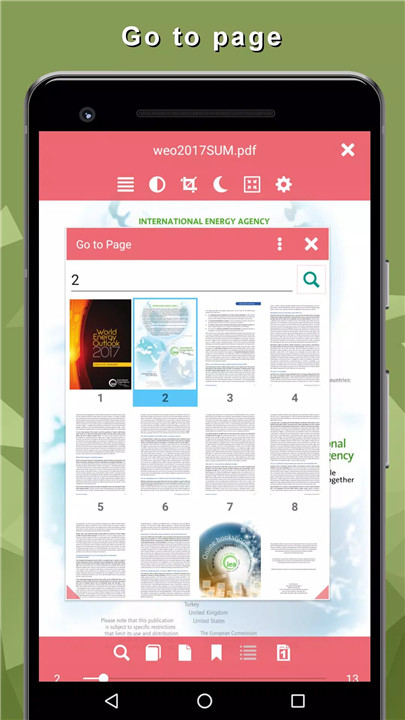
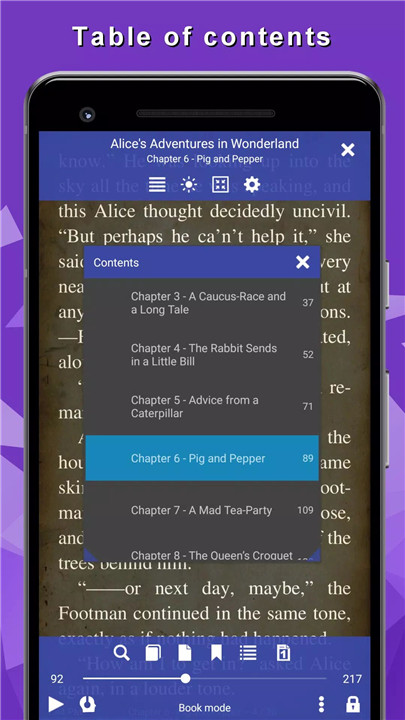
· Multiline text selection, nested table of contents, page thumbnails
· Commenting, drawing, and highlighting in PDF files
· Password-protected document support
TTS and Language-Learning Support
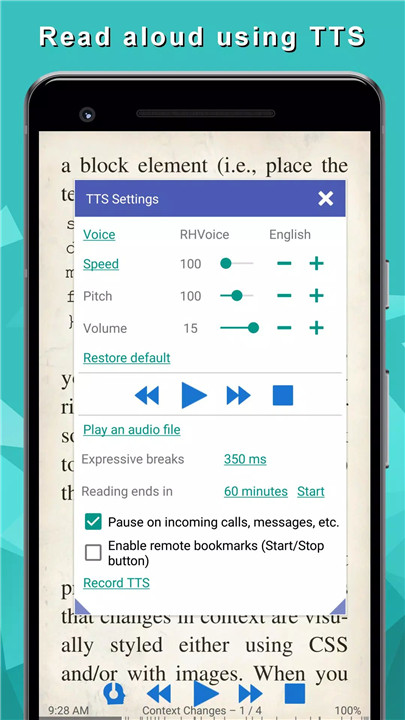
Read aloud any supported format using your device’s TTS engine, or listen to audio files inside the app. Integrated dictionary lookup (GoldenDict, ABBYY Lingvo, ColorDict, etc.) and online translation tools help you understand unfamiliar words instantly—perfect for language learners.
Unique Mode for Musicians
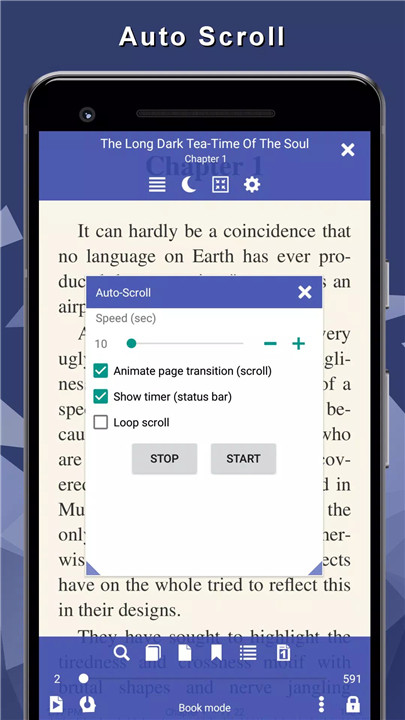
Musicians get a specialized sheet-music mode featuring automatic scrolling, quick page transitions, note-taking, and easy navigation. Librera becomes your hands-free performance companion.
PDF & Comic Book Tools
Librera doubles as a feature-rich PDF viewer and comic reader, offering:
· Auto-scrolling
· Page splitting
· Notes and bookmarks
· Thumbnail navigation
· CBR/CBZ support
· Position memory
Advanced Features for Power Users
· Open zipped e-books
· Open books from file managers, emails, and external apps
· Export notes, app settings, and library data
· Desktop widget
· Share pages as images
· Offline Calibre library support
· EPUB3 multimedia and video/audio support
· Online catalogs (Gutenberg, Manybooks) for downloading free books
Librera Reader is designed to handle every reading scenario imaginable.
FAQs
1. Which file formats does Librera Reader support?
Librera supports nearly every popular and niche format, including PDF, EPUB, MOBI, DJVU, FB2, CBZ/CBR, RTF, ODT, HTML, XPS, AZW, TXT, and more.
2. Can Librera read books aloud?
Yes. Librera supports text-to-speech using any TTS engine installed on your device, allowing you to listen to books in all supported formats.
3. Does Librera offer advanced PDF tools?
Absolutely. You can annotate PDFs, add comments, draw, split pages, reflow text, auto-scroll, unlock password-protected documents, and more.
4. Can I customize my reading experience?
Yes. Librera offers extensive personalization—fonts, colors, themes, spacing, backgrounds, tap zones, brightness, and even reading direction can all be adjusted.
5. Does Librera support comic books and zipped files?
Yes. Librera opens CBZ/CBR comics and e-books packed in ZIP format, remembering your reading position and offering thumbnail navigation.
Version History
v9.1.29—1 Dec, 2025
Read books easily
EPUB, PDF and Comics
Update PDF engine
v9.1.15—29 Nov, 2025
Read books easily
EPUB, PDF and Comics
Update PDF engine
v9.1.14—29 Nov, 2025