Lemuroid
Your Go-To Retro Gaming Hub for Android
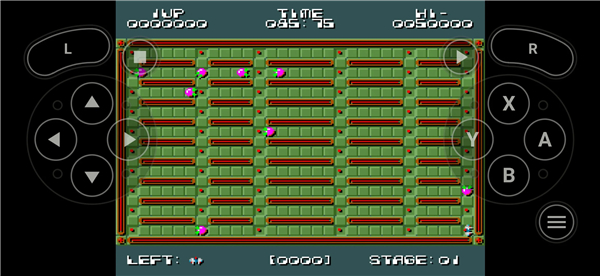
• Lemuroid is an open-source, Libretro-based emulator crafted to deliver the best possible retro gaming experience on your Android devices.
• Whether you're playing on a phone or streaming to a TV, Lemuroid offers a seamless, ad-free journey back to gaming's golden age – completely free of charge.
Vast Library of Supported Systems:
Relive cherished memories across a broad spectrum of classic consoles, including:
• Atari: 2600, 7800, Lynx
• Nintendo: NES, SNES, N64, Game Boy, Game Boy Color, Game Boy Advance, DS, 3DS
• Sega: Genesis (Megadrive), CD (Mega CD), Master System, Game Gear
• PlayStation: PSX, PSP
• Arcade: FinalBurn Neo
• Other Classics: NEC PC Engine, Neo Geo Pocket (Color), WonderSwan (Color)
Packed with Features for Modern Play:
Lemuroid enhances your retro gaming with a suite of convenient features:
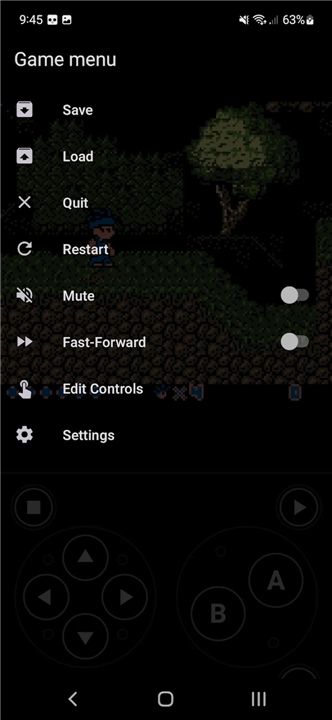
• Effortless Game Saves: Automatic save states and quick save/load slots ensure you never lose progress.
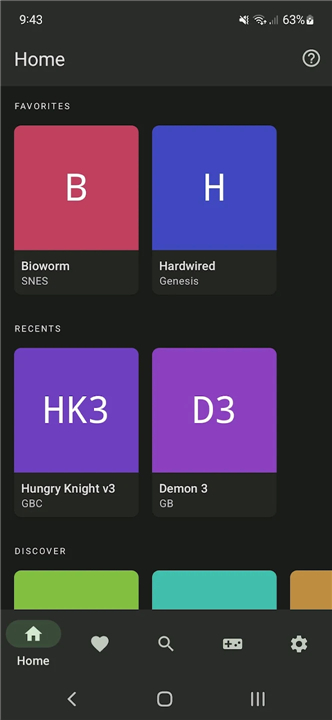
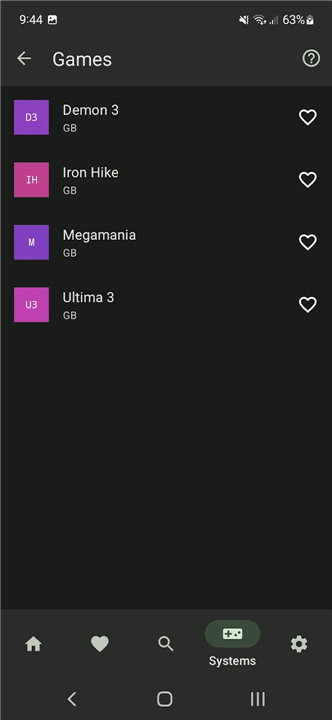
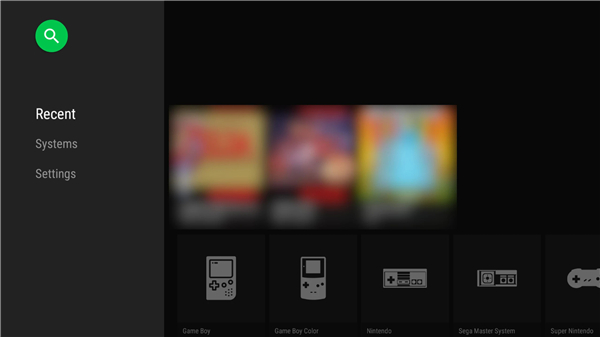
• Smart ROM Management: Easily scan and index your game files for quick access.
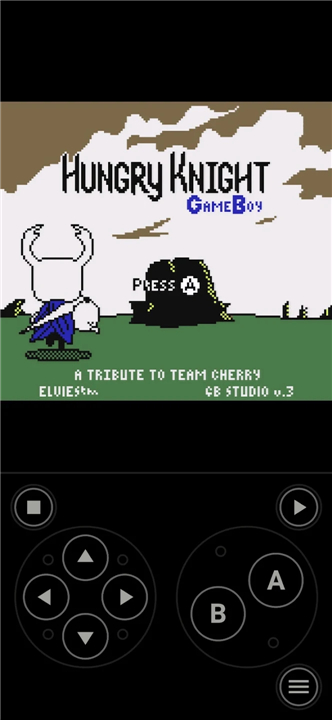
• Optimized Touch Controls: Intuitive and customizable touch controls (size and position), alongside full gamepad support.
• Authentic Visuals: Immerse yourself with classic display simulations (LCD/CRT).
• Gameplay Enhancements: Fast-forward through slow moments and support for zipped ROMs.
• Cloud Save Sync: Keep your game progress synchronized across all your devices.
• Local Multiplayer Fun: Connect multiple gamepads to your device for shared gaming with friends.
• Unique Control Options: Experiment with tilt-to-stick support for certain games.
A Few Important Notes:
• Hardware Requirements: While many systems run smoothly, emulating more recent consoles like PSP, DS, and 3DS requires a powerful device for optimal performance.
• Bring Your Own Games: Lemuroid does not include any games. You are responsible for providing your own legally owned ROM files.
FAQ
Q: Does Lemuroid come with any pre-installed games to get me started?
A: Lemuroid does not include any games or ROM files in the download. To use the app, you are responsible for providing your own legally owned game files. The application acts as a powerful playback tool for your personal digital collection, and you will need to transfer your files onto your Android device before the app can display them in your library.
Q: Which gaming consoles can I actually play using this app?
A: You can enjoy a massive variety of classic systems ranging from early Atari consoles like the 2600 and 7800 to the legendary 8-bit and 16-bit eras of Nintendo and Sega. It also supports more modern handhelds and consoles, including the PlayStation 1, PSP, Nintendo DS, and even the 3DS. Other niche systems like the Neo Geo Pocket, WonderSwan, and PC Engine are also fully supported, making it a very versatile retro gaming companion.
Q: How do I get my game library to show up inside the Lemuroid interface?
A: The app features a smart ROM management system that makes organizing your library very simple. Once you have your game files stored in a folder on your device, you simply point Lemuroid to that directory. The app will then scan your files, index them, and automatically fetch box art and metadata to create a visually appealing and easy-to-navigate digital shelf of your games.
Version History
v1.17.0——11 May 2026
Lemuroid is an open source emulator app that runs many classic consoles on Android. Download the latest version of Lemuroid to enjoy new features and updates immediately!
*1.17.0
Added microphone support for Nintendo DS
Brand new touch controls
Add immersive mode (dynamic background color)
Slightly improved HD mode
Added quicksave/quickload gamepad shortcuts
Added support for 16Kb pages
Added best-effort saves when transitioning to background
Updated all cores and databases
Various UI/UX improvements
*1.16.2
Improved HD mode quality and performances
*1.16.0
Migrate mobile UI to Jetpack Compose
Improved HD upscaling algorithm
Updated cores and databases
Fix issues with reading stored settings
Fixed a crash with smooth shader
Fix small UI issues in Home
Minor fixes