Findroid
Overview
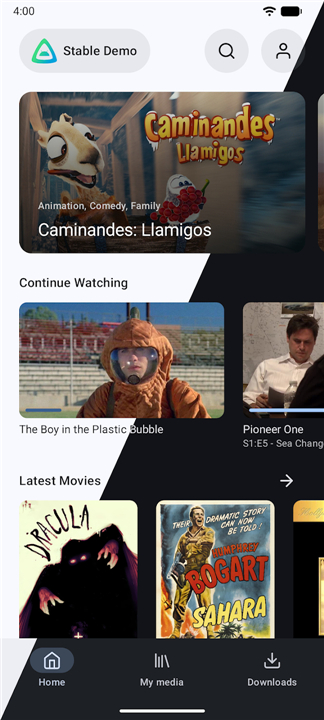
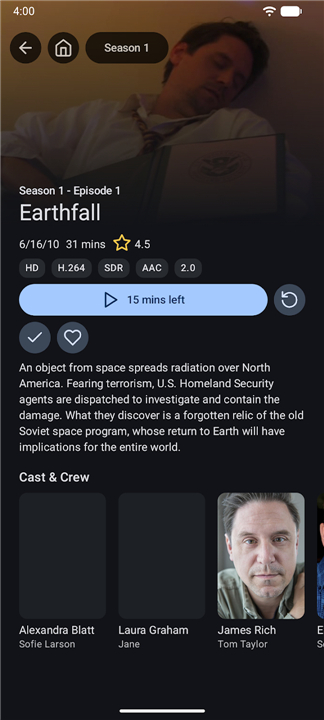
• Findroid is a robust, third-party Android client designed specifically for Jellyfin media servers.
• It offers users a polished, native interface that prioritizes performance and ease of use, bridging the gap between your self-hosted library and your mobile device.
• To utilize the application, you must already have an active Jellyfin server available to connect to.
Key Features
1. Native Interface:
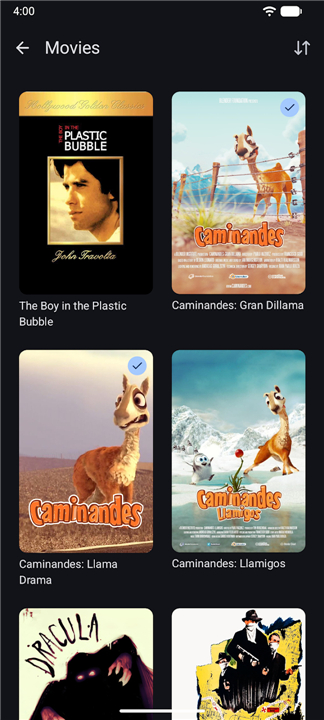
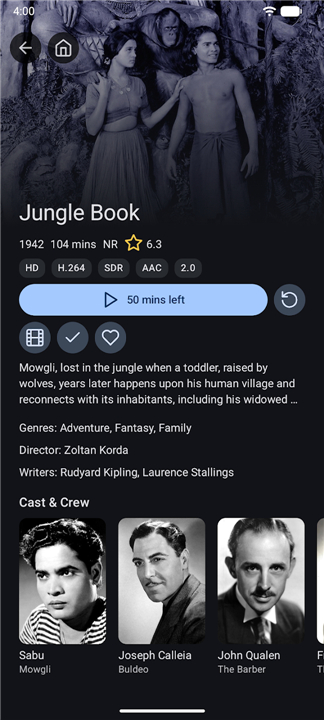
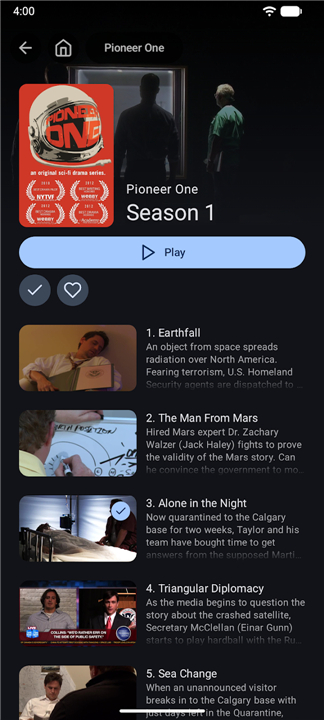
• Experience a seamless, high-performance user interface tailored for Android, making it easy to browse and organize your collection of movies and television series.
2. Offline Playback:
• Never lose access to your content while traveling; the app allows you to download media directly to your device for viewing without an active internet connection.
3. Advanced Media Support:
• The application integrates the powerful mpv player at its core.
• This ensures broad compatibility with virtually any media format, providing smooth playback even for high-bitrate files.
4. Subtitle Compatibility:
• Enjoy a premium viewing experience with full support for styled subtitles, including SSA and ASS formats, which are rendered accurately to retain their intended visual quality.
Getting Started
• To begin using Findroid, ensure that your Jellyfin server is configured correctly and accessible from your device.
• Once connected, the app will synchronize your library, allowing you to stream or download content instantly.
• Whether you are at home or on the road, Findroid ensures your media library is always within reach.
Thank you for choosing Findroid to manage and enjoy your media collection.
FAQ
Q: Do I need a Jellyfin server to use this app?
A: Yes, Findroid is strictly a client application, meaning it does not host content itself; you must have an active and properly configured Jellyfin server that your device can connect to.
Q: Is Findroid an official Jellyfin product?
A: No, Findroid is a third-party application developed independently to provide an alternative, performance-focused experience for Jellyfin users.
Q: How does the playback performance compare to the standard Jellyfin app?
A: Findroid utilizes the advanced mpv player engine at its core, which is highly regarded for its stability, efficiency, and ability to handle high-bitrate files with ease.
Version History
v1.1.0——21 Jul 2026
Third-party native Jellyfin app Download the latest version of Findroid to enjoy new features and updates immediately!
*1.1.0
Features:
- Separated mpv settings.
- Added editor for mpv.conf and input.conf.
- Updated mpv and use system fonts.
Fixes:
- Fixed mpv seeking with milliseconds precision.
- Fixed a resource leak in the downloader.
Plus a bunch of new translations.
*1.0.2
Fixes:
- Fixed a crash when trying to play a media file without connection to the server.
Plus a bunch of new translations.
*1.0.1
Fixes:
- Fixed crash when browsing libraries.
- Fixed wrong playback items when resuming a series or season.