Liseur
Overview
• Liseur is a digital sanctuary for your library—a free, open-source Android reader designed to return the joy and privacy of reading back to you.
• Free from ads, trackers, and mandatory accounts, Liseur connects strictly to the servers and dictionaries you choose, giving you ultimate ownership over your literary world.
A Unified Space for Your Stories
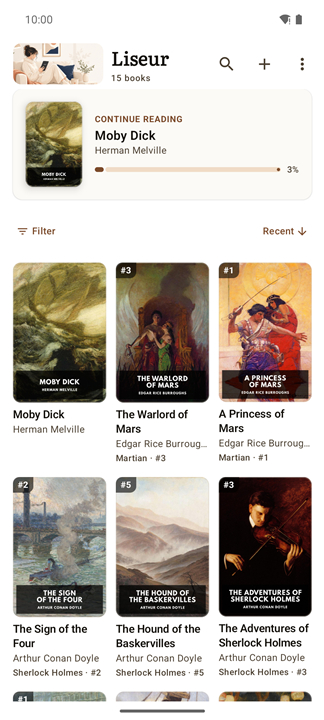
• Blend local storage and cloud servers like calibre-web, Komga, and OPDS into one beautifully unified bookshelf.
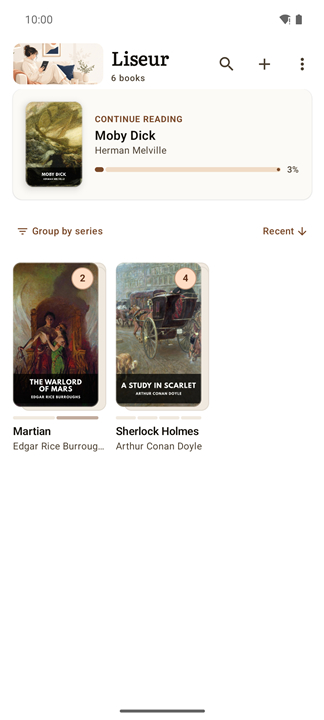
• Navigate series effortlessly with automatic reading orders, progress tracking, and visual badges for missing volumes.
• Dive into reading instantly with a curated selection of free classics from Project Gutenberg.
Tailored to Your Senses
• Read your way, choosing between traditional page-turning or continuous, hands-free auto-scrolling.
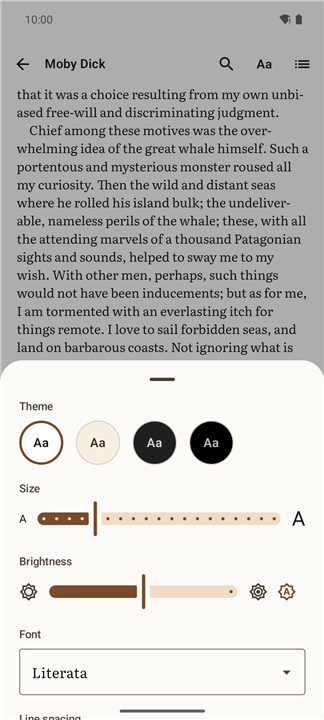
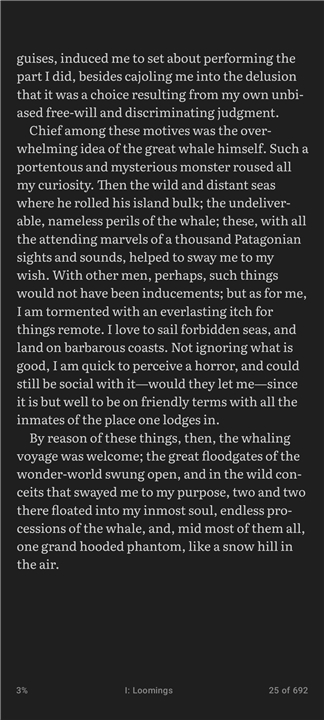
• Protect your eyes with customizable margins, spacing, and tailored themes, including pitch-black for OLED screens and optimized refresh modes for E-ink displays.
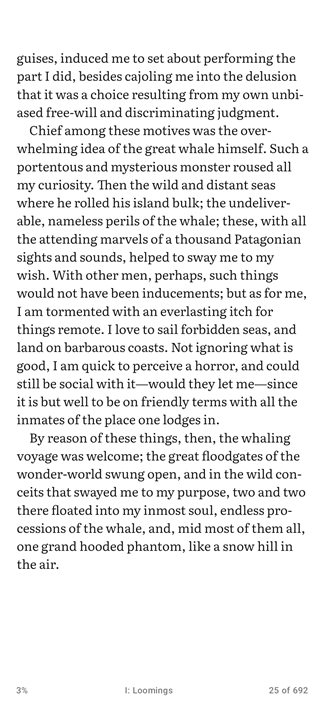
• Enjoy beautiful typography with built-in, highly readable open-source fonts.
• Stay present with a elegant footer that estimates your remaining chapter and book reading times.
Seamless Continuity
• Pick up exactly where you left off, syncing your precise reading position down to the sentence across all your devices.
• Keep your settings and reading habits aligned through secure, private server synchronization.
Interactive Reflection
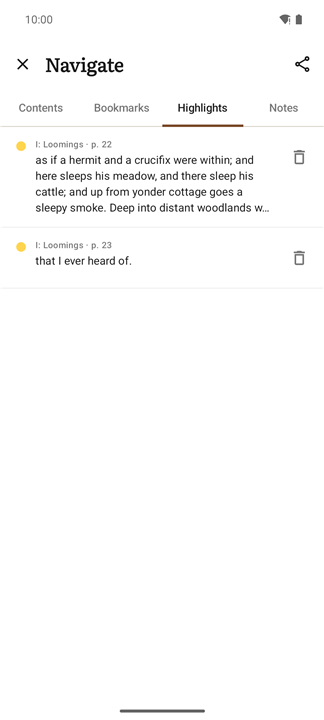
• Capture insights with multi-colored highlights, personal notes, and bookmarks, all exportable into clean Markdown files.
• Access definitions on your own terms using Wiktionary or offline dictionary apps, keeping web lookups silent until you request them.
• Read without interruption using overlay footnotes that display context without taking you away from your page.
Independence by Design
• Built on the open Readium engine, Liseur is completely free of proprietary trackers or Google Play dependencies.
• Explore our journey and contribute to our open-source mission: https://github.com/chmouel/liseur
FAQ
Q: Is there any content available out of the box, or do I need to import everything myself?
A: Liseur ships with a curated set of public‑domain classics from Project Gutenberg, giving you an instant reading experience. From there you can add your own files, cloud libraries, or any OPDS source you prefer.
Q: What reading modes does Liseur support?
A: You can choose the traditional page‑turning experience, or enable continuous auto‑scroll for hands‑free reading. Both modes respect the same layout engine, so the text looks identical whether you swipe or scroll.
Q: How does Liseur protect my eyes on different screen types?
A: The app includes a range of themes—from a warm, paper‑like view for LCDs to a pitch‑black option that maximizes battery life on OLED screens. There are also dedicated refresh settings for e‑ink devices, and you can fine‑tune margins, line spacing, and font size to suit your comfort.
Version History
v0.18.0——21 Sep 2026
Discover Liseur, the free, open-source Android e-reader for private, ad-free reading. Sync local files, Calibre, and Komga effortlessly. Download the latest version of Liseur to enjoy new features and updates immediately!
*0.18.0
Minor bug fixes and improvements. Install or update to the newest version to check it out!
*0.18.0-rc.1
Minor bug fixes and improvements. Install or update to the newest version to check it out!
*0.17.0
Minor bug fixes and improvements. Install or update to the newest version to check it out!