comdirect photoTAN App
Secure Your Financial Journey
• Empower your online banking with the ultimate combination of speed and high-level security.
• The free comdirect photoTAN app ensures your transactions are protected, giving you the peace of mind to focus on what matters most.
Desktop to Mobile: Seamless Authorization
• Initiate: Start your transaction on your computer.
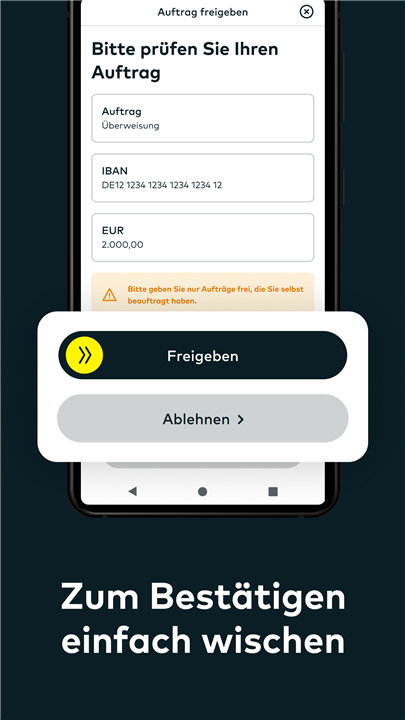
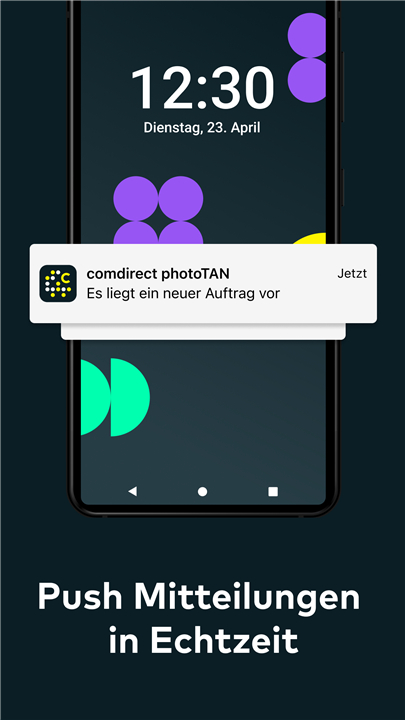
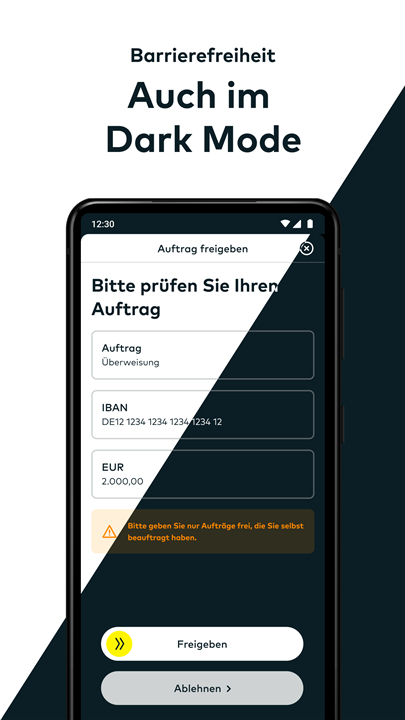
• Verify: Receive an instant notification on your smartphone, open the app, and review the details.
• Approve: Swipe the arrow from left to right to authorize.
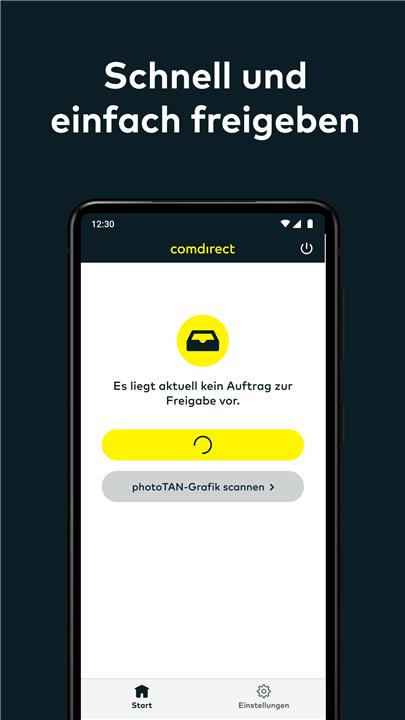
• Offline backup: No internet connection? Simply choose "photoTAN Graphic" on your computer, open your app's scan tool in the bottom left, and capture the image on your computer screen.
App-to-App: Instant Mobile Approvals
• Launch: Execute a transaction inside one of comdirect's mobile platforms.
• Switch: The photoTAN app launches automatically to guard your transfer.
• Confirm: Slide the arrow to approve your transaction instantly.
• Supported platforms: Available across the comdirect App, comdirect trading App, and comdirect Young.
Quick App Activation
• Access: Log into your comdirect personal area with your access number and PIN.
• Retrieve: Select "Activate photoTAN" to generate your unique activation graphic.
• Connect: Download the comdirect photoTAN app and follow the simple on-screen instructions to scan the graphic and activate your device.
Shape the Future of Banking
• Collaborate: Your voice matters. Join the comdirect Community to share your suggestions and help refine our digital tools.
• Explore: Learn more about secure banking at www.comdirect.de/photoTAN.
FAQ
Q: How does the approval process work when I am using a comdirect app on my phone?
A: Mobile approvals use a convenient app-to-app method. When you execute a transaction inside a supported mobile platform, the photoTAN app launches automatically, allowing you to slide the arrow and confirm your transfer in seconds.
Q: Which comdirect mobile applications support the automatic App-to-App approval feature?
A: The App-to-App feature is fully integrated across the primary comdirect App, the comdirect trading App, and the comdirect Young app.
Q: What credentials do I need to start the activation process?
A: To activate the app, you will need your standard comdirect personal area login details, which consist of your unique access number and your personal PIN.
Version History
v10.1.0——21 Sep 2026
Secure your online banking with the free comdirect photoTAN App. Enjoy fast, reliable transaction approvals for desktop and mobile. Download the latest version of comdirect photoTAN App to enjoy new features and updates immediately!
*10.1.0
Minor bug fixes and improvements. Install or update to the newest version to check it out!
*9.10.0
Minor bug fixes and improvements. Install or update to the newest version to check it out!
*9.8.1
Minor bug fixes and improvements. Install or update to the newest version to check it out!