PDF text editor - Edit PDF
All-in-One PDF Editor & Pocket Scanner
• Transform the way you handle documents with the ultimate free PDF toolkit right in your pocket.
• Whether you need to scan contracts, swap images, or rewrite text, this app empowers you to manage your files effortlessly—anytime, anywhere.
Smart Editing Capabilities
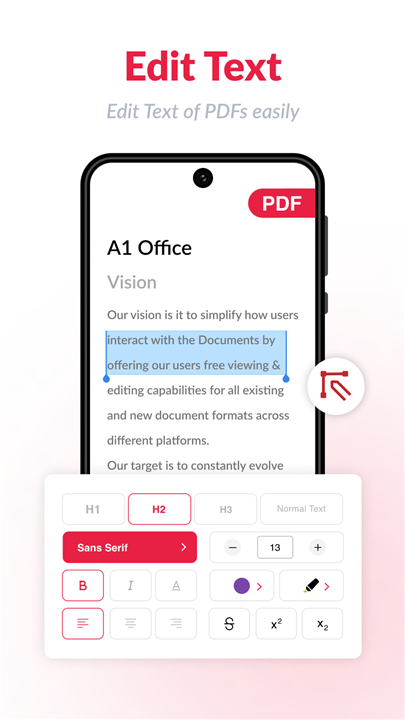
• Text Editor: Modify, update, or rewrite text in existing PDFs within seconds.
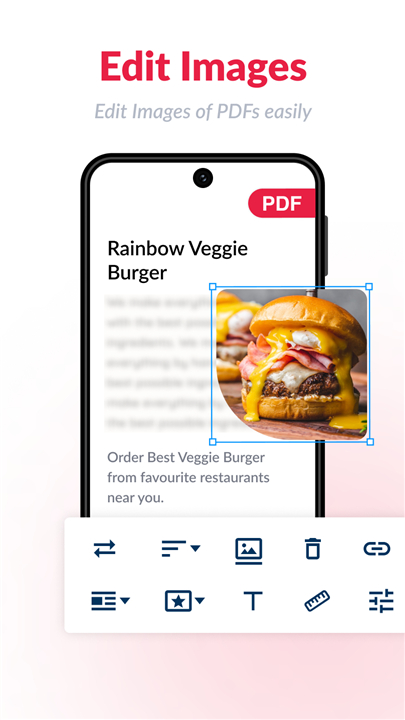
• Image Editor: Seamlessly replace, crop, or adjust visuals inside your documents.
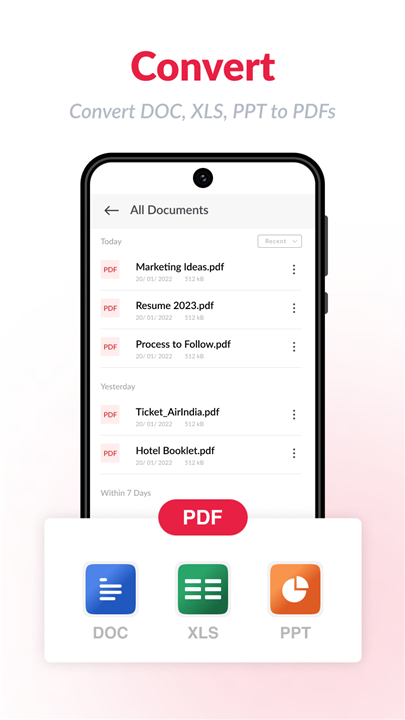
• Format Conversion: Convert Text, Excel, and images into clean, professional PDFs.
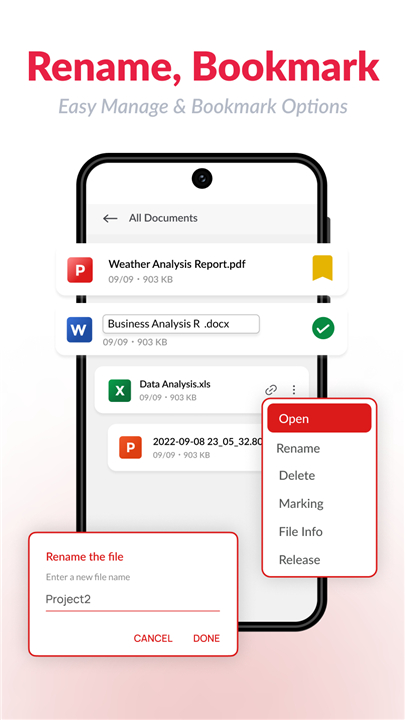
• File Management: Combine multiple files into a single PDF, remove duplicates, and organize your workspace.
Advanced Mobile Scanning
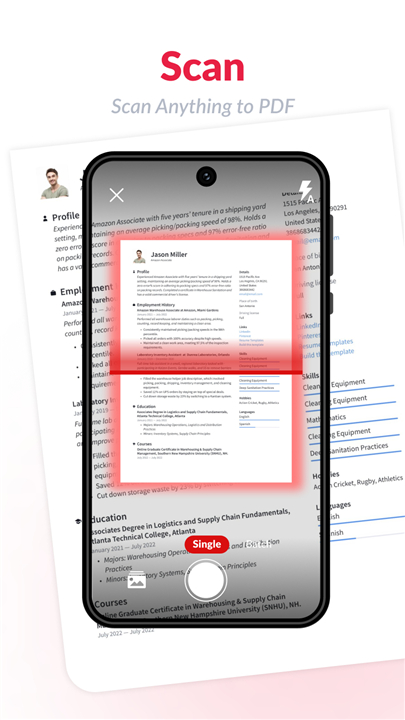
• Camera Scanner: Capture high-resolution scans of paperwork using your phone.
• Smart Cropping: Automatically detect edges or manually crop images before conversion.
• Visual Enhancements: Apply filters, adjust brightness, and modify contrast for crystal-clear results.
• ID Card Scanner: Effortlessly digitize identification cards, driver's licenses, and passports.
Security & Customization
• Total Privacy: Your files stay strictly on your device and are never uploaded to external servers.
• Password Protection: Secure sensitive documents with custom encryption.
• Professional Layouts: Choose from multiple document sizes like A4 or Legal, and apply custom watermarks.
Why Choose Us
• 100% Free: Enjoy all premium features without hidden fees or subscriptions.
• Offline Functionality: Scan and edit documents even without an internet connection.
• Built-in Reader: View and share your finished PDFs instantly via email or messaging apps.
Take control of your paperwork today
• Download the app now or visit our online editor at https://a1office.co/pdf-editor/.
Brought to you by Apps by A1, a Rhophi Analytics LLP initiative. We value your feedback—rate us on the Play Store to support our growth!
FAQ
Q: Am I able to replace or crop images inside my PDF files?
A: You certainly can. The built-in image editor allows you to seamlessly replace, crop, or adjust any visuals directly inside your documents to keep them looking professional.
Q: What file formats can I convert into a professional PDF?
A: The app lets you easily convert various formats—including standard Text, Excel spreadsheets, and images—into clean, professional PDFs with very little effort.
Q: How does the mobile camera scanner work for paperwork?
A: The camera scanner uses your phone to capture high-resolution scans of your physical paperwork, making it a breeze to digitize contracts and notes on the go.
Version History
vpdfviewer-6.23.0——21 Sep 2026
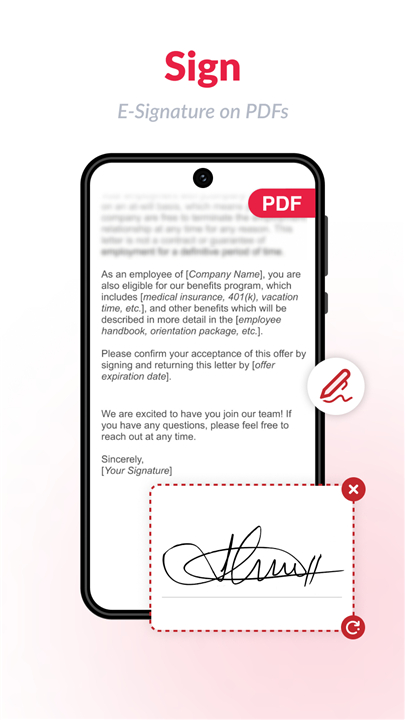
PDF Editor & Reader: Edit pdf easily, split, convert, merge, Sign pdf at no cost Download the latest version of PDF Editor: Edit PDF, Sign PDF to enjoy new features and updates immediately!
*pdfviewer-6.23.0
What's New
AI Assistant for PDFs (Beta)
Meet your new reading companion! Get instant summaries, ask questions, extract key points, and even generate quizzes — all from inside your PDF. Try it free with 3 credits.
PDF to Long Image
Export any PDF as a single scrollable image — perfect for sharing on social media or messaging apps.
Widgets
Add quick-access widgets to your home screen and jump straight into your PDFs without opening the app.
*pdfviewer-6.22.0
What's New
AI Assistant for PDFs (Beta)
Meet your new reading companion! Get instant summaries, ask questions, extract key points, and even generate quizzes — all from inside your PDF. Try it free with 3 credits.
PDF to Long Image
Export any PDF as a single scrollable image — perfect for sharing on social media or messaging apps.
Widgets
Add quick-access widgets to your home screen and jump straight into your PDFs without opening the app.
*pdfviewer-6.21.1
What's New
AI Assistant for PDFs (Beta)
Meet your new reading companion! Get instant summaries, ask questions, extract key points, and even generate quizzes — all from inside your PDF. Try it free with 3 credits.
PDF to Long Image
Export any PDF as a single scrollable image — perfect for sharing on social media or messaging apps.
Widgets
Add quick-access widgets to your home screen and jump straight into your PDFs without opening the app.