OpenTodoList
A Flexible, Open‑Source Organizer
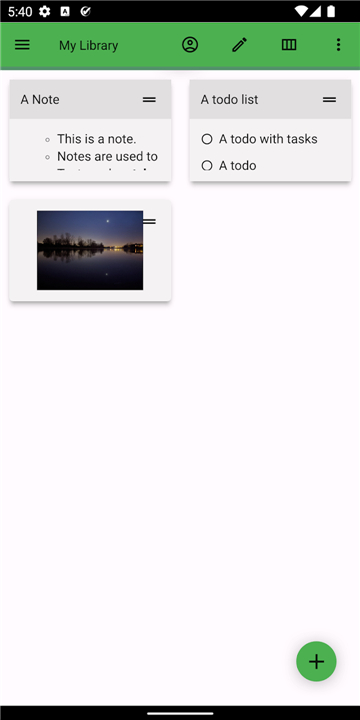
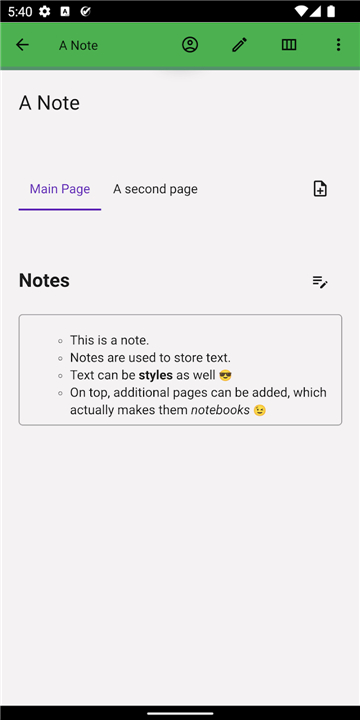
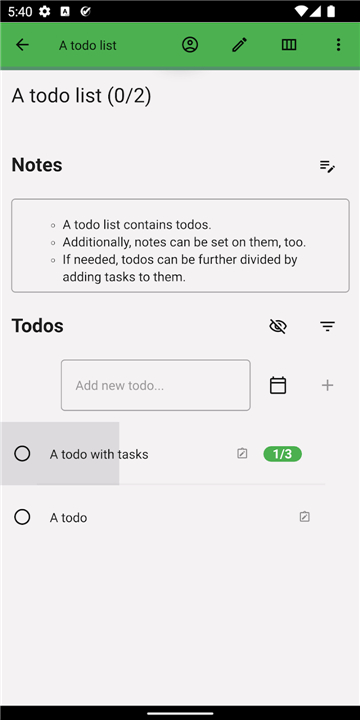
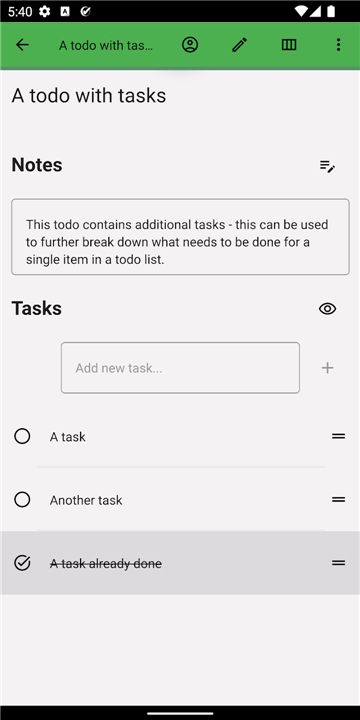
• OpenTodoList is a cross‑platform application that lets you keep notes, to‑do lists, and images together in self‑contained “libraries.”
• Each library is simply a folder on your file system, making the data easy to view, back up, or move without proprietary formats.
Library Management
• Unified storage: All items—text notes, checklist items, attached pictures—are stored as plain files inside the library directory.
• Hierarchical organization: You can create sub‑folders to group related projects, topics, or contexts, and the app will display them as separate libraries.
• Full control: You decide where each library lives—on an internal drive, an external SSD, a network share, or any location your operating system can access.
Synchronization Options
• Built‑in cloud support: Choose one of the supported services—Nextcloud, ownCloud, or Dropbox—and OpenTodoList will automatically sync changes in the background.
• Local‑only mode: If you prefer to keep data on the device itself, simply disable sync; the library remains fully functional offline.
• Third‑party sync: Because libraries are ordinary directories, you can employ external tools (e.g., FolderSync, Syncthing, rsync) to synchronize with any cloud provider or remote server not listed among the native options.
Flexibility & Compatibility
• File‑level access: Open any library with a file manager, script, or other software that can read plain text and image files.
• Cross‑platform: Available for Android, iOS, Windows, macOS, and Linux, ensuring you can work on the same data from any device.
• Export/Import: Easily copy or archive a library by moving its folder; no conversion steps are required.
Open Source & Community
• The source code is publicly hosted at https://gitlab.com/rpdev/opentodolist.
• You are free to inspect, compile, modify, or extend the application to suit personal or organizational needs.
• Contributions, issue reports, and feature requests are welcomed from the community.
• All of these capabilities combine to give you complete ownership of your information while still offering convenient synchronization when you need it.
FAQ
Q: How does the library concept work?
A: A library is simply a folder on your file system. Inside that folder OpenTodoList stores each note, to‑do item, and attached picture as an ordinary text or image file. Because the data lives in regular files, you can open, copy, move, or back up a library with any file manager or script, just as you would with documents on your computer.
Q: Can I organize libraries into sub‑folders?
A: Yes. You can create sub‑folders within a library to group related projects, topics, or contexts. The application reads the directory structure and presents each sub‑folder as a separate library view, making it easy to keep work and personal tasks distinct while still storing everything in one parent directory.
Q: Where can I place my libraries?
A: You have full control over the location of each library. It can reside on an internal SSD, an external hard drive, a network share, or any directory that your operating system can access. This freedom lets you decide the best storage strategy for speed, capacity, or security.
Version History
v3.52.0——27 Aug 2026
Notes, todo lists and more - where ever you want Download the latest version of OpenTodoList to enjoy new features and updates immediately!
*3.52.0
* Improved sync safety by stopping unexpected mass deletions.
* More reliable synchronization with WebDAV services such as Strato HiDrive.
* Updated in-app documentation links.
* Updated translations.
*3.51.1
* Fixed a regression where bundled translations were not loaded correctly.
* Updated translations from POEditor.
*3.50.1
-Fix app translations