DiaryVault: diary with backup
Why Choose DiaryVault?
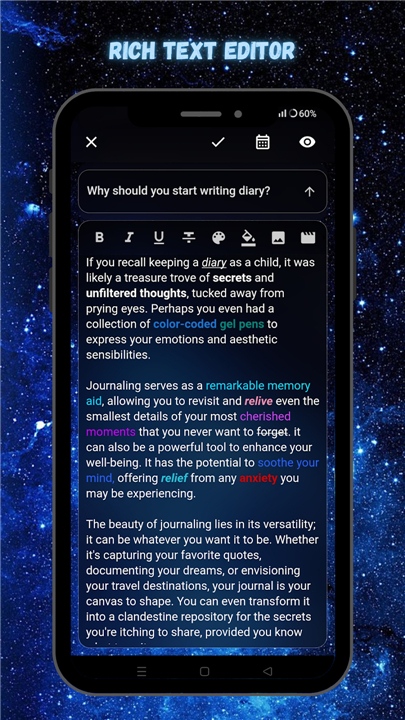
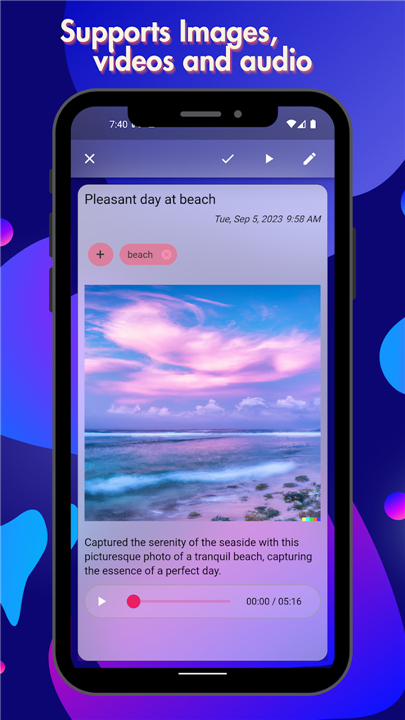
• Powerful editor – Write in rich text, embed photos, videos and emojis.
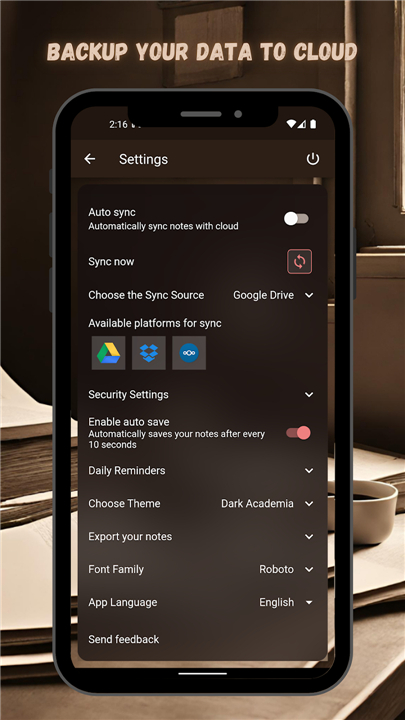
• Automatic cloud backup – Save every entry to Google Drive, Dropbox or Nextcloud. You keep full ownership; we never read your data.
• Cross‑device sync – Your journal follows you from phone to tablet to computer.
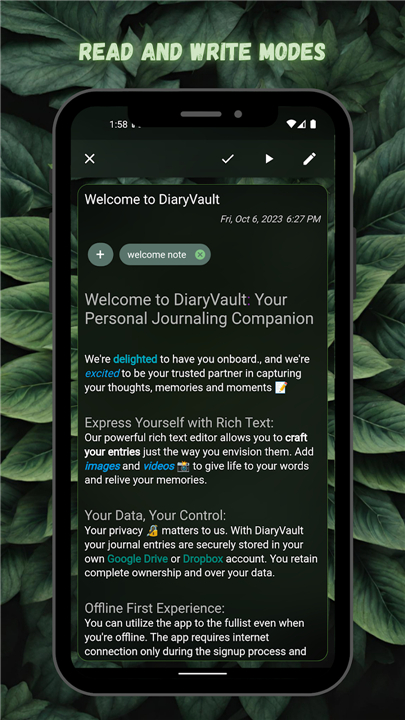
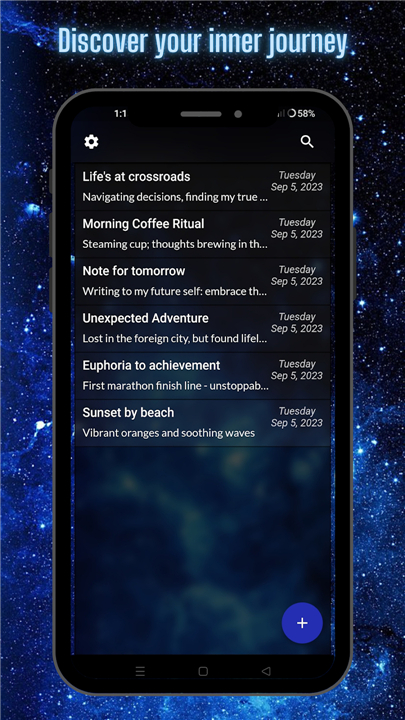
• Tag‑based organization – Add tags to group and locate notes instantly.
• Export anytime – Turn entries into plain‑text files or PDFs for printing or sharing.
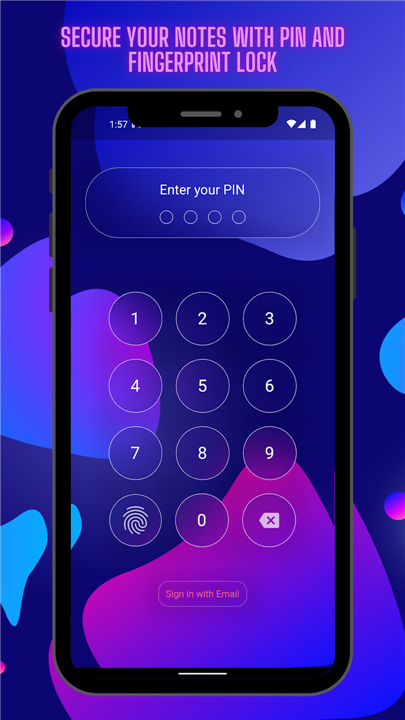
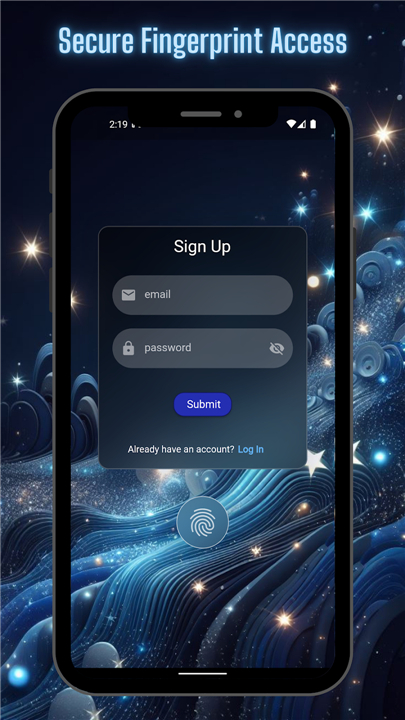
• Strong protection – Log‑in required, with optional PIN or fingerprint lock.
• Daily writing nudges – Set reminder notifications to keep your habit alive.
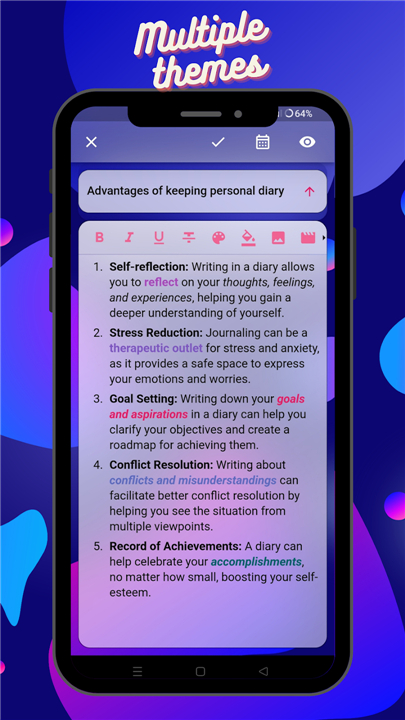
• Personalize the look – Choose from multiple themes that match your style.
• Global ready – Multilingual interface for users worldwide.
• Ad‑free experience – Focus on your thoughts without interruptions.
How It Works
• Write freely – The editor supports rich formatting, image/video insertion, and Google Keyboard emojis.
• Secure backup – Connect your preferred cloud service; DiaryVault stores encrypted copies automatically.
• Stay safe – Mandatory login protects your journal; add a fingerprint or PIN for extra security.
• Stay organized – Tag entries to create custom categories and retrieve them with a quick search.
• Share or keep – Export any note as a .txt or .pdf file whenever you need a hard copy.
Support & Community
• Forgot your password? Reset it instantly via email.
• Open‑source – The code is publicly available at https://github.com/SankethBK/diaryaholic/, ensuring transparency and continuous improvement.
Start documenting your life today
• Download DiaryVault now and turn every moment into a lasting memory.
FAQ
Q: How does the rich‑text editor work?
A: When you open a new entry, the editor lets you format text with bold, italics, headings, bullet lists, and blockquotes, as well as insert photos, videos, and emojis straight from your device or Google Keyboard. All changes appear instantly, so you can focus on expressing yourself without worrying about layout glitches.
Q: Which cloud services can I use for backup?
A: DiaryVault integrates seamlessly with Google Drive, Dropbox, and Nextcloud. After you link your account, every entry is uploaded in an encrypted format, ensuring that a copy of your journal lives safely off‑device while you retain full ownership of the data.
Q: Is my data ever read by DiaryVault?
A: No. Your entries are encrypted on your device before they leave for the cloud, and the encryption keys stay with you. The service never accesses or scans the content of your journal, so your privacy remains intact.
Version History
v2.3.4——19 Aug 2026
DiaryVault: secure diary with rich-text editor, cloud backup, tag‑based organization & cross‑device sync. Protect your thoughts. Download the latest version of DiaryVault: diary with backup to enjoy new features and updates immediately!
*2.3.4
Minor bug fixes and improvements. Install or update to the newest version to check it out!
*2.3.3
Minor bug fixes and improvements. Install or update to the newest version to check it out!
*2.3.2
Minor bug fixes and improvements. Install or update to the newest version to check it out!