FeedFlow - RSS Feed Reader
Overview
• Break free from the noise of algorithmic feeds. FeedFlow invites you back to a calmer, more intentional internet.
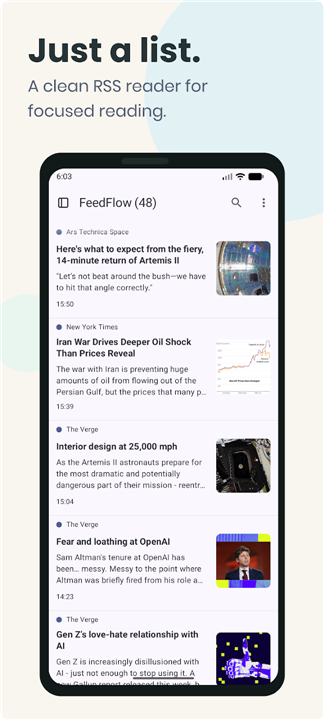
• Designed as a minimalist sanctuary for your digital consumption, this RSS reader delivers your favorite blogs, news sites, and channels in a pure, chronological timeline.
• No distractions, no hidden agendas—just the content you choose, exactly when it is published.
Design Your Reading Experience
• Read on your own terms by opening articles in your system browser or a dedicated reading view.
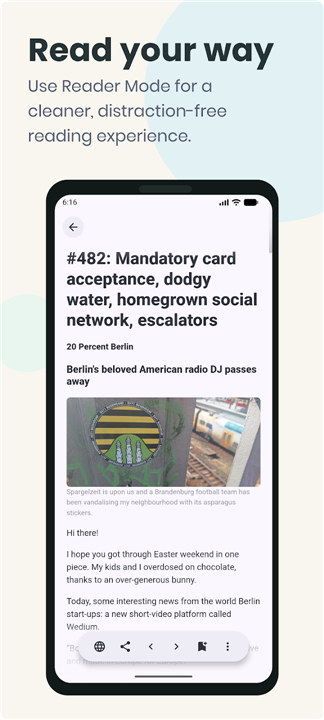
• Immerse yourself in Reader Mode, featuring clean layouts with customizable text size and spacing.
• Save content for offline moments by pre-fetching articles to read anytime, anywhere.
• Switch instantly between the original web design and a simplified, distraction-free format.
Unified Across Every Screen
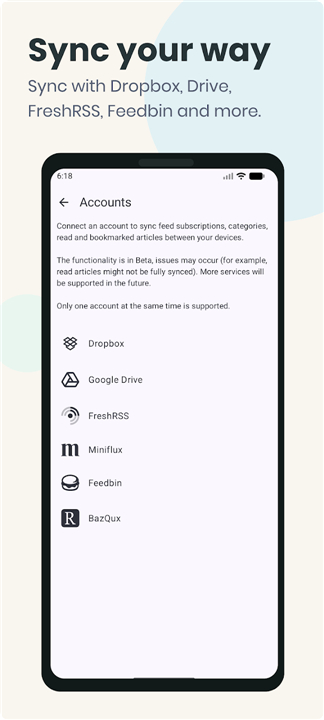
• Keep your feed entirely local or sync it across devices using Google Drive, Dropbox, or self-hosted servers like FreshRSS, Miniflux, Feedbin, and BazQux.
• Enjoy a seamless experience across Android, iOS, macOS, Windows, and Linux.
• Transition effortlessly from phone to tablet to desktop without ever losing your place or read history.
Curate with Precision
• Migrate from any other news reader in minutes using simple OPML import and export features.
• Silence the noise by blocking specific keywords, keeping your timeline relevant and peaceful.
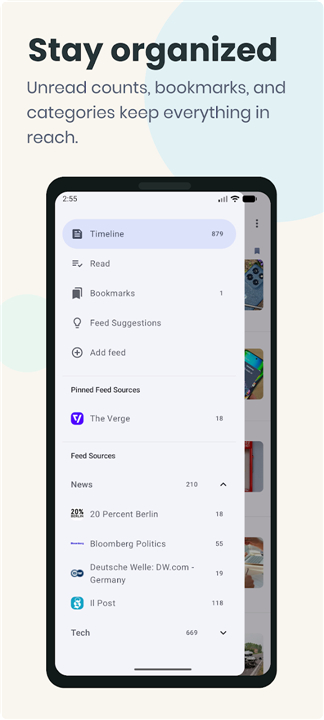
• Organize your feeds into custom categories and bookmark highlights to revisit later.
• Find exactly what you need with a fast, comprehensive search across your entire library.
Honoring the Open Web
• Embrace true digital independence with a platform that requires no user accounts.
• Support open standards with full compatibility for RSS 1.0, RSS 2.0, and Atom formats.
• Protect your eyes and battery with light, dark, and specialized OLED black themes.
• Participate in a global, community-driven, open-source project translated into over 25 languages.
Make Reading News Simple
• FeedFlow is built for those who value curation over consumption, and clarity over chaos.
• Step away from the algorithms and reclaim a reading space that truly belongs to you.
FAQ
Q: Which operating systems and devices are supported by FeedFlow?
A: You can use FeedFlow on virtually any device you own. It provides a seamless experience across Android, iOS, macOS, Windows, and Linux, letting you switch smoothly between your phone, tablet, and desktop computer without missing a beat.
Q: Do I need to create an account to use FeedFlow?
A: Not at all! FeedFlow honors your digital independence and privacy by requiring no user accounts whatsoever. You can start using it immediately without signing up or handing over any personal information.
Q: How does cross-device synchronization work?
A: You have total flexibility over your data. You can choose to keep your feed entirely local on a single device, or sync your content across devices using cloud storage like Google Drive and Dropbox, or third-party RSS services such as FreshRSS, Miniflux, Feedbin, and BazQux.
Version History
v1.15.1——17 Aug 2026
Minimal RSS reader with offline reading, reader mode & flexible sync options. Download the latest version of FeedFlow - RSS Feed Reader to enjoy new features and updates immediately!
*1.15.1
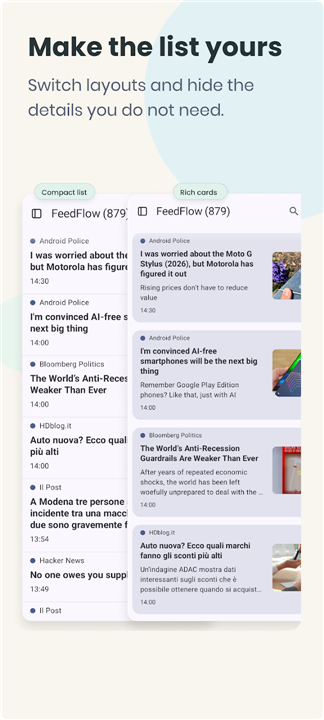
• Choose big-image card or grid layouts for your feeds.
• Reorder feeds and categories to match your workflow.
• Customize reader text with line height.
• Enjoy more reliable article loading with smarter feed refreshing.
*1.14.0
• Redesigned home toolbar and navigation menus
• Sort and filter articles from the timeline, and hide unread counts
• Improved marking articles as read while scrolling
• Reader Mode shows a main image when an article has none
• Feed customization and link opening preferences now apply to search results
*1.13.3
• We heard, and we listened - the single pane mode is a distinctive part of FeedFlow that you love, so it's back. No more split list and reader mode, so you can fully focus on what matters
• Fixed a crash in the adaptive layout
• Search now resets correctly when you exit it