PDF Toolkit: Edit, Merge, Sign
Empower Your Offline Workflow
• Take complete ownership of your digital workspace.
• PDF Toolkit brings a powerful suite of document editing, scanning, and creation tools directly to your Android device.
• Experience complete privacy and effortless productivity anywhere you go—no cloud uploads, no internet connection required.
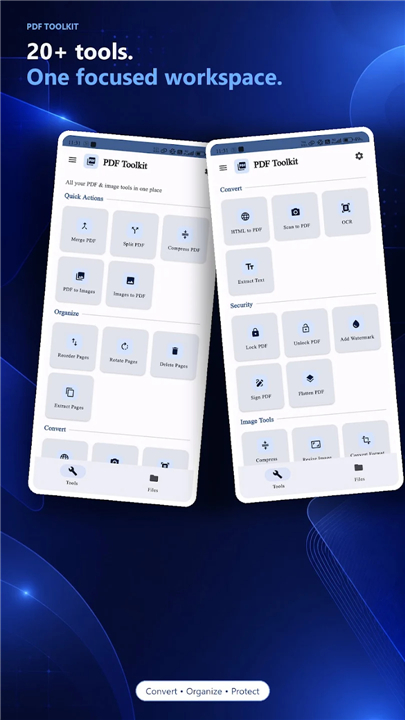
Document Editing and Organization
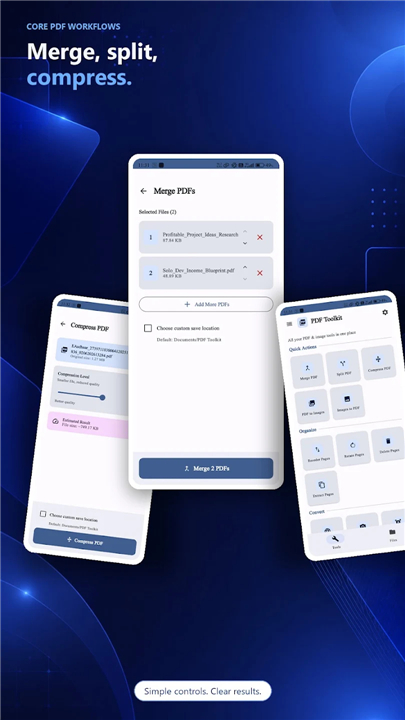
• Combine multiple files into one seamless document.
• Extract specific pages or split large PDFs into manageable files.
• Compress file sizes while preserving visual clarity.
• Easily reorder, rotate, or remove pages.
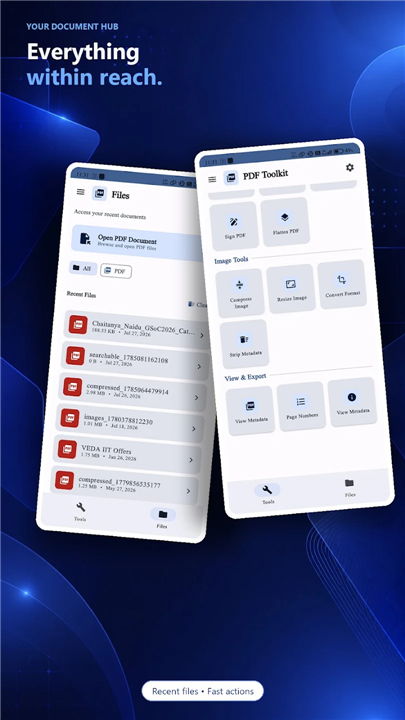
• Update metadata and flatten interactive form fields for hassle-free sharing.
Capture and Conversion
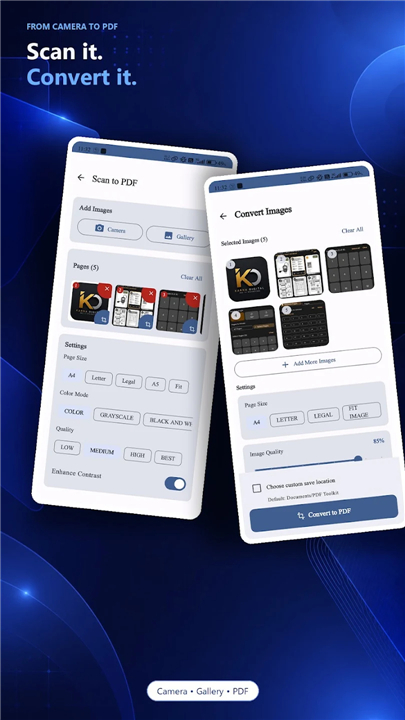
• Turn physical paper into high-quality PDFs using your phone's camera.
• Convert photos, images, and screenshots into polished documents.
• Export PDF pages back into high-resolution image formats.
• Save full web pages for offline reading and reference.
Security and Personalization
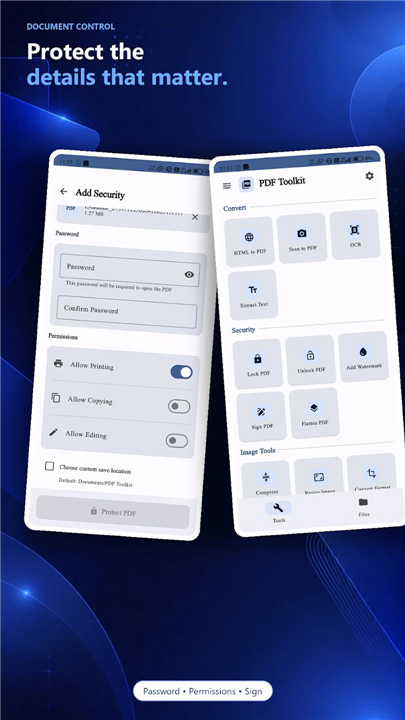
• Add your digital signature to contracts, approvals, and forms in seconds.
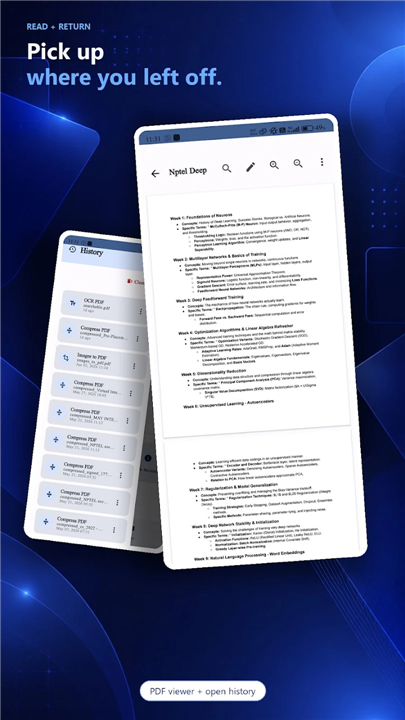
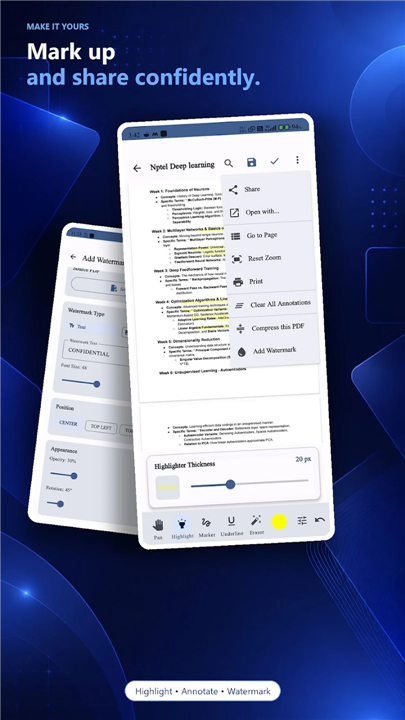
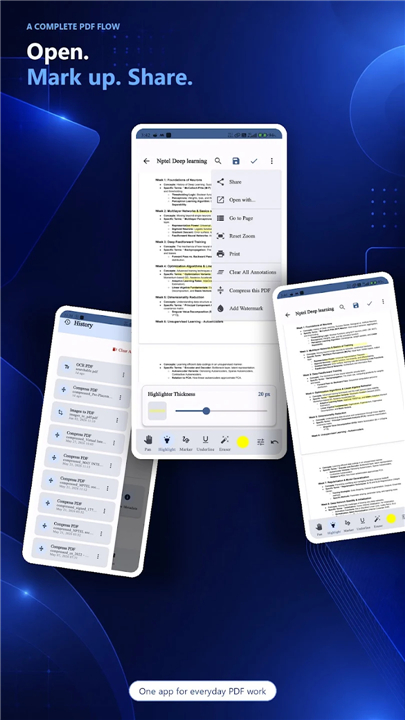
• Mark up, highlight, and annotate documents during reviews.
• Apply custom watermarks and page numbers to safeguard your work.
• Protect confidential files with password encryption and access controls.
Smart Text Capabilities
• Recognize and extract text from scanned images and physical documents using built-in OCR.
The Offline Advantage
• On-device processing ensures your sensitive data never leaves your phone.
• Lightweight, fast performance optimized for all Android devices.
• Clean design featuring full dark mode support to keep you focused.
Unlock your potential and simplify your daily paperwork
• Download PDF Toolkit today to experience total document freedom on your own terms.
FAQ
Q: How do I extract just one or two pages from a very large PDF file?
A: The app includes a dedicated split and extract tool that gives you the flexibility to choose exactly which pages you want to keep. You can pull specific pages out to create a brand-new, smaller file or divide a large document into several manageable segments based on your needs.
Q: Can I reduce the file size of a PDF without making the images look blurry?
A: PDF Toolkit features a smart compression tool that balances file size reduction with visual clarity. While it significantly shrinks the document for easier emailing or storage, it works to preserve the quality of the text and graphics so your work still looks crisp and professional.
Q: How does the app handle physical paperwork that I need to digitize?
A: You can use your phone’s camera as a high-quality scanner to turn physical paper into polished PDF documents instantly. The app processes the image to ensure it looks like a real scan rather than just a photo, making it perfect for digitizing contracts, sketches, or handwritten notes.
Version History
v1.3.215——17 Aug 2026
Offline PDF editor: Merge, split, compress, and sign documents securely Download the latest version of PDF Toolkit: Edit, Merge, Sign to enjoy new features and updates immediately!
*1.3.215
Minor bug fixes and improvements. Install or update to the newest version to check it out!
*1.3.213
Minor bug fixes and improvements. Install or update to the newest version to check it out!
*1.3.212
Minor bug fixes and improvements. Install or update to the newest version to check it out!