OneKeePass Password Manager
Overview
• In a digital landscape where personal data is constantly at risk, taking control of your online security is a powerful step toward peace of mind.
• OneKeePass is designed to empower you on this journey.
• As a secure, mobile-first vault, it supports the trusted KeePass-compatible database format (Kdbx 4.x), allowing you to consolidate all your sensitive credentials into a single, highly encrypted file.
• By integrating directly with your Android device's native storage providers, OneKeePass ensures you remain the sole owner of your data.
• You decide exactly where your vault lives, whether that is safely offline on your local device or within your chosen cloud storage.
Total Sovereignty and Security
• Operates completely offline, keeping your data shielded from external network vulnerabilities.
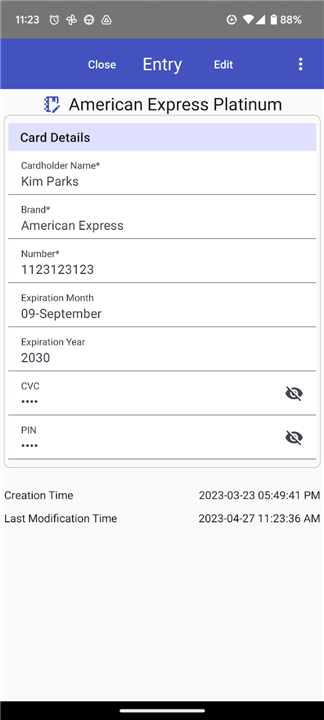
• Secures all aspects of your identity, from passwords and credit cards to driver's licenses and passport details, using top-tier encryption standards.
• Respects your privacy by remaining entirely open-source and free of advertisements.
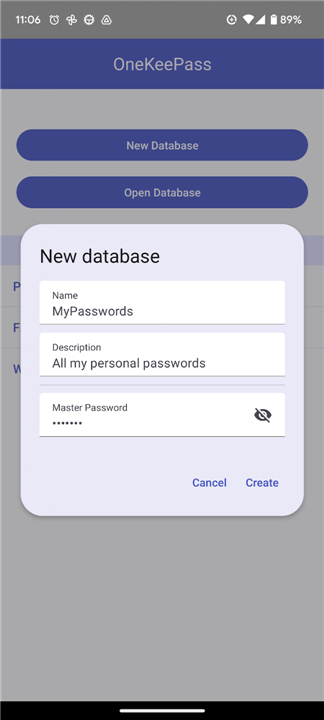
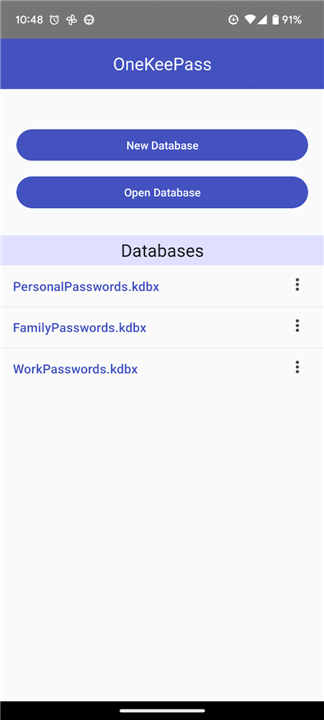
• Supports the creation of multiple independent databases, letting you establish clear boundaries between your personal, family, and professional lives.
Flexible Organization
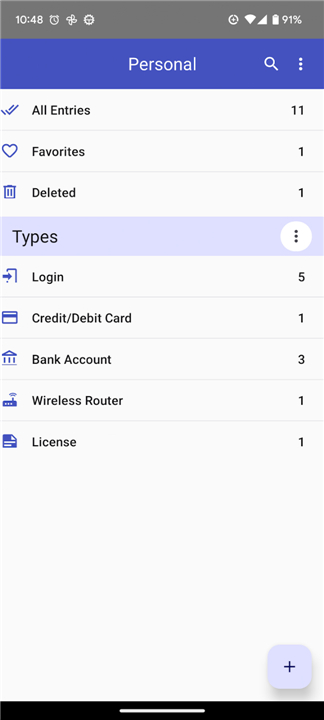
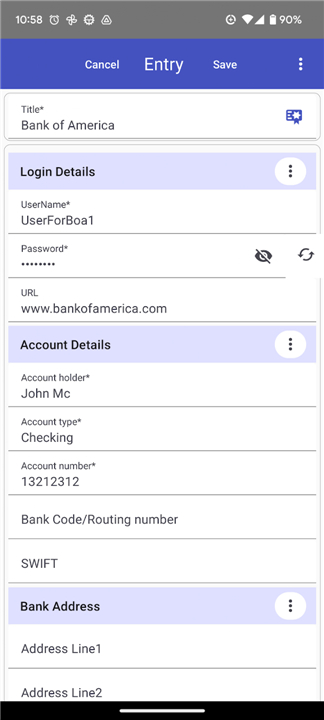
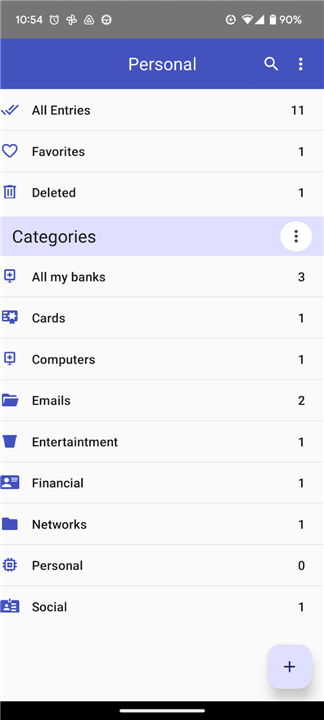
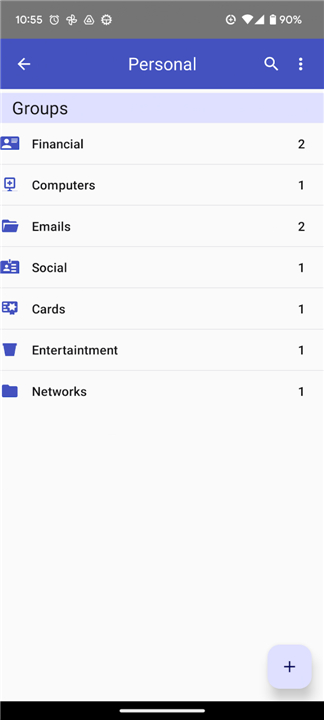
• Adapts to your preferences by letting you organize entries through custom types, personalized categories, or a traditional group tree.
• Offers unlimited custom fields, allowing you to tailor each entry to store unique pieces of information.
• Keeps your data tidy by grouping custom fields into structured, easy-to-read sections.
Smart Utilities
• Built with a robust generator to help you instantly create strong, unpredictable passwords.
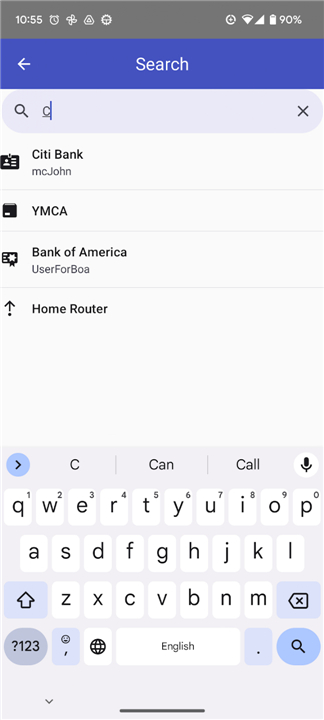
• Features an intuitive search function to retrieve your information in seconds.
• Tracks the evolution of your credentials with a detailed history for every entry.
• Includes a reliable recycle bin, giving you the power to easily restore deleted items or permanently erase them.
Open Source with Secure in Your Hand
• Explore the future of the app and follow its development journey here: https://github.com/OneKeePass/mobile
• If you run into any challenges or wish to contribute to the project, please share them with the community here: https://github.com/OneKeePass/mobile/issues
FAQ
Q: Where is my password vault stored when I use OneKeePass?
A: You have complete sovereignty over your data. OneKeePass integrates directly with your Android device's native storage providers, meaning you decide exactly where your vault lives. You can keep it safely offline on your local device storage or store it within your preferred cloud storage service.
Q: Does OneKeePass require an active internet connection to function?
A: No, OneKeePass operates completely offline. This design choice ensures your sensitive information remains shielded from external network vulnerabilities and remote breaches, giving you full privacy and confidence in your security.
Q: Is OneKeePass compatible with existing KeePass databases?
A: Yes, it fully supports the Kdbx 4.x database format. This makes it seamless to migrate existing KeePass files or access your master database across different platforms that support standard KeePass vaults.
Version History
v0.22.1——17 Aug 2026
simple and secure offline password manager Download the latest version of OneKeePass Password Manager to enjoy new features and updates immediately!
*0.22.1
- AutoFill matching — corrected how saved entries are matched to the current site or app
- Add custom icon dialog — the "Add icon by URL" dialog now uses a keyboard-avoiding layout so the input is not hidden behind the on-screen keyboard
- Manage Icons page — fixed a scrolling issue on the icons page
- Scan QR Code — fixed the "Scan QR Code" button used when setting up a one-time password (TOTP), which had stopped working after the upgrade to react-native-vision-camera v5
*0.21.0
Custom icons support — download and assign custom icons to any entry or group
SFTP and WebDAV server credentials can now be stored securely inside the database using the new built-in entry types SFTP Connection and WebDAV
SFTP/WebDAV server stored database change detection and merge — the app detects when a remote database has been changed by another device and prompts to merge the changes
Translations of texts added for
- Brazilian Portuguese - Thanks Romoaldo Cordeiro
- Russian
*0.20.0
- Passkey (WebAuthn/FIDO2) support for passwordless sign-in and registration on Android
- New passkeys can be saved to any group in any open database, with the option to create new groups during registration
- Passkey entries are stored in standard KDBX4 format, compatible with other KeePass-based password managers
- Passkey support works with Chrome, Firefox, Brave and other browsers that use the system credential manager (requires Android 14+)