Camera endoscope
See Beyond the Visible
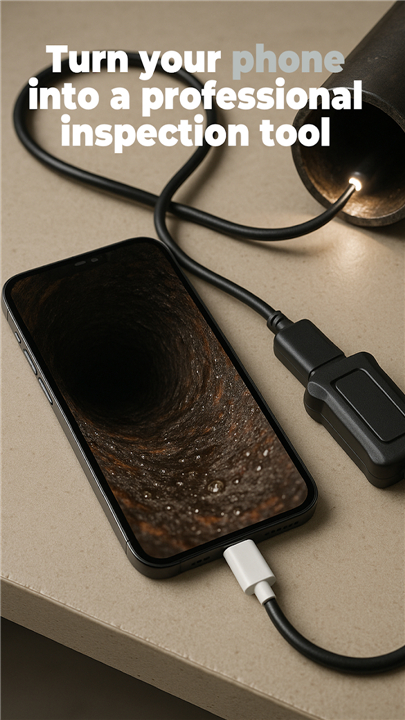
• Turn your Android smartphone into a powerful inspection companion.
• Whether you're a professional technician, a weekend DIY enthusiast, or someone who loves solving tricky problems, this app opens up a world that was previously hidden from view.
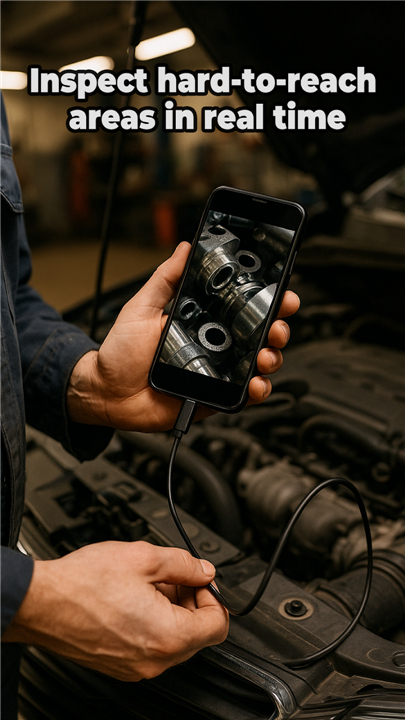
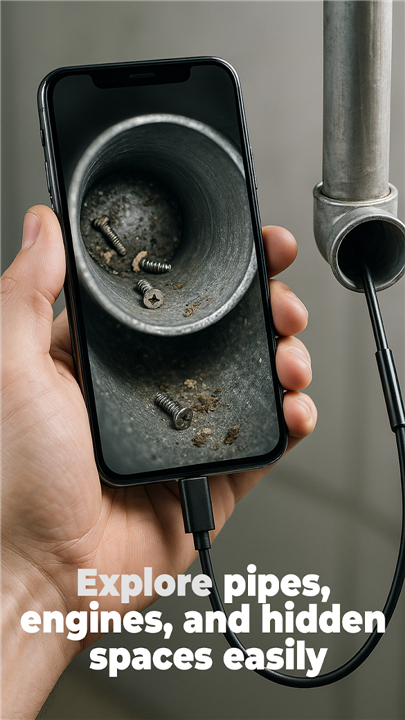
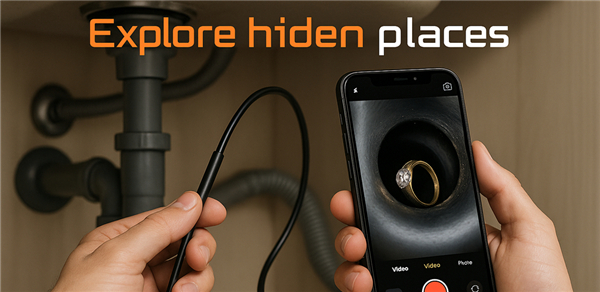
• Peek inside engines, navigate through narrow pipes, or explore tight spaces—all with the device already in your pocket.
Core Capabilities
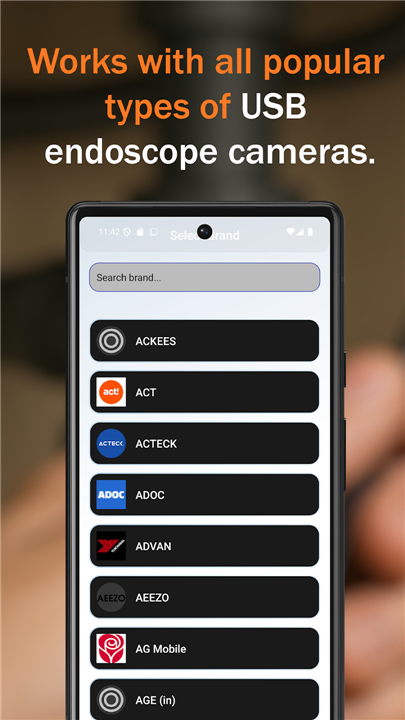
• Seamless connection with any USB, OTG, borescope, microscope, or inspection camera
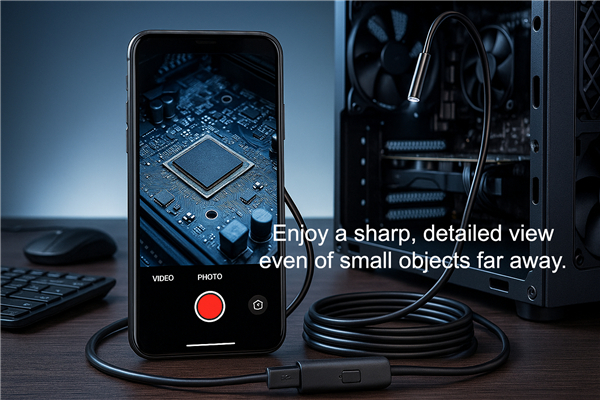
• Crystal-clear live viewing with real-time HD video recording
• Captures high-quality MP4 videos and JPG images for documentation
• Plug-and-play simplicity—connect your camera and begin exploring immediately
• Integrated gallery for easy viewing, management, and sharing of your captures
• Built-in OTG verification tool to confirm device compatibility
• Audio recording functionality using your device's microphone
Practical Applications
• This tool serves countless purposes across different fields.
• Professionals use it for pipe inspection, automotive repairs, plumbing diagnostics, and mechanical maintenance.
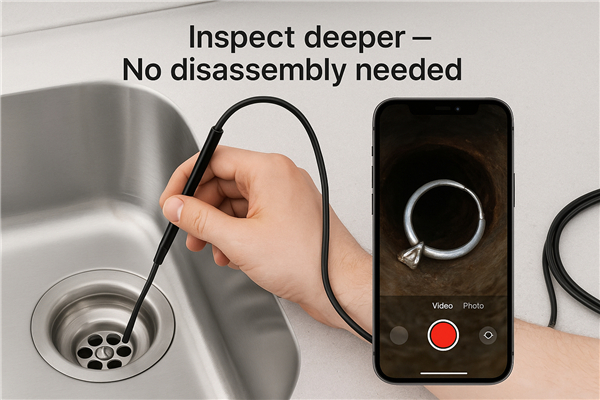
• Homeowners discover its value for examining crawl spaces, checking behind walls, or finding lost items in tight corners.
• Its versatility makes it indispensable wherever curious eyes need to reach.
Getting Started
• Connect your USB or Type-C camera using an OTG cable
• Launch the application and select the camera option
• Begin your inspection with instant live HD viewing and recording
Why This Application
• With its intuitive design, lightning-fast connection speeds, and optimized performance, this app delivers a smooth experience tailored for any USB endoscope camera.
• From quick home checks to detailed professional inspections, you'll have the clear perspective you need—anytime, anywhere.
Transform your phone into a smart inspection tool
• Download Endoscope HD Camera today and discover what you've been missing.
FAQ
Q: Do I need any special cables or adapters to connect my endoscope camera?
A: Yes, you will typically need an OTG (On-The-Go) cable or adapter to connect your inspection camera to your Android device. OTG cables allow your smartphone to act as a host device and power external USB peripherals. Most inspection cameras come with compatible cables, but if you need a replacement, you can find OTG adapters at most electronics stores or online retailers. Simply connect the USB end of your camera cable to the OTG adapter, plug the OTG connector into your phone's charging port, and you're ready to begin your inspection.
Q: How do I troubleshoot connection issues between my phone and the endoscope?
A: Connection problems can occur for several reasons, so it's best to work through them systematically. First, confirm that your OTG cable is functioning properly by testing it with another USB device. Next, verify that your inspection camera is receiving adequate power, as some cameras require external power sources rather than drawing all their electricity from the phone. Restart both your phone and the camera, then reopen the app and attempt the connection again. If problems persist, use the app's built-in OTG verification tool to diagnose compatibility issues, and check that no other applications are currently trying to access your USB ports.
Q: Can I record audio along with my video inspections?
A: Absolutely, the app includes functionality to record audio using your device's built-in microphone during video captures. This feature proves particularly useful when you want to narrate your findings, explain what you're observing in real-time, or document specific details about the inspection area. Audio recording is enabled by default, but you can disable it in the app's settings if you prefer to record silent video footage. The audio is synced automatically with your video and saved as part of the MP4 file.
Version History
v7.0——4 May 2026
Turn your Android into a powerful endoscope camera. Seamlessly connect USB/OTG cameras for HD live viewing & recording. Download the latest version of Camera endoscope to enjoy new features and updates immediately!
*7.0
Minor bug fixes and improvements. Install or update to the newest version to check it out!
*6.0
Minor bug fixes and improvements. Install or update to the newest version to check it out!
*5.0
Minor bug fixes and improvements. Install or update to the newest version to check it out!