ShizuWall No Root/VPN Firewall
Take Back Your Digital Privacy
• Stop unwanted apps from draining your data and tracking your activity.
• ShizuWall offers a powerful, system-level firewall that works without root access or battery-heavy VPN tunnels.
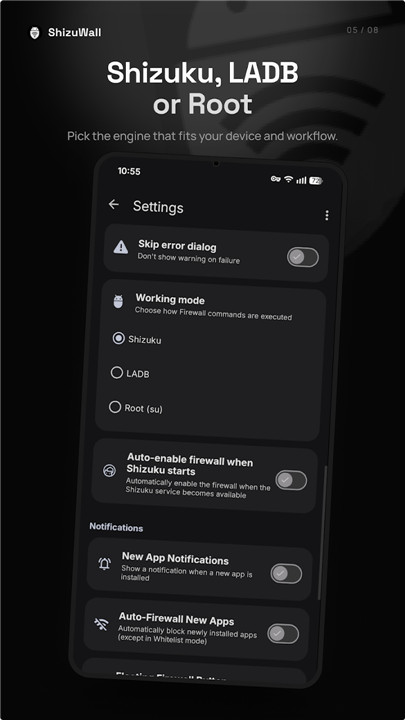
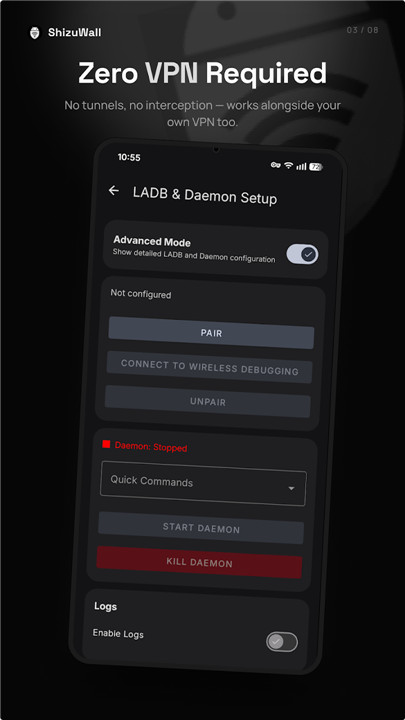
• By leveraging Shizuku or local ADB, it integrates directly with Android’s native framework, providing ironclad security with zero overhead.
Why Use ShizuWall?
• Native Control: Uses Android system rules to block connections, ensuring no packet capturing or VPN slowdowns.
• Efficient Performance: Lightweight, open-source, and free from telemetry. It runs silently in the background without impacting your battery.
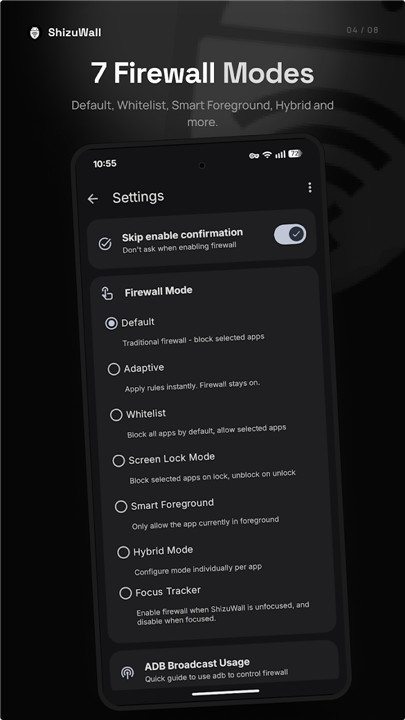
• Flexible Filtering: Choose between whitelist modes or restrict background data to ensure only the apps you trust are online.
• Automation Friendly: Fully compatible with Tasker and MacroDroid for seamless, automated network security.
Ideal For:
• Data Conservation: Prevent background data hogs and sneaky app uploads.
• Enhanced Security: Block trackers and ads at the source.
• Digital Wellness: Create distraction-free environments by cutting off social media or gaming apps during work hours.
• Parental Controls: Easily isolate and limit apps on kids' devices.
Setup in Seconds
• Install and start the Shizuku app using your device's Wireless Debugging settings (no PC required).
• Launch ShizuWall and grant the necessary permissions.
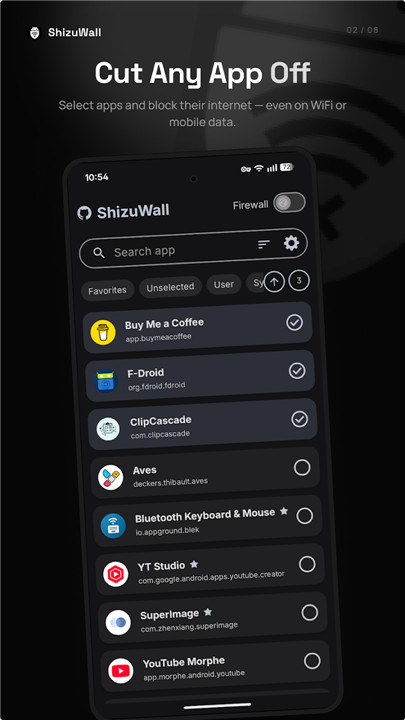
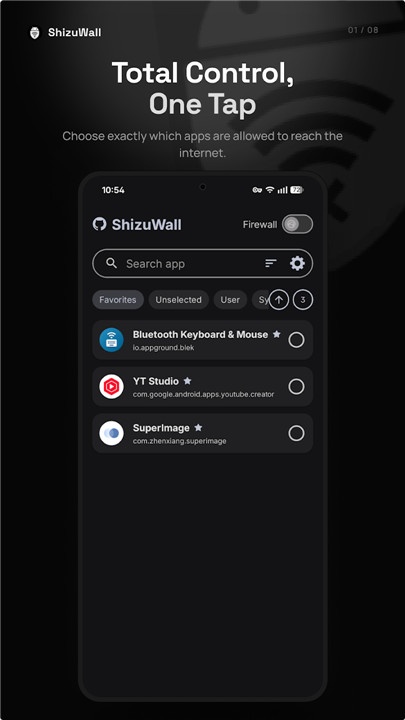
• Select your apps and toggle their internet access instantly.
Note:
• As per Android's security design, network rules reset upon reboot.
• Simply enable Shizuku’s auto-start feature or utilize a Tasker intent to restore your preferences automatically.
FAQ
Q: Is using a VPN-based firewall better than using ShizuWall?
A: While VPN-based firewalls are effective, they often consume more battery and can introduce latency because all your internet traffic must be routed through a local tunnel. ShizuWall is generally more efficient because it uses Android’s native system rules, meaning your traffic flows directly as intended without the overhead of a virtual network interface.
Q: Will ShizuWall drain my battery while it stays active in the background?
A: Not at all. Because ShizuWall interacts directly with the system-level firewall, it does not need to intercept or analyze packets in real-time. Once you have set your rules, the system handles the enforcement, ensuring that the application remains extremely lightweight and battery-friendly.
Q: What should I do if my network rules disappear after a device restart?
A: This is a standard behavior of the Android security framework, which clears temporary firewall modifications upon reboot. To fix this, you can enable the auto-start feature within the Shizuku app or configure a Tasker intent to automatically re-apply your specific firewall preferences as soon as your device finishes booting.
Version History
v4.5.4——15 Jul 2026
Secure your Android privacy with ShizuWall. The powerful, no-root, no-VPN firewall that blocks unwanted app data usage efficiently. Download the latest version of ShizuWall No Root/VPN Firewall to enjoy new features and updates immediately!
*4.5.4
Added
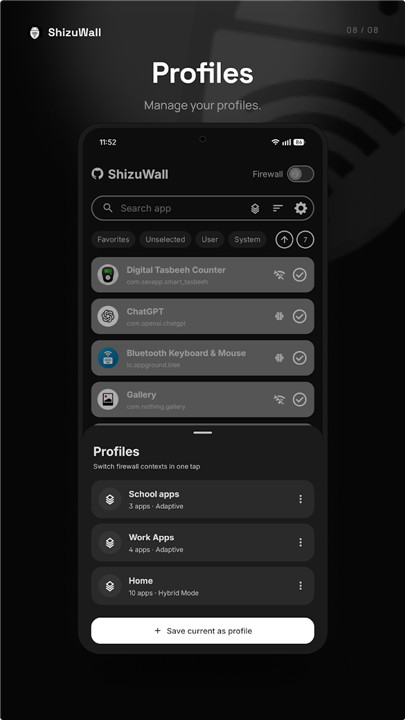
• Profile management feature #114 (can be used with macro apps guide is in profiles section)
• "Don't dim" option for floating button visibility settings #107
• Custom port/host connection feature for LADB #116
• Option to include restored apps in auto-firewall settings #117
Changed
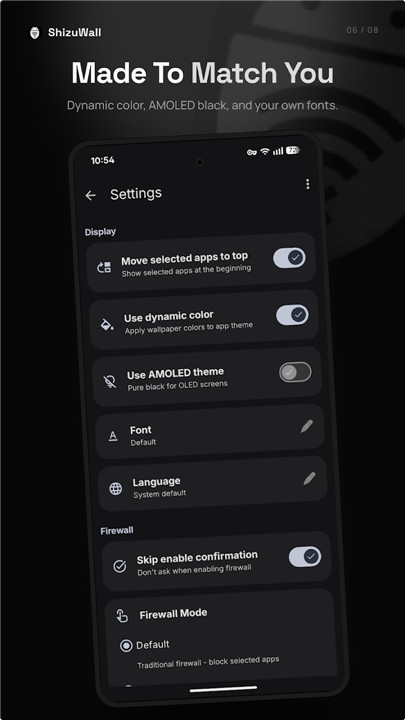
• Refactored settings screen
• Simplified package receiver in AppMonitorService (#117)
• Updated launcher icon
Full Changelog: v4.5.3...v4.5.4
*4.5.3
Added
• Monochrome icon option. #112
• Firewall status as a notification. #109
• Customizable floating button transparency.#107
• Can add apps to favorites while firewall is active with default mode. #106
Fixed
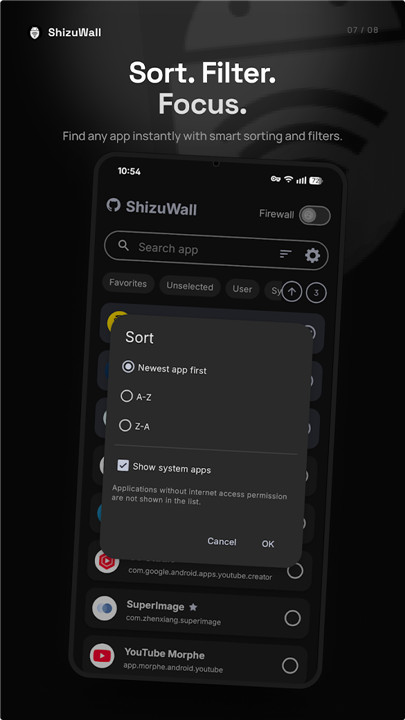
• Unchecking "Show system apps" shows a info dialog. #113
• Long app names no longer hide the favorite star on narrow/portrait screens. #111
• Fixed the floating button triggering accidentally. #108
Full Changelog: v4.5.2...v4.5.3
*4.5.2
Added
• Automatically enable firewall for new installed apps (#102 )
Refactored
• QS Tile: Updated qs tile for making it different from android wifi tile (#104 )
• Foregorund service: Foreground app detection service now uses Usagestats instead Accesibility.
-Note: Please share feedback regarding this new Foreground App Detection service if it's bugging, not working as expected etc.
Full Changelog: v4.5.1...v4.5.2