Simple Notes Sync
Take Back Your Digital Workspace
• Stop trading your privacy for convenience.
• Simple Notes Sync offers a professional-grade environment for your ideas, checklists, and tasks—all hosted on your own terms.
• Experience a clutter-free, lightning-fast app that respects your data sovereignty by keeping everything offline and under your absolute control.
Total Private Sovereignty
• Zero accounts, no tracking, and no external clouds.
• Your data remains on your device or your own private server.
• Open-source transparency built on a lean, efficient Kotlin codebase.
Your Infrastructure, Your Rules
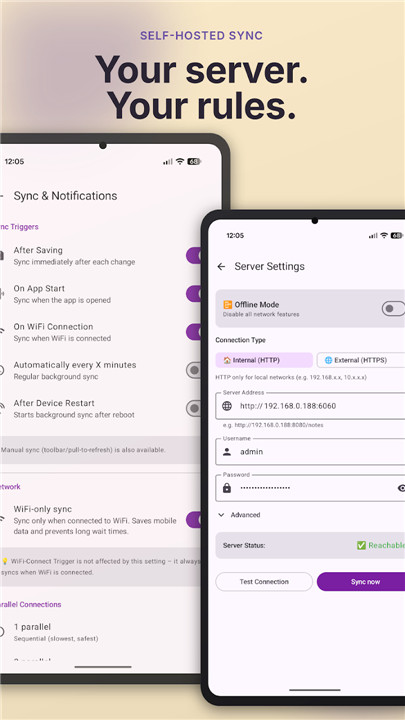
• Sync seamlessly with your own WebDAV server, such as Nextcloud or ownCloud.
• Full control over synchronization timing, including Wi-Fi-only, boot, or manual triggers.
• Advanced features like conflict resolution, VPN support, and parallel transfers ensure a reliable connection.
Effortless Organization
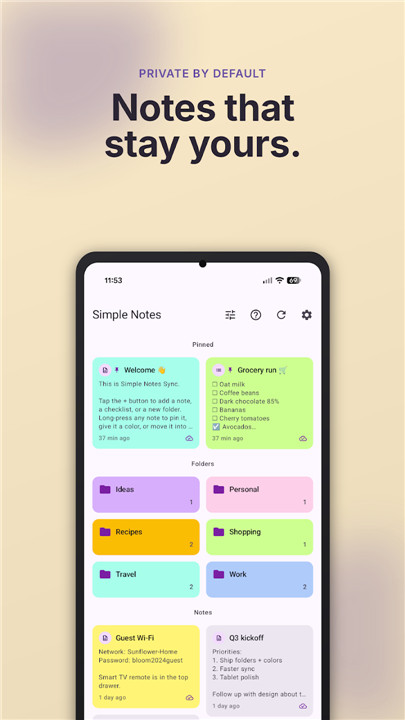
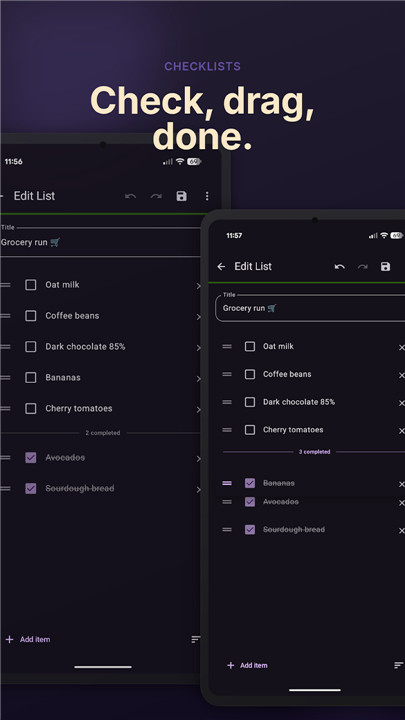
• Manage complex workflows with drag-and-drop checklists and color-coded folders.
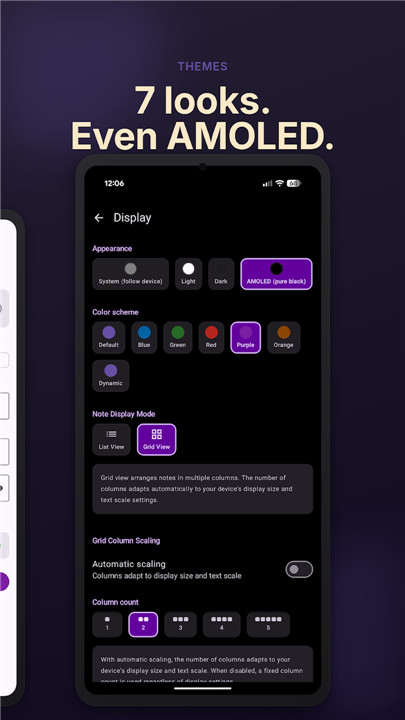
• Customize your view with flexible grid or list layouts and pinning options.
• Modern, responsive design powered by Material 3 and Jetpack Compose.
Seamless Transitions
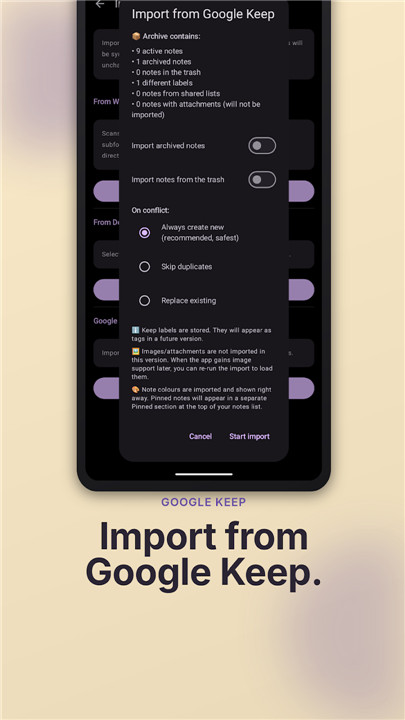
• Move freely with easy imports for Google Keep archives and Markdown compatibility.
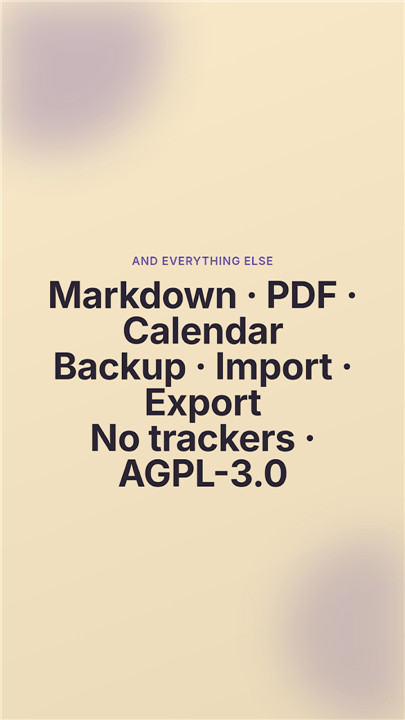
• Export notes as professional PDFs or bridge your tasks directly to your calendar.
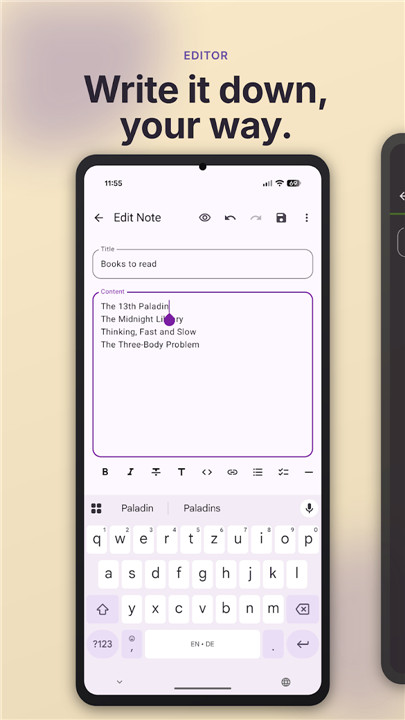
• Keep your data safe with encrypted local backups and full Markdown support for integration with tools like Obsidian or VS Code.
Built for Performance
• Minimal footprint under 5 MB with instant startup times.
• Battery-conscious architecture designed for efficient background operation.
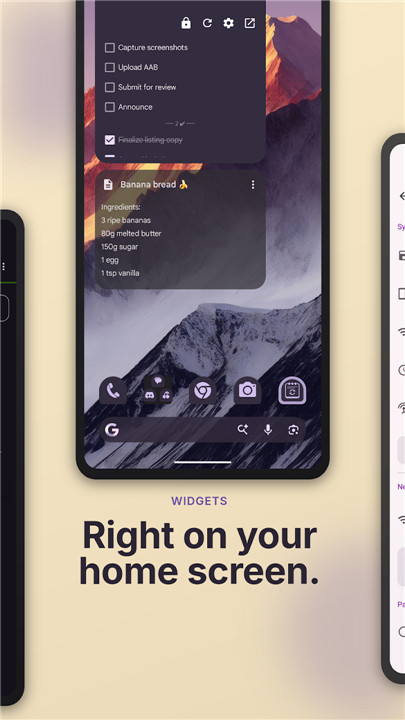
• Personalized aesthetics with multiple color schemes and home-screen widgets for quick access.
• Source Code https://github.com/inventory69/simple-notes-sync
FAQ
Q: Does this app require me to create an account?
A: Not at all. There are zero accounts required to use Simple Notes Sync. We do not collect any user data, track your activity, or require you to sign in to any external service to access your own notes.
Q: Where is my data actually stored?
A: Your data resides exclusively on your device or on your own private server, such as a WebDAV instance. Because there is no central company server, your notes remain yours alone and are never stored or processed by us.
Q: Can I sync my notes across multiple devices?
A: Yes, you can synchronize your notes seamlessly by using your own WebDAV server, such as Nextcloud or ownCloud. This allows you to bridge your data between devices while maintaining complete control over your infrastructure.
Version History
v2.12.0——15 Jul 2026
Offline notes & checklists, self-hosted sync. Under 5 MB, no ads, no tracking. Download the latest version of Simple Notes Sync to enjoy new features and updates immediately!
*2.12.0
Images in Notes
• Insert or paste images in a note
• Paste web pages, formatting kept
• Resize, align, view them full-screen
• Images sync over WebDAV + backups
• PDF export + widgets show them too
• Pick an image compression level
• Text notes can open in preview mode
• Faster trash + calendar export
• French is now selectable
• Updated translations: FR, IT, ZH-Hans
Thanks to infosundtips, Fred, carotte31 (French), GVE (Italian), @heretic43 (Chinese), Priit Jõerüüt (Estonian)!
*2.11.0
Archive & Organize
• Archive notes to keep them out of the way without deleting
• Sort each folder independently; the choice sticks
• Pick a default color for new notes
• Adjustable note preview length
• Fenced code-block button in the Markdown toolbar
• Fix: PDF export now renders real Markdown formatting
• Safer sync-folder switching with a data-handling prompt
• Updated translations: IT, ZH-Hans
Thanks to @hoseinhzk (report), GVE (Italian) and @heretic43 (Chinese)!
*2.10.0
Lock & Tidy
• App lock: biometric/PIN unlock, blocks screenshots while active
• Trash: configurable auto-delete (Immediately-90 days)
• Paste rich text (Word/Docs/Telegram) as Markdown
• Collapsible & reorderable list sections
• Fix: app freeze scrolling notes with long previews
• Updated translations: ES, IT, ID, NB, ZH-Hans
Thanks to @xdpirate for the retention request!