EdU Library
Overview
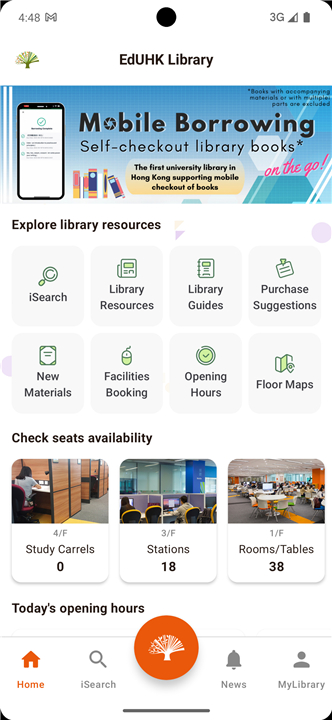
• The EdU Library portal serves as a comprehensive, one-stop digital gateway designed to streamline access to the extensive academic resources, facilities, and services offered by the Education University of Hong Kong (EdUHK) Library.
Resource Search and Discovery
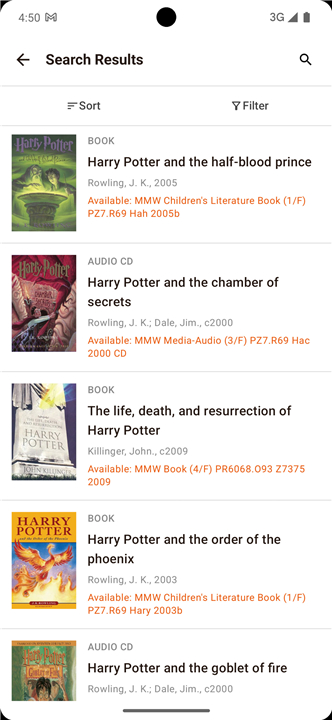
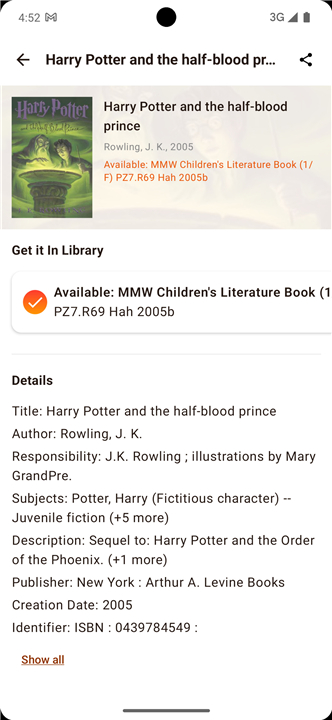
• Comprehensive Search: Easily search and locate physical and electronic resources, including academic books, scholarly articles, journals, and multimedia materials.
• New Acquisitions: Keep up-to-date with the latest intellectual additions by browsing the new materials list containing newly acquired books and media resources.
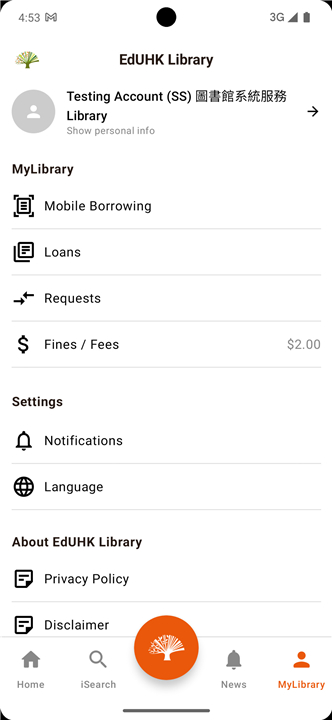
Personal Account Management
• MyLibrary Records: Access your personalized account to monitor current loans, track upcoming due dates, renew borrowed items, and check the status of pending hold requests.
• Purchase Suggestions: Actively contribute to the library's collection development by submitting acquisition recommendations for books and other learning materials that support your research.
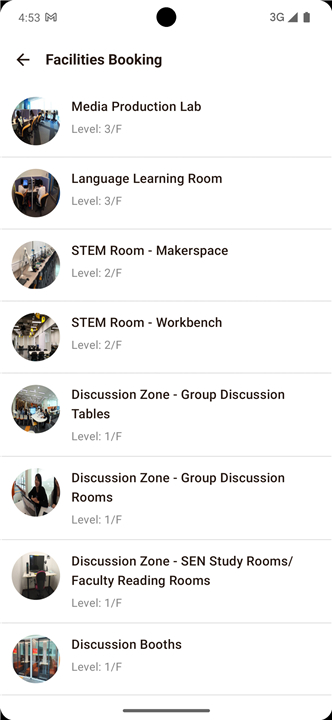
Facility Bookings and Availability
• Real-Time Availability: View the live occupancy and booking status of various study spaces across the campus library.
• Space Reservations: Book key library facilities on the go, including private Study Carrels for quiet study and collaborative Group Discussion Rooms for team projects.
Information, Guidance, and Support
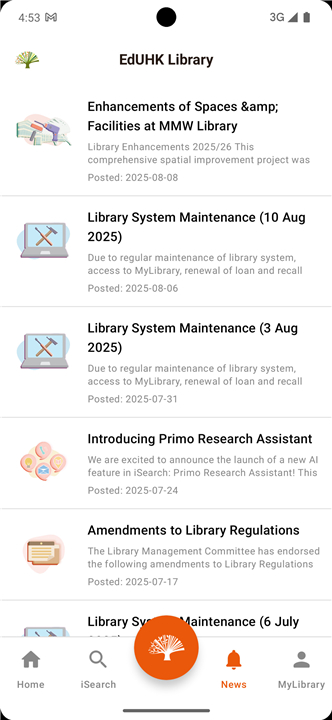
• Operational Updates: Access current-day opening hours, holiday schedules, and the latest official announcements or news from the library administration.
• Self-Help Resources: Learn how to navigate library systems using the official Library Handbook, subject-specific Library Guides, and comprehensive FAQs.
• Direct Assistance: Connect instantly with professional library staff to resolve research queries or general inquiries using the integrated "Ask a Librarian" support feature.
FAQ
Q: How can I search for books and research articles using the library portal?
A: Finding resources is incredibly simple using the comprehensive search tool located on the portal homepage. You can easily search for and locate both physical and electronic resources, including academic books, scholarly articles, peer-reviewed journals, and multimedia materials, all in one convenient place.
Q: Is there a way to see the library's newest additions?
A: Yes, you can easily keep up with the latest intellectual additions by browsing the new acquisitions list on the library portal. This feature allows you to view newly acquired books and media resources, helping you stay at the forefront of your field with the freshest materials.
Q: What features can I access through MyLibrary Records?
A: MyLibrary Records is your personalized account dashboard where you can manage your library activity with ease. Once logged in, you can monitor your current loans, track upcoming due dates, renew borrowed items, and check the status of your pending hold requests at any time.
Version History
v2.0.3——8 Sep 2026
EdU Library - One-stop library app Download the latest version of EdU Library to enjoy new features and updates immediately!
*2.0.3
Minor bug fixes and improvements. Install or update to the newest version to check it out!
*2.0.2
Minor bug fixes and improvements. Install or update to the newest version to check it out!
*2.0.1
Minor bug fixes and improvements. Install or update to the newest version to check it out!