AR Art Draw: Trace & Paint
Master the Art of Drawing
• Unlocking your inner artist no longer requires years of technical training or expensive equipment.
• AR Art Draw leverages cutting-edge Augmented Reality to bridge the gap between your imagination and the canvas.
• Whether you want to sketch iconic anime characters, realistic portraits, or intricate patterns, this app provides the tools and confidence to turn your vision into a reality.
Seamless Technology for Every Surface
• Transform any environment into a personal studio using only your smartphone and a sheet of paper.
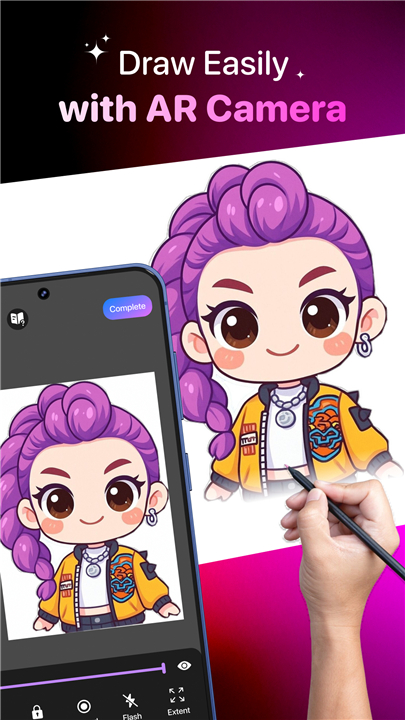
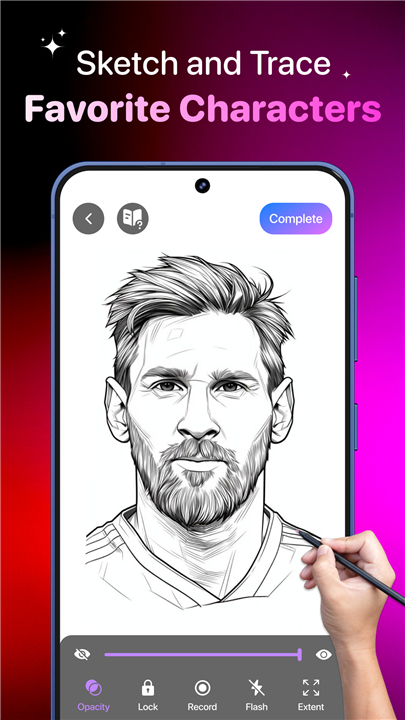
• Project high-resolution outlines onto any surface through your camera lens for real-time guidance.
• Eliminate the frustration of the blank page by using digital overlays to master proportions and line work.
Unlimited Creative Possibilities
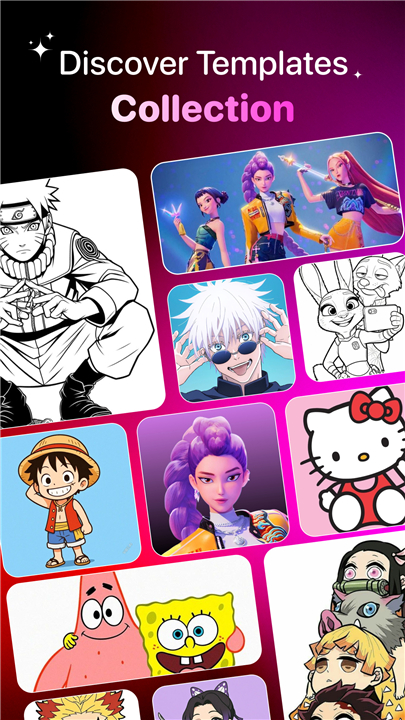
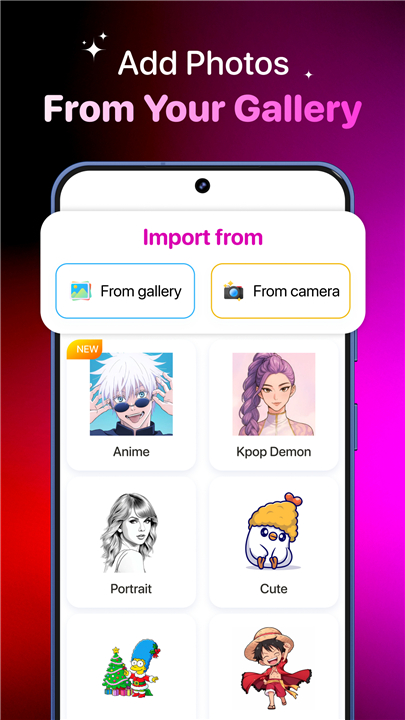
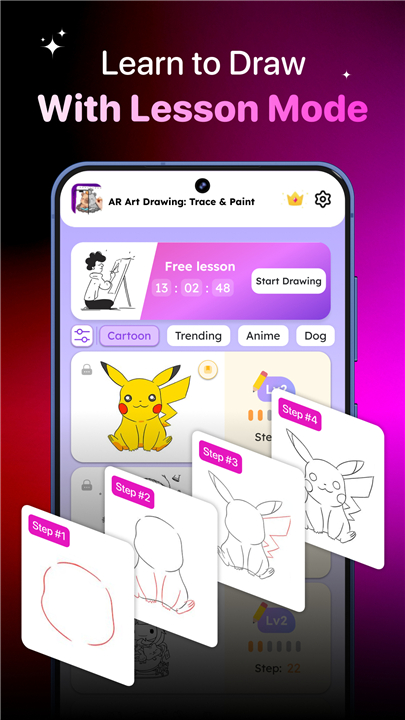
• Choose from an extensive library of templates, including nature, vehicles, and fan art favorites.
• Convert your personal photos into clear line art sketches with a single tap.
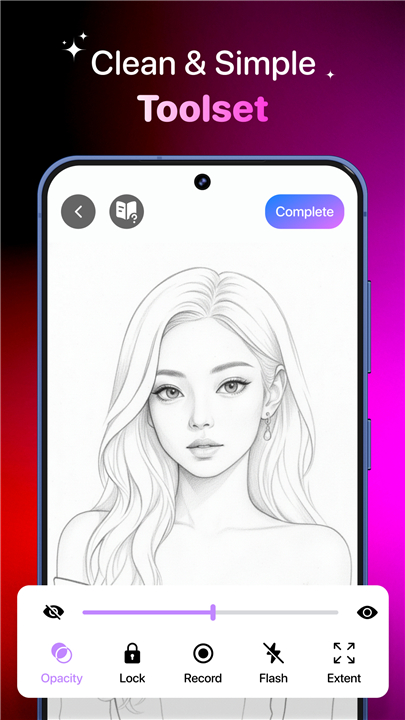
• Tailor your experience with adjustable transparency, zoom, and mirroring to ensure every stroke is perfect.
Professional Features for Growth
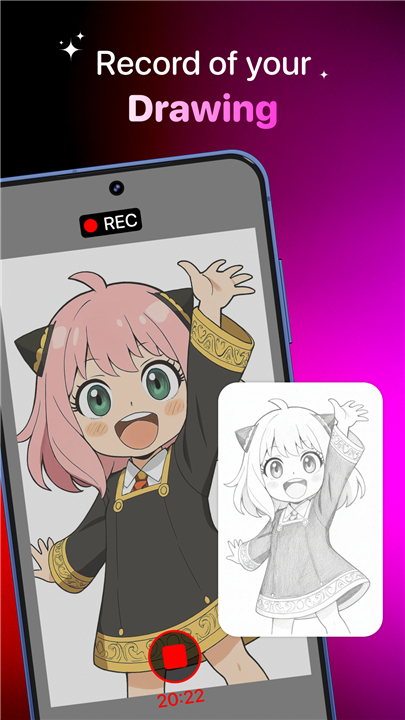
• Document your artistic journey by recording time-lapse videos of your drawing process.
• Utilize integrated low-light flashlight support and frame-locking tools for uninterrupted focus.
• Organize your portfolio and track your improvement through a personalized user profile.
A Learning Tool for Everyone
• Designed for all skill levels, from beginners seeking a hobby to advanced artists refining their technique.
• Ideal for diverse projects, including custom tattoo designs, classroom learning, or relaxing personal expression.
• Empower yourself to create professional-grade artwork anytime, anywhere.
The path to artistic mastery is now at your fingertips
• Download AR Art Draw today and experience the most intuitive way to learn, create, and share your art with the world.
FAQ
Q: Do I need any specialized equipment or expensive hardware to get started?
A: OnYou will be happy to know that no expensive equipment is required beyond your smartphone and a simple sheet of paper or any surface you wish to draw on. The app is designed to transform your immediate environment into a professional-level studio by leveraging your existing mobile device to guide your hand as you create.
Q: How do I properly set up the app to ensure my drawing is accurate?
A: To get the best results, you should place your phone on a stable tripod or a steady stand above your paper so that the camera has a clear view of the drawing surface. Once positioned, you can use the digital overlays to align your chosen template perfectly and ensure your phone remains stationary while you follow the projected lines.
Q: Can I turn my own personal photos into drawings using this app?
A: Yes, one of the most exciting features is the ability to convert your own gallery photos into clear line art sketches with just a single tap. This allows you to recreate cherished memories, portraits of loved ones, or photos of your pets with professional precision by following the generated AR traces.
Version History
v1.6.3——16 Apr 2026
Learning to draw made easy with AR Art. Let’s sketch & paint in AR magic now! Download the latest version of AR Art Draw: Trace & Paint to enjoy new features and updates immediately!
*1.6.3
Minor bug fixes and improvements. Install or update to the newest version to check it out!
*1.6.2
Minor bug fixes and improvements. Install or update to the newest version to check it out!
*1.6.1
Minor bug fixes and improvements. Install or update to the newest version to check it out!