Audio Evolution Mobile TRIAL
Your Professional Studio in Your Pocket
• Transform your Android device into a powerhouse recording studio.
• Whether you are capturing a fleeting song idea or producing a complex multitrack arrangement, Audio Evolution Mobile offers the professional-grade tools you need to create, mix, and master anywhere.
• Recognized as the #1 mobile music app by Computer Music magazine, this DAW packs the functionality of a desktop workstation into a portable, user-friendly interface.
Key Features for Every Creator
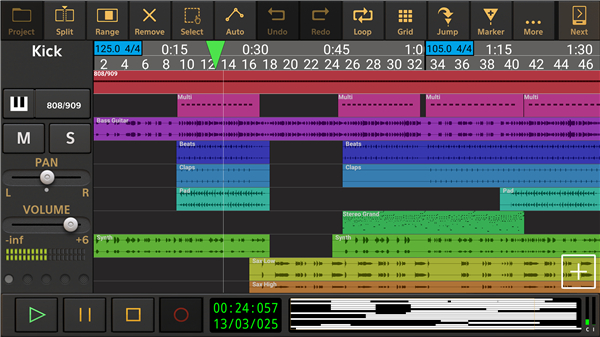
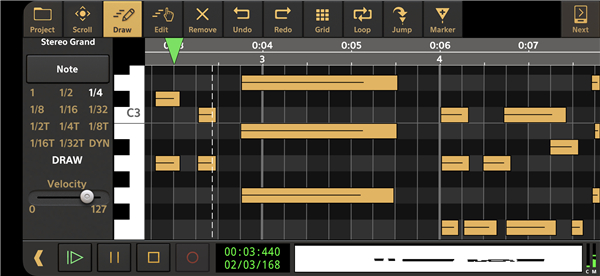
• True Multitrack Power: Record and play back unlimited audio and MIDI tracks with sample-accurate precision.
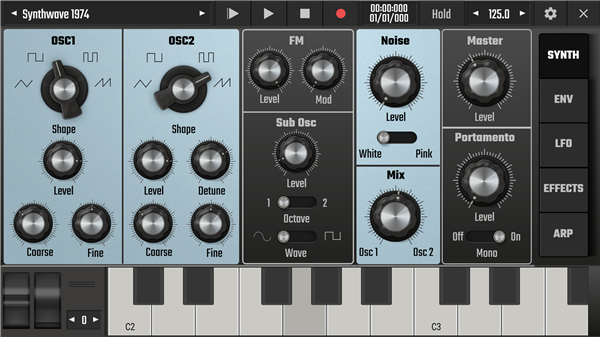
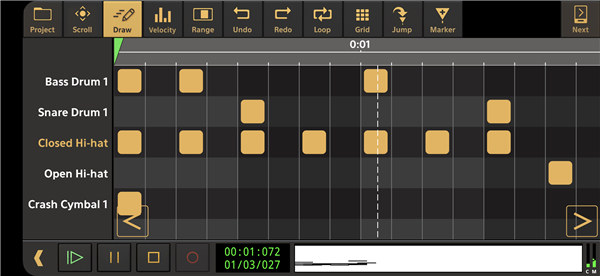
• Advanced Production Tools: Utilize the 'Evolution One' analog synthesizer, professional drum pattern editors, and high-quality Soundfont instruments.
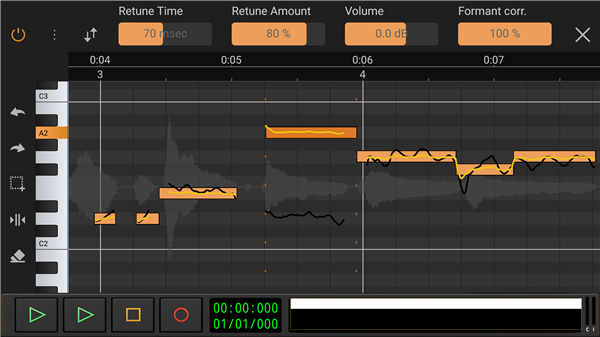
• Professional Editing: Fine-tune your sound with a robust vocal pitch and time editor, featuring formant correction, vibrato control, and manual tuning.
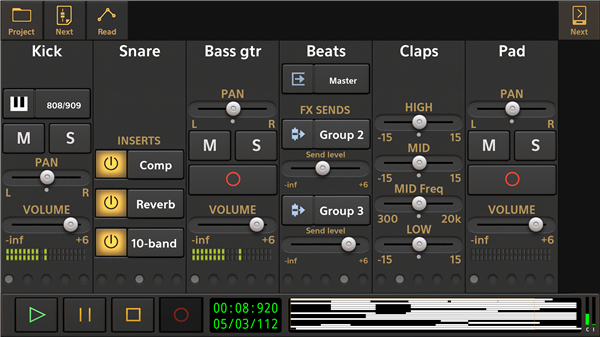
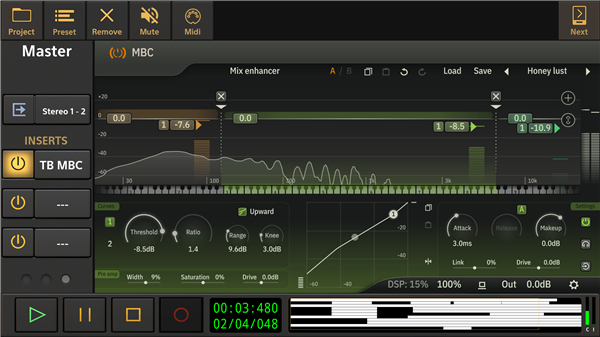
• Flexible Mixing: Take full control with real-time effects, automated mixer settings, sidechaining, and complex, parallel signal routing.
• Seamless Integration: Sync projects to Google Drive to collaborate across Android and iOS devices. Import and export various formats, including WAV, MP3, FLAC, and MIDI.
Hardware Connectivity
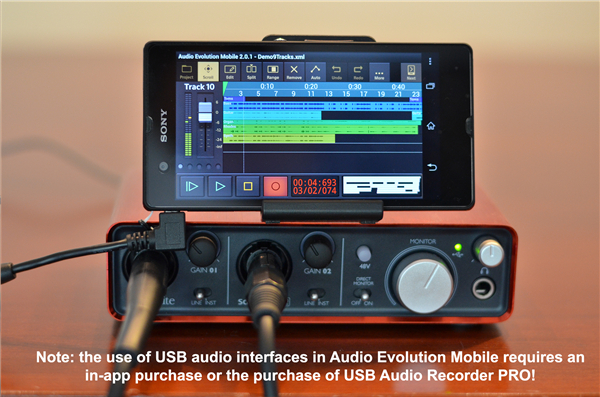
• Unlock high-end performance by connecting multi-channel USB audio interfaces.
• Our custom driver ensures ultra-low latency and high-resolution recording (up to 24-bit/96kHz), Rivaling the capabilities of traditional hardware studio setups.
Trial Version Limitations
• This trial allows you to explore the full capabilities of our software.
• Please note the following restrictions:
+ Project loading is limited to 3 tracks.
+ Mixdown duration is capped at 45 seconds.
+ Recording and playback terminate after 2 minutes.
+ The application will automatically close after 20 minutes of use; eventually, the trial version will cease to function.
Upgrade to the Full Experience
• The full version offers an expansive ecosystem, including additional ToneBoosters effects, advanced Vocal Tune modules, and professional content packs.
Resources
• Tutorial Series: https://www.youtube.com/watch?v=2BePLCxWnDI&list=PLD3ojanF28mZ60SQyMI7LlgD3DO_iRqYW
• User Manual: https://www.audio-evolution.com/manual/android/index.html
• Community & Support:
+ Join the conversation on our Forum or follow us on Facebook.
- Forum: https://www.extreamsd.com/forum
- Facebook: https://www.facebook.com/AudioEvolutionMobile
FAQ
Q: Are there any restrictions on the number of tracks I can use in the trial?
A: Yes, the trial version limits project loading to a maximum of three tracks. This is intended to give you a feel for how the multitrack environment works while encouraging you to upgrade to the full version if you require more extensive layering for your compositions.
Q: Is there a time limit on how long I can record or play back audio?
A: During your sessions, both recording and playback will automatically terminate after two minutes. This limitation helps you test the high-resolution recording capabilities without allowing for the completion of full, long-form project production.
Q: Why does the application close after I have been using it for a while?
A: The trial version is programmed to automatically shut down after 20 minutes of continuous use. This is a deliberate design choice to ensure that the trial remains a testing tool rather than a platform for final product delivery.
Version History
v5.5.6.8——23 Jun 2026
Audio Evolution Mobile TRIAL is a mobile audio workstation app that records, edits, and mixes music on Android. Download the latest version of Audio Evolution Mobile TRIAL to enjoy new features and updates immediately!
*5.5.6.8
* 'Add track' in Live Performance mode could cause a crash when 16 or more tracks were present. Solved.
* Saving a project would un-arm the tracks and the arm state was therefore not stored. Solved.
* Selecting MIDI remote setup would un-arm the tracks. Solved.
* Improved memory management when switching Soundfonts.
* The volume peak calculation for the right channel of a stereo track was wrong in situations where a zero-crossing needed to be calculated. Solved.
*5.5.6.6
* Added a non-realtime Denoise option to the 'Apply effects' menu item in the audio clip pop-up menu.
* (BETA) Implemented Rename and Remove set list in Live Performance mode.
* (BETA) The bus/group mixer screen did not show all controls in Live Performance mode. Solved.
* The mixer display did not always show the correct mixer channel type since v5558. Solved.
*5.5.6.5
* Evolution B3 tonewheel organ emulation and Rotary Speaker effect, both included in one single in-app purchase. Evolution B3 models 91 tonewheel oscillators, key click, leakage, percussion, scanner vibrato/chorus etc. It features separate upper/lower/pedal manuals with independent MIDI channels, and full MIDI remote control of all parameters including drawbars
* More Live Performance options
* Solved a memory leak when loading a project
... and more, please see the release notes inside the app.