Audio Recorder
Overview
• Transform the way you capture the world with Audio Recorder, a brilliantly reimagined sound studio that fits right in your pocket.
• Designed with a sleek, modern interface, it turns everyday moments—from fleeting musical inspirations to critical lectures and meetings—into crystal-clear audio memories.
• Never let a great idea slip away; let this be your trusted creative companion.
Tailor every session to your exact vision with professional-grade controls:
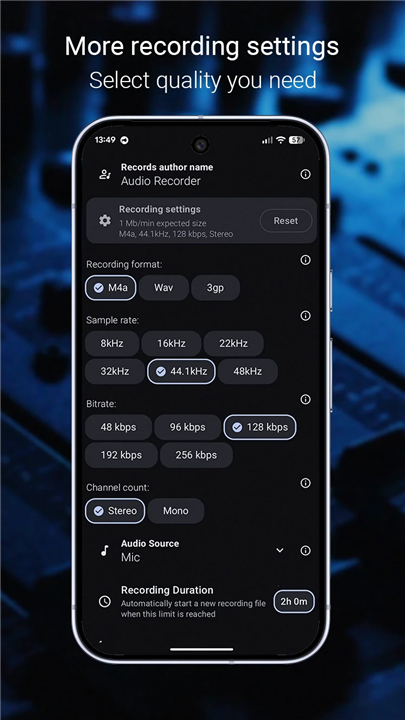
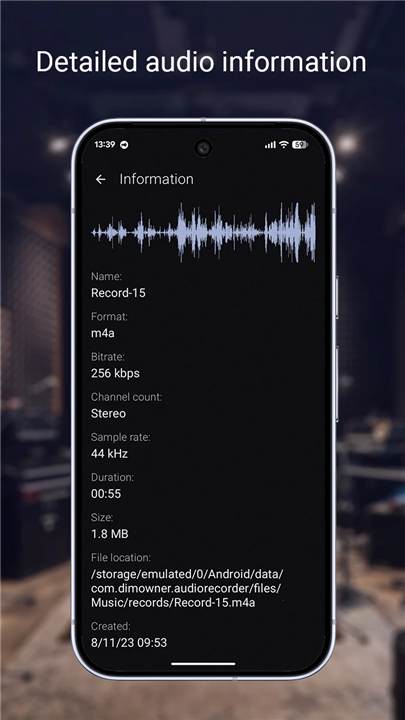
• Versatile Formats: Choose M4A for the perfect balance of quality and space, WAV for uncompromising lossless fidelity, or 3GP for maximum storage efficiency.
• Precision Tuning: Adjust sample rates from 8 kHz to 48 kHz and bitrates up to 288 kbps to match your exact needs.
• Channel Flexibility: Switch effortlessly between immersive stereo and focused mono.
• Advanced Source Selection: Capture audio directly from your default mic, dedicated voice communication channels, or raw, unprocessed hardware inputs, including full support for Bluetooth microphones.
• Automated Management: Set custom duration limits to automatically split endless recordings into manageable files.
Empower your workflow with a rich suite of intelligent features:
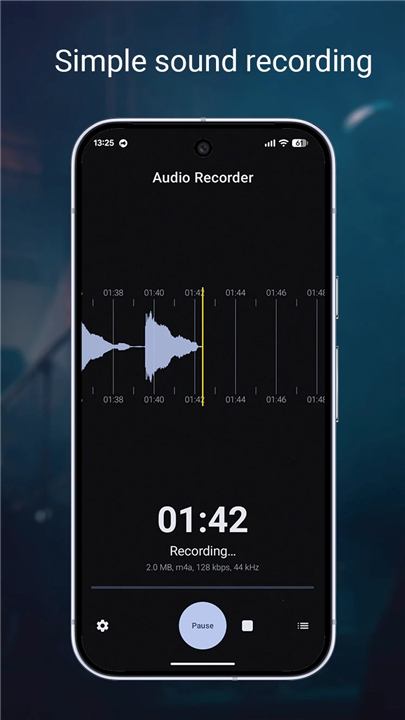
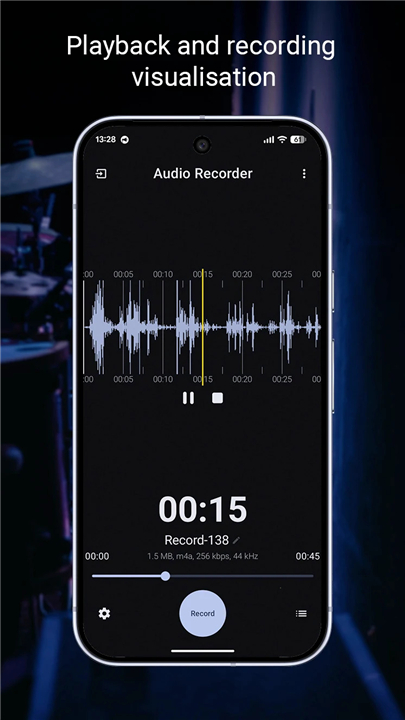
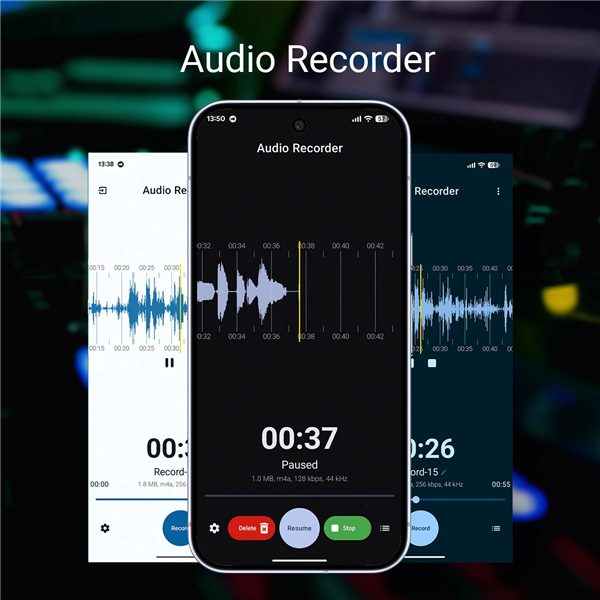
• Visual Feedback: Watch your sound come alive with real-time waveform visualizations during both recording and playback.
• Seamless Multitasking: Keep recording and listening uninterrupted while using other apps in the background.
• Crash Protection: Rest easy with built-in recovery that detects and restores corrupted files after an unexpected shutdown.
• Professional Metadata: Stamp your identity directly onto your files by embedding artist and author names.
• Personalised Design: Adapt your workspace with dedicated dark and light themes, complemented by dynamic Material You color matching on Android 12 and above.
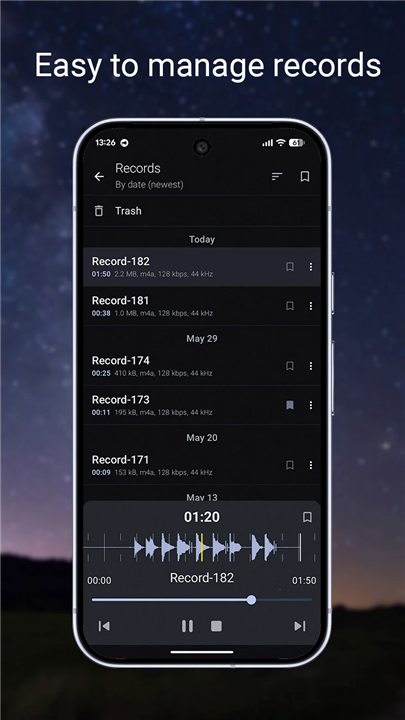
• Effortless Integration: Import external audio files and instantly share your creations via email, messaging apps, or any compatible platform.
FAQ
Q: Can I use a Bluetooth microphone or external headset to record audio?
A: Yes, Audio Recorder fully supports external Bluetooth microphones along with standard hardware inputs. You can easily select your preferred input source within the app settings to record directly from your wireless headset or dedicated microphone setup.
Q: Will Audio Recorder keep recording if I switch to another app or lock my screen?
A: Audio Recorder is designed for effortless multitasking, allowing you to record or listen to playback seamlessly in the background. You can safely check emails, browse other applications, or turn off your screen without interrupting your audio session.
Q: What happens if my phone turns off unexpectedly during an important recording session?
A: You do not have to worry about losing your work. Audio Recorder features built-in crash protection that automatically detects interrupted sessions and recovers corrupted or unclosed files the next time you launch the app.
Version History
v2.4.0——14 Sep 2026
Simple and fast audio recording application with an intuitive interface. Download the latest version of Audio Recorder to enjoy new features and updates immediately!
*2.4.0
- Migrated media playback engine to ExoPlayer and introduced playback speed controls.
- Implemented search functionality in the records list.
- More efficient memory usage during decoding/encoding and broken records restoration.
- Improved performance for long recording durations.
- Minor UI adjustments.
- Bug fixes.
*2.3.1
- Added a name format constructor for customizable record naming formats.
- Bluetooth MIC detection logic fixes. Added "Always use Bluetooth mic when available" setting with related state management.
- Added Arabic localisation and RTL support.
- Enhanced download functionality to handle unique file names in Downloads.
- Fixed a few app crashes.
- Minor UI adjustments.
Pro version:
- Trim record improvements. Allow cutting out sections. Implement undo/redo cut actions.
*2.2.0
Added Audio Recorder Pro
- MP3, FLAC, and Opus support in addition to the standard formats.
- Trim records. Select the exact part of a record you need and save it as a new copy.
- Convert records. Convert existing records to another format, sample rate, bitrate, or channel count.
Some bugfixes.