Chora
Overview
• Chora is a lightweight, open-source audio player designed for users who prefer to maintain control over their digital music collections.
• It serves as a unified media hub for both local and network-based audio files.
Supported Audio Sources
• Stream media directly from self-hosted Subsonic music servers.
• Fully compatible with Navidrome streaming servers.
• Play media files stored locally on your mobile device's internal storage.
User Interface and Design
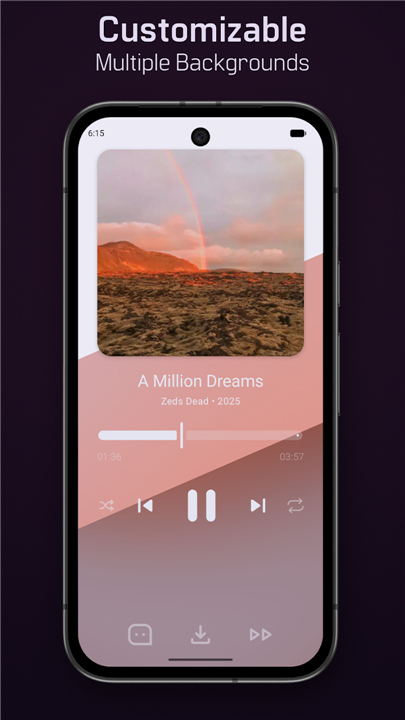
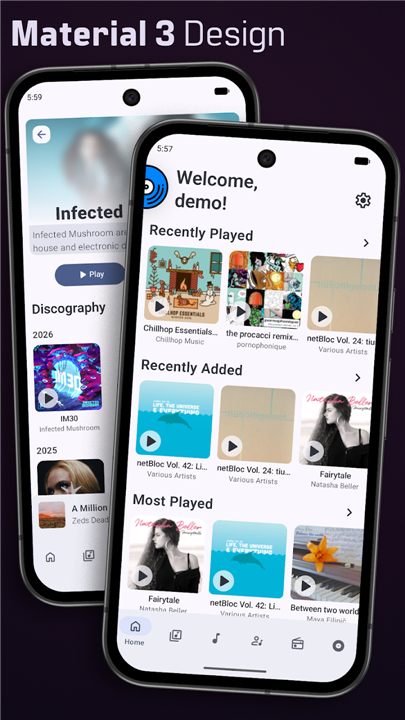
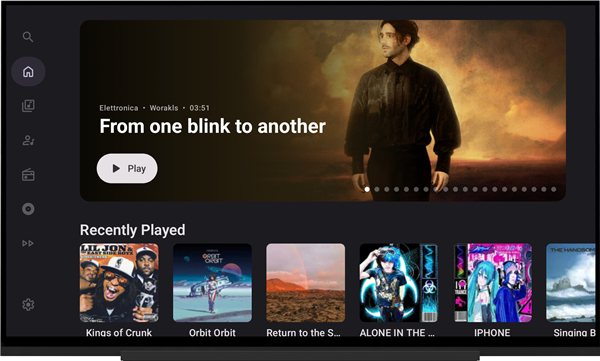
• Features a modern, clean interface built in accordance with Material 3 design guidelines.
• Offers an intuitive, clutter-free layout focused on ease of navigation and aesthetic simplicity.
Platform and Ecosystem Support
• Built with a native user interface designed specifically for Android smartphones.
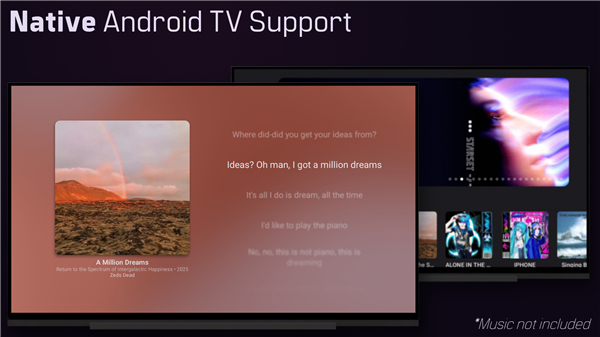
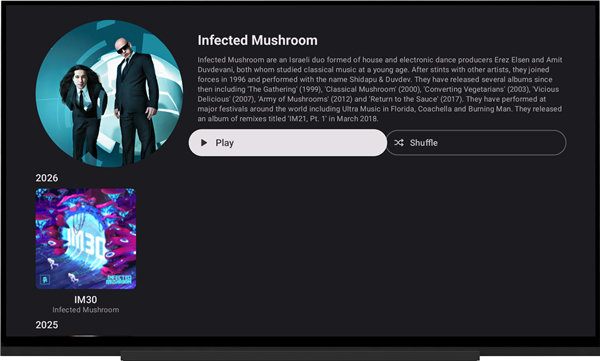
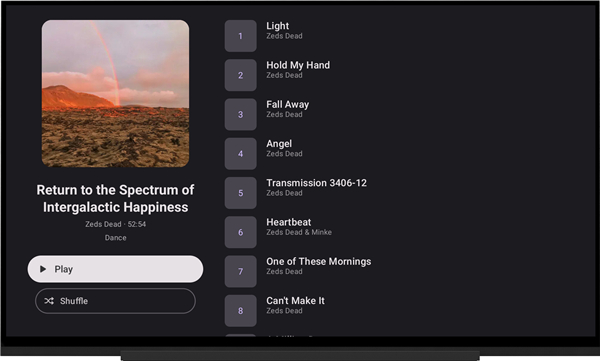
• Includes a specialized user interface tailored for Android TV, optimized for remote navigation.
• Provides full integration with Android Auto for safe and convenient music control while driving.
Open-Source Development
• Fully open-source project, allowing for community contributions, transparency, and independent audits.
• The complete source code is publicly accessible and hosted on GitHub at https://github.com/CraftWorksMC/Chora
Important Requirements
• Chora does not bundle, host, search for, or provide any music files or streaming services.
• The application functions strictly as a client-side front-end player.
• Users must provide their own audio files, either by hosting a compatible server or by saving music directly to their device.
FAQ
Q: What kind of audio sources can Chora play?
A: Chora is quite versatile! It can effortlessly play media files that you've saved locally on your mobile device. Beyond that, it's fully equipped to stream music directly from your self-hosted Subsonic or Navidrome music servers, giving you complete control over your listening experience.
Q: Does Chora come with built-in music or streaming services?
A: No, Chora doesn't include any music files, nor does it offer built-in streaming services like Spotify or Apple Music. It's designed to be a client-side player, meaning it plays the music you already own or host yourself.
Q: How do I get music into Chora to play?
A: To enjoy music with Chora, you simply need to provide your own audio files. You can either store them directly on your mobile device's internal storage, or you can host them on a compatible streaming server like Subsonic or Navidrome, and Chora will connect to it.
Version History
v1.31.1——19 Aug 2026
Listen to music from Subsonic or Navidrome servers. Download the latest version of Chora to enjoy new features and updates immediately!
*1.31.1
Minor bug fixes and improvements. Install or update to the newest version to check it out!
*1.31
Minor bug fixes and improvements. Install or update to the newest version to check it out!
*1.30.1
Minor bug fixes and improvements. Install or update to the newest version to check it out!