Squeezer
Android client for Lyrion Music Server
• Squeezer is a free, open‑source Android application that lets you control a Lyrion (formerly Logitech) Music Server and any connected players from your phone, tablet, or Android Wear device.
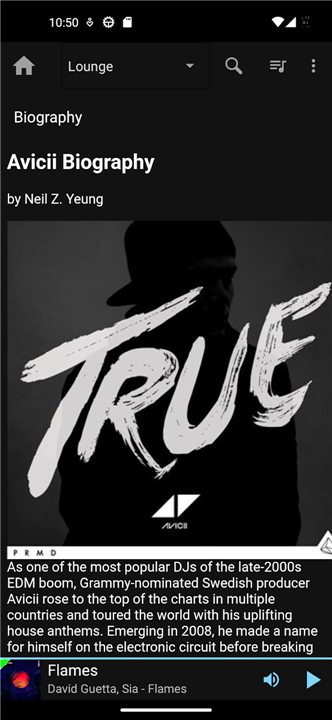
• The interface is designed for quick navigation of large music collections and for seamless playback management.
Library browsing
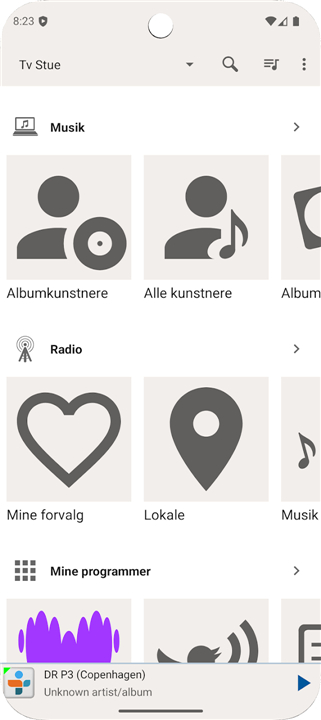
• View the collection by album artist, all artists, composers, album, genre, year, playlists, favorites, or “new music.”
• Explore individual music folders on the server to locate specific files.
• Switch between different library views or remote music libraries that have been shared across servers.
Playback and playlist control
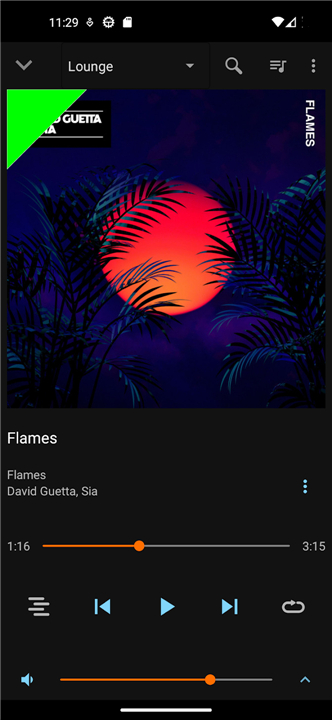
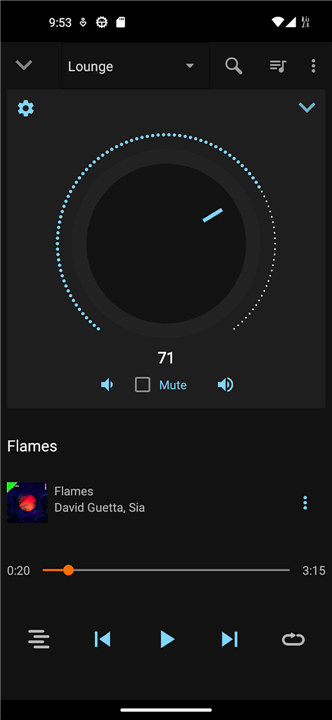
• See the current track, queue, and playback status (play, pause, stop).
• Enable shuffle and repeat modes with a single tap.
• Create, save, edit, or clear playlists; add or remove tracks on the fly.
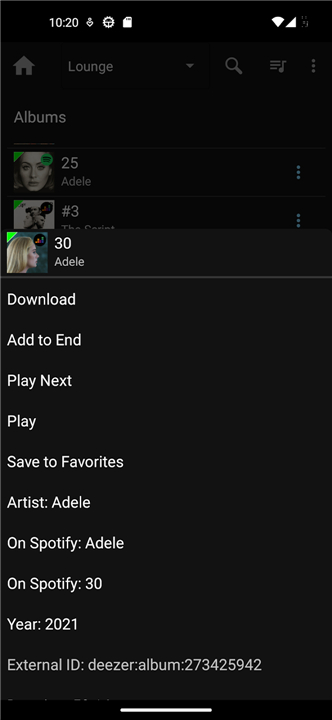
• Download tracks, whole albums, or entire playlists for offline listening, filtered by artist, genre, year, or folder.
Player management
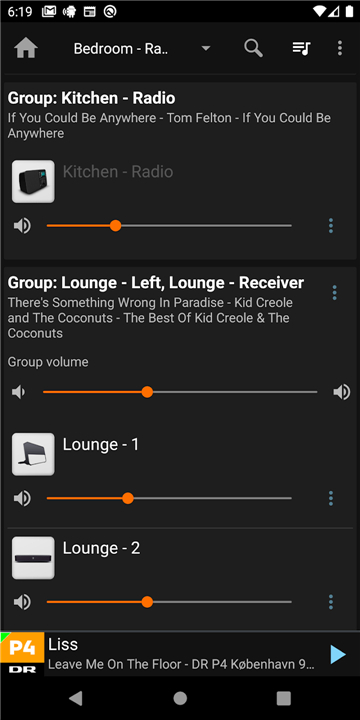
• Assign friendly names to each player and group them for synchronized playback.
• Set sleep timers, schedule alarms, and configure automatic power‑off.
• Manage multiple zones, adjusting volume or source independently.
Search and discovery
• Perform full‑text searches across the entire library or within a selected view.
• Automatic detection of local Lyrion servers on the network, with support for password‑protected instances.
Internet radio
• Browse curated staff picks, search by station name or genre, and stream directly to any player.
Extensions and widgets
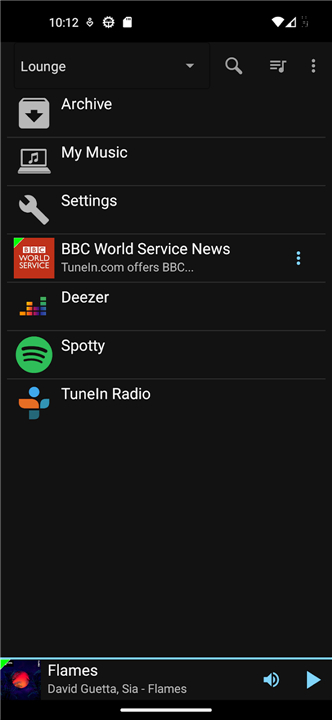
• Install third‑party plugins and apps to add new features or visual skins.
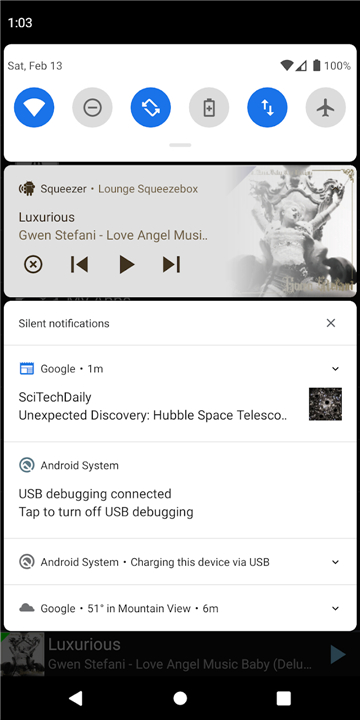
• Place home‑screen widgets for instant playback control and “now playing” information.
Wearable support
• Control playback, adjust volume, and skip tracks from an Android Wear watch without unlocking the phone.
• Squeezer provides a comprehensive, lightweight remote for Lyrion Music Server, turning any Android device into a full‑featured music controller.
FAQ
Q: How do I connect Squeezer to my Lyrion Music Server?
A: When you launch Squeezer for the first time it automatically scans your local network for Lyrion servers. If a server is found, simply tap its name, enter the password if one is set, and you’re connected. You can also add a server manually by entering its IP address or hostname in the settings screen.
Q: Can I browse my music library by different categories?
A: Absolutely. Once you’re connected, the library view lets you switch between album artist, all artists, composers, album, genre, year, playlists, favorites, and the “new music” collection. Each view presents the items in a clean, scroll‑friendly list that makes finding a track or album fast and intuitive.
Q: Is it possible to explore the raw folder structure on the server?
A: Yes. Squeezer includes a “Folders” view that mirrors the directory layout on the server. This is handy when you have custom folder hierarchies, imported mixes, or recordings that aren’t categorized by the usual metadata.
Version History
v2.4.1——27 Aug 2026
Remote control for Lyrion Music Server and players. Download the latest version of Squeezer to enjoy new features and updates immediately!
*2.4.1
• Optional fullscreen mode
• Show the currently playing track on the screensaver
• Enable the app to be a Launcher so a device can boot directly into it
• Swipe gestures for standard LMS actions. By default, swipe right for play-next, and left for add-to-end
*2.4.0
• Home screen optionally organized with a horizontal list for each item.
• Fix issue where lists are not filled after scrolling
• Target Android 16
• Do not attempt pending commands to LMS after disconnect
*2.3.12
• Fix artist displayed twice on now playing bottom section
• Orientation change does not reload items
• Empty items in search results, are not selectable and not counted
• Show keyboard and keep it up in search pages
• Fix assorted potential crashes