Music Audio Editor, MP3 Cutter
Professional Audio Mastery in Your Pocket
• Super Sound is the ultimate all-in-one audio workstation for Android.
• Whether you are a musician, a content creator, or simply looking to customize your personal playlist, our app provides professional-grade tools in an intuitive, lightning-fast interface.
• From precise editing to creative sound design, unlock your sonic potential with a single tap.
Professional Editing Suite
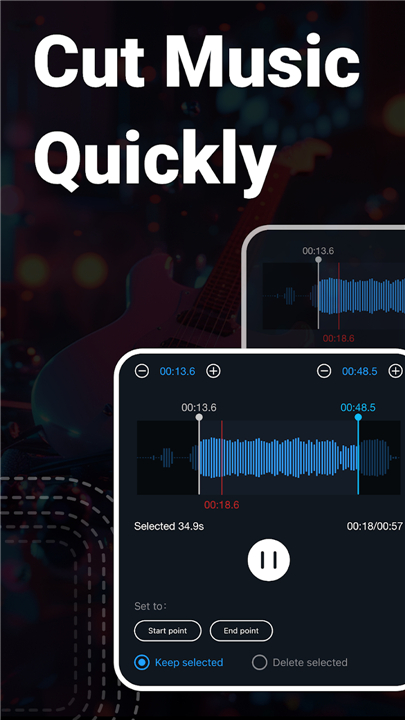
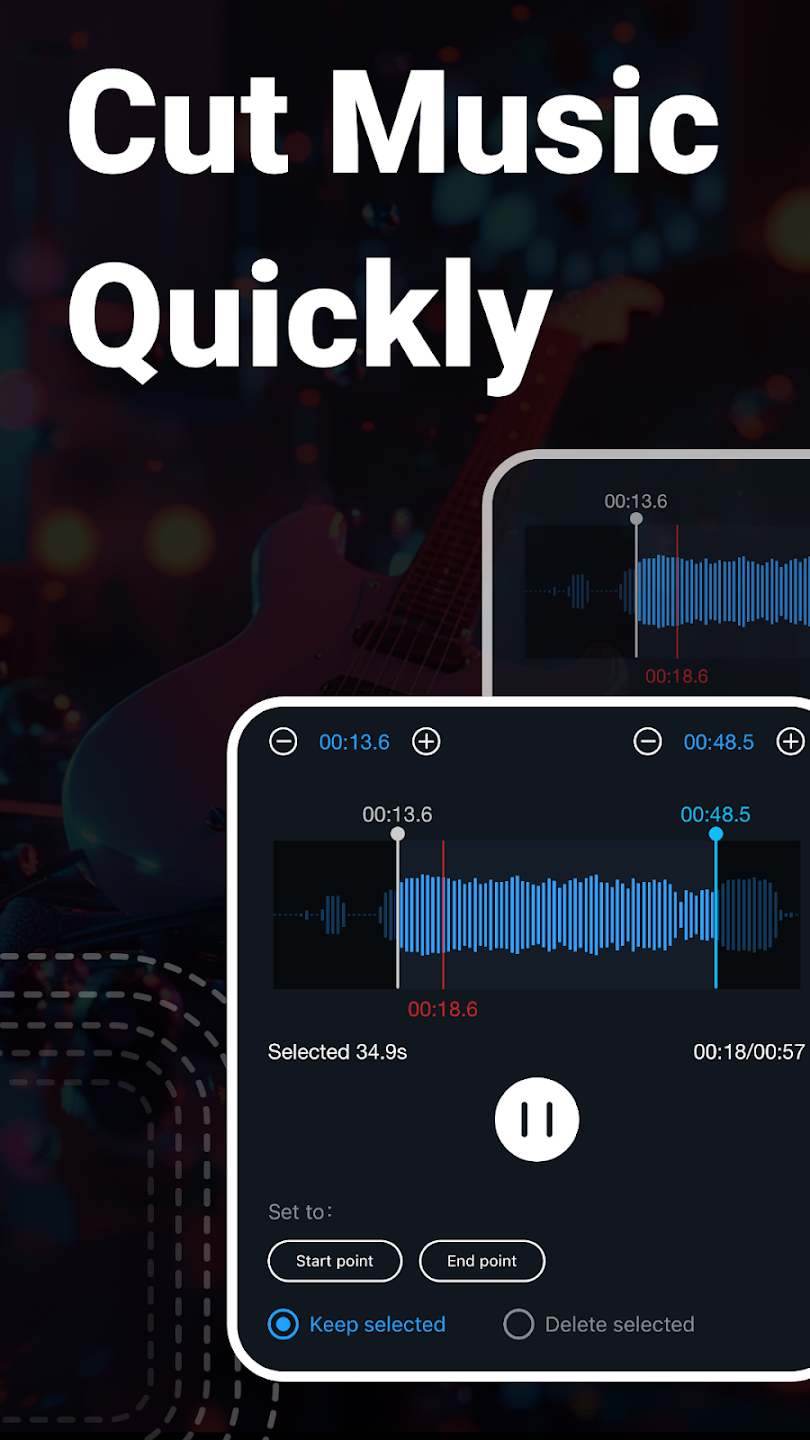
• Precision Cutting: Edit audio with millisecond accuracy; trim, splice, or save specific segments effortlessly.
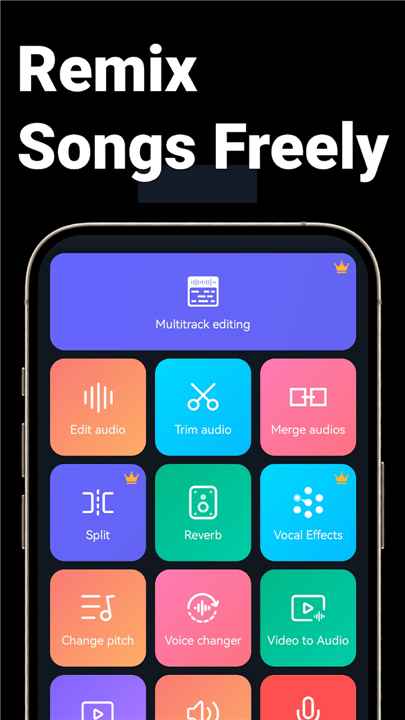
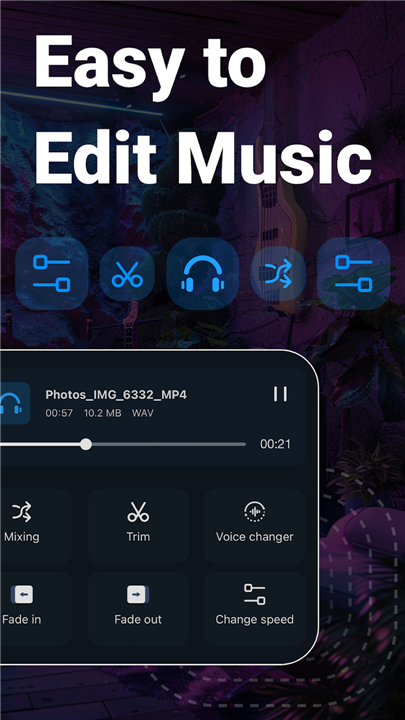
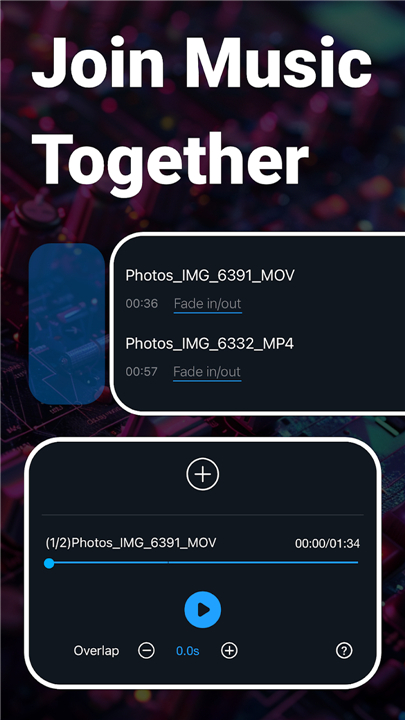
• Multitrack Mixing: Layer multiple audio tracks to create complex compositions or add cinematic background music to your voiceovers.
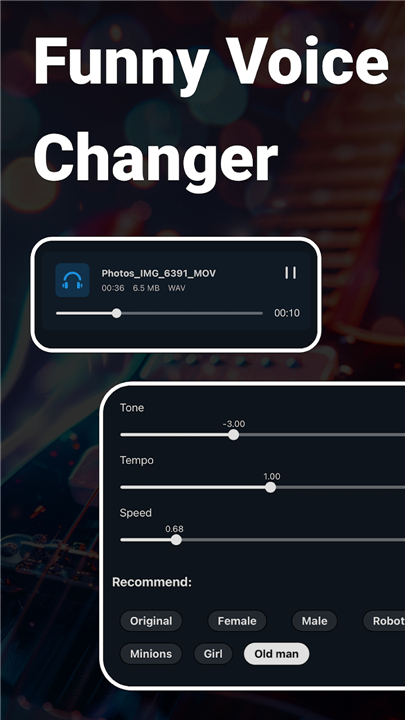
• Dynamic Adjustments: Polish your sound with fade-in/out effects, volume normalization, tempo control, and pitch shifting.
• Advanced Control: Use the built-in equalizer to fine-tune frequencies and convert mono files to immersive stereo.
Creative Sound Design
• Vocal Processing: Easily remove vocals for karaoke or apply fun transformations with the built-in voice changer.
• Format Flexibility: Convert files between formats like MP3, AAC, WAV, FLAC, and M4A.
• Audio Extraction: Instantly turn any video file into high-quality audio.
• Smart Compression: Reduce file sizes for easy sharing without sacrificing sonic clarity.
Utility & Workflow
• Batch Processing: Save time by editing, converting, or processing multiple files simultaneously.
• High-Quality Recording: Capture crisp audio with a simple, one-tap recording interface.
• Expansive Library: Access over 2,000 royalty-free tracks to jumpstart your creative journey.
• Personalization: Effortlessly set your custom creations as ringtones, alarms, or notification sounds.
Why Choose Super Sound?
• Experience a seamless workflow that replaces dozens of separate apps. It is fast, free, and designed to help you create studio-quality audio whenever inspiration strikes.
• Download Super Sound today and start crafting your unique sound.
Support & Information
• We are constantly expanding our toolkit to better serve your needs.
• For feedback, bug reports, or translation assistance, please reach out to us at supersoundapp@outlook.com.
+ Privacy Policy: https://static.hlxmf.com/sound/privacy/gp_index.html?lang=en
+ Terms of Service: https://static.hlxmf.com/sound/tos/gp_index.html
FAQ
Q: How accurate is the cutting feature for my music files?
A: Our precision cutting tool is designed for professional control, allowing you to edit your audio clips with millisecond accuracy so you can trim, splice, or extract segments exactly where you want them.
Q: Can I layer different sounds together to create a complex mix?
A: Yes, the app features a powerful multitrack mixing suite that lets you layer multiple audio tracks, which is perfect for creating intricate compositions or adding professional background music to your voiceover recordings.
Q: Is it possible to change the speed or the pitch of my audio?
A: Absolutely, you can use our dynamic adjustment tools to modify both the tempo and the pitch of your files, giving you full creative control over how your audio sounds.
Version History
v2.8.4.2——22 Jun 2026
Super Sound Editor, Song Maker & Mixer, Vocal Remover, Voice Recorder & Changer! Download the latest version of Music Audio Editor, MP3 Cutter to enjoy new features and updates immediately!
*2.8.4.2
1. New vocal effector function to beautify your voice.
2. New reverb effector function, your voice will sound better.
3. Enriched equalizer function, more personalized choices.
4. Customer support experience optimized for greater efficiency.
*2.8.4.1
1. New vocal effector function to beautify your voice.
2. New reverb effector function, your voice will sound better.
3. Enriched equalizer function, more personalized choices.
4. Customer support experience optimized for greater efficiency.
*2.8.4.0
1. New vocal effector function to beautify your voice.
2. New reverb effector function, your voice will sound better.
3. Enriched equalizer function, more personalized choices.
4. Customer support experience optimized for greater efficiency.