KLP Mobilbank
Overview
• Download our mobile banking app today to gain complete control over your finances wherever you are.
• Whether you are commuting, traveling, or simply away from your computer, our app brings the full power of KLP Banken directly to your smartphone.
Key Features and Functionality
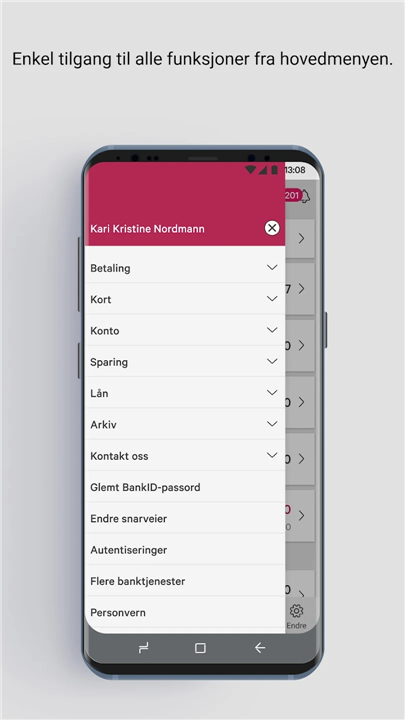
With the KLP mobile bank, you enjoy seamless access to the core services found in our online platform, optimized for a mobile experience:
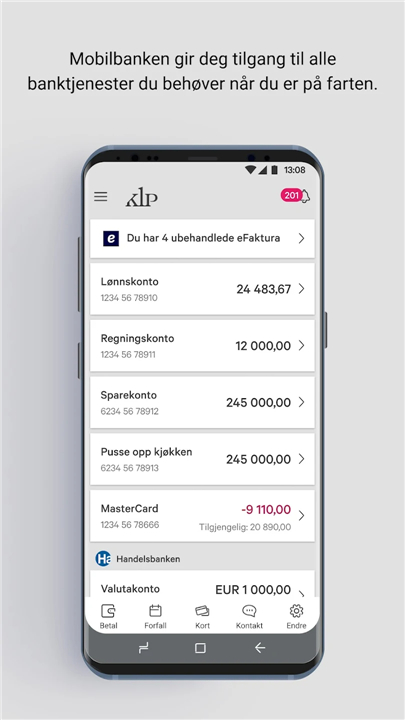
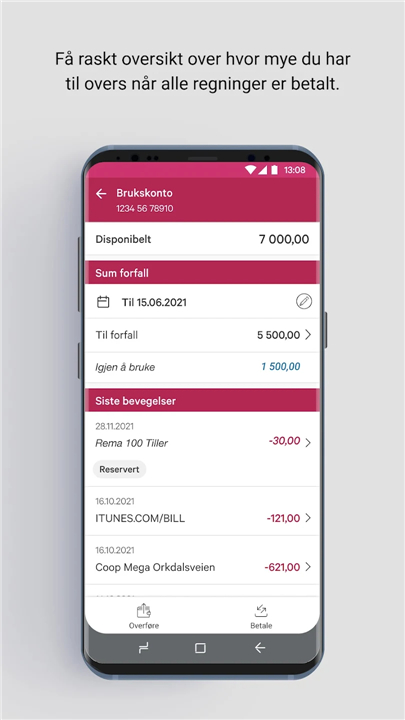
• Account Overview: Instantly check your real-time balance and monitor your available funds leading up to your next payday.
• Seamless Transactions: Effortlessly transfer money between accounts and settle bills with ease.
• Payment Management: Manage your finances by approving eFaktura, reviewing your upcoming due list, and tracking your latest account movements.
• Smart Notifications: Stay informed with timely alerts regarding new eInvoices, transaction updates, and important messages from the bank.
• Tailored Insights: Receive personalized financial tips and relevant information curated specifically for your needs.
Getting Started and Activation
Setting up your mobile bank is a secure and straightforward process designed to protect your personal data:
• Initial Setup: Once the app is downloaded, verify your identity using BankID, BankID on mobile, or your KLP Banken code chip.
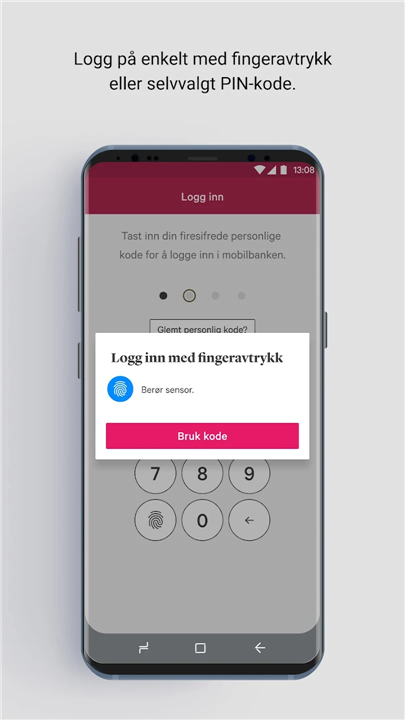
• Personal Security: During activation, you will select a personal 4-digit code. For your security, we strongly recommend choosing a code that differs from your phone’s screen lock PIN. This code will serve as your primary credential for logging in and authorizing payments.
• Biometric Access: For added convenience, if your device supports biometric authentication, you may opt to use fingerprint recognition as a substitute for your 4-digit code, allowing for faster and secure access to your accounts.
Take control of your economy today with the KLP Mobilbank—your digital bank, available 24/7.
FAQ
Q: Is it safe to use the KLP Mobilbank?
A: Yes, the app is built with high security standards. During your initial setup, you must verify your identity using BankID, BankID on mobile, or your KLP Banken code chip to ensure your personal data remains protected at all times.
Q: What is the purpose of the 4-digit code?
A: During the activation process, you will be asked to select a personal 4-digit code. This code serves as your primary credential for logging into the app and authorizing payments, so it is important to keep it private and distinct from your phone’s screen lock PIN.
Q: Can I use my fingerprint instead of the 4-digit code?
A: Absolutely. If your smartphone supports biometric authentication, you have the option to enable fingerprint recognition, which provides a faster and equally secure way to access your accounts compared to entering your 4-digit code.
Version History
v2.81.1.167——15 Jun 2026
Get full control of your finances with the KLP Mobilbank app. Manage payments, check balances, and bank securely on the go. Download the latest version of KLP Mobilbank to enjoy new features and updates immediately!
*2.81.1.167
Minor bug fixes and improvements. Install or update to the newest version to check it out!