Sav PDF Viewer Pro - Read PDFs
Overview
• Sav PDF Viewer Pro offers a comprehensive, secure, and user-friendly experience for managing and reading your digital documents.
• Designed with efficiency and privacy in mind, this application streamlines how you interact with PDF files.
Core Reading Experience
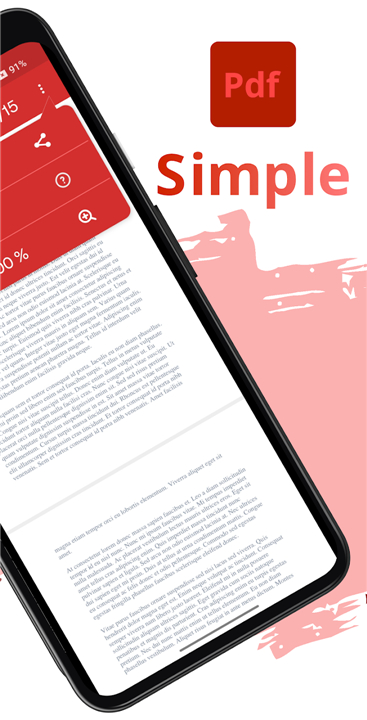
• View all PDF files effortlessly through a simplified and intuitive interface.
• Automatically resume reading exactly where you left off, as the app remembers the last position for every document.
• Navigate text easily by searching for specific terms throughout your files.
• Select and copy text directly from documents for use in other applications.
• Interact with embedded content by opening web links directly within the viewer.
Privacy and Security
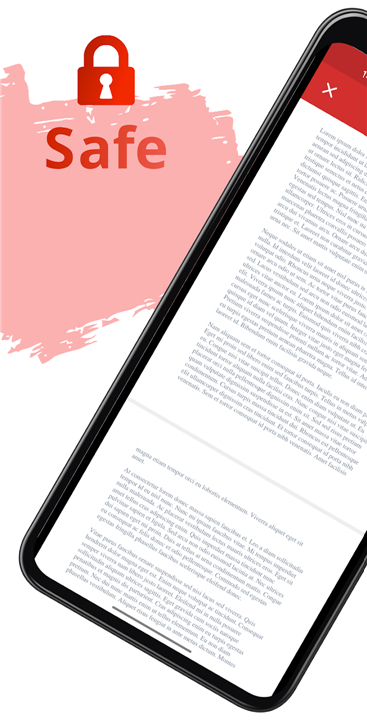
• Experience total peace of mind; the application is completely secure and requires no permissions to function.
• Access encrypted files seamlessly, as the app supports opening password-protected PDFs.
Enhanced Features
• Protect your vision during late-night reading sessions with the dedicated night light mode.
• Organize your reading materials by creating and managing custom bookmarks for important sections.
• Share your PDF files quickly and conveniently with others.
Open Source and Support
• The project is fully open-source, with the source code available on GitHub for transparency and community collaboration.
• Access dedicated support through the official website if you require assistance.
• Stay connected with the community and receive updates by following the official Instagram account.
Essential Document Viewer for You
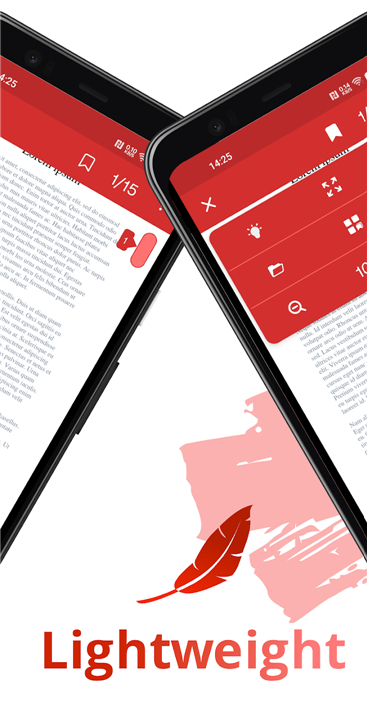
• Sav PDF Viewer Pro combines essential document management tools with a lightweight, privacy-focused design, making it an ideal choice for both casual readers and power users.
FAQ
Q: Does the app remember where I stopped reading in a long document?
A: Absolutely. We understand the importance of workflow, so the application automatically saves your last position in every file you open, allowing you to resume exactly where you left off the next time you open the document.
Q: Is it possible to search for specific information within my PDF files?
A: Yes, the app features a robust search function that allows you to navigate text easily by looking for specific terms or phrases throughout your files, saving you time when you need to locate key information quickly.
Q: Can I extract text from a document to use in other apps?
A: Certainly. You can easily select and copy any text directly from your PDF documents, making it simple to paste that information into emails, notes, or other applications on your device.
Version History
v2.2.2——13 Jul 2026
Experience Sav PDF Viewer Pro: a secure, open-source PDF reader with night mode, text search, and bookmarking. Read PDFs effortlessly. Download the latest version of Sav PDF Viewer Pro - Read PDFs online to enjoy new features and updates immediately!
*2.2.2
Minor bug fixes and improvements. Install or update to the newest version to check it out!
*2.2
Minor bug fixes and improvements. Install or update to the newest version to check it out!
*2.1
Minor bug fixes and improvements. Install or update to the newest version to check it out!