Conduit: Terminal, SSH & SFTP
Your Terminal, Your Rules
• Conduit is the terminal workspace for those who despise subscriptions, account bloat, and forced cloud syncing.
• It brings a powerful, local-first Linux environment directly to your pocket, letting you control your servers—or your phone—without strings attached.
The Essentials
1. Total Sovereignty:
• No logins, no cloud syncing, and zero subscriptions.
• Your keys and host data stay strictly on your device.
2. Remote Mastery:
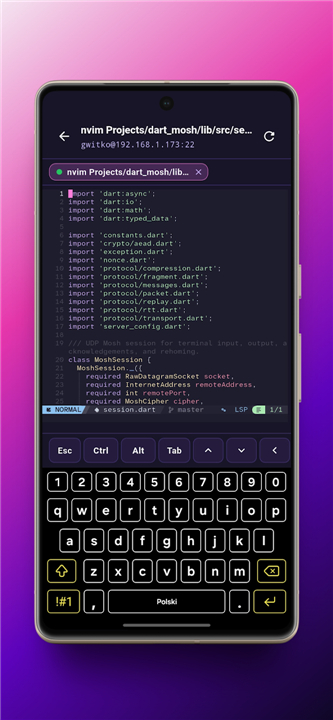
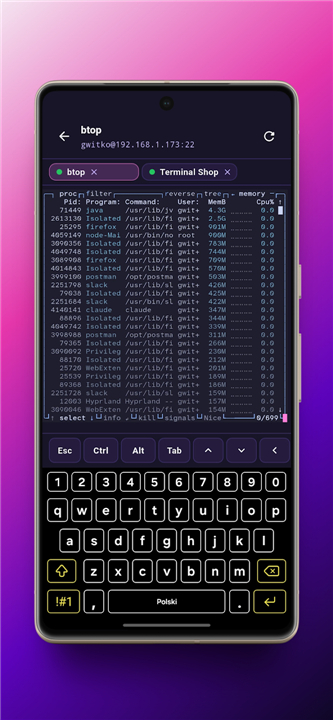
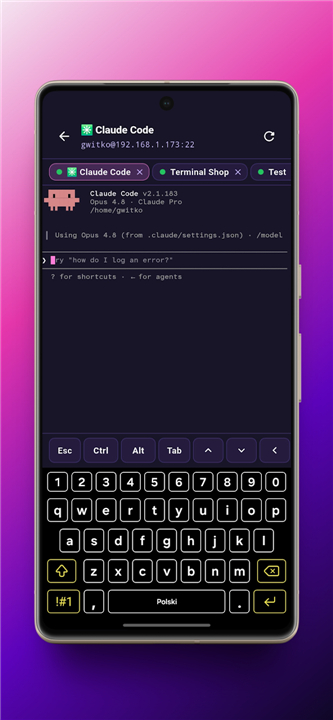
• Command your servers via SSH or Mosh.
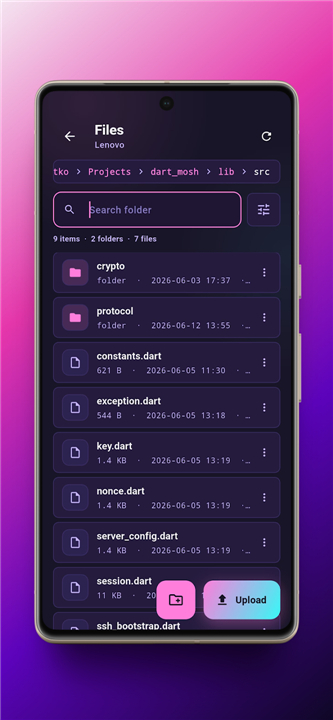
• Use Mosh for reliable roaming on spotty mobile networks, or seamlessly browse files with integrated SFTP.
3. Pocket-Sized Arch Linux:
• Run a full, unprivileged Arch Linux environment right on your device.
• With full Pacman support via proot, you can turn your phone into a portable workstation—no root access required.
Key Capabilities
1. Smart Sessions:
• Automate your workflow with auto-attaching Tmux sessions, custom starting directories, and intuitive gesture-based shortcuts.
2. Security First:
• Generate Ed25519 keys on-device or import your own.
• Conduit supports advanced FIDO authentication, including YubiKey integration via USB and NFC.
3. Polished UX:
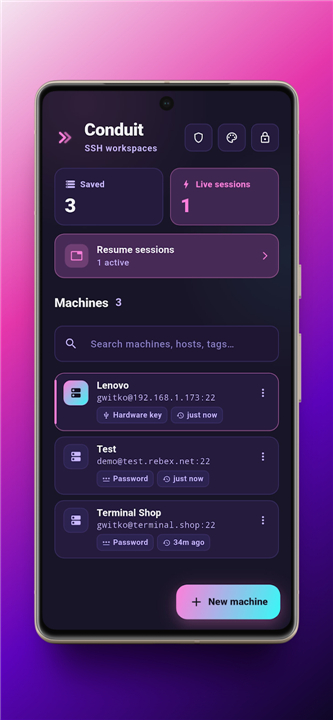
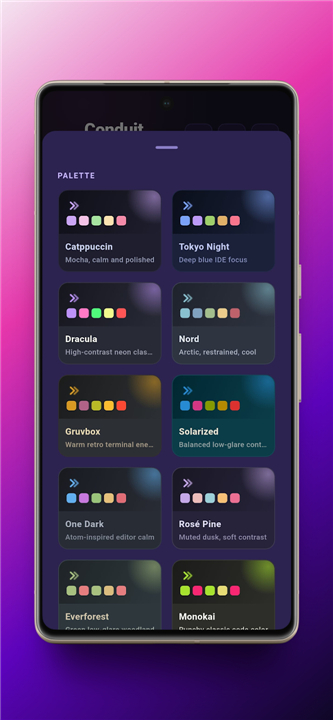
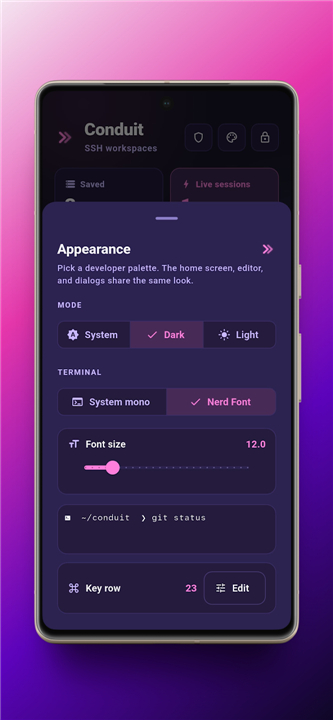
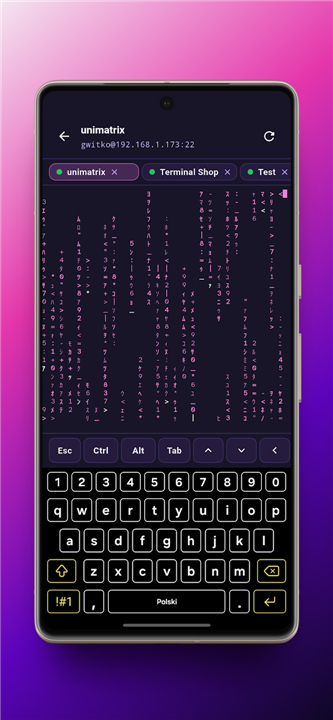
• Manage your servers with tagged profiles, tabbed workspaces, and a fully customizable keyboard row tailored for terminal power users.
4. Reliability:
• Stay connected with background keepalive services and native platform-secured storage for all credentials.
A Note on Reality
• Conduit believes in keeping your data in your hands, not ours.
• While we provide the tools, Mosh requires a server-side installation, and predictive echo remains an experimental opt-in feature.
• Whether you are debugging at 3:00 AM or just hacking on the move, Conduit is the terminal that doesn't get in your way.
FAQ
Q: Do I need to root my phone to use the Arch Linux environment?
A: Not at all. Conduit runs a full, unprivileged Arch Linux environment using proot. This allows you to utilize standard tools and install packages via Pacman without needing root access, keeping your device’s security intact while giving you the flexibility of a desktop-class terminal.
Q: How does Conduit handle security for my SSH keys?
A: Security is a top priority for us. Conduit allows you to generate robust Ed25519 keys directly on your device. Alternatively, you can import your existing keys. All credentials are stored securely using native platform-level encryption, ensuring that even if your device is compromised, your sensitive keys remain protected.
Q: Can I use my YubiKey with Conduit?
A: Yes, you can. Conduit features advanced FIDO authentication support, which allows you to integrate your YubiKey via both USB and NFC. This provides a hardware-backed layer of security for your remote server connections.
Version History
v1.4.13——9 Jul 2026
Experience Conduit: the local-first SSH, SFTP, and Arch Linux terminal app for mobile. No subscriptions, no cloud bloat—just total control. Download the latest version of Conduit: Terminal, SSH & SFTP to enjoy new features and updates immediately!
*1.4.13
What's Changed
• feat: android file system access in full version
• feat: snippets, keyrow
*1.4.12
Minor bug fixes and improvements. Install or update to the newest version to check it out!
*1.4.11
What's Changed
• fix: select hk
• Merge pull request