EasySync
Overview
• Take control of your digital life with EasySync, the secure, open-source solution designed to keep your memories and vital files perfectly in harmony.
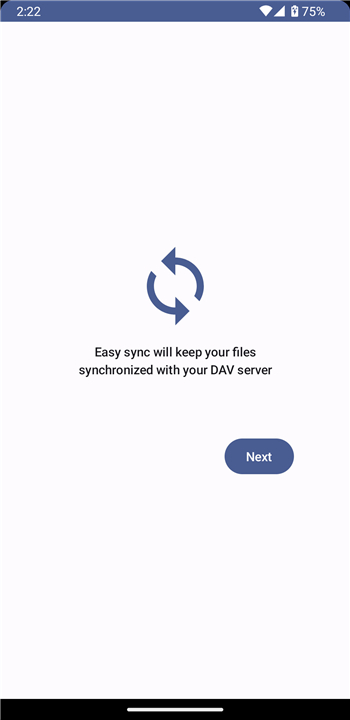
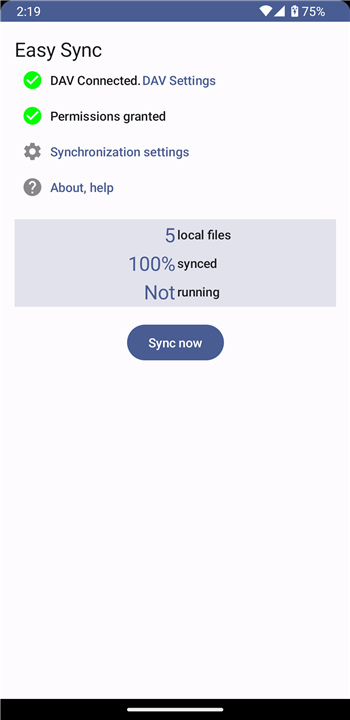
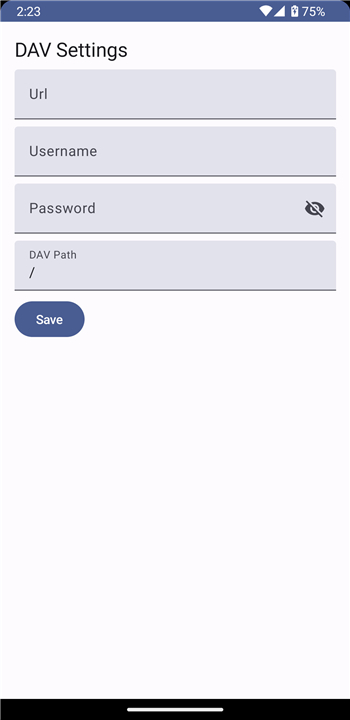
• By connecting seamlessly with your personal WebDAV server, EasySync offers effortless, two-way synchronization.
• Experience the freedom of protecting your own data, keeping it private, secure, and always within reach.
• Discover the difference today and start your free trial.
What EasySync Synchronizes
EasySync is designed to protect your essential media and documents by keeping the following files updated across your devices:
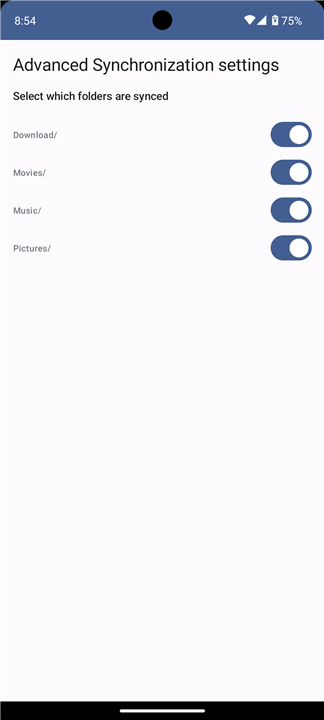
• All photos, videos, and screenshots visible in your gallery, specifically those located in the DCIM, Pictures, Movies, and Download folders.
• Your complete audio collection, including all files found in the Alarms, Audiobooks, Music, Notifications, Podcasts, Ringtones, and Recordings folders.
• Every file saved in your Downloads directory, regardless of format, including PDFs, EPUBs, and office documents.
What EasySync Does Not Synchronize
To ensure maximum efficiency and focus on your personal media, EasySync does not back up system files, external storage, or private app data:
• Any files stored on an external SD Card.
• App-specific files that are not visible in your standard system gallery, including files from messaging apps like WhatsApp or Signal that you have chosen not to save to your device storage.
• Private recordings from Google's native voice recorder, which uses its own private cloud storage.
• Installed applications, application settings, and game progress.
• System configurations, including contacts, text messages, Wi-Fi parameters, and Android device customization.
FAQ
Q: How does the synchronization process work between my device and the server?
A: The application utilizes a seamless two-way synchronization method, which means that any changes you make on your phone are reflected on your server and vice versa. This ensures that your files stay perfectly updated regardless of which device you are currently using to access them.
Q: What specific types of media does EasySync include in its synchronization process?
A: EasySync is built to protect your visual memories by automatically syncing all photos, videos, and screenshots that appear in your system gallery. This includes everything located within the DCIM, Pictures, Movies, and Download folders on your device’s internal storage.
Q: Will my entire music and audio collection be backed up automatically?
A: Yes, the application handles your complete audio library by monitoring several key directories including Alarms, Audiobooks, Music, Notifications, Podcasts, Ringtones, and even your personal voice recordings. This ensures that your curated playlists and important audio notes are always safe and accessible.
Version History
v1.26——14 Sep 2026
Synchronize your phone with your WebDAV server, the easy way. Download the latest version of EasySync Trial to enjoy new features and updates immediately!
*1.26
* Improve error handling when WebDav server is running out of space
* Add a list of all syncable local files
* Small bug fixes, improvements and updates
*1.25
Fixed a bug within advanced settings screen
*1.24
Removed Android 8-9 support
Performance optimizations