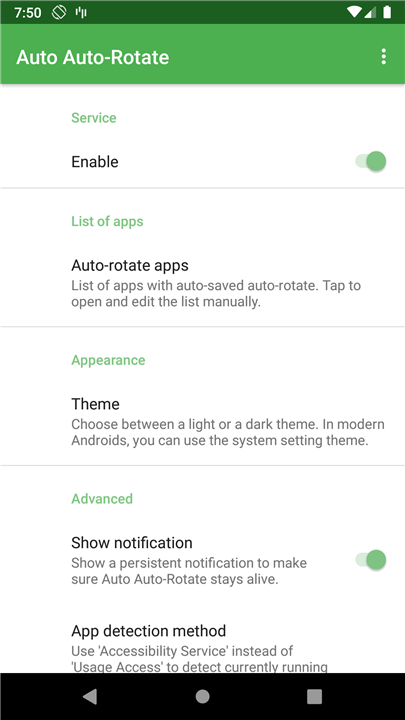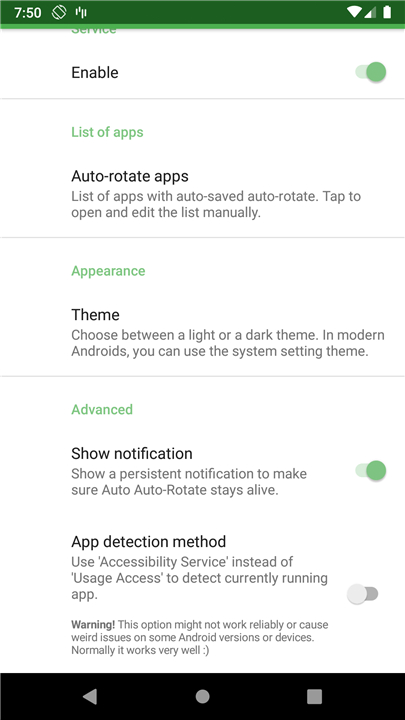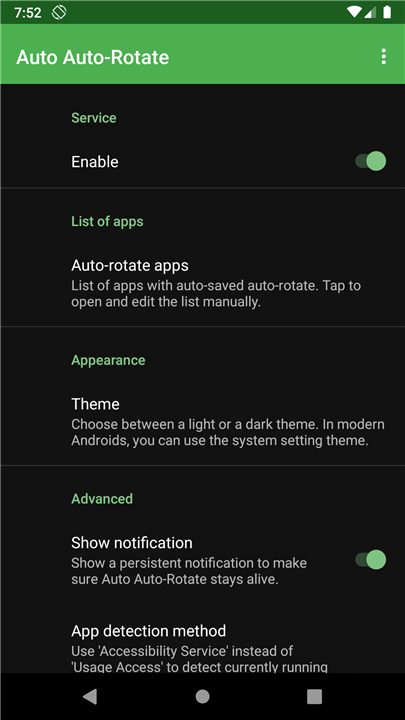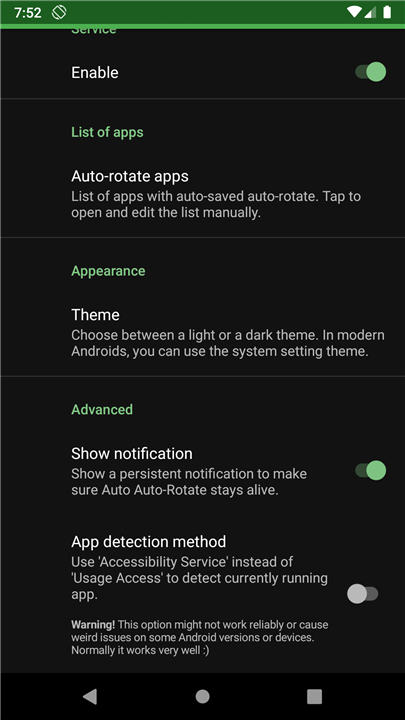
Auto Auto-Rotate
Overview and Solution
• Smart Orientation Management: Auto Auto-Rotate is a lightweight, practical utility designed to automate screen orientation settings on Android devices tailored to individual applications.
• Solves Daily Inconvenience: It eliminates the frustration of manually toggling auto-rotate on for media-heavy apps (such as video players or photo galleries) and forgetting to switch it off when returning to portrait-oriented apps.
• Seamless Automation: The app runs silently in the background, automatically applying your saved rotation preferences the moment you launch or exit a configured app.
Key Features
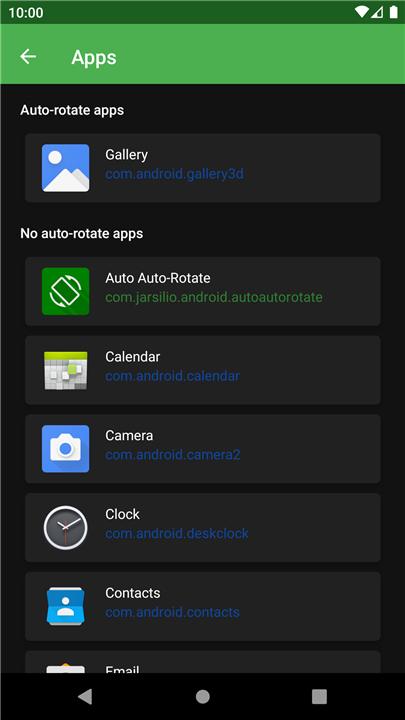
• Per-App Customization: Assign distinct auto-rotate rules for every application installed on your device.
• Open Source Software: Fully transparent and trustworthy, released under the GNU General Public License v3 (GPLv3).
• Community Driven: Complete source code is hosted on GitLab, allowing users to inspect, modify, or contribute to development.
Required Android Permissions
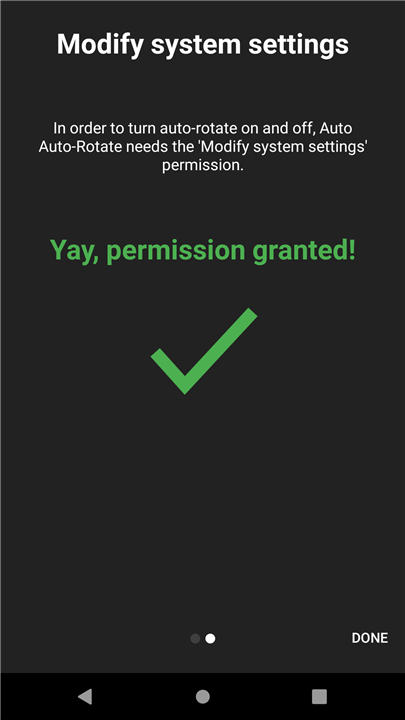
• WRITE_SETTINGS: Grants the app authority to modify system configuration toggles to turn auto-rotate on or off.
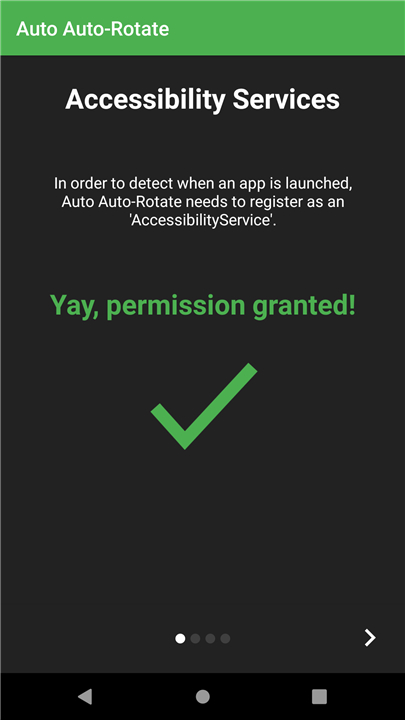
• BIND_ACCESSIBILITY_SERVICE: Enables the app to detect real-time application launches and window transitions.
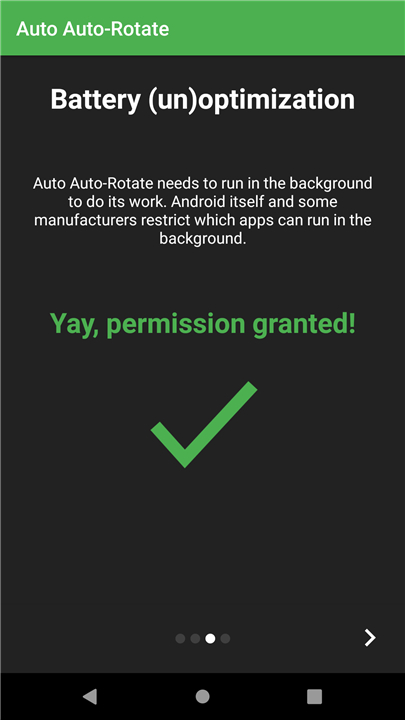
• REQUEST_IGNORE_BATTERY_OPTIMIZATIONS: Ensures Android OS does not kill the service in the background during power-saving modes.
• RECEIVE_BOOT_COMPLETED: Allows the automation service to launch automatically whenever your device reboots.
• PACKAGE_USAGE_STATS: Provides the necessary data to accurately detect which application is currently active on your screen.
Downloads and Contributions
• Get the App: Available for free on the F-Droid open-source package repository.
• Localization Support: Translations are actively welcomed to make the app accessible globally. Language contributions can be made via the Transifex project platform.
FAQ
Q: How does this app solve the common daily frustrations of screen rotation?
A: We have all experienced the annoyance of launching a video streaming app or opening our photo gallery, realizing the auto-rotate is turned off, pulling down the notification shade to toggle it on, and then forgetting to turn it off afterward when we go back to reading a website in bed. Auto Auto-Rotate completely eliminates this frustrating loop by silently managing these settings in the background. It makes your transition between portrait-bound and landscape-friendly apps entirely hands-free and seamless.
Q: Does Auto Auto-Rotate run silently in the background, or will it interrupt my daily phone usage?
A: The app is designed to run quietly in the background without causing any interruptions to your daily routine. Once you set up your custom preferences for your various applications, the utility operates seamlessly behind the scenes. It instantly detects when you open or close a configured app and applies your settings immediately, so you will barely even notice it is running.
Q: Can I customize individual rotation rules for every single app on my device?
A: Yes, that is the primary feature of this utility. It offers full per-app customization, which allows you to assign a specific auto-rotate behavior to every single application installed on your phone. This level of control ensures that each app behaves exactly the way you want it to, without affecting how other apps behave.
Version History
v1.2.2——14 Sep 2026
Automate Android screen orientation per app with Auto Auto-Rotate. Smart, open-source auto-rotate control for your favorite apps. Download the latest version of Auto Auto-Rotate to enjoy new features and updates immediately!
*1.2.2
Minor bug fixes and improvements. Install or update to the newest version to check it out!
*1.2.1
Minor bug fixes and improvements. Install or update to the newest version to check it out!
*1.2
Minor bug fixes and improvements. Install or update to the newest version to check it out!