droidVNC-NG VNC Server
Overview
• Unlock the full potential of your Android device with droidVNC-NG, the premier open-source VNC server designed to bring seamless desktop integration to your local network.
• Imagine managing your phone or tablet effortlessly from your computer, bridging the gap between your screens with absolute ease.
Seamless Interaction
• View your Android screen in real time with adjustable scaling for fluid, lag-free performance.
• Take full control using your computer's mouse and keyboard to navigate apps, with specialized support for system gestures on modern Android versions.
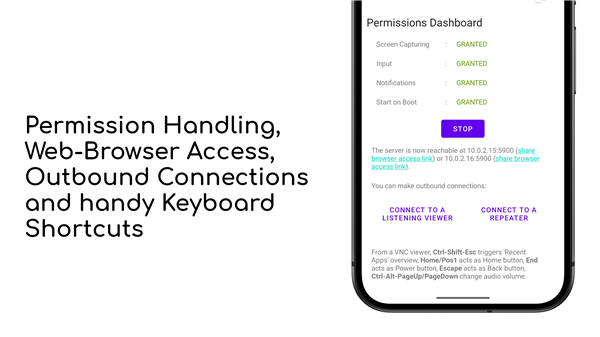
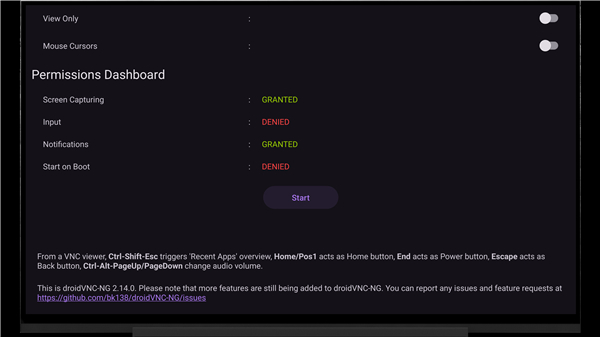
• Use convenient keyboard shortcuts to instantly trigger home, back, recent apps, power, and volume controls.
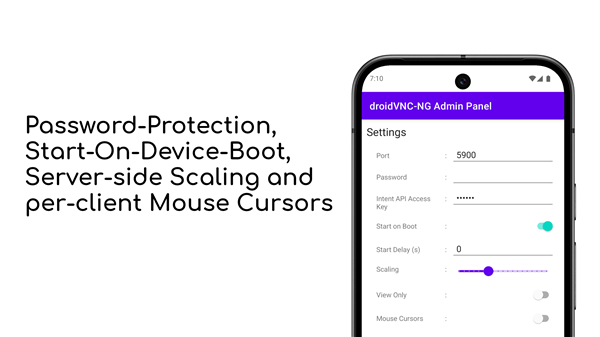
• See individual mouse pointers for every connected user, making collaborative control simple.
Instant Connectivity
• Access your device directly from any web browser using the built-in web viewer, removing the need to install extra software.
• Connect effortlessly across networks using reverse connections or repeaters, bypassing complex router setups.
• Find your device instantly on any local network with automatic discovery.
Smart Sharing & Transfer
• Copy and paste text instantly between your computer and Android device.
• Transfer files directly between your PC and Android device using compatible VNC viewers.
Flexible Management & Security
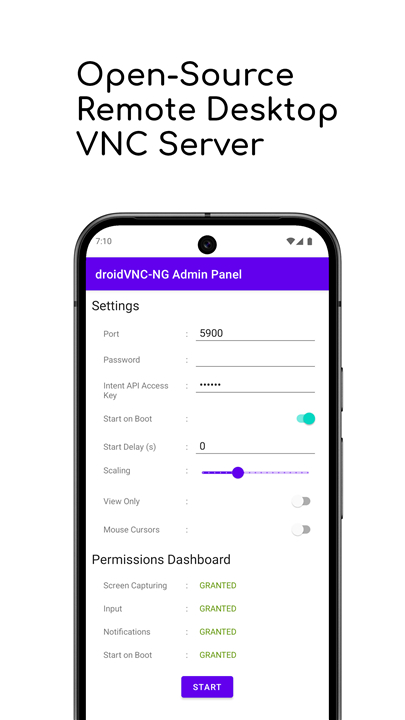
• Secure your connection with mandatory password protection, ensuring safe access and full compatibility with macOS Screen Sharing.
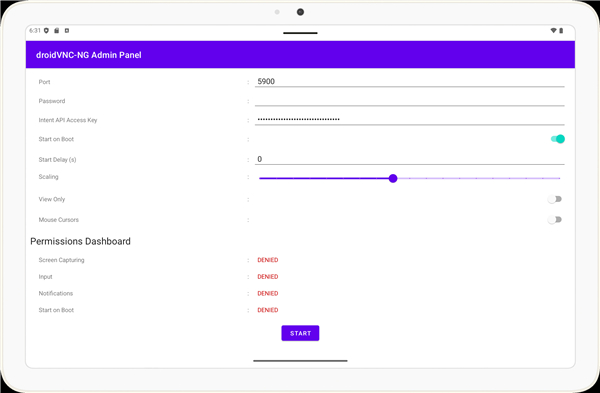
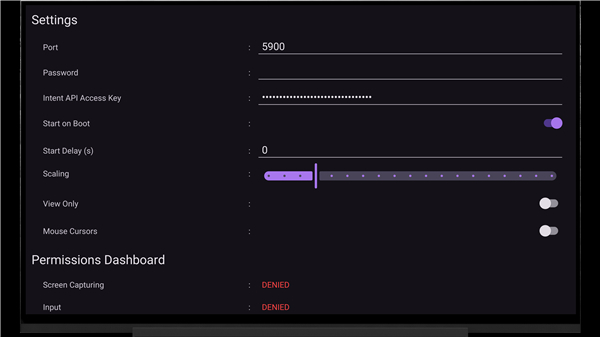
• Customize network ports to suit your security and connectivity preferences.
• Automate your setup by configuring the server to launch on device boot, with full support for dedicated kiosk-mode layouts.
• Deploy settings instantly across multiple devices using configuration files or mobile device management systems.
Embrace a more connected digital experience
• Explore the endless possibilities of droidVNC-NG today, and join our growing community on GitHub to help shape the future of remote control.
FAQ
Q: Do I need to install special software on my computer to use the remote connection?
A: You do not need to install anything if you prefer not to, as droidVNC-NG comes with a convenient built-in web viewer that allows you to access your device directly through any standard web browser. However, you can also use any standard VNC viewer software if you prefer a dedicated desktop application.
Q: Can I control my Android device using the mouse and keyboard on my PC?
A: Absolutely, you can use your computer’s mouse and keyboard to navigate all your apps with precision. The software even includes specialized support for system gestures on modern versions of Android, ensuring that your remote experience feels just as natural as touching the screen.
Q: Is it possible to copy and paste text between my computer and my Android device?
A: Yes, one of the most useful features of droidVNC-NG is its ability to sync your clipboard, allowing you to copy and paste text instantly between your computer and your connected Android device.
Version History
v2.21.0——14 Sep 2026
Open-source VNC remote desktop server for local networks Download the latest version of droidVNC-NG VNC Server to enjoy new features and updates immediately!
*2.21.0
A description of the latest changes can be found at https://github.com/bk138/droidVNC-NG/releases
*2.20.3
A description of the latest changes can be found at https://github.com/bk138/droidVNC-NG/releases
*2.20.2
A description of the latest changes can be found at https://github.com/bk138/droidVNC-NG/releases