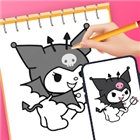
Artrace: AR Easy Draw & Sketch
Overview
• Ever wanted to draw but didn't know where to start?
• Whether you are a beginner looking to build skills or an artist seeking a fresh perspective, Artrace turns your world into a limitless canvas.
• Join over 50 million creators worldwide who are using augmented reality to bring their imagination to life.
Key Features
1. Master the Art of Drawing
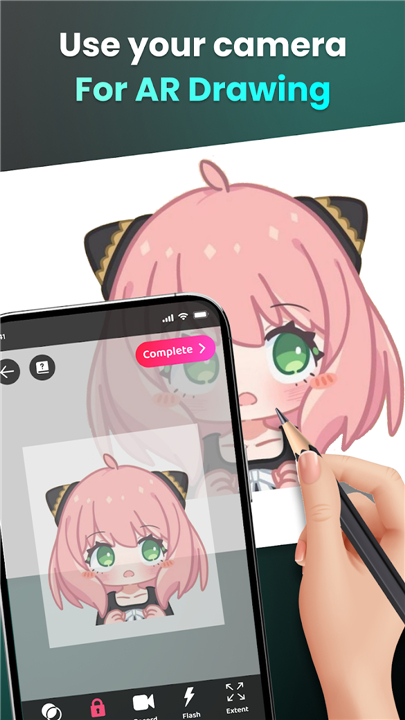
• Use your phone as a guided lens to sketch real-world objects or your favorite characters directly through your camera.
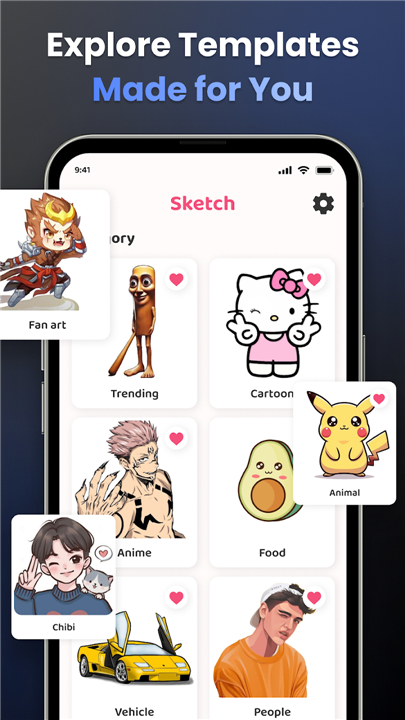
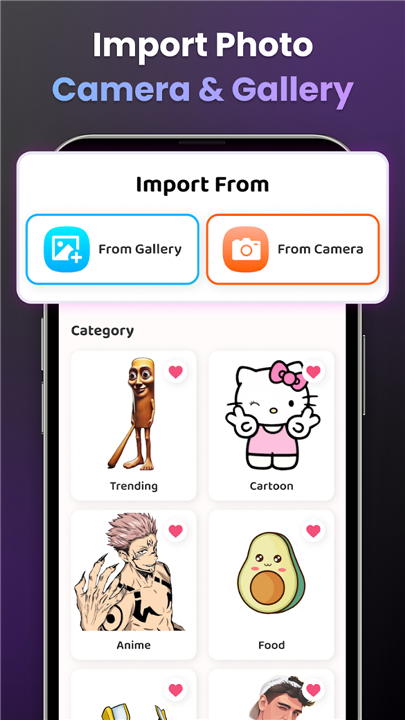
• Access an extensive library of templates, including anime, nature, animals, and pop culture icons.
• Simplify complex images into easy-to-follow outlines, perfect for building confidence and technique.
2. Personalized Learning
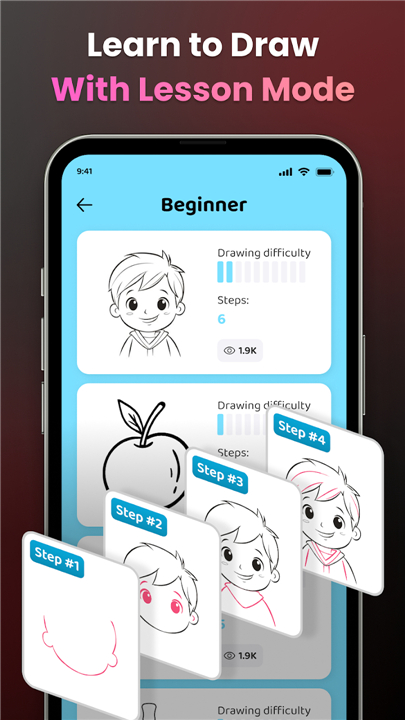
• Progress through structured lessons designed for every skill level.
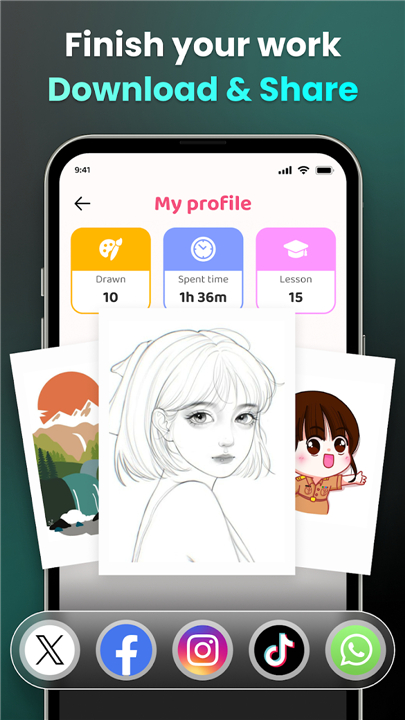
• Track your artistic growth with a personalized profile that monitors your practice time and completed milestones.
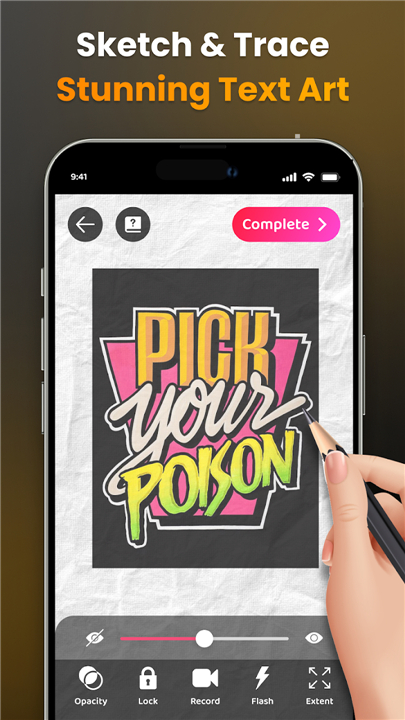
• Utilize advanced tools like adjustable opacity, zoom, and flash control to customize your workspace.
3. Capture and Share
• Document your creative journey by recording videos of your drawing process.
• Easily share your final masterpieces and time-lapse clips with friends and the global community.
Take your creativity to the next level
• Download Artrace and start your artistic journey today.
We value your feedback
• If you have questions or suggestions, please contact us at feedback.drawsketch@bralyvn.com.
+ Terms of Use: https://bralyvn.com/term-and-condition.php
+ Privacy Policy: https://bralyvn.com/privacy-policy.php
FAQ
Q: How does the augmented reality (AR) feature work for drawing?
A: The AR feature uses your phone's camera as a guided lens. When you look through your screen, you can see an overlay of your chosen template or a real-world object projected onto your drawing surface, allowing you to trace and sketch exactly what you see in real-time.
Q: What kinds of templates are available within the app?
A: We offer a diverse and extensive library of templates to suit every interest. You can find everything from popular anime characters and pop culture icons to detailed illustrations of animals and elements found in nature.
Q: Can I customize how the image looks on my screen while I am drawing?
A: Yes, you have full control over your workspace. Artrace includes advanced tools that allow you to adjust the opacity of the overlay, zoom in on specific details, and toggle your phone’s flash for better visibility in different lighting conditions.
Version History
v1.9.56——25 May 2026
Master the art of drawing with Artrace! Use augmented reality to sketch, learn, and create like a pro. Perfect for all skill levels. Download the latest version of Artrace: AR Easy Draw & Sketch to enjoy new features and updates immediately!
*1.9.56
- Improve performance
- Fix bugs
*1.9.55
- Improve performance
- Fix bugs
*1.9.53
- Improve performance
- Fix bugs