Clipboard CopyPaster
Overview
• We have all been there: you copy a long, brilliant message, accidentally copy a single link two seconds later, and watch your masterpiece vanish forever.
• Clipboard CopyPaster is here to end clipboard amnesia once and for all by turning your phone's forgetful memory into an organized, limitless powerhouse.
Core Clipboard Management
1. Infinite memory:
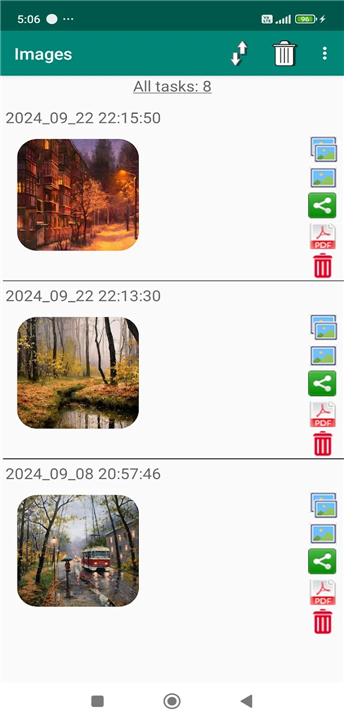
• Store a full history of copied text, links, and images instead of losing everything to your last copy.
2. Total organization:
• Create unlimited tabs, edit snippets on the fly, merge notes, and auto-detect duplicates.
3. Swift navigation:
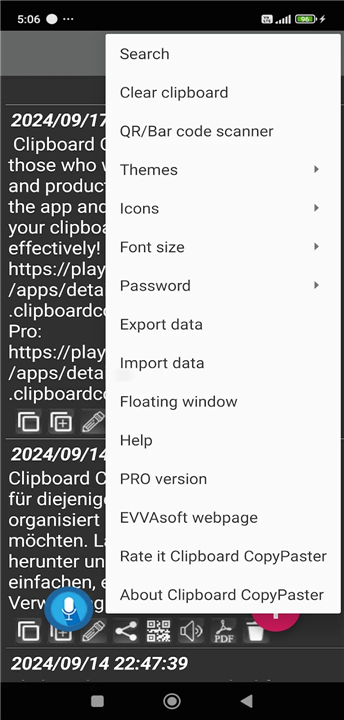
• Search your history instantly, star your top snippets for quick access, or wipe the slate clean with one tap.
Smart Productivity Tools
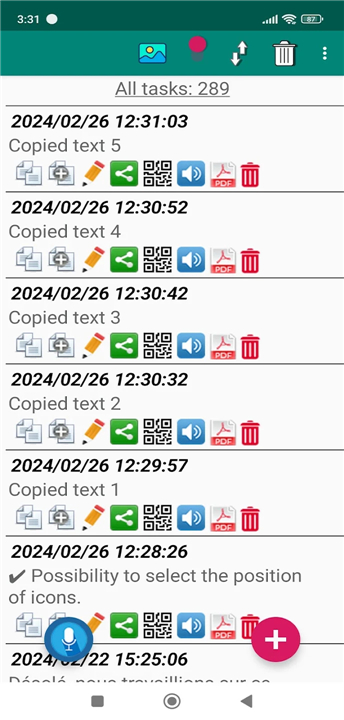
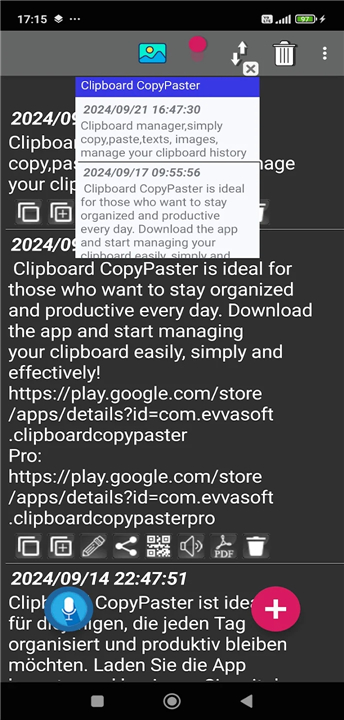
• Floating overlay: Keep your saved clips hovering over other apps for lightning-fast pasting.
• One-tap conversions: Turn text and images into PDFs without needing a computer.
• Translate and share: Translate text via Google Translate or post directly to social media and messaging platforms.
• QR Code magic: Generate and scan QR codes instantly for effortless data swapping.
Voice & Audio Extras
• Hands-free dictation: Create and edit notes using only your voice.
• Text-to-speech: Sit back and listen as the app reads your saved notes out loud.
Security & Personalization
• Fort Knox protection: Secure your sensitive snippets with password and biometric locks.
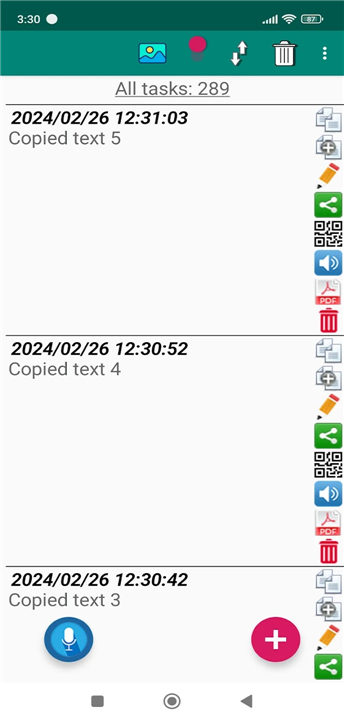
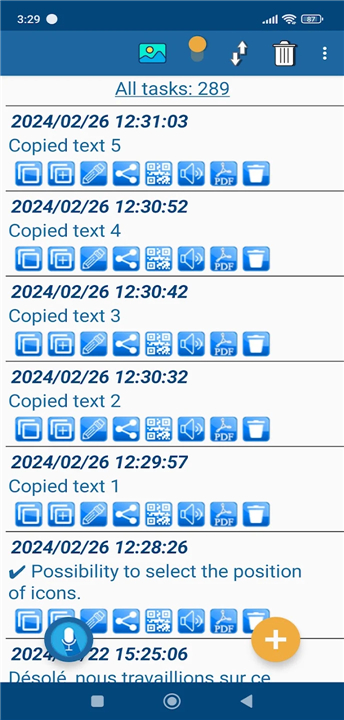
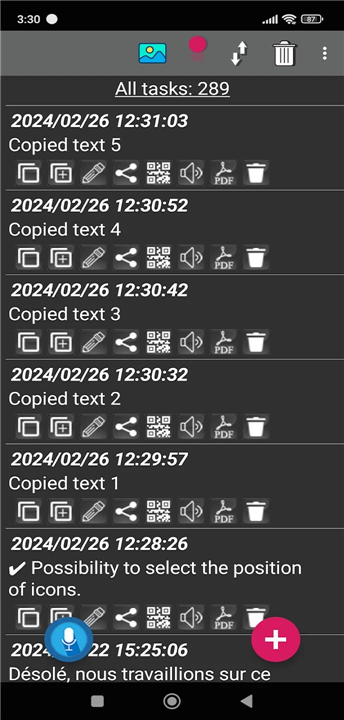
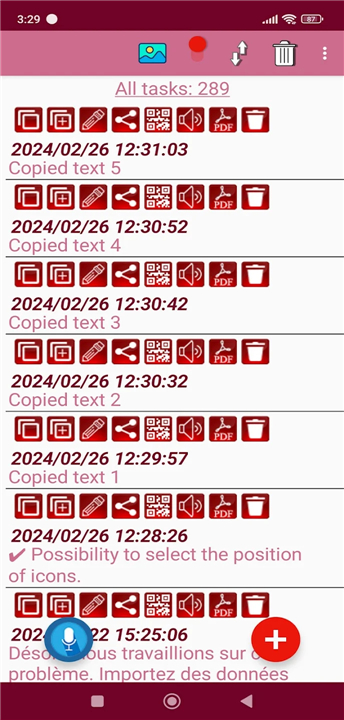
• Customized looks: Tweak themes, icon placements, and font sizes to match your style.
• Easy backups: Export, import, and transfer your data between devices effortlessly.
Quick Tip for Android 10+ Users:
• Simply open Clipboard CopyPaster from your notification panel after copying content, and your data will instantly pop up in your history.
Stop living in constant fear of overwriting your clipboard
• Try Clipboard CopyPaster today to boost your daily productivity, or grab the ad-free Pro version to enjoy a completely seamless experience!
FAQ
Q: What kinds of content can I save in my clipboard history?
A: You can store far more than just standard plain text. Clipboard CopyPaster handles a complete history of rich text snippets, web link URLs, and copied images. Whatever content you copy while browsing or working across different apps gets saved directly into your history.
Q: How does Clipboard CopyPaster help me keep my saved clips organized?
A: Organization is completely effortless with this app. You can build as many custom tabs as you need to group related items, edit saved snippets on the fly, and even merge multiple notes together into a single master document. Additionally, the app automatically detects and removes duplicate copies so your history stays tidy and clutter-free.
Q: How can I quickly find a specific snippet I saved a few days ago?
A: Finding your content takes just a second. You can use the instant search feature to scan through your entire clipboard history by typing keywords. If you have essential snippets that you use repeatedly, you can star them to pin them to the top of your list for instant access, or you can clear your non-essential log with a single tap whenever you want a fresh start.
Version History
v84——22 Jul 2026
Clipboard manager,simply copy,paste,texts, images, manage your clipboard history Download the latest version of Clipboard CopyPaster to enjoy new features and updates immediately!
*84
Works on Android 10 and above. Saves images copied to the clipboard. Converts text or images to PDF files. Allows selection of icon positions. Supports voice editing in notes. Includes new design themes. Provides translation of saved text within the application via Google Translate. Added support for Spanish and French languages. Favorites.
*82
Works on Android 10 and above. Saves images copied to the clipboard. Converts text or images to PDF files. Allows selection of icon positions. Supports voice editing in notes. Includes new design themes. Provides translation of saved text within the application via Google Translate. Added support for Spanish and French languages. Favorites.
*81
Works on Android 10 and above. Saves images copied to the clipboard. Converts text or images to PDF files. Allows selection of icon positions. Supports voice editing in notes. Includes new design themes. Provides translation of saved text within the application via Google Translate. Added support for Spanish and French languages. Favorites.